



MCN Telecom
Integrate MCN Telecom for free with LiveAgent for seamless, cost-effective, multilingual call center solutions in Europe.
3 min read


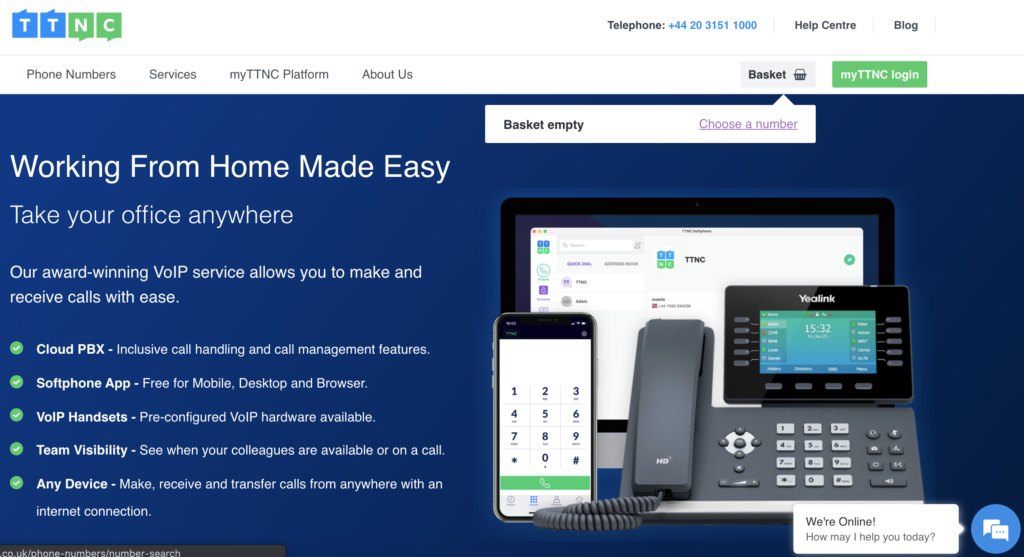
TTNC is a UK-based VoIP provider offering virtual phone numbers and cloud services, which can be integrated with LiveAgent for enhanced call center support. The integration is free, enabling seamless call management using LiveAgent’s features.
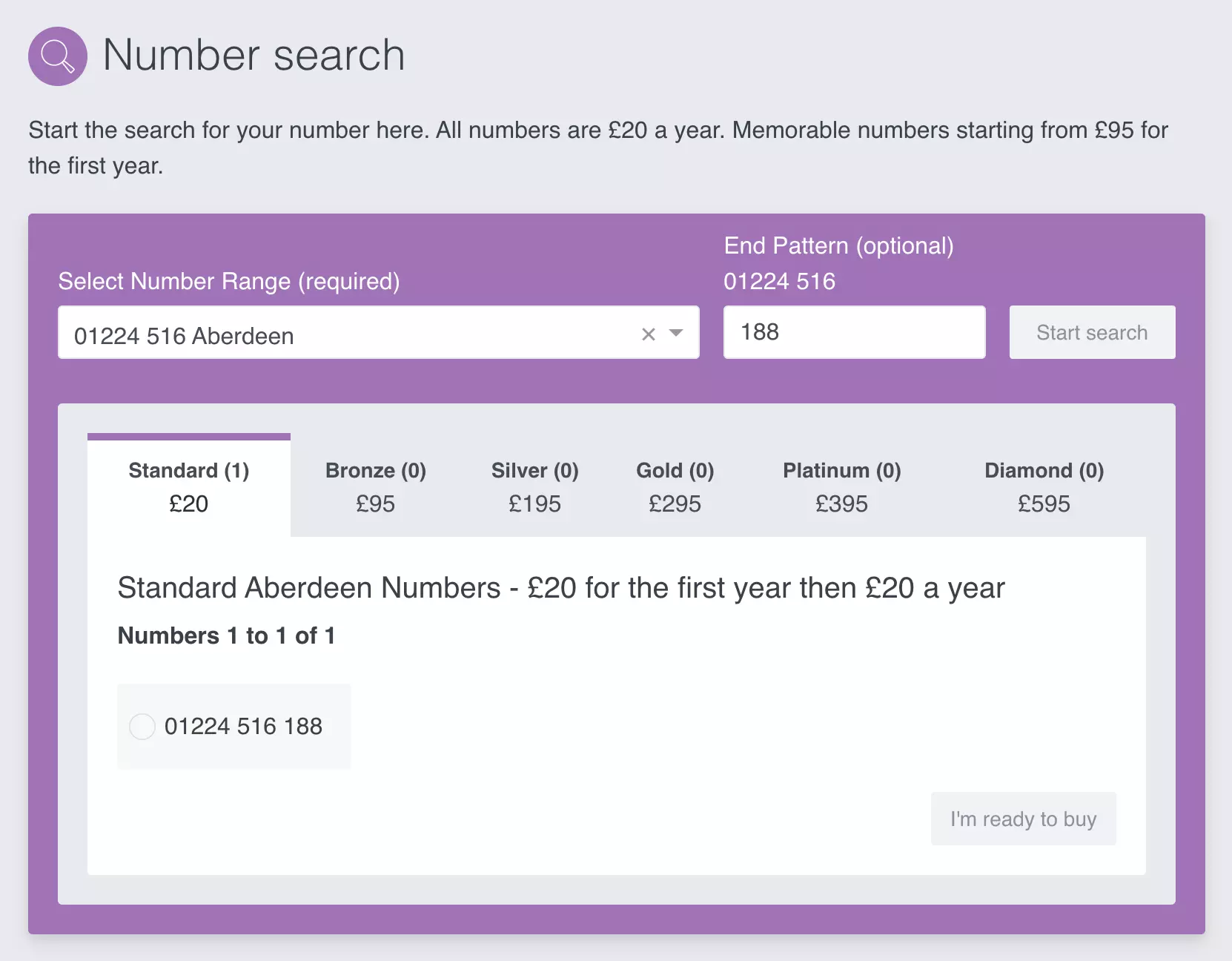
TTNC is a United Kingdom-based VoIP service provider that also offers cloud services, pre-configured VoIP handsets, and call management. They offer a large selection of virtual phone numbers with various business purposes in mind. Their clients can select memorable numbers based on the business industry.
TTNC can be used as your VoIP service provider for your United Kingdom based business. Take a pick from their numbers selection and LiveAgent help desk software will handle your call center and customer tickets.
LiveAgent’s ticketing system handles emails, live chat, customer portal, social media, and call center under one roof. All of these tools are backed up by advanced features to make your workflows easier.
It’s easy to manage calls, route them to the right agents, create IVR to help customers contact the right department, and even make video calls for when you want to get more personal with your customers.


The latest tips and deals delivered straight to your inbox.
The integration is free of charge. Once you get your TTNC phone number, you can simply add it to LiveAgent and start managing your calls from there. If you have multiple numbers you can add them too.
The process is simple because there is no need to configure plugins or use third-party services. All that’s necessary is to add your phone number into the LiveAgent call center configuration. Here’s how to do it.
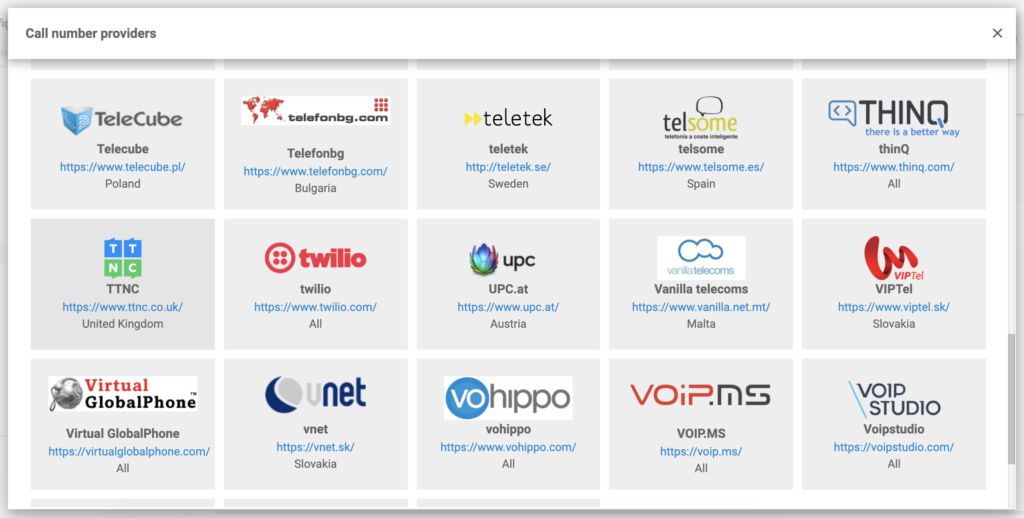
Your TTNC number is now connected to your LiveAgent call center. You can also add more numbers without any extra payments.
Looking to find out more about LiveAgent help desk software and its capabilities? Watch the video below to get the tour or check out our features page to see all it can do.

Integrate MCN Telecom for free with LiveAgent for seamless, cost-effective, multilingual call center solutions in Europe.
Integrate Tel2's cost-effective Cloud PBX with LiveAgent for seamless VoIP communication. Enjoy features like call routing, auto attendant, and more, with no ex...
Xinix offers cost-effective telecom solutions, including VoIP and mobile services, with a focus on customer satisfaction. Integrated with LiveAgent, Xinix numbe...