
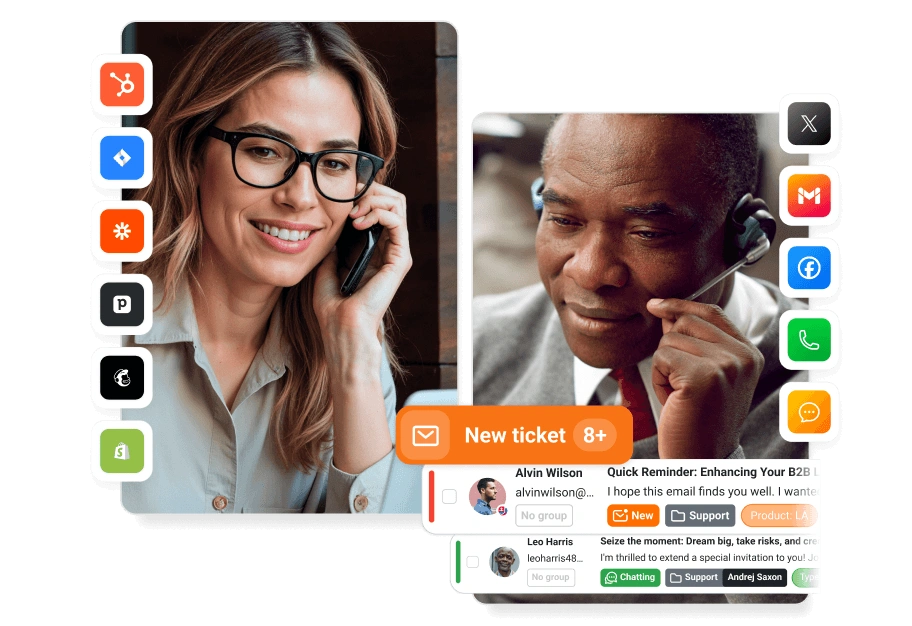
Help desk software with AI agents
Email, live chat, phone and social media in one shared inbox, with AI agents that draft replies, tag tickets, filter spam and route each ticket to the right team.
4.5/5 G2 (1,538) 4.7/5 Capterra (1,789) checked Nov 1, 2026


Every channel in one help desk

Losing track of support emails?
Email and ticketing in one shared inbox
Every email, chat, call and social media message becomes a ticket with an owner, a status and the customer's history next to it. Rules decide who answers what, so nothing waits unseen in a personal mailbox.
- Connect a Google, Microsoft or IMAP mailbox, or forward your support address
- Agents see who else is viewing or replying to a ticket
- Internal notes add context the customer does not see

Website visitors want an answer now?
Live chat in the same help desk
Chats land in the same inbox as tickets, so agents answer them with the whole customer history and no second tool. An AI chatbot answers routine questions at any hour and passes the chat, with the whole conversation, to an agent when the visitor asks for a person.
- A chat widget you add to your website with one code snippet
- Proactive invitations and a real-time view of what visitors type
- AI chatbot for after-hours questions, with a handoff to an agent

Still answering the phone in a separate tool?
Phone support with a built-in call center
Answer calls in the same help desk as email and chat. Every call becomes a ticket with its recording, so the next agent knows what was said.
- IVR menus and call routing to the right department
- Call recording and call history in the ticket
- Works with the VoIP provider and numbers you already use

Customers message you on Facebook or WhatsApp?
Social media and messaging apps in one inbox
Messages from Facebook, Instagram, WhatsApp, Viber and Telegram, and posts on X, become tickets in the same inbox as email and chat, with the same rules and reports.
- Reply from the help desk without logging in to each app
- The same rules assign and tag social media tickets
- One customer history across every channel

Answering the same questions every day?
A knowledge base for self-service
Publish answers customers find on their own, at any hour. The AI drafts replies from the same articles, so repeat questions drop.
- A public help center, an internal knowledge base, or both
- Categories and search help customers find the right article
- AI reply drafts based on your articles

AI agents
AI agents that work your ticket queue — so your team doesn't have to
LiveAgent's AI agents tag, route and filter each new ticket, draft replies from your knowledge base and answer routine chats 24/7, so your team can focus on the issues that need real expertise. They run on your own OpenAI, Anthropic, Google Gemini or FlowHunt account, with no AI fees from LiveAgent.
- Drafts ready-to-use replies from the ticket history and your knowledge base
- Tags, categorizes and routes each ticket to the right department
- Detects and filters spam before it reaches your agents
- The AI Answer Assistant refines, shortens or changes the tone of any reply in one click
- AI summaries show a long ticket thread at a glance
- An AI chatbot answers routine live chat questions 24/7 and hands off to an agent
How the help desk works: from email to resolved ticket
In LiveAgent, a customer's email becomes a ticket in the shared inbox, a rule assigns it to an agent, colleagues add internal notes, and AI drafts a reply that the agent checks and sends before resolving the ticket.
LiveAgent's "Integrate new email account" screen: Google, Microsoft or a custom IMAP/POP3 mailbox, with forwarding and email piping as other options.
Connect the support mailbox
Connect a Google, Microsoft or IMAP/POP3 mailbox, or forward your support address. Every email becomes a ticket.
LiveAgent's shared inbox: each ticket with its status, department and owner, and a spam email marked by the AI spam filter.
A request arrives in the shared inbox
Each ticket shows its status, department and owner, and agents see who else is viewing or replying, so they know when a colleague is already answering. The AI spam filter keeps spam out of the way.
A ticket in LiveAgent assigned to an agent and a department by an assignment rule, with its SLA time shown.
It is assigned
A rule or a colleague assigns the ticket to a department and an agent, and SLA rules show how long the customer has left to wait.
An internal note from one agent to another inside a LiveAgent ticket, which the customer does not see.
Colleagues add internal notes
A colleague adds context on the ticket. Notes stay inside the team; the customer never sees them.
LiveAgent's Answer assistant with a draft reply written from the customer's message and the internal note, and the Use in answer button.
Reply with AI and resolve
Answer assistant drafts the reply from the ticket's messages and internal notes. The agent checks it, sends it and resolves the ticket.
What help desk software is, and who LiveAgent is for
Help desk software collects customer questions from email, live chat, phone, social media and contact forms in one shared inbox, turns each into a ticket, and helps your team answer, route and track it until it is solved. A knowledge base and AI agents answer the simple questions before they reach a person.
LiveAgent is web-based help desk software built for small and growing support teams that want all of this in one tool. It runs in the browser, with nothing to install, and you can connect your support email and website chat on the first day. Plans start at $15 per agent per month billed annually; every plan is on the pricing page. Your data stays in the region you choose (the EU, the US or Singapore); see GDPR and security.
LiveAgent is not the right fit if:
- You must run the help desk on your own servers. LiveAgent is cloud only.
- You need IT asset or change management. LiveAgent is built for support, not for ITIL service management.
- You want a free plan for the long term. LiveAgent has none; Help Scout, Zoho Desk and HubSpot have free plans for small teams.
Automation, reports and integrations
Rules, reports and integrations work the same way across every channel in LiveAgent.

Automation & rules
Rules act on tickets for you: they assign and tag them, and send reminders or follow-ups on tickets that wait too long.

Analytics & reports
Channel, agent, department and SLA reports show how fast your team answers and resolves tickets, so you can see where customers wait.

CRM & ecommerce integrations
LiveAgent connects with CRMs such as HubSpot, Salesforce and Pipedrive and e-commerce platforms like Shopify, and has a built-in CRM that keeps each customer's contact details and history next to their tickets.
What LiveAgent customers say
4.5/5 G2 (1,538) 4.7/5 Capterra (1,789) checked Nov 1, 2026





















“We use LiveAgent on all of our ecommerce websites. The tool is easy to use and improves our productivity.”

Viviane Carter
CSI Products
“LiveAgent empowers our agents to provide better, faster, and more accurate support.”

Christine Preusler
HostingAdvice
“LiveAgent combines excellent live chat, ticketing and automation that allow us to provide exceptional support to our customers.”

Peter Komornik
Slido
“LiveAgent combines excellent live chat, ticketing and automation that allow us to provide exceptional support to our customers.”
Peter Komornik
Slido
“We use LiveAgent on all of our ecommerce websites. The tool is easy to use and improves our productivity.”
Viviane Carter
CSI Products
“LiveAgent empowers our agents to provide better, faster, and more accurate support.”
Christine Preusler
HostingAdvice
Try LiveAgent with your own tickets
Connect your support email and website chat, and let your team answer real customers for 30 days. No credit card, no setup fee. Prefer to see it first? Book a demo and we will walk you through it.