



LiveAgent eCommerce Features
Enhance your eCommerce site with LiveAgent's fast live chat and knowledge base. Boost engagement, satisfaction, and sales.
2 min read
eCommerce
Live Chat
+2

Modern e-commerce support turns every customer interaction into a sales opportunity by giving agents instant access to orders, billing, subscriptions, and CRM history in LiveAgent.
Modern e-commerce support isn’t just about answering questions anymore. It’s about understanding who you’re talking to instantly and responding with the full picture, turning each customer interaction into an opportunity.
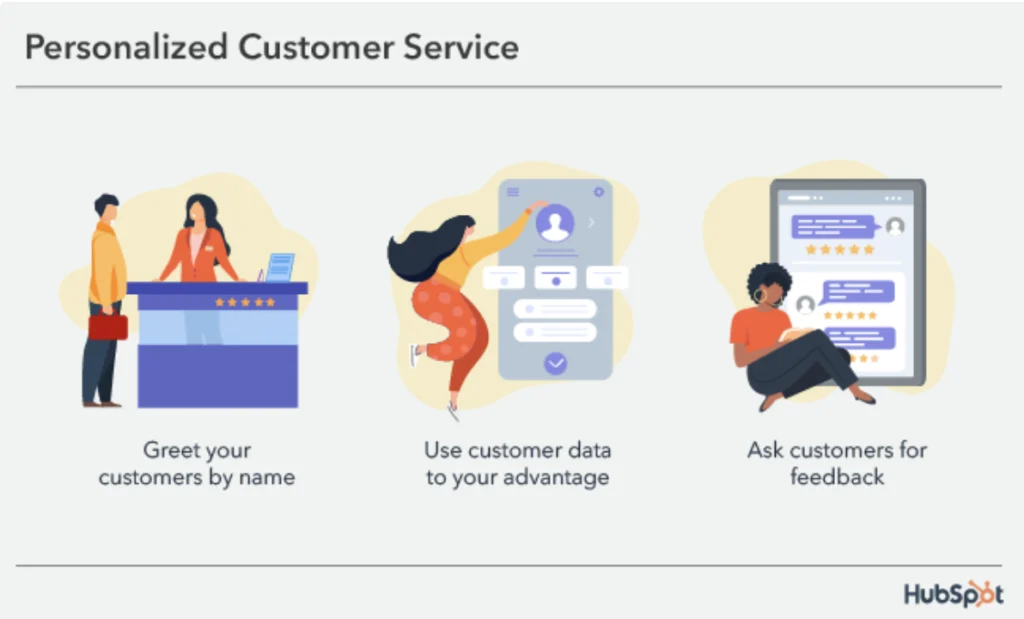
For most e-commerce businesses, support and sales still live in separate worlds. But the numbers tell a very different story. Companies that excel at personalization generate 40% more revenue than those that don’t, according to AmplifAI, and 91% of customers say they’re more likely to make another purchase after a great service experience, according to G2.
Salesforce found that 70% of customers say agents being aware of their sales interactions is very important to keeping their business — yet most support teams are still jumping between systems just to piece together basic context.
And the cost of falling short adds up fast: bad customer experiences now cost organizations an estimated $3.7 trillion annually, per Qualtrics XM Institute. The opportunity to grow isn’t always in more ads or bigger promotions — sometimes it’s already sitting inside your support queue, waiting to be noticed.
The good news? You don’t need a separate CRM tab, a second screen, or a three-minute search to get that context. LiveAgent’s “Display external info in a ticket” plugin puts it all in one place. Available since version 4.25.6.4, it pulls key customer data — orders, billing status, subscription details, and CRM history — directly into each support ticket, right next to the conversation.
No more switching between your helpdesk, CRM, and e-shop backend. Everything your agents need is already there. Before you begin, make sure you have a developer available. This plugin requires custom backend work to connect your external data sources.
Most support requests in e-commerce are tied to a transaction. “Where’s my order?” “Is my subscription still active?” “Why was I charged?” These questions are not complicated, but without context, replies take way longer than they should.
Agents end up asking customers to repeat information they’ve already provided, copying order numbers from one system to another, and switching between tabs just to piece together the basic picture.
With the plugin, that context is already visible the moment a ticket opens. That means faster responses, fewer mistakes, a smoother experience for the customer, and more opportunities to offer something relevant while you have their attention.
Think of it as a live customer profile that appears inside every ticket.
Depending on what you connect, your agents can instantly see things like what the customer bought, whether their order has shipped, if they’re a first-time or returning buyer, their subscription or payment status, and any relevant history from your CRM.
You decide what shows up based on what matters most for your business. The point is simple: instead of hunting for data, your agents already have it.
| What it shows | Why it matters |
|---|---|
| Order status and items | Agents can answer questions faster and acknowledge delays without extra follow-up. |
| Billing and subscription data | Support becomes the right place to solve renewal, upgrade, or churn risk conversations. |
| CRM history | Agents see past purchases and interactions so every reply feels informed and personal. |
Most support requests in e-commerce are tied to a transaction, and that makes context the difference between an average ticket and a revenue-driving interaction.
When agents can see order history, payment state, and customer life cycle details in one view, they avoid repetitive questions, reduce handling time, and create a more confident support experience.
That faster, smarter response is also the moment when relevant offers land naturally. If a customer has a delayed order, the agent can acknowledge the issue and offer a loyalty incentive. If a subscription is due to renew, the agent can mention an upgrade or discount as part of solving the customer’s question.
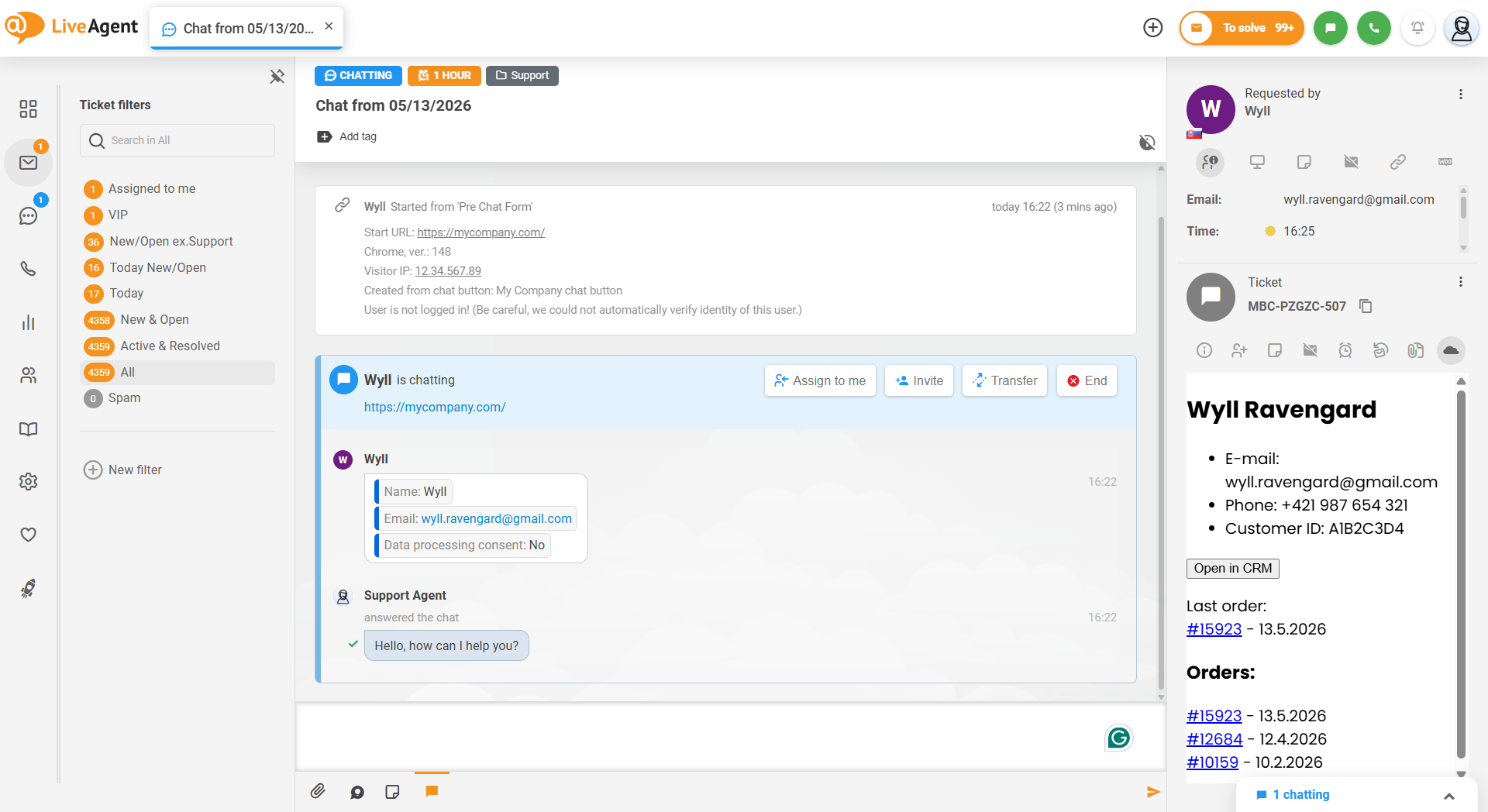
Agents can see what the customer ordered, when, how much they paid, and where it is right now. No more asking for order numbers, no more unnecessary back and forth.
If an order is delayed, the agent can proactively acknowledge it before the customer even brings it up, offer a discount on the next purchase, or flag it internally without the customer having to chase anyone down.
Use it for: turning delayed order complaints into loyalty moments by offering a discount or store credit before the customer asks.
For subscription businesses, agents can see the plan name, start and renewal dates, and payment status at a glance. That means they can answer billing questions accurately and spot the right moment to offer an upgrade or a retention deal.
If a customer’s subscription is about to expire and they’re reaching out about something unrelated, that’s a natural opening to mention a renewal offer without it feeling forced.
Use it for: catching at-risk customers before they churn. If a subscription is expiring soon, use the conversation to offer a discount or highlight what they’d be losing.
When an agent can see what a customer already owns, suggesting something relevant feels natural rather than pushy: a complementary product, an add-on, a plan upgrade.
The conversation is already happening, so the timing is right. If a customer bought a camera and is asking about returns, the agent can see they don’t yet own a memory card or a case and mention it casually.
Done right, it doesn’t feel like a sales pitch — it feels like good service.
Use it for: identifying gaps in the customer’s purchase history and filling them with a relevant suggestion at the right moment.
This one requires a bit more setup — tracking scripts on your website, defined events, and an integration between your site, CRM, and LiveAgent. But when it’s in place, agents can see real intent signals: a product viewed multiple times, a cart abandoned ten minutes ago, a checkout that didn’t complete.
If a customer contacts support and the agent can see they’ve been looking at a specific product for three days, they can address any hesitation directly. For example, answer questions about it, offer a discount, or simply let the customer know it’s still available.
Use it for: recovering abandoned carts mid-conversation. If the data shows a customer left without buying, the agent can address it naturally and offer a nudge.
When connected to internal systems, agents can also see account status, license activation, usage data, and technical logs. This cuts down escalation time and improves first-contact resolution.
Instead of saying “let me check with the technical team,” agents can often resolve the issue on the spot, which builds trust and saves everyone time.
Use it for: reducing escalations by giving frontline agents the account and system data they need to solve technical issues without passing the customer along.

The latest tips and deals delivered straight to your inbox.
A CRM on its own doesn’t automatically track what customers do on your website. For general and behavioral insights to appear inside LiveAgent, you need tracking scripts installed, events properly defined, and everything connected.
It’s worth doing — but it’s a separate step from simply connecting your CRM. Consult our technical guide to implement the “Display external info in a ticket” plugin.
Once everything is connected, your agents don’t just see a message. They see the full customer journey: who this person is, what they bought, what they’re looking at right now, and what might actually help them.
That changes the quality of every interaction. Support becomes faster, more relevant, and more valuable for the customer, and for your business.
The “Display external info in a ticket” plugin turns LiveAgent from a helpdesk into a customer intelligence hub. And for e-commerce teams, that’s a meaningful difference.
Share this article
Lilia is a content manager at LiveAgent. Passionate about customer support, she crafts engaging content that highlights the power of seamless communication and exceptional AI-powered service.

Enhance your eCommerce site with LiveAgent's fast live chat and knowledge base. Boost engagement, satisfaction, and sales.

LiveAgent's CRM tool offers ticket/customer insights by storing customer data, past interactions, and custom fields to enhance support and sales experiences. In...
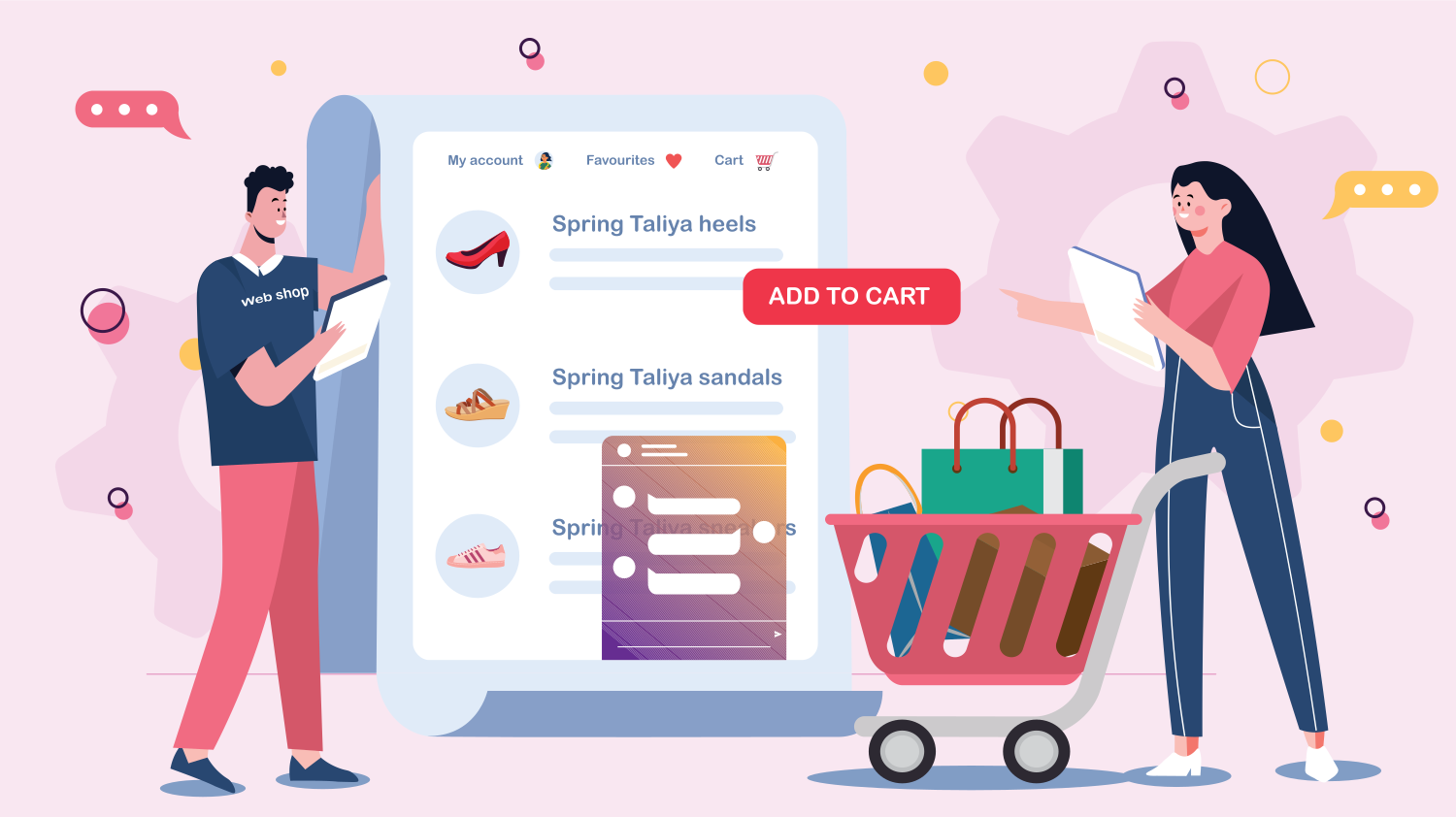
Enhance your e-commerce business with LiveAgent's live chat software, offering 24/7 customer support, easy website integration, and robust security features. Bo...