



Zapier
Zapier seamlessly integrates LiveAgent with 200+ apps, enhancing workflow automation without coding. Benefit from quick, intuitive connections with tools like S...
3 min read


Integrate Trello with LiveAgent via Zapier to streamline project management. Utilize customizable Kanban boards for task management and sync actions between both platforms for efficient workflow. Easy setup, no coding required.
Trello is a project management tool that provides companies with visual boards where they can keep their projects organized. It uses Kanban-style cards and lists to help teams collaborate effectively and manage tasks from start to finish.
Trello can create new cards for each customer that you add into LiveAgent , or add new cards for new activities, new comments, and automatically move each card into a respective to-do list. The integration can also work in reverse. Whenever you add a card into Trello, you’ll receive a ticket inside LiveAgent.

The latest tips and deals delivered straight to your inbox.
Zapier makes it easy to connect two applications in a matter of minutes. It helps you customize triggers and actions without any coding required.
Make sure you have a Zapier account. If not, you can create it at this link or directly on the LiveAgent and Trello integration page . When you’re there, you will see a trigger and action selection.
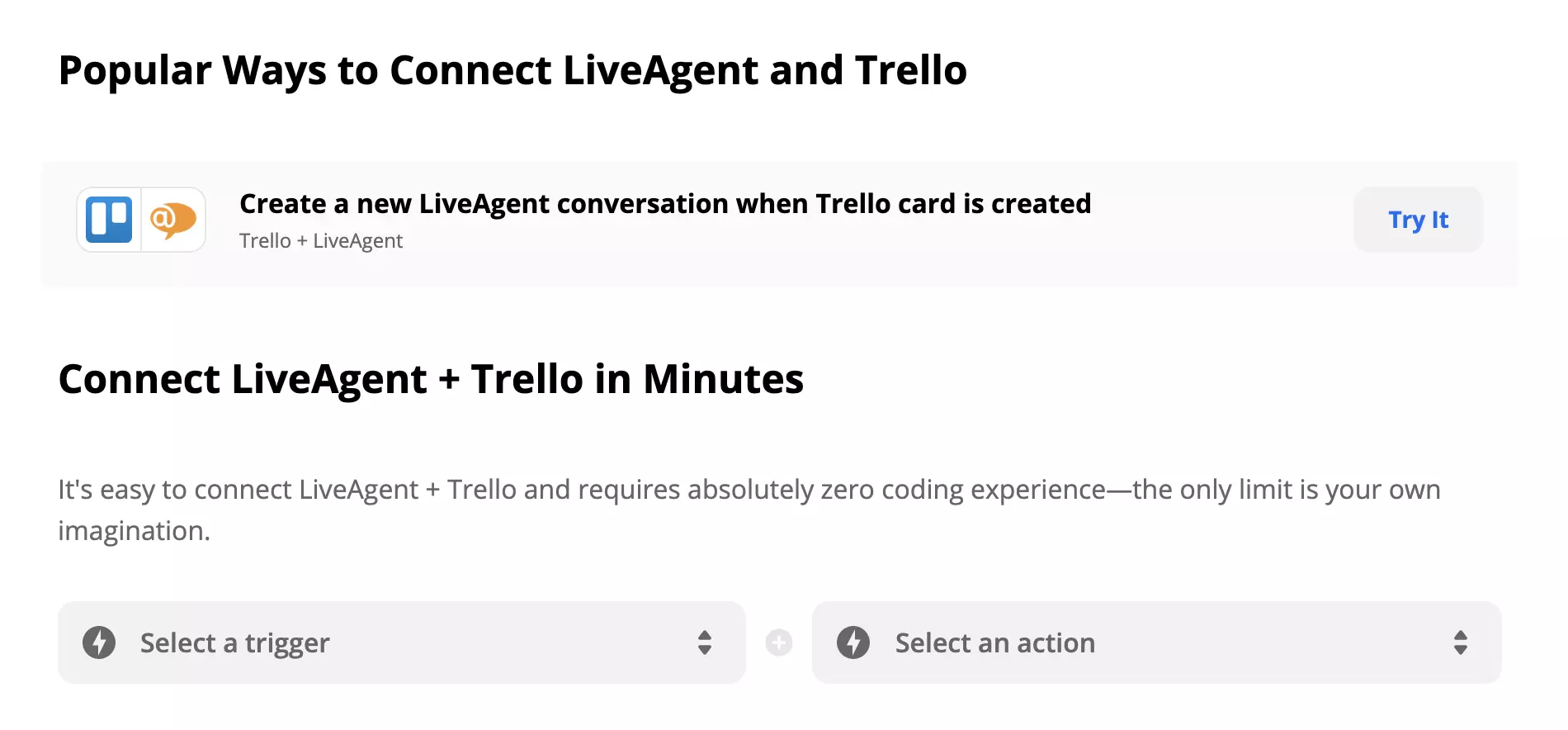
Select a trigger and an action. There are multiple options so you can pick one that fits your customer support team. The choice is yours. For this example, we picked the Trello trigger “New Card” and the LiveAgent action “Create Conversation.” When the action is executed, it will send an email into your email ticketing system every time there’s a new card created in Trello.
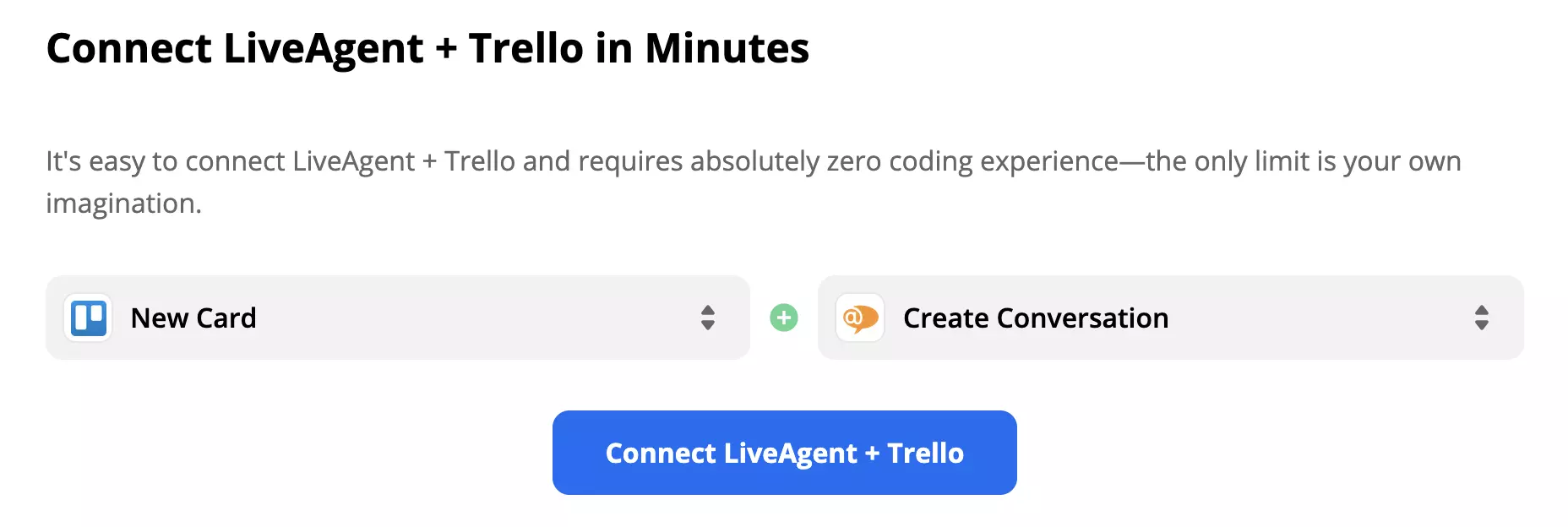
Click on the blue Connect LiveAgent + Trello button and you will get into the Trigger and Action configuration section. In our case, Trello comes first because it’s a Trigger. Customize the Trigger details according to your needs. Then click on the blue continue button. If you didn’t add your Trello email address, you can add it in this section or select it from a list of your accounts from previous integration setups.
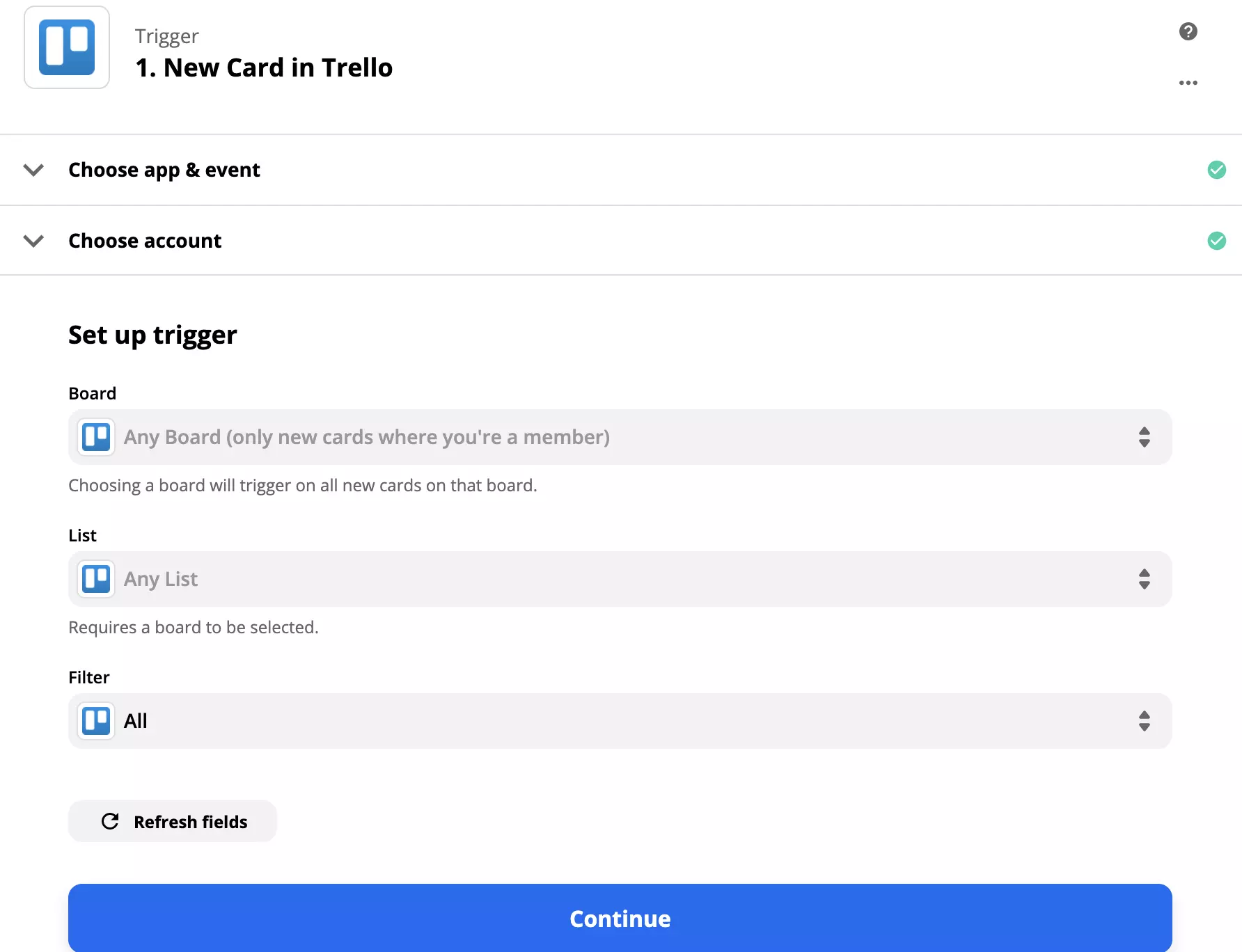
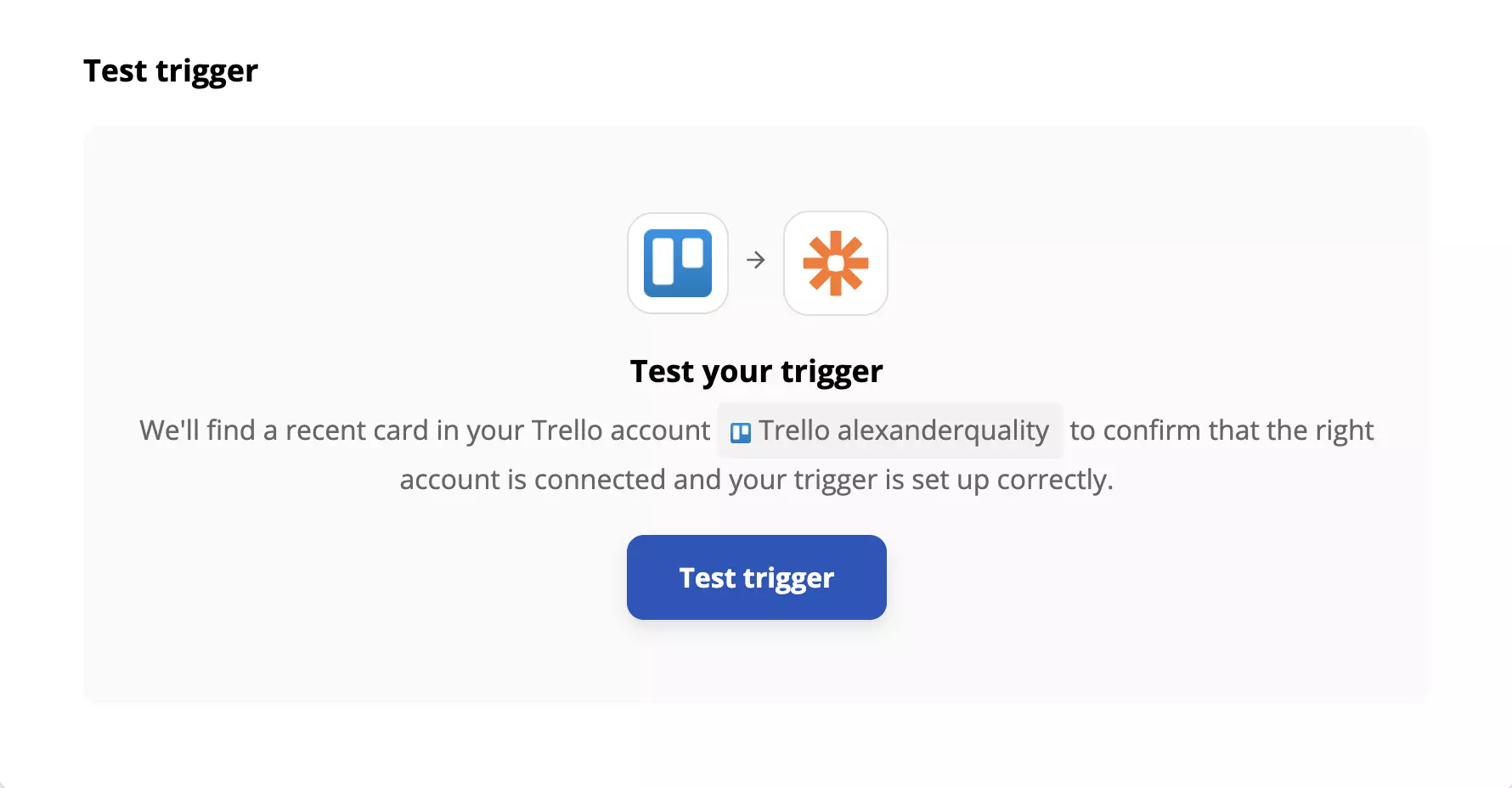
Zapier will require you to test your Trigger. Make sure you filled out all of the options correctly and then test the trigger.
The next step is to configure your LiveAgent action. Decide what you want LiveAgent to do when the trigger is activated. This section requires you to fill out more detailed information but not all of it is necessary. You will be required to add or select your LiveAgent email address in this section.
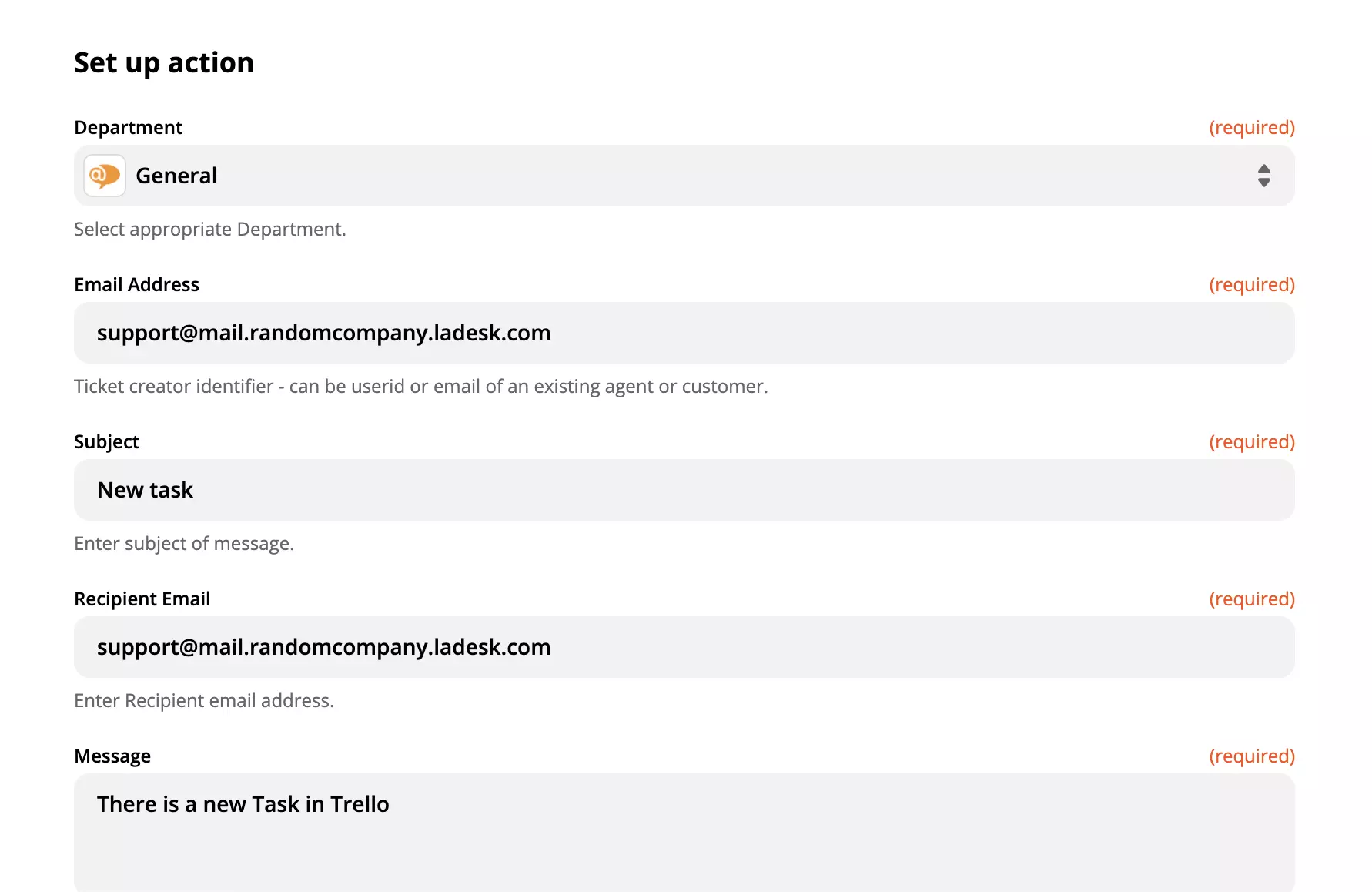
When you’re done, another test will be needed to make sure the entire integration works according to plan. Go ahead and try it out. If there’s something wrong, Zapier will automatically offer you a troubleshooting guide to help you out.
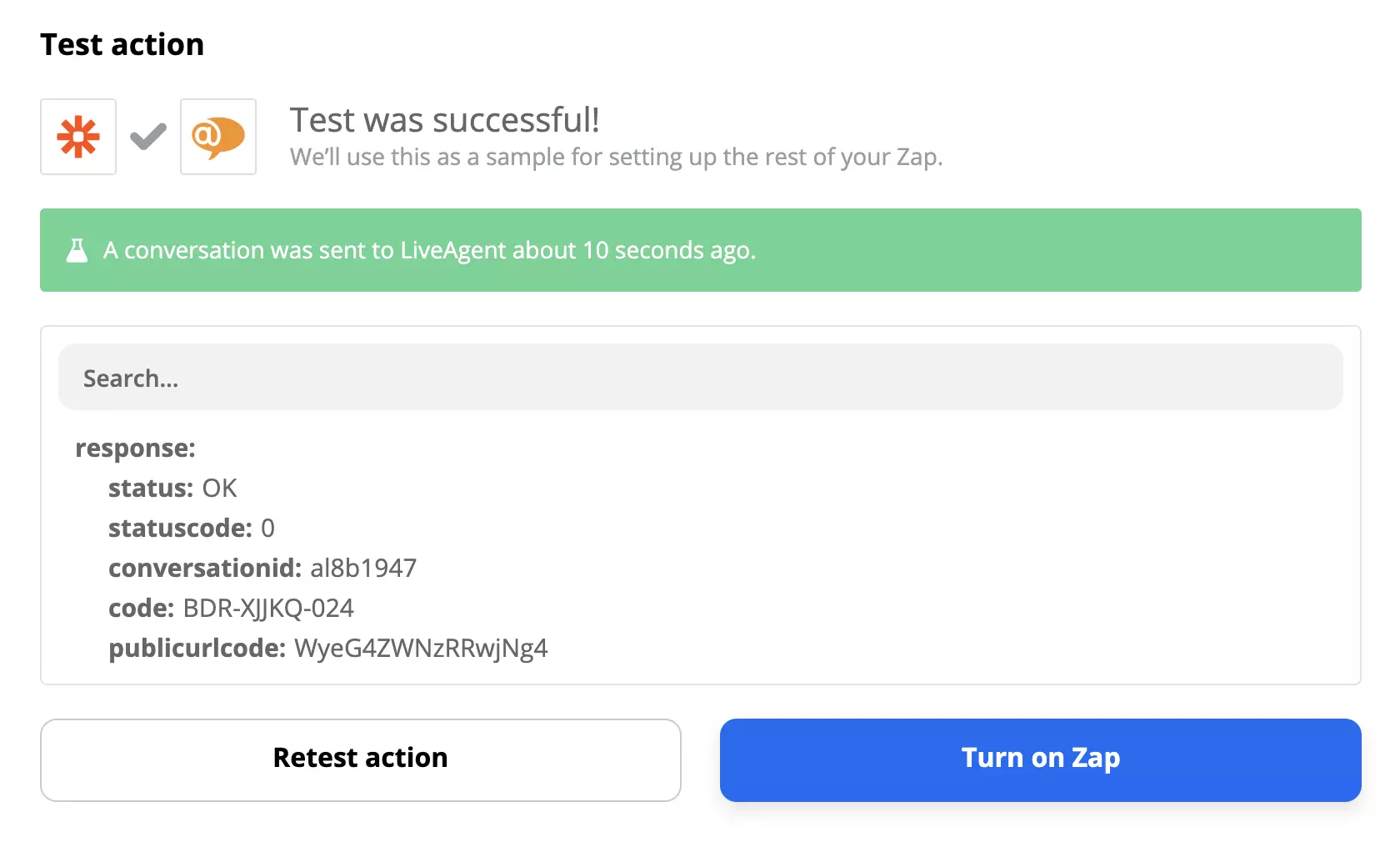
Now, have a look at your Tickets in LiveAgent. Your notification will show up according to the Zapier setup.
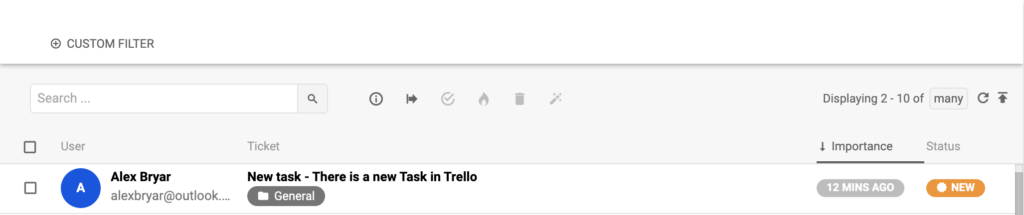
That’s it, you’re done. You can also create more custom Zapier integrations for LiveAgent if you need to.
What does Trello integrate with?
Trello integrates with different kinds of tools/apps/software. For instance, Slack, Twitter, MailChimp, LiveAgent, Salesforce, and more!
What is Trello?
Trello is a project management tool that provides companies with visual boards where they can keep their projects organized.
How can you integrate Trello with LiveAgent?
Sign in to your Zapier account or create an account. Navigate to Zapier - LiveAgent + Trello. Choose Trigger/Action > Connect and fill in the necessary information. Select Test and Use.
Zapier seamlessly integrates LiveAgent with 200+ apps, enhancing workflow automation without coding. Benefit from quick, intuitive connections with tools like S...
Jira is a robust tool for bug, issue, and project tracking, integrated with LiveAgent for seamless task management. It offers native and Zapier integrations, sc...
Asana is a tool for team collaboration and work management. Integrate it with LiveAgent via Zapier to manage projects, assign tasks, set deadlines, and communic...
Cookie Consent
We use cookies to enhance your browsing experience and analyze our traffic. See our privacy policy.