



Sendmail
Integrate Sendmail with LiveAgent for secure, efficient email routing and enhanced customer support. This open-source solution supports various mail-transfer me...
3 min read


MeTA1 is a secure, reliable email agent that integrates with LiveAgent to enhance customer support through efficient ticketing. It’s configurable, extendable, and ideal for anyone seeking secure email communication.
MeTA1 is a message transfer agent that was created to provide a secure and reliable email transfer. It’s efficient, configurable and it can be extended with modules. By implementing a central control instance, the queue manager organizes the flow of messages through the system and prevents local or remote systems from being overloaded. Configuration options can be done via command line parameters and their website offers an extensive guide available for anyone who wants to learn more about MeTA1 or learn how to use it effectively.
The configurable and extendable MeTA1 is suitable for anyone who wants to use a secure and reliable means of email communication. MeTA1 can ensure efficient email communication for anyone who decides to use it. Furthermore, it can be integrated with the LiveAgent help desk, providing you with an efficient way to solve customer issues that come into your ticketing system, as well as a better user experience.
You can improve your help desk in many ways by connecting your MeTA1 email with LiveAgent. To begin with, it fetches all of the emails from each email account and intelligently organizes them for you. It is possible to track conversations more efficiently, mark tickets as solved, and view progress on tickets while helping customers faster and effectively thanks to ticketing features.
With the LiveAgent help desk, you have access to a range of innovative tools and a ticketing system that can help you immensely with customer support. With our system, you can organize messages neatly, reply to them and resolve customer issues quickly and accurately.
The email integrations like MeTA1 are just the beginning, get things done via phone calls, chat with your customers, respond via social media and provide them with educational and informational articles in your knowledge base. Everything is fully supported by a set of features that ensure a smooth workflow for beginners and advanced users.


The latest tips and deals delivered straight to your inbox.
MeTA1 can be integrated with LiveAgent configuration settings via IMAP/POP3. The process is easy enough to complete within just a few minutes. Follow the step-by-step guide below to learn how to integrate MeTA1 with LiveAgent.
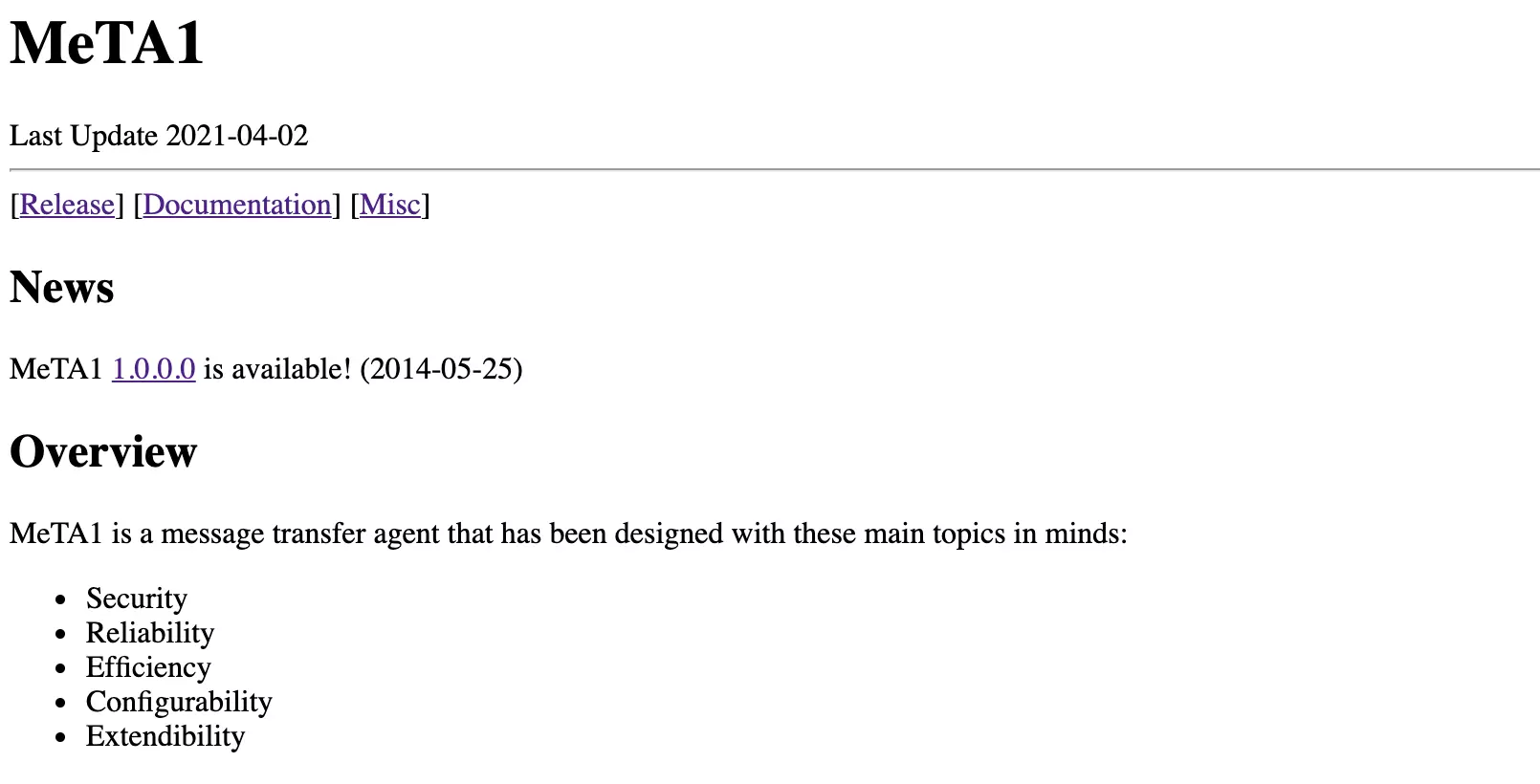
Step 1: Set up MeTA1 first
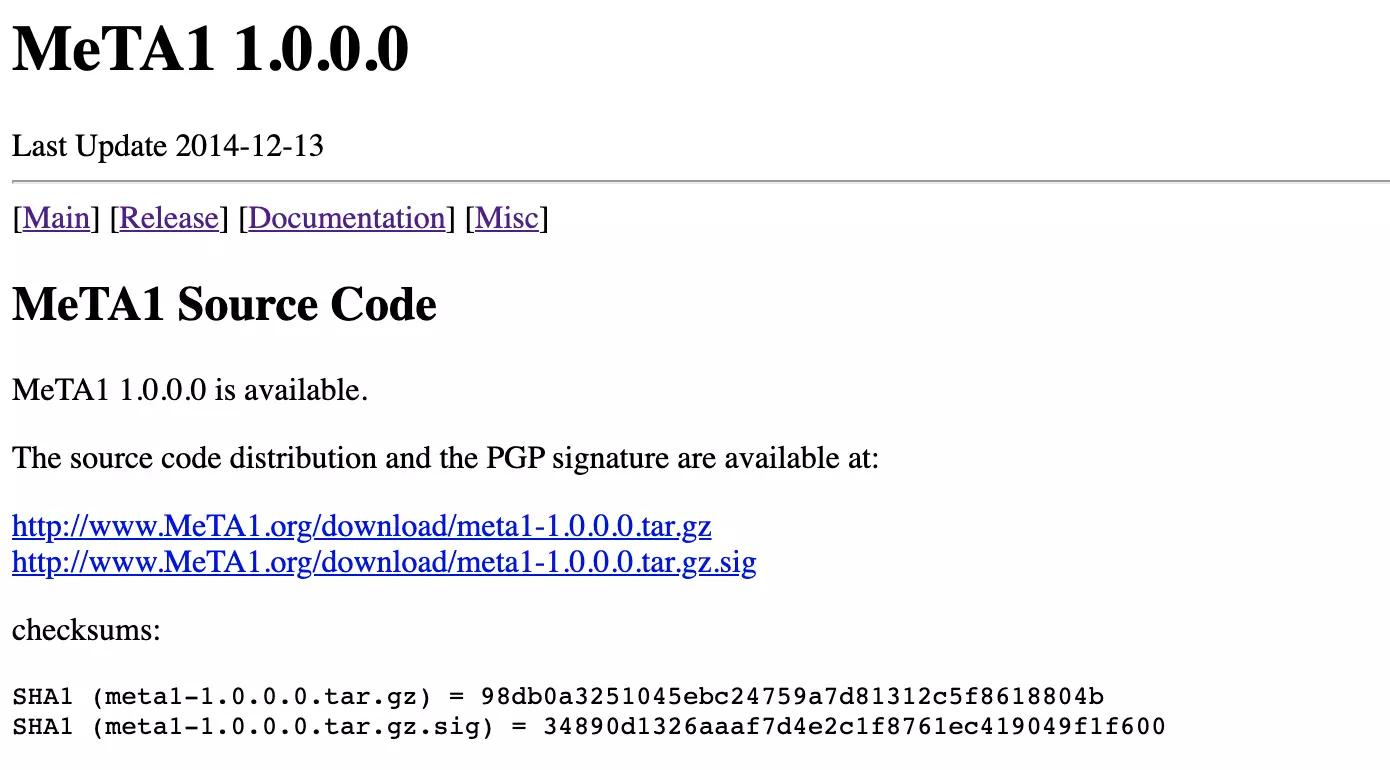
Do you need to set up MeTA1 first? Head over to their website where you can find more information, download links, and all the installation and configuration guides you need to get it running. When you’re done, continue with the next steps.
Step 2: Configure in LiveAgent
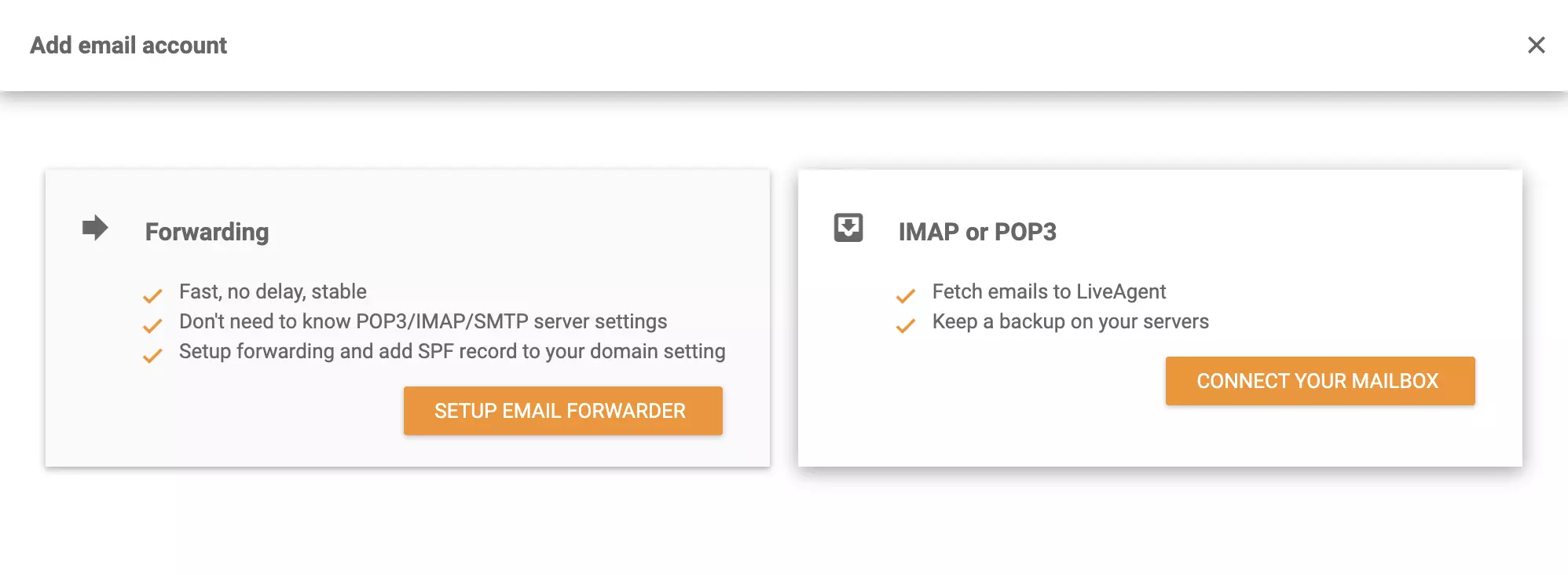
Are you all set up? If yes, then go to your LiveAgent account (start your free trial if you don’t have one yet) and then go to Configuration > Email > Mail Accounts. Click on the orange Create button at the top of the section and choose Other from the list of email providers. Then select IMAP/POP3 between the two integration options.
Step 3: Enter your MeTA1 details
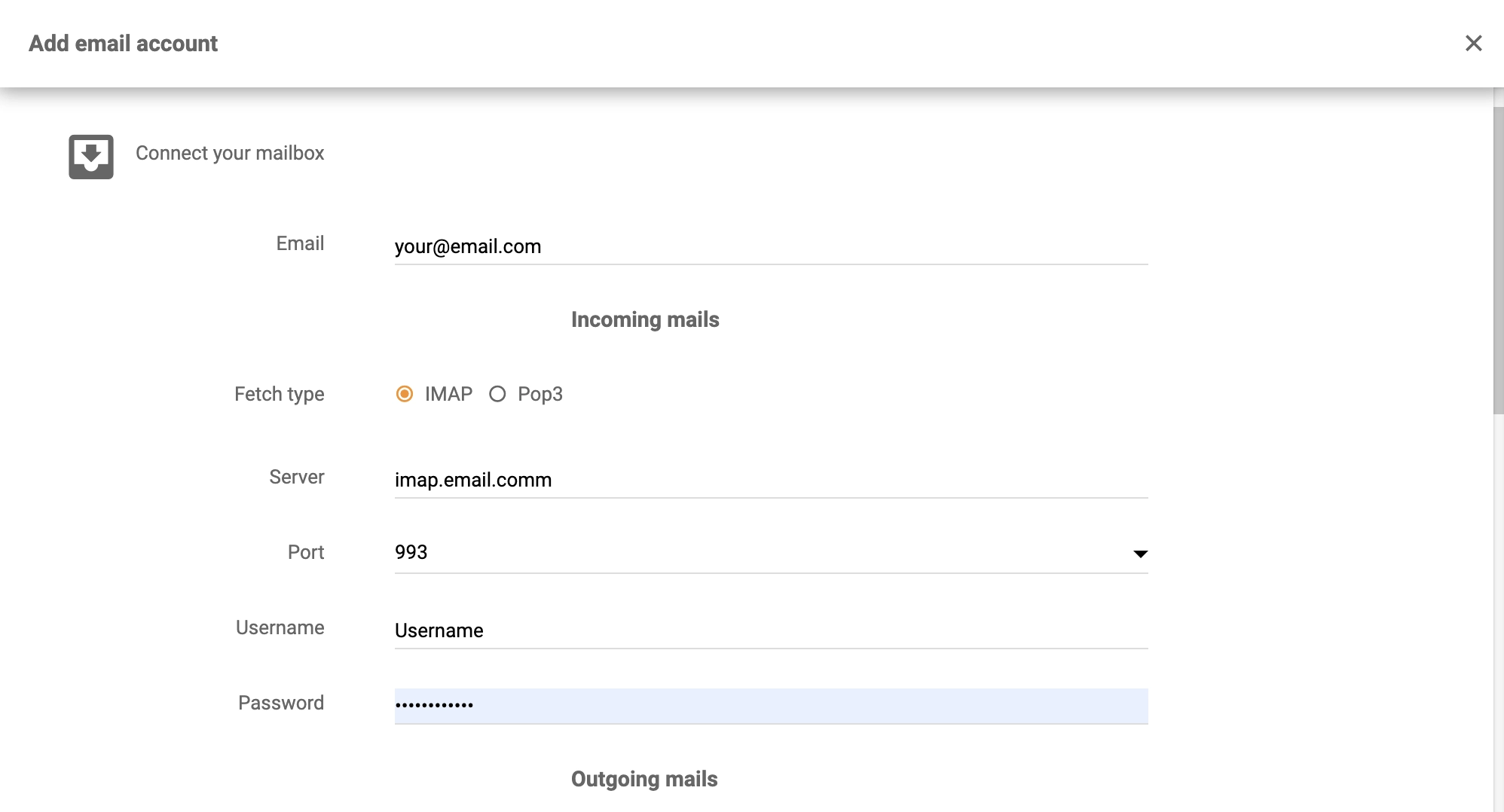
MeTA1 needs to be connected to LiveAgent to ensure that tickets are generated. In this section, you will have to enter your MeTA1 details. Provide your username and password, and enter your email address and other required information. Provide the server and port details and select the type of fetch. When you’re satisfied with the settings, click on Save.
Step 4: Start receiving emails
Let your emails get fetched from your MeTA1 address and check your ticketing system. Your customers can now take advantage of fast, reliable customer service whenever they need it. Check out our Academy page for more information about customer support. Explore LiveAgent’s capabilities by creating more integrations or watching the short video tour.

Integrate Sendmail with LiveAgent for secure, efficient email routing and enhanced customer support. This open-source solution supports various mail-transfer me...
MailEnable is a leading Windows email server offering secure IMAP, POP3, and SMTP support, with seamless integration with Microsoft Outlook and LiveAgent for en...
MDaemon is a Windows email server offering secure email, mobile management, and email archiving. It's budget-friendly for small businesses with user-based prici...
Cookie Consent
We use cookies to enhance your browsing experience and analyze our traffic. See our privacy policy.