



Shared Mailbox
Effortlessly manage customer queries with LiveAgent's shared mailbox. Boost collaboration, productivity & security. Start your free trial today!
11 min read
Customer support
Email Management
+1
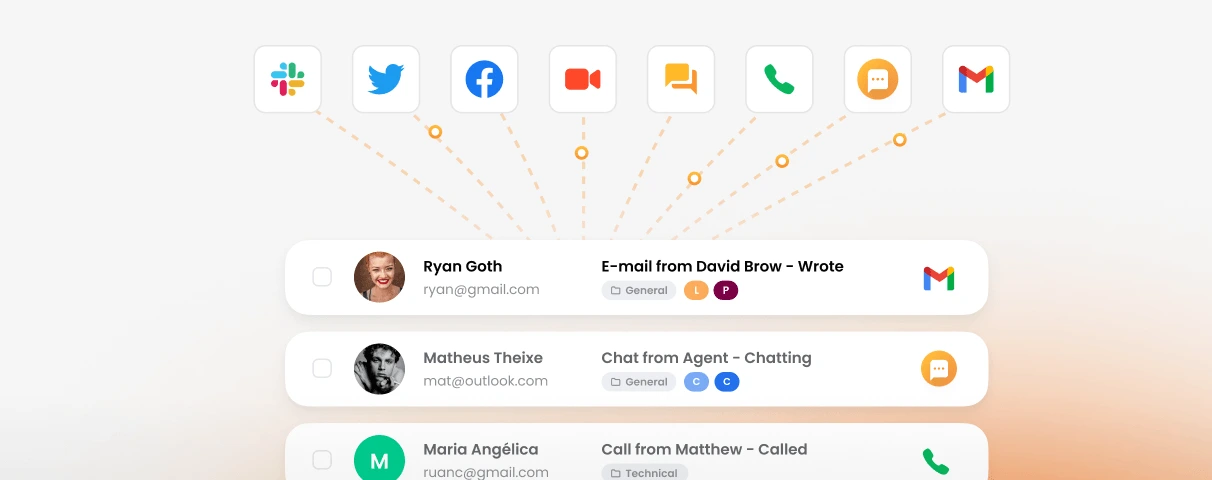
If your team shares a Gmail login to handle customer emails, you already have a unified inbox, just a terrible one. Here is how a proper team inbox works and why it matters.
If your team manages customer emails in a shared Gmail account, with everyone logging in using the same password, you already have a unified inbox. Just a terrible one.
That setup breaks down fast. Two agents reply to the same email. A message sits unread because everyone assumed someone else would handle it. A customer escalates, and nobody can trace who touched the ticket last.
These are not edge cases. They are what happens when a growing team outgrows their tools but hasn’t yet replaced them. A proper unified inbox solves exactly this, not by adding more email accounts, but by giving your whole team a single, structured place to see, claim, and resolve every incoming message.
A unified inbox is a single interface that collects messages from multiple channels and addresses into one view. Instead of juggling five browser tabs (one for info@, one for support@, one for your Facebook messages), everything lands in one place.
For individuals, tools like Spark or Mimestream do this for personal email. You connect your Gmail, your work account, your side project address, and read them all in one app. That is a personal unified inbox.
A team unified inbox works differently. It is built for collaboration, not convenience. The core features are:
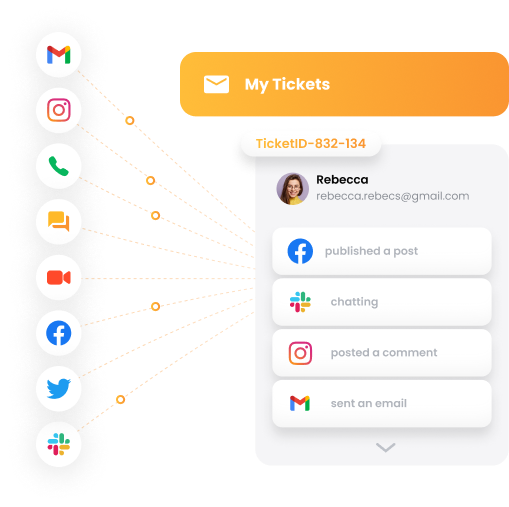
This article is about the team version, the kind small businesses need when they move beyond one person handling all inbound messages.
You run info@, orders@, and returns@ as separate inboxes. Customers email the wrong one constantly, and your team wastes time forwarding messages. With a unified inbox, all three addresses land in one queue. Auto-routing rules send orders to your fulfillment agent and returns to whoever handles refunds. Nothing gets lost in forwarding chains.
You have quotes@, support@, and billing@, each handled by a different person. Right now that means three separate email accounts and no shared visibility. A unified inbox puts all three in one interface. Each email is auto-assigned to the right agent. When a billing question turns into a support issue, you can reassign it in one click with the full thread intact.
Your team juggles five clients, each with their own project inbox. A unified inbox lets you keep them separated logically (by department or tag) while your agents work from a single screen. No switching accounts. No “wait, which project was that in?” moment.
You support both free and paid users. Paid customers need faster responses. With a unified inbox you can tag tickets by plan tier and set different SLA rules for each group. Your agents always know which conversations to prioritize, without manually sorting through a chaotic inbox.
When your team is distributed, “did you see that email?” stops being a reasonable question. A unified inbox means every agent sees the same ticket queue in real time. If someone is offline, their assigned tickets are visible and can be reassigned. The classic “I thought you were handling that” problem disappears.

Start your free trial today and see results within days.
Gmail is excellent for individual email. It was not designed for team support workflows, and neither is most generic email management software. Here is how the common setups compare:
| Feature | Shared Gmail account | Gmail + forwarding | LiveAgent unified inbox |
|---|---|---|---|
| Multiple addresses | ✗ | Partial | ✓ |
| Who replied tracking | ✗ | ✗ | ✓ |
| Duplicate reply prevention | ✗ | ✗ | ✓ |
| Auto-assignment rules | ✗ | ✗ | ✓ |
| SLA and escalation | ✗ | ✗ | ✓ |
| Mobile and desktop parity | ✓ | ✓ | ✓ |
| Starting price | Free | Free | $15/agent/mo |
The shared Gmail approach breaks down at scale because there is no structure underneath it. Forwarding improves reach but does nothing for accountability. A purpose-built team inbox handles both.
LiveAgent is not just an email aggregator. It converts every inbound message into a ticket and gives your team the tools to manage those tickets without stepping on each other.
Email, live chat, social media messages, and phone calls all appear in a single queue. Your agents do not need to switch between apps or tabs. One screen covers every channel your customers use.
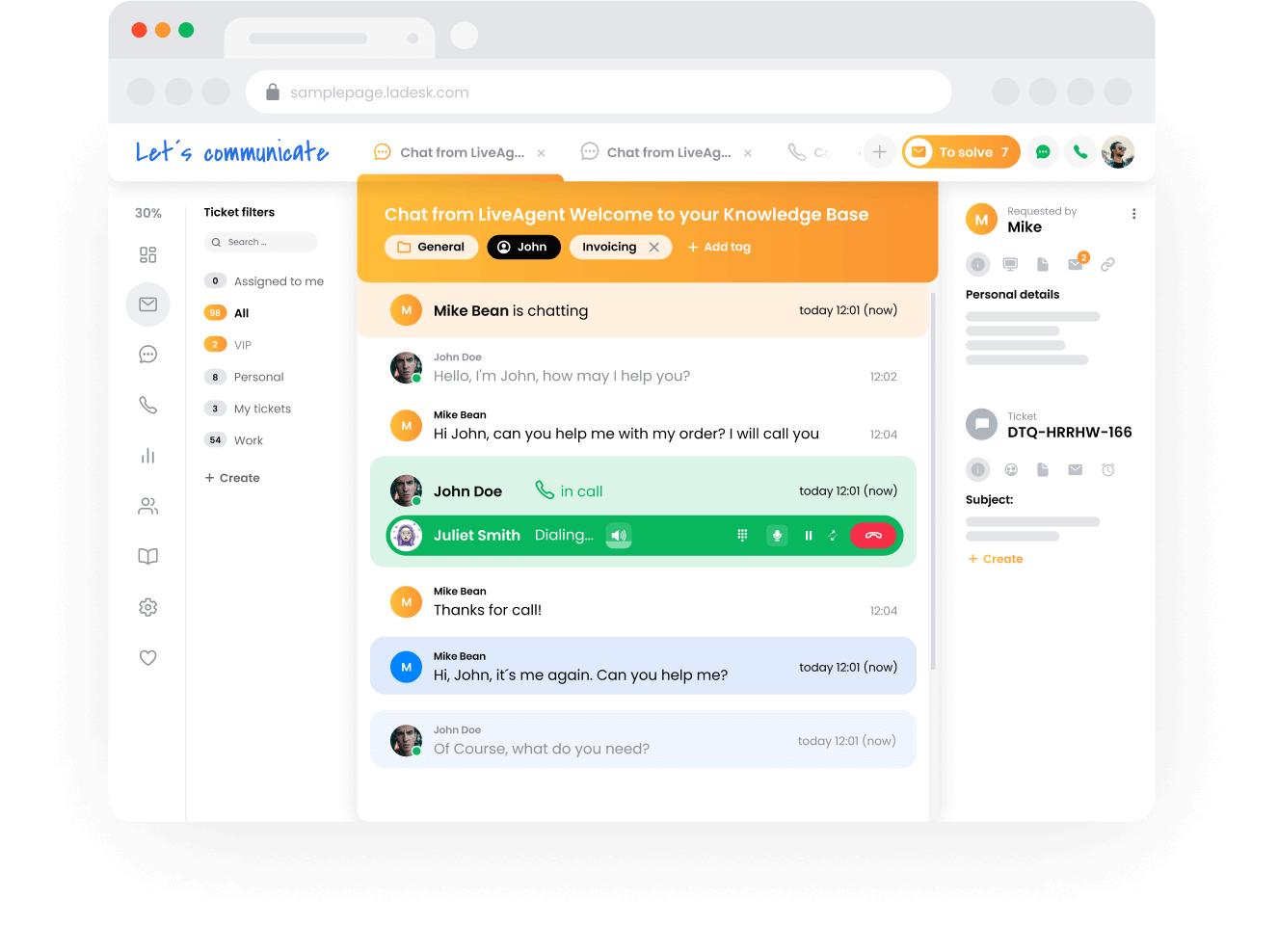
Every email, whether it arrives via POP3, IMAP, or forwarding, automatically becomes a ticket with a unique ID, a status (new, open, resolved), and a full conversation history. If a customer replies three days later, it reopens the same ticket, not a new thread.
Set up departments for sales, support, and billing. LiveAgent routes each incoming message to the right department based on the email address it arrived at or keywords in the subject line. Your billing agent never sees a support ticket unless it is escalated to them.
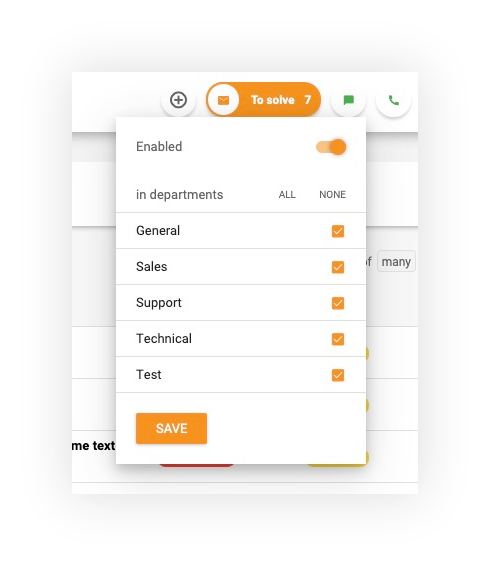
If two agents open the same ticket at the same time, both see a notification. Nobody writes a duplicate reply without knowing someone else is already on it.
When a customer emails you from two different addresses about the same issue, or follows up via chat after emailing first, you can merge those conversations into one thread. The agent gets the full picture in one place. These are the headline capabilities. LiveAgent’s full features list also covers reporting, canned responses, a built-in knowledge base, and more.
The latest tips and deals delivered straight to your inbox.
You do not need a team of 50 to benefit from a unified inbox. The switch makes sense as soon as more than one person is handling customer emails, because that is when coordination problems start.
Common signs you have outgrown a shared inbox:
If any of these sound familiar, the cost of staying on Gmail is already higher than the cost of switching: you are just paying it in missed customers and team friction rather than a monthly subscription.
Try LiveAgent free for 30 days, no credit card required. Connect your Gmail account and other email addresses in under 30 minutes and see how a proper team inbox changes the way your support works.
Share this article
Effortlessly manage customer queries with LiveAgent's shared mailbox. Boost collaboration, productivity & security. Start your free trial today!

Streamline customer support with LiveAgent's shared mailbox. Collaborate, improve productivity, and boost satisfaction. Try free for 30 days!
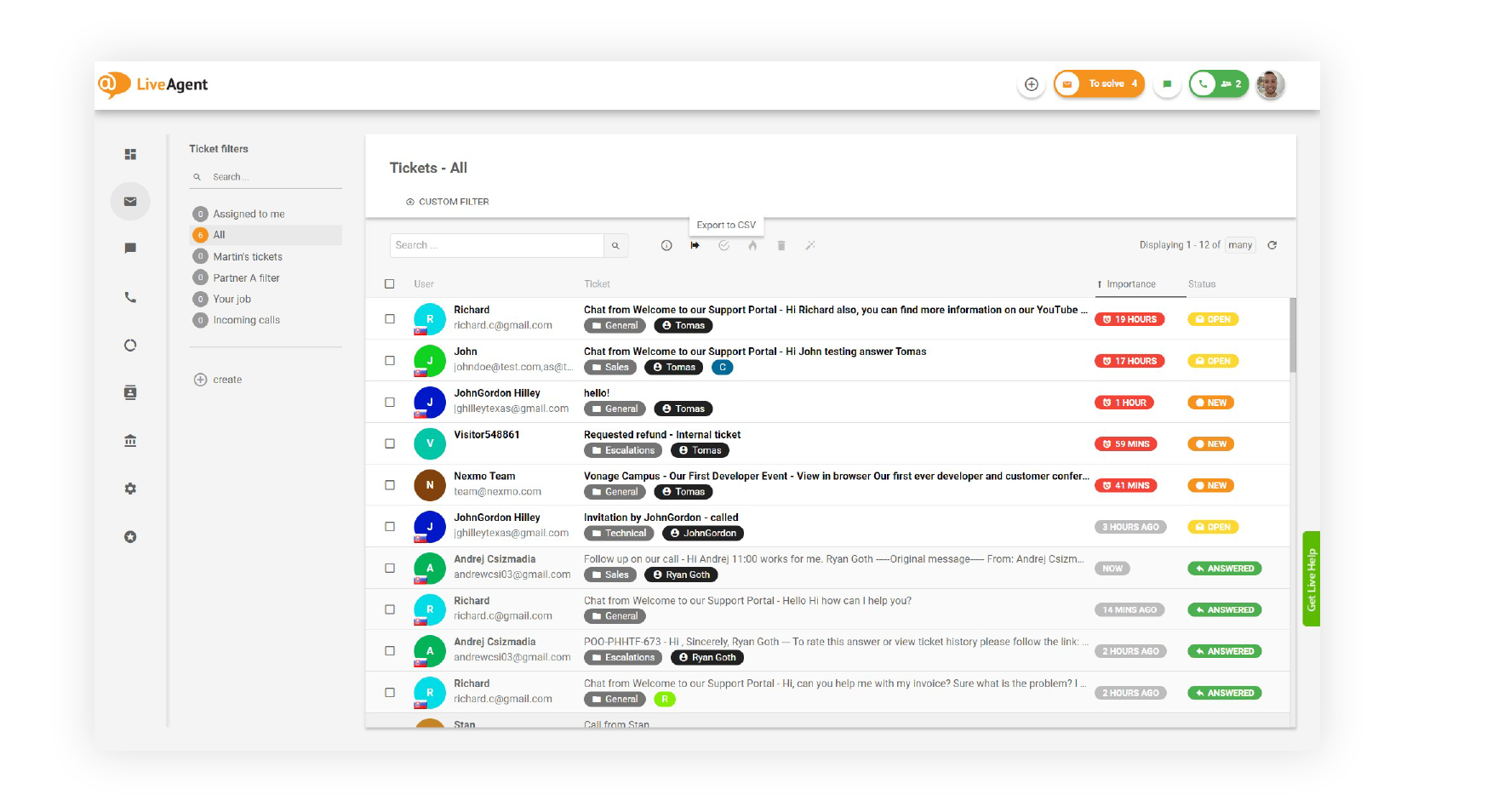
LiveAgent's universal inbox centralizes emails, calls, social media, and chats into one dashboard, boosting agent efficiency and customer satisfaction. Features...
Join our community of happy clients and provide excellent customer support with LiveAgent.

Cookie Consent
We use cookies to enhance your browsing experience and analyze our traffic. See our privacy policy.