



AWeber
Boost your email marketing with AWeber's seamless LiveAgent integration. Automate campaigns, retain customers, and drive sales effortlessly. Manage subscribers ...
3 min read


Mailchimp is an email marketing tool with 3.5 million users sending over 4 billion emails monthly. Integrate with LiveAgent to manage subscriptions directly from tickets, boost efficiency, and streamline workflows.
MailChimp is an email marketing software, founded in 2001. It is a web-based application, although data can be downloaded and for some features, there is an offline application. It has 3.5 million users that collectively send over 4 billion emails a month through the service. Mailchimp can be easily integrated with LiveAgent.
Connecting Mailchimp with LiveAgent will allow you to subscribe and unsubscribe contacts to your email marketing lists directly from the ticket interface. Subscribing contacts is easy, however, an opt-in email is required and your contact has to confirm the subscription. Try on the integration and see the power of an email marketing tool with a customer support app.

The latest tips and deals delivered straight to your inbox.
LiveAgent has native integration for Mailchimp available in the plugins section. If you want to integrate Mailchimp and better manage your customers, follow this guide.
Open LiveAgent and go to Configuration > Integrations and find Mailchimp in the list. Click on the activate switch on the right side.
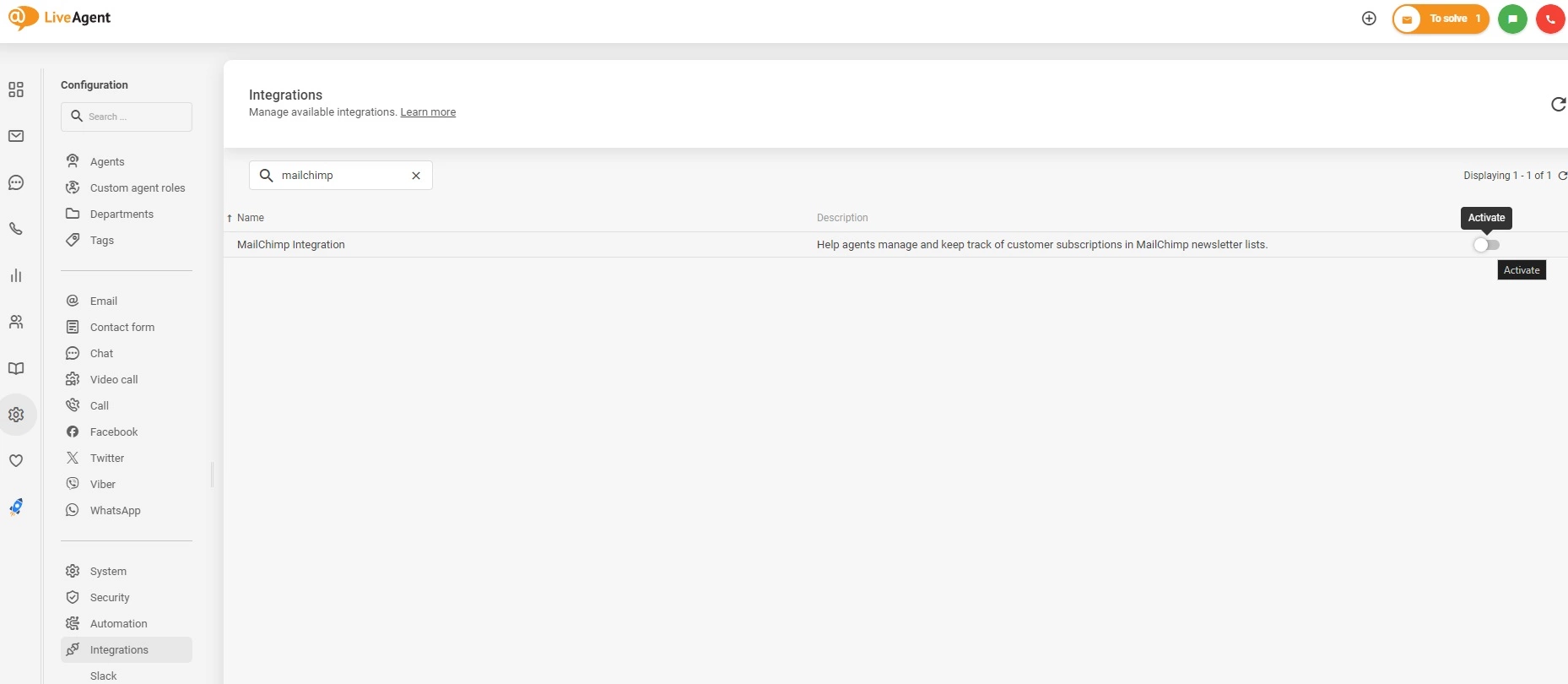
LiveAgent will reset and you can see the plugin is active at the top of the list between active plugins. Now click the configuration button, a cog icon next to the switch. This is where you need to provide your API key.
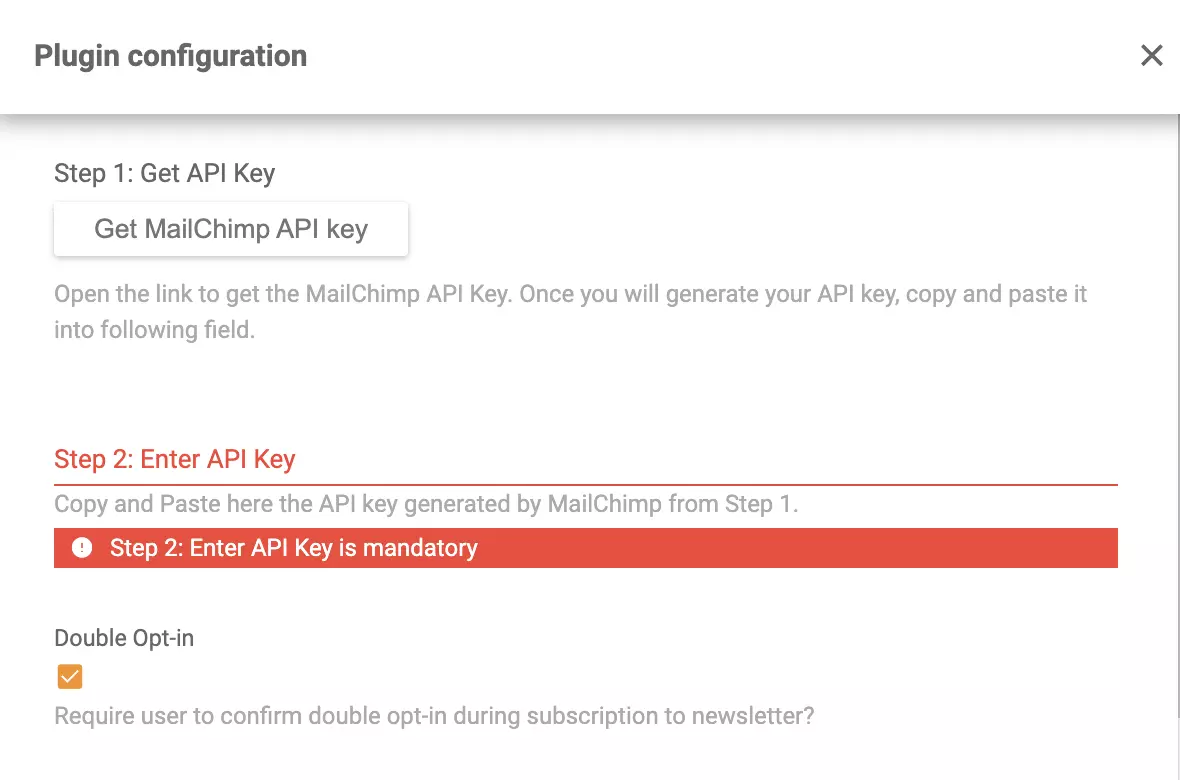
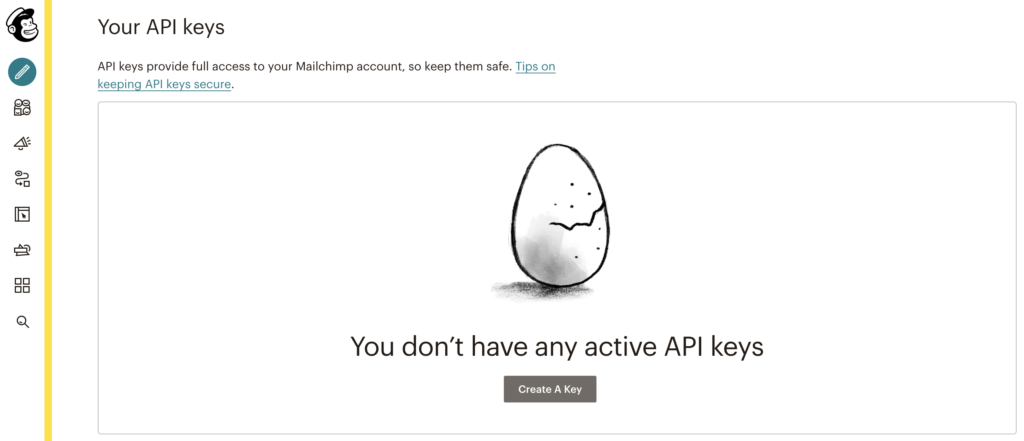
Click on the button Get Mailchimp API key and LiveAgent will take you to your Mailchimp account. Create an API key and copy it into the plugin configuration. Click on Save when you’re done.
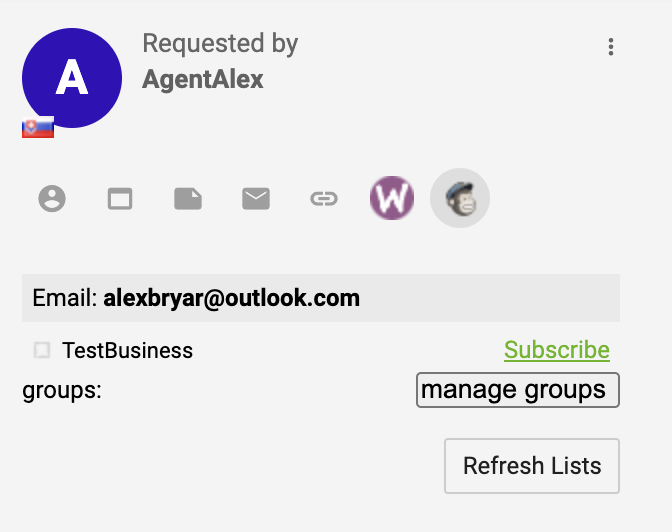
Now you can manage your subscriptions from LiveAgent. Open up any of your customer support tickets and find Mailchimp icon on the right panel. Click on it to see options for managing your marketing communication.
Mailchimp can be connected with LiveAgent via Zapier service. It uses a trigger and action of the users choosing to connect two apps and create an integration. The process takes just a few minutes and you don’t need any coding experience. If you need a Zapier account, create it here. If you have one, go to the LiveAgent + Mailchimp integrations page on Zapier.
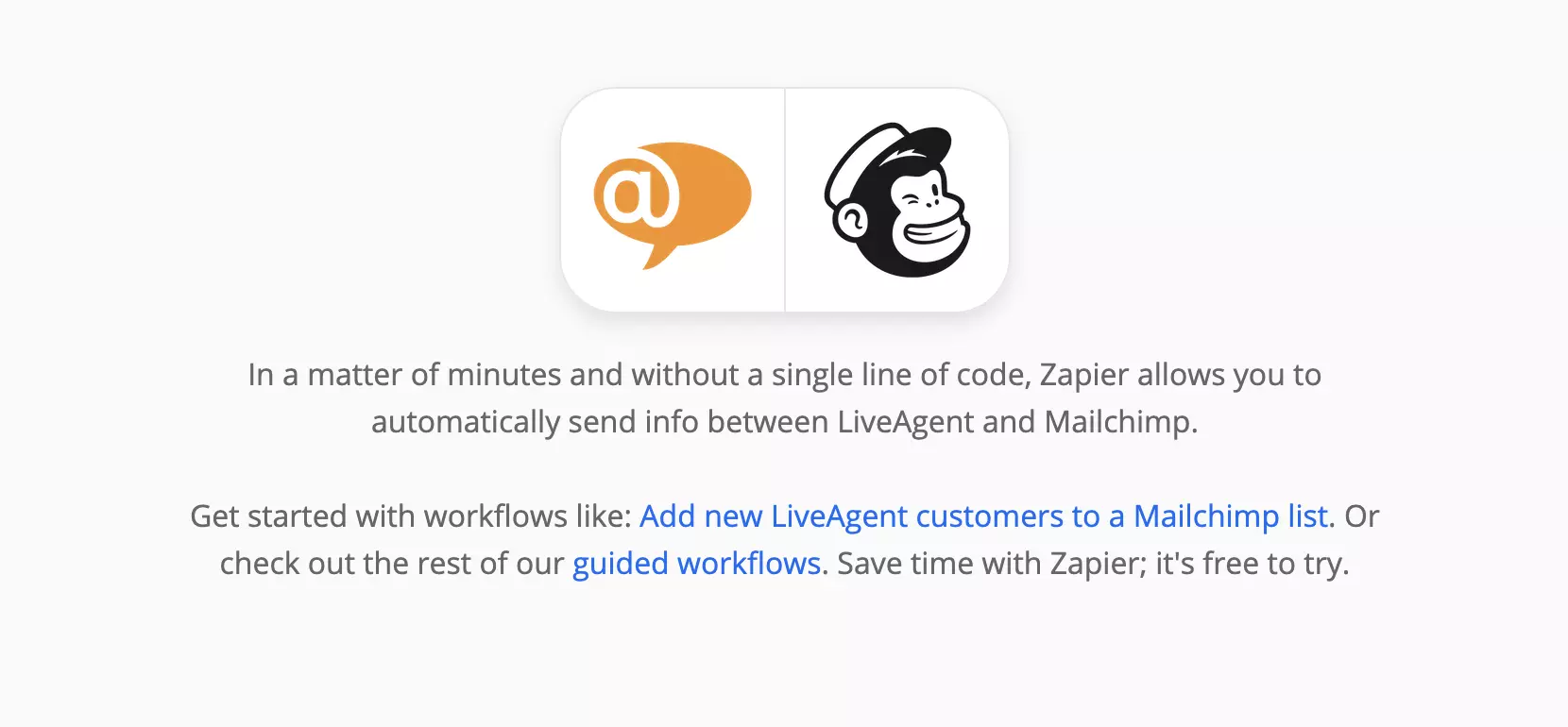
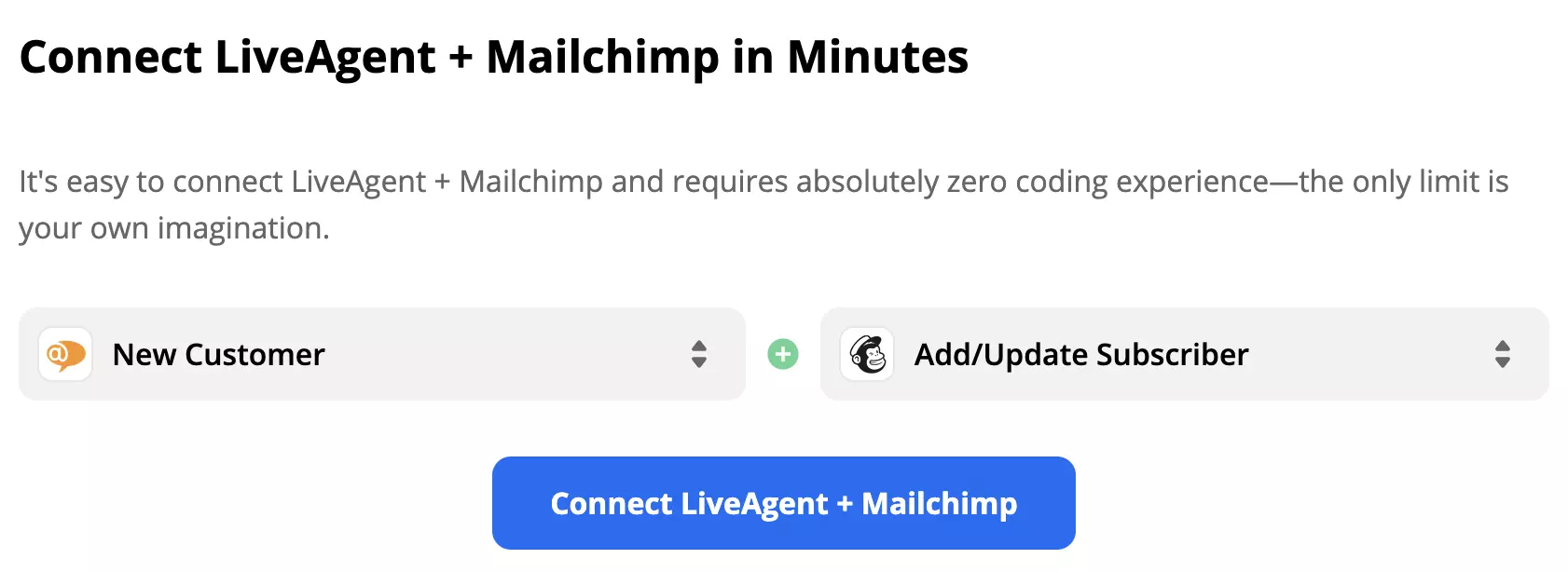
When on the page scroll down until you see the headline Connect LiveAgent + Mailchimp in Minutes. This is where you pick a trigger and an action. Consider what you want your integration to do and take a pick.
We are showing you an integration with LiveAgent trigger New Customer and Mailchimp action Add/Update Subscriber as an example. After that click on the blue Connect button.
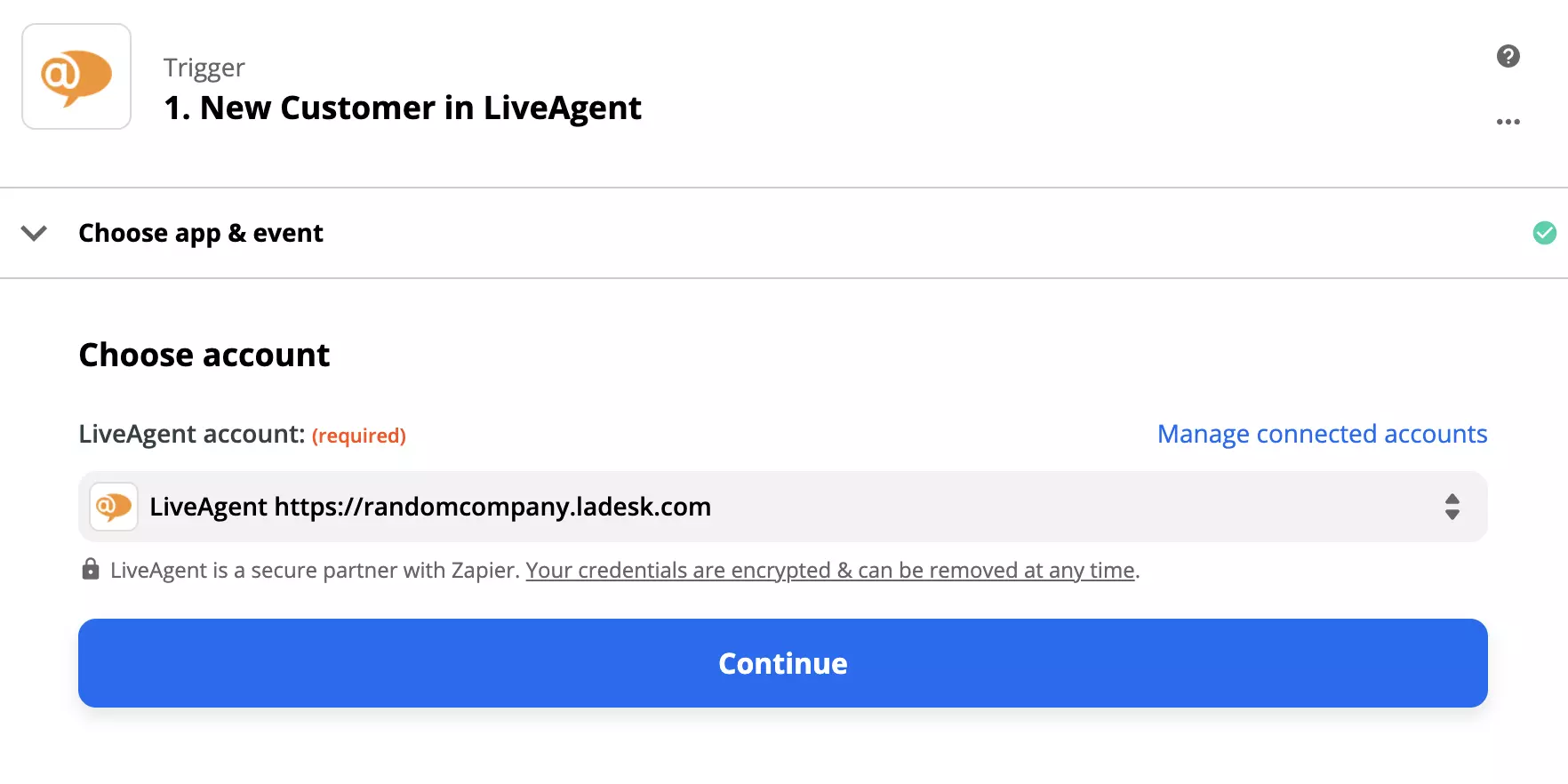
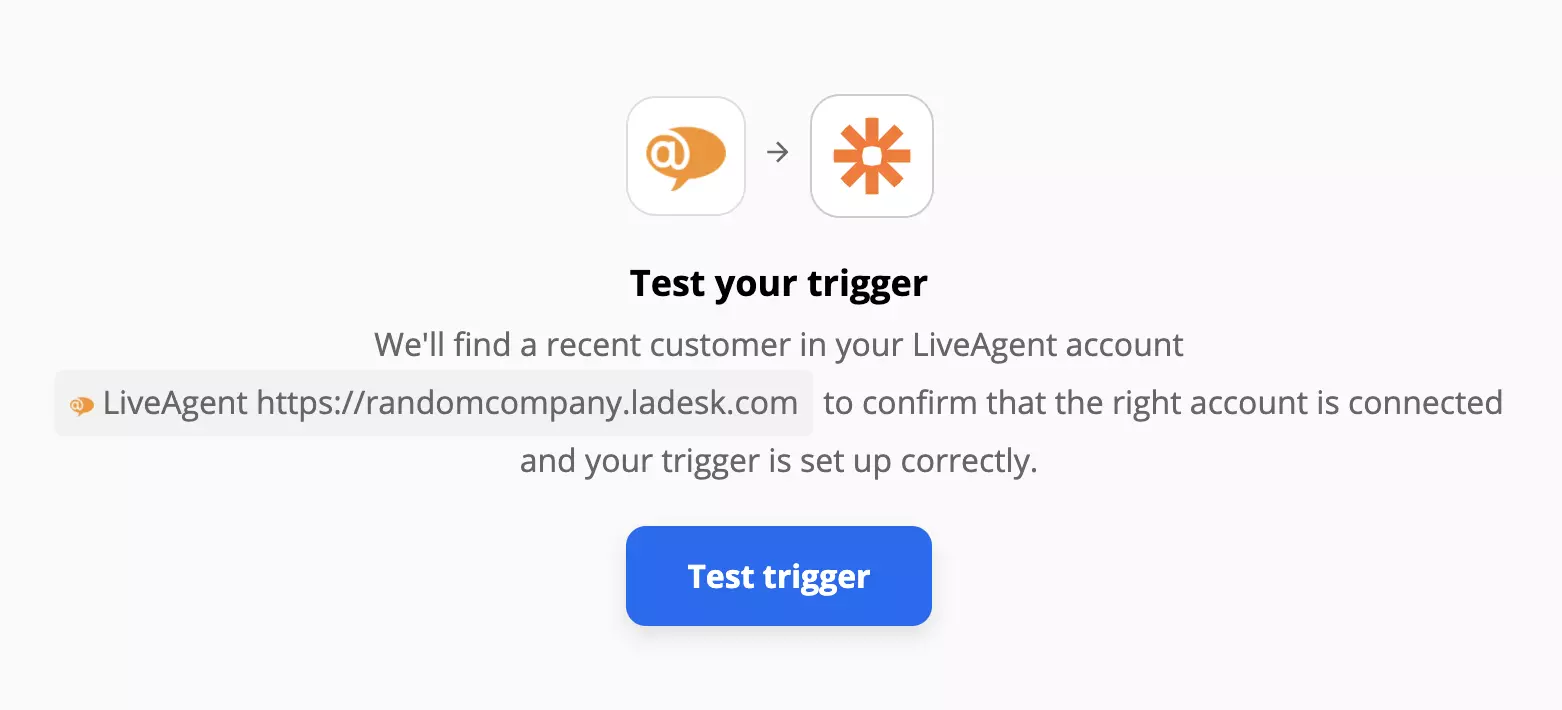
This next step is to configure LiveAgent trigger. All you need to do is click on Continue and then log in to your LiveAgent account via Zapier. Last step is trigger test. You can skip it but we recommend you try it out.
Now for Mailchimp action. Again, log into Mailchimp and select your account. In the next step, you can choose your audience and select how will Mailchimp gather customers data from your LiveAgent. Fill out the required fields. If you’re not sure what to put in the email address field, check this guide for help. After that you can further specify the conditions of your email marketing service.
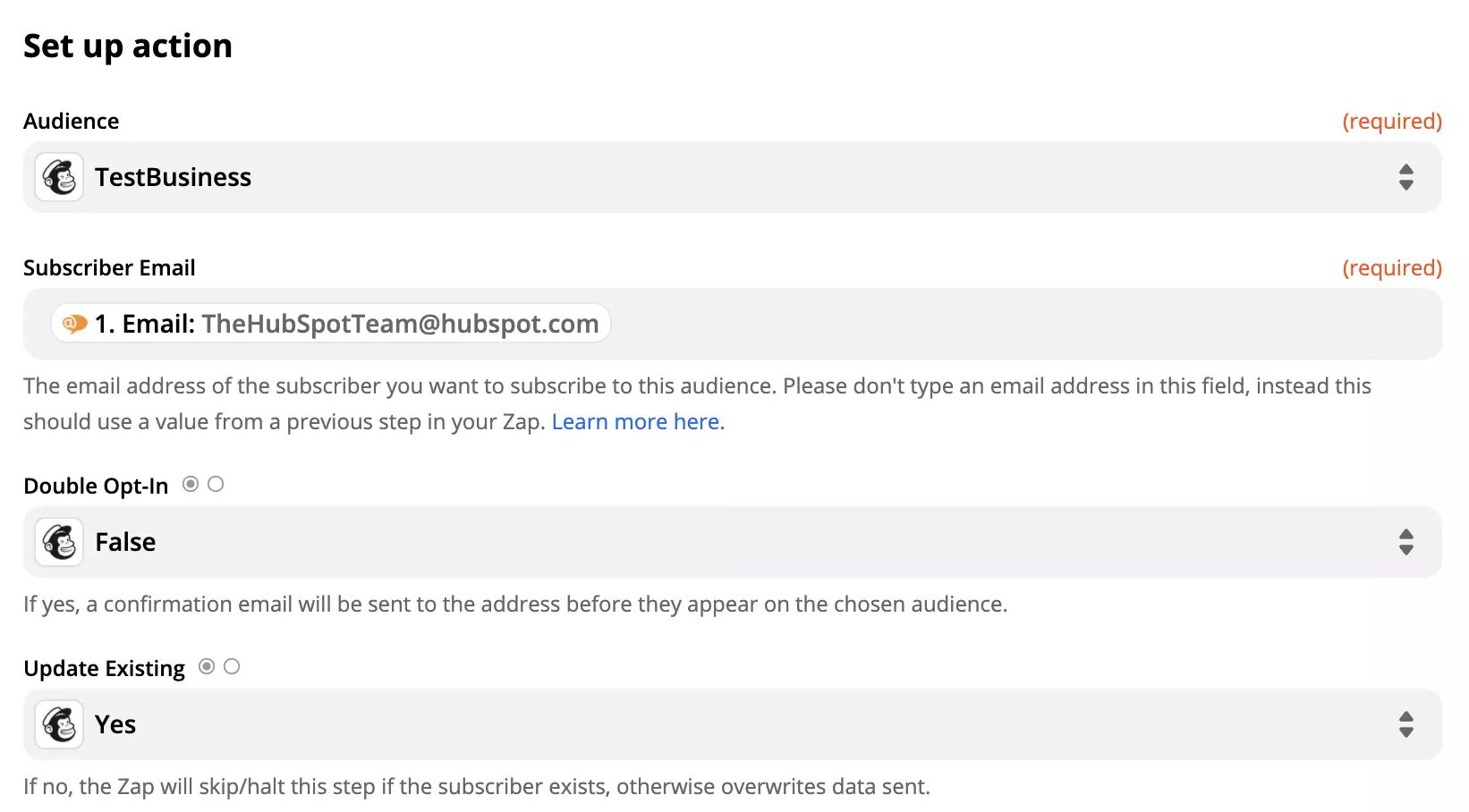
When you’re done, do one final test of the integration.
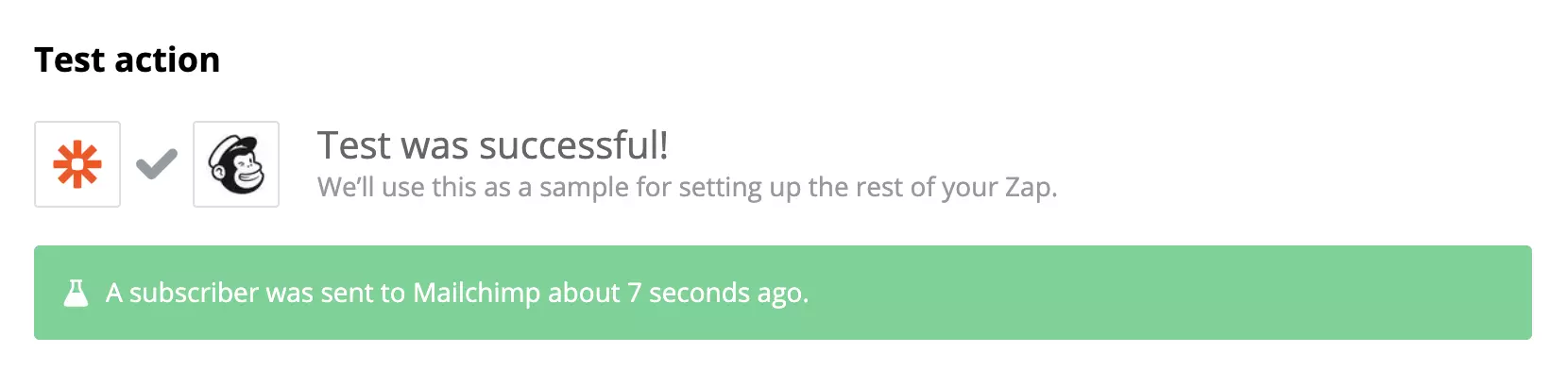
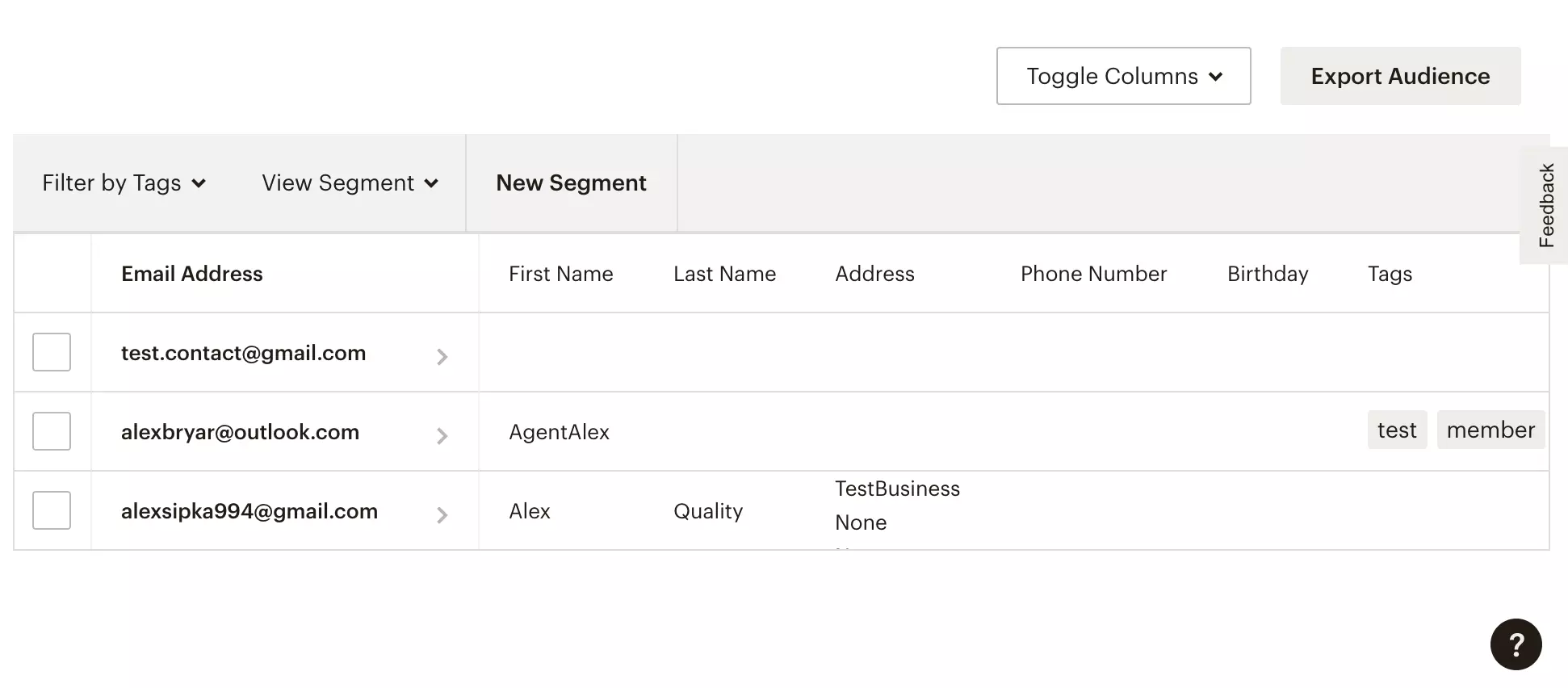
You’re done. Have a look into your Mailchimp account and see the results. Your customers should be subscribed to your campaigns from now on.
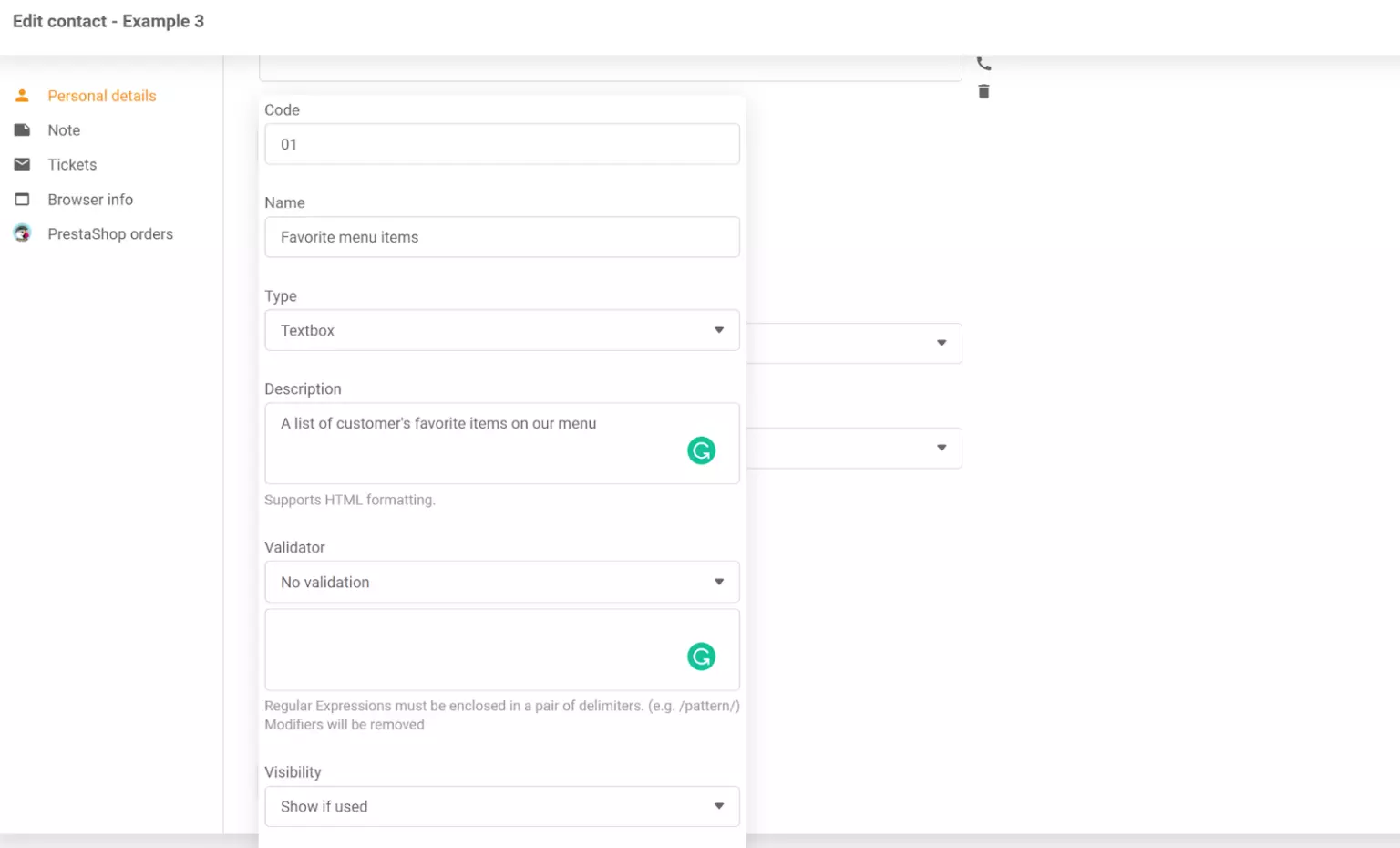
Boost your email marketing with AWeber's seamless LiveAgent integration. Automate campaigns, retain customers, and drive sales effortlessly. Manage subscribers ...
ActiveCampaign integrates with LiveAgent to automate marketing, sales, and support processes. Manage customer subscriptions, connect with deals, and enhance wor...

LiveAgent's email marketing tools boost engagement and sales with personalized content and templates, integrating with your ticketing system.
Cookie Consent
We use cookies to enhance your browsing experience and analyze our traffic. See our privacy policy.