



LiveAgent Split Tickets Feature
Split tickets in LiveAgent let you duplicate and assign multi-issue tickets to different agents or departments. Try it free for 30 days!
3 min read
Ticket Management
Efficiency
+1

LiveAgent’s multiple ticket tabs let agents handle several customer queries at once for maximum efficiency. Try it free for 30 days!
With LiveAgent’s powerful ticketing tool, you no longer have to worry about limiting your agents to working on just one ticket at a time. The ticketing tool offers the flexibility to have multiple tickets opened simultaneously, allowing your support team to efficiently switch between different customer inquiries and solve them all at the same time. This functionality enables agents to maximize their productivity and effectively manage a high volume of tickets.
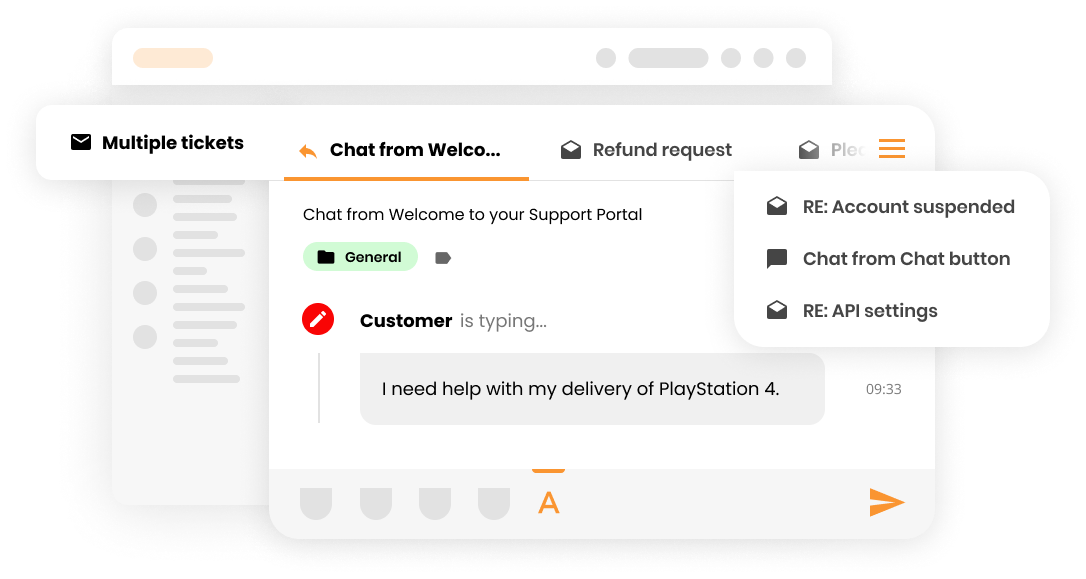
Multiple ticket tabs provide significant advantages for your support team:

Start your free trial today and see results within days.
The multiple ticket tabs feature works by allowing agents to open multiple customer tickets in separate tabs within the LiveAgent interface. Agents can easily switch between tabs to respond to different customer inquiries, manage their workload, and prioritize tickets based on urgency or other criteria.
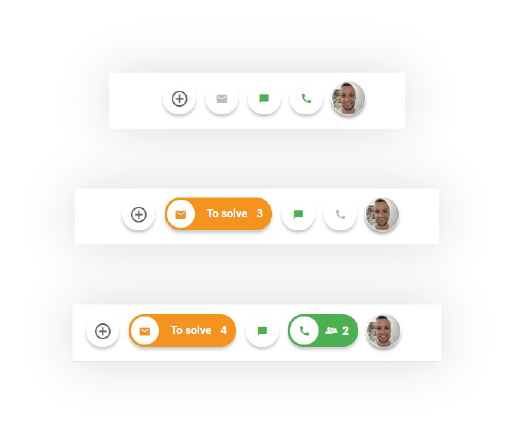
If you want to restrict your agents to work only on one ticket at a time, you can do that by switching the ‘To solve" algorithm on in your customer support ticket system.
By clicking on the “To solve” button, agents can open tickets that are assigned to them and need to be solved.
There is also the possibility to setup a feature where your agents will be able to answer tickets opened from the “To solve” button only. In this case, agents won’t be able to answer tickets opened from the ticket list. They will be able to open only one ticket at once, so multiple ticket tabs won’t be enabled and agents will have to solve each ticket in order.
The latest tips and deals delivered straight to your inbox.
Take advantage of our multiple tabs feature that allows you to work on multiple tickets simultaneously. This is especially useful when you’re handling multiple customer emails or inquiries from different channels. Your agents can:
LiveAgent offers two approaches to ticket management:
Enable your agents to work on multiple tickets simultaneously. This approach is ideal for teams that want maximum flexibility and productivity.
Restrict agents to work on one ticket at a time. This approach is ideal for teams that prefer a more structured, sequential workflow where agents must complete each ticket before moving to the next one.
Discover LiveAgent's powerful features that streamline communication, increase efficiency, and boost customer satisfaction.
Split tickets in LiveAgent let you duplicate and assign multi-issue tickets to different agents or departments. Try it free for 30 days!
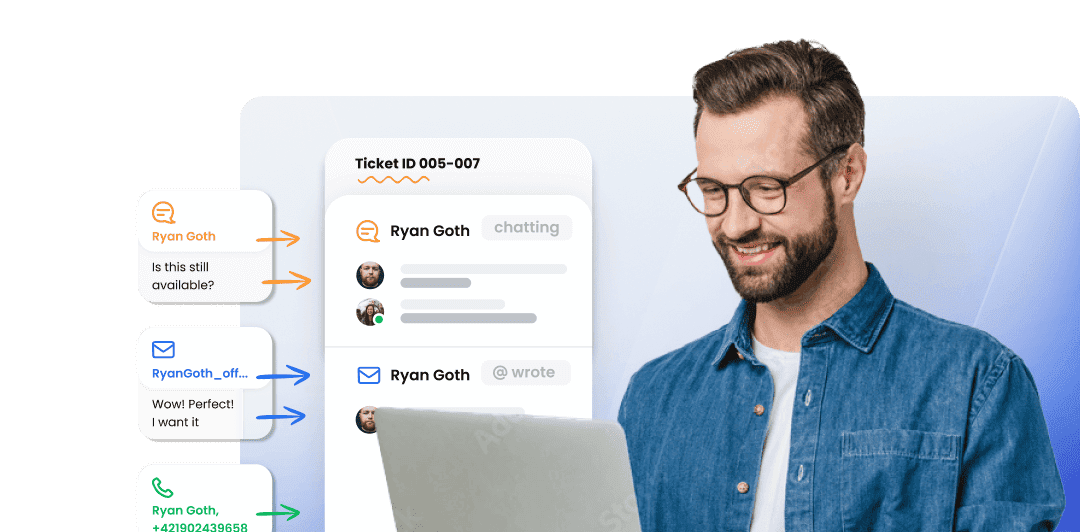
LiveAgent's ticketing system brings together essential ticketing feature elements such as mass actions, audit logs, and integrated communication channels, which...
Prevent multiple agents from working on the same ticket with LiveAgent's Agent Collision Detection. Know who's handling tickets in real-time and reduce confusio...
Join our community of happy clients and provide excellent customer support with LiveAgent.
Cookie Consent
We use cookies to enhance your browsing experience and analyze our traffic. See our privacy policy.