



Live Chat Features
LiveAgent's live chat software enhances customer service with real-time communication, customizable chat buttons, proactive invitations, and integration with ex...
9 min read
Live Chat
Customer Support
+1

Chat window docking lets chat buttons be docked to a website’s side for better customer experience and workflow. LiveAgent offers customizable options, tips for placement, and integrates with other customer service tools
It is simply a chat button docked to the side. The chat window can be docked to the left or right side of a website.
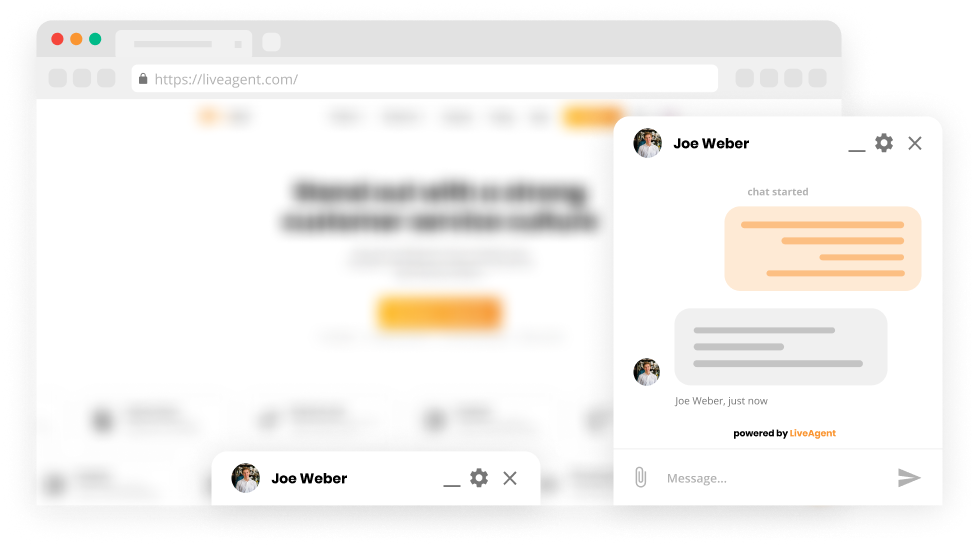
Visitors can minimize the chat window. The notification: “New unread message” is shown when an agent sends a chat message and the chat window is minimized.


Start your free trial today and see results within days.
The latest tips and deals delivered straight to your inbox.
No problem, LiveAgent also offers an option to create a pop-up window.
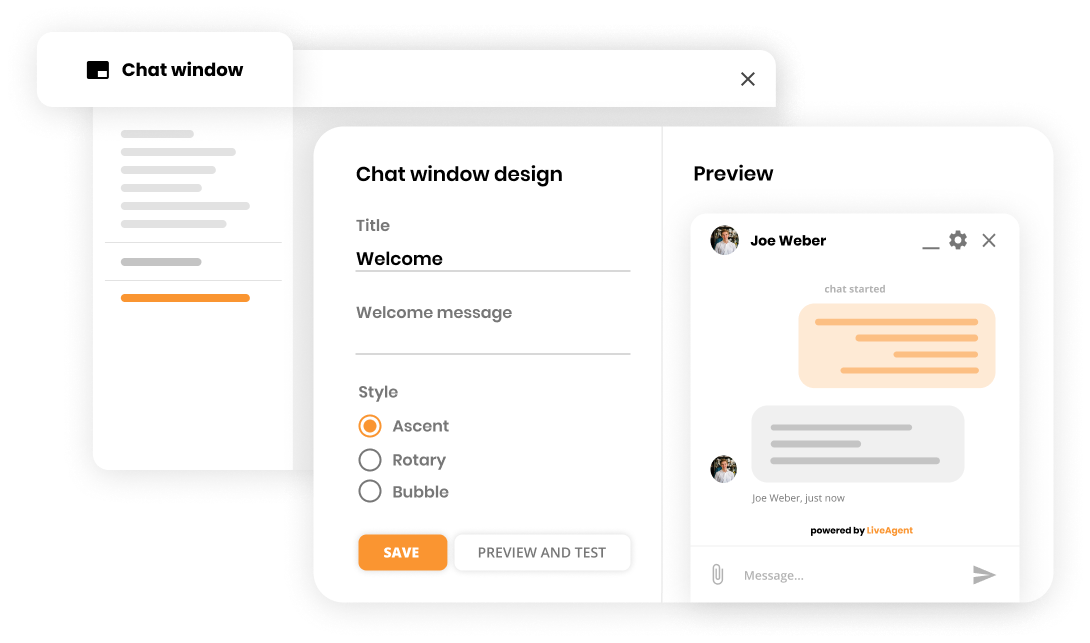
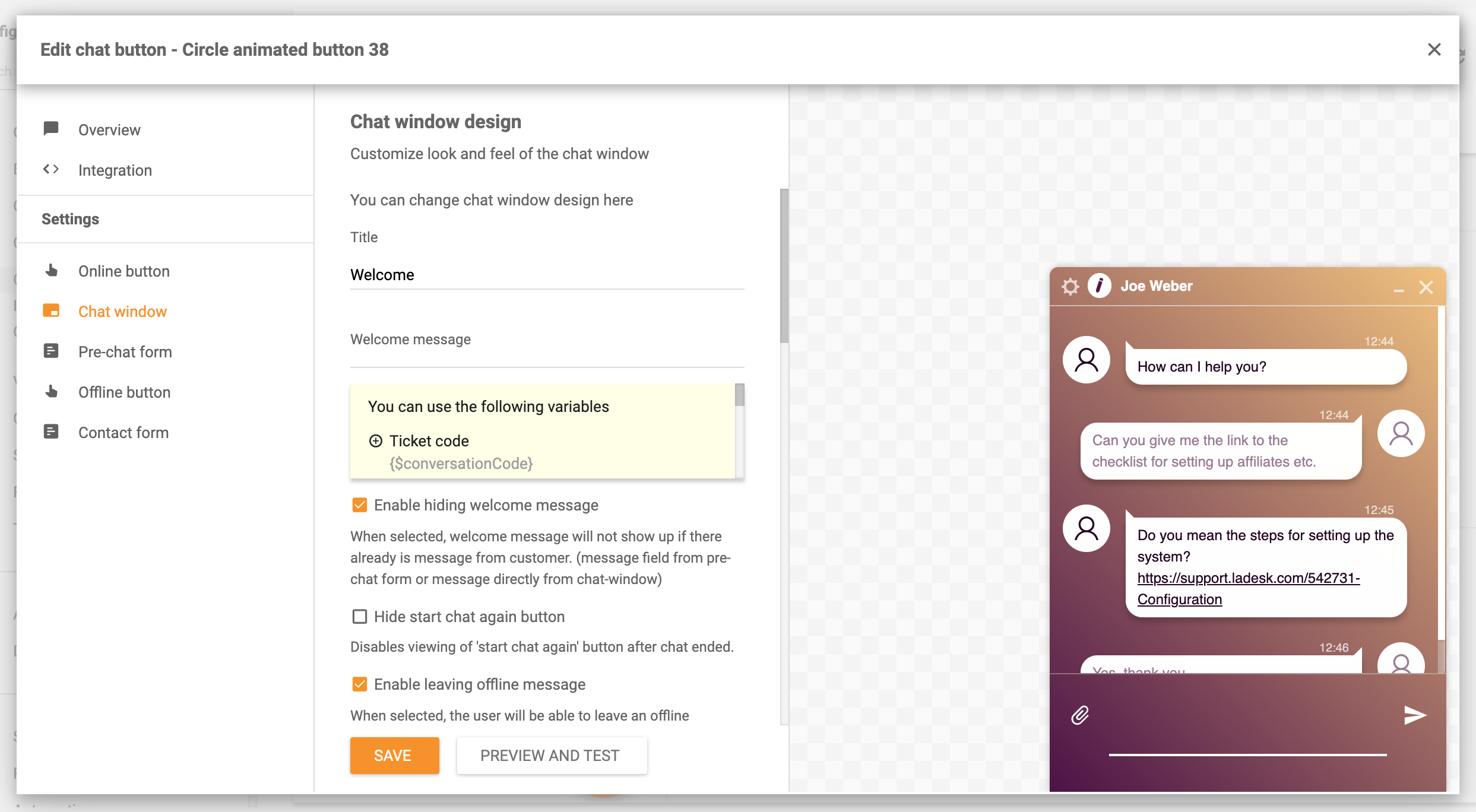
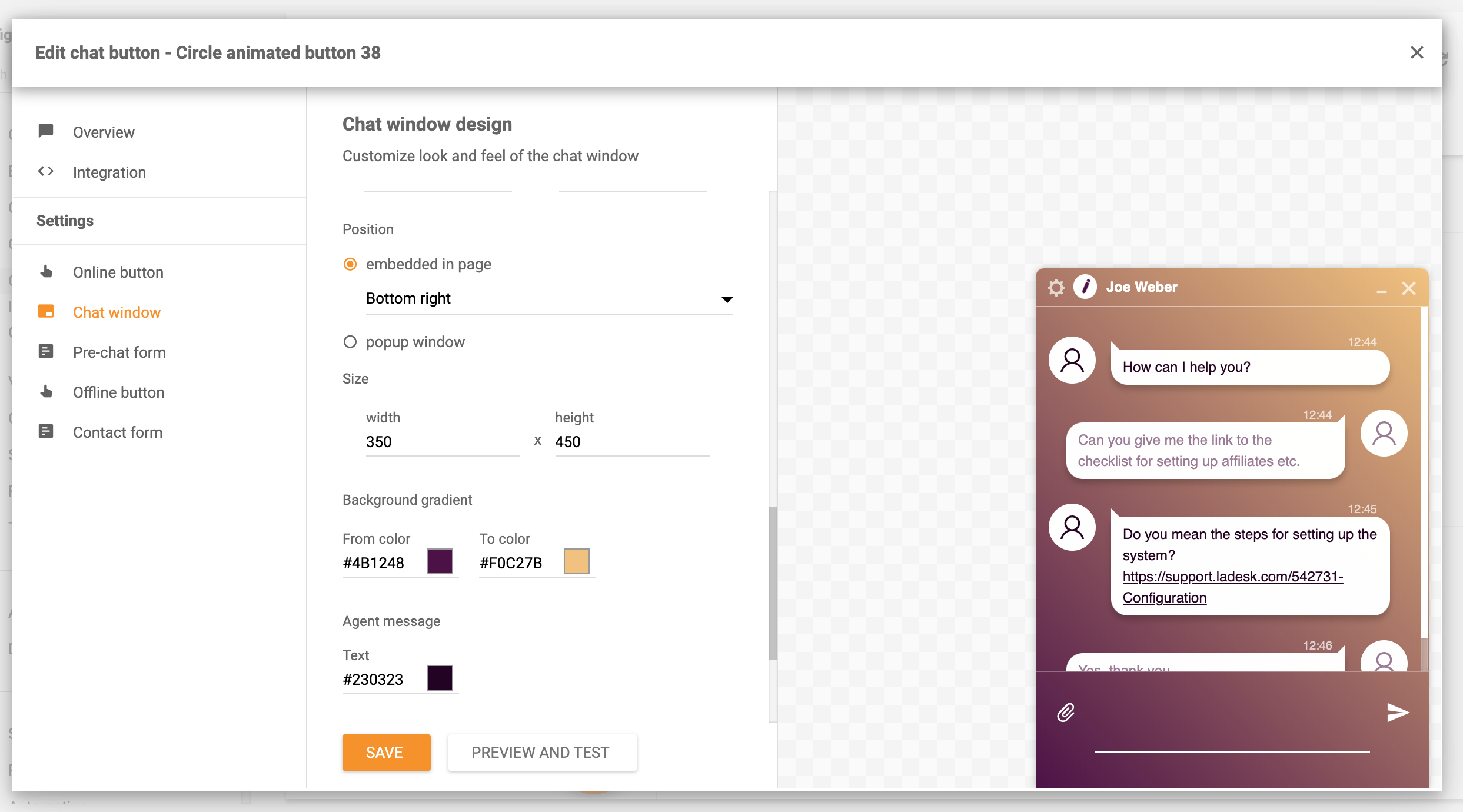
The chat button is an improvement for your agents, website, and ultimately your customers. But, the wrong placement can be counterproductive.
It is known that customers appreciate live chat support since it’s a fast and efficient way of communicating with customer support. However, having an annoying button popping up at the wrong time and wrong place can make the customer choose a competitor over your website. Yes, a user experience (UX) can decide if a customer chooses your company over the competition. To prevent this, we have two important tips to help you prevent this situation.
LiveAgent allows you to set a specific time after which a chat window is shown on your website. It is essential to let the customer browse the website for a while. The general rule is around 30 seconds.
As we’ve already expressed the placement is crucial. Generally, the chat button is placed at the bottom right corner of a website. The customers are used to that, and it is quite natural to search there as most people read from left to the right. If you are still unsure about the placement, simply test it out and see.
If you would like to implement a chat button, follow this guide .
Discover LiveAgent's powerful features that streamline communication, increase efficiency, and boost customer satisfaction.
LiveAgent's live chat software enhances customer service with real-time communication, customizable chat buttons, proactive invitations, and integration with ex...

Boost customer satisfaction with LiveAgent's customizable chat button for real-time support. Learn about features, implementation, and best practices.
Enhance customer service with LiveAgent's customizable chat button. Direct inquiries, enable offline messages, and explore design options. Available in 43 langu...
Join our community of happy clients and provide excellent customer support with LiveAgent.

Cookie Consent
We use cookies to enhance your browsing experience and analyze our traffic. See our privacy policy.