


AI Autoresponder
Transform your customer support efficiency with LiveAgent's AI Autoresponder, an intelligent automation tool that delivers instant, personalized responses to in...
4 min read
AI Features
Automation
+1

LiveAgent’s AI self-learning loop automatically turns resolved support tickets into structured knowledge, allowing your AI chatbot to improve over time without any manual effort from your team.
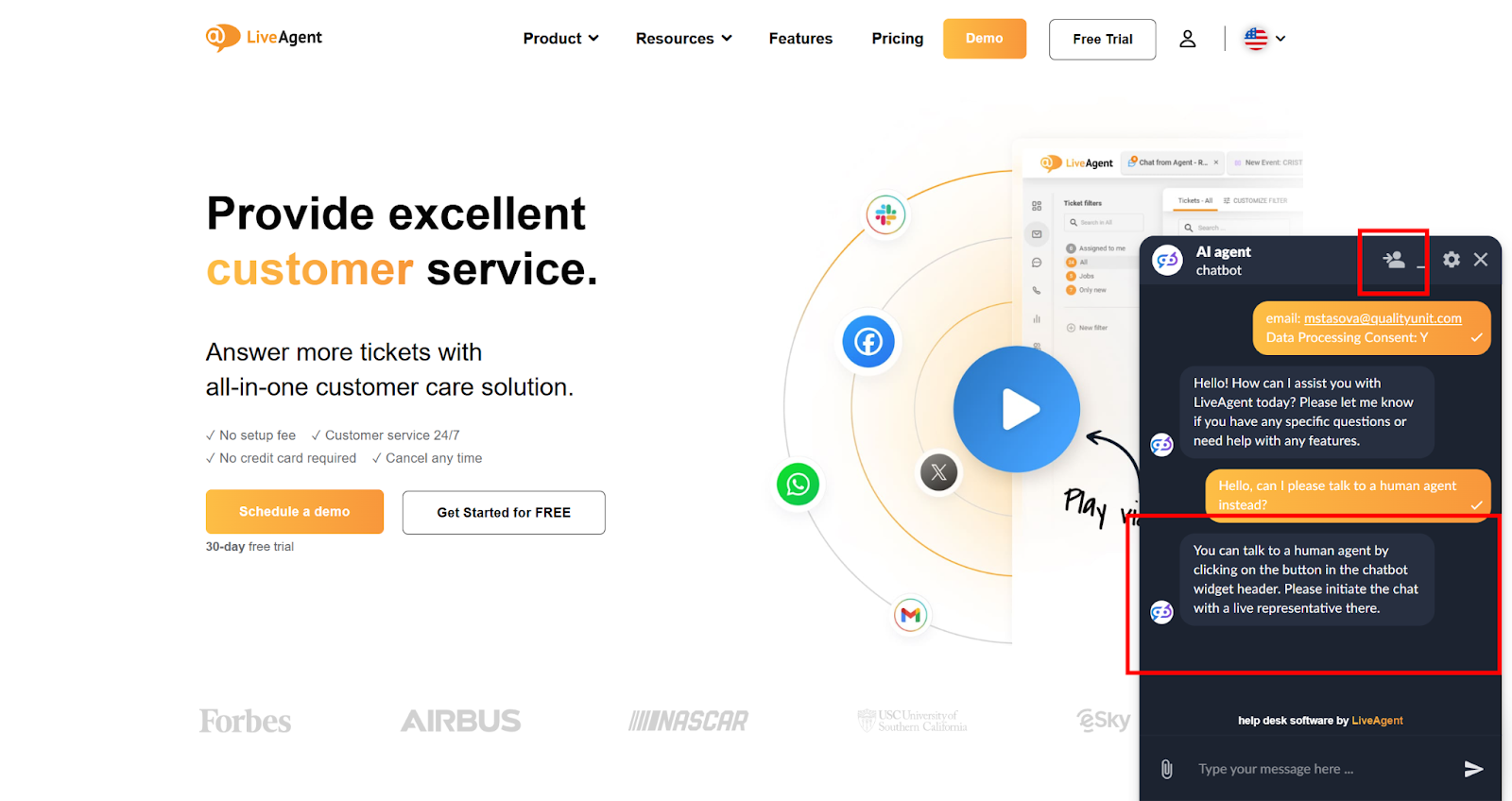
Every resolved support ticket is a learning opportunity for this AI agent. When a customer’s question stumps your chatbot and gets escalated to a human agent, that interaction holds valuable information — exactly what the chatbot missed and how a real agent fixed it. The LiveAgent AI self-learning loop captures that moment automatically and turns it into structured knowledge your AI chatbot can use next time.
The AI self-learning loop monitors resolved tickets, detects knowledge gaps, and updates your chatbot’s memory — all without anyone on your team lifting a finger.
Most knowledge bases stay static until someone updates them manually. This AI agent does that work automatically. After each resolved ticket, it reads through the full conversation, sees what the chatbot missed compared to what the human agent did, and turns that into a general rule the chatbot can use going forward.
The result is a chatbot that gets smarter with every ticket your team closes.
The AI self-learning loop is an AI agent that is triggered automatically by a rule you configure in LiveAgent. Once a ticket is resolved and automatically tagged with Update_AI, the AI agent handles everything from that point on.
To get this AI Agent up and running, you need to integrate LiveAgent with an AI Agents provider. The AI functionality of LiveAgent is currently provided exclusively by FlowHunt . Quality Unit develops both LiveAgent and FlowHunt. This allows us to keep your data safe, as well as provide priority support to LiveAgent users.
Here are 4 main steps of how this AI agent works:
Trigger: The agent receives a LiveAgent Internal Ticket ID.
Analysis: The AI reads all messages to understand the customer’s intent and the agent’s solution.
Synthesis: It formulates a universal rule based on the specific solution.
Save: The system creates or updates a Memory entry with specific tags for future retrieval.
LiveAgent does not charge any additional fees for setting up this feature. Usage is billed through FlowHunt’s credit-based pricing model, and the cost per ticket processed is generally low since each run involves a single, focused classification task. Your overall expenses will depend on ticket volume and the AI model selected. You can use this guide to estimate your AI costs.
Setup takes just a few steps across FlowHunt and LiveAgent. If you don’t have a FlowHunt account yet, you can sign up at the FlowHunt sign-up page .
Create an automated rule: Full setup guide: Triggering FlowHunt AI agents via rules
Example rule: When a chat ticket is resolved/answered and tagged with Update_AI, send the Ticket ID to your FlowHunt agent via HTTP request or webhook.

The latest tips and deals delivered straight to your inbox.
The AI agent doesn’t just skim the last message. It reads the entire ticket thread from start to finish, including chatbot responses, customer follow-ups, agent replies, and any internal notes. Routing messages and system notifications are automatically filtered out so the AI focuses on what actually matters: the conversation itself.
At the heart of the AI self-learning loop is gap detection. By comparing the chatbot’s initial response to the human agent’s successful resolution, the agent pinpoints exactly what knowledge was missing. This is what makes the learning meaningful — it doesn’t add random information, it adds precisely what was needed to handle the case correctly.
The AI agent doesn’t just copy what happened in one ticket. It turns the specific details into something more general, so the knowledge works serves everyone. For example, if a customer asked “how much do I pay for 5 items at $100 each?” and the human agent answered “$500”, the AI doesn’t save “the answer is $500.” Instead it saves the logic behind it: “Price × Quantity” — a rule that works for any similar question in the future, regardless of the specific numbers involved.
Before saving anything, the AI agent automatically strips out personally identifiable information. Customer names, email addresses, order numbers, and other sensitive details are anonymized, so your knowledge base stays compliant and clean by default.
Every new knowledge entry is saved in a consistent structure: topic, trigger, prerequisites, and resolution. This standardization means that AI chatbot can retrieve and use the knowledge reliably for its responses to customers in the future.
The LiveAgent AI self-learning loop bridges the gap between your human agents and your AI chatbot. Each time a ticket gets escalated, the chatbot learns from it, so the same question is unlikely to cause an escalation again. Over time, your chatbot resolves more on its own, your agents focus on cases that truly need them, and your knowledge base stays up to date with real customer questions. Get started today with a 30-day free trial and see how quickly your chatbot improves.
Transform your customer support efficiency with LiveAgent's AI Autoresponder, an intelligent automation tool that delivers instant, personalized responses to in...

LiveAgent's AI ticket validation and autoresponse agent automatically screens incoming support tickets for relevance and clarity, then generates accurate, knowl...
LiveAgent's AI-powered chatbot automates customer interactions, improves response times, and reduces agent workload. Integrated with FlowHunt, it handles FAQs, ...