



E-mail Forwarding
Efficiently manage emails with LiveAgent's forwarding tool, ensuring seamless communication and preventing mailbox flooding. Learn how email forwarding works an...
4 min read
Customer support
Help Desk software
+1

Email forwarding in LiveAgent connects different email providers to your help desk for seamless ticket creation. Instantly transfer email communication without wasting support emails. Easy setup and a free trial available.
Email forwarding in LiveAgent is a simple way to connect email accounts from different providers with your help desk system. Instead of letting your customer support email accounts go to waste when you switch to email ticketing, you can forward your emails instantly to LiveAgent. This is a much faster alternative to IMAP, as emails are transferred immediately rather than being fetched and downloaded periodically.
The universal inbox will fetch email communication and convert them into tickets automatically, allowing your team to respond to customer inquiries without delay.
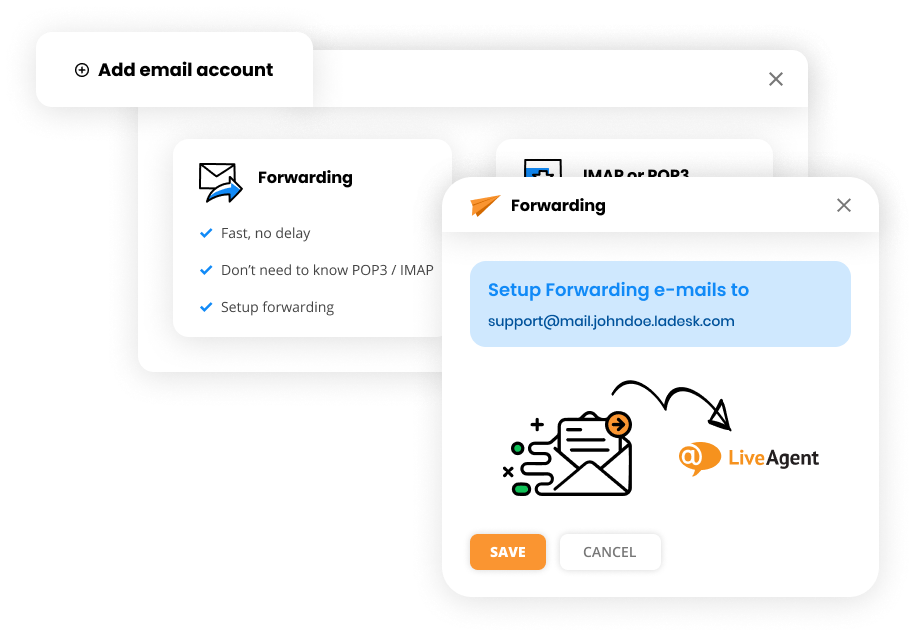
When you create a LiveAgent account like yourdomainname.ladesk.com, a support email that looks like support@mail.yourdomainname.ladesk.com will be assigned to you. Any email sent to this email address will be automatically converted into a ticket.
In simple terms, LiveAgent’s email forwarding feature enables you to start responding to emails immediately through an email server that has your domain name, instead of waiting for each email to be fetched and downloaded from your email inbox. This is all possible thanks to DNS settings, TXT SPF entries, or by using your own SMTP server.
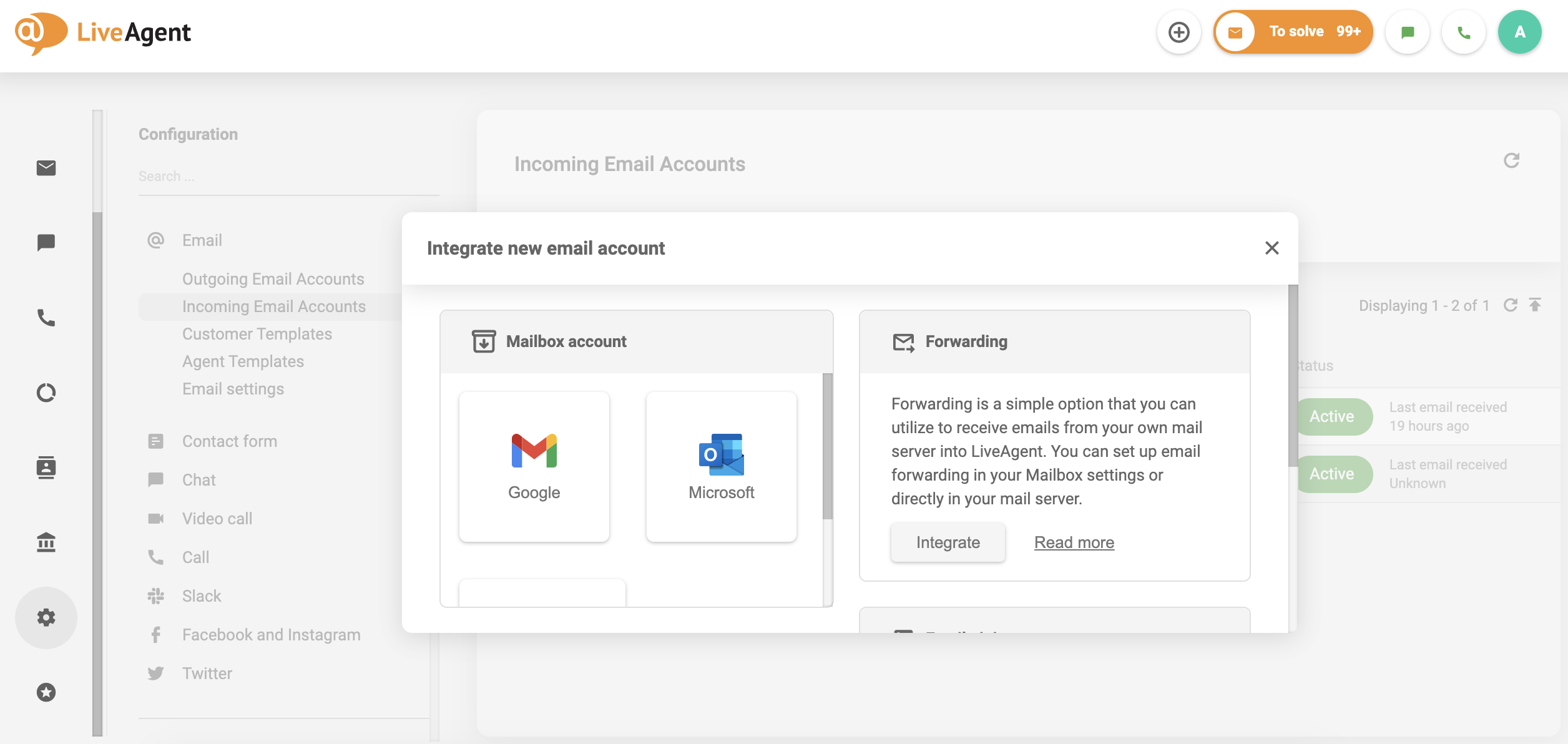
For more information, troubleshooting, or instructions for setting up SPF DNS, check out our knowledgebase article about email forwarding .
Efficiently manage emails with LiveAgent's forwarding tool, ensuring seamless communication and preventing mailbox flooding. Learn how email forwarding works an...

Zoho Mail integrates with LiveAgent to streamline email management for businesses, enhancing workflow efficiency by consolidating emails into one Universal inbo...
Integrate Sendmail with LiveAgent for secure, efficient email routing and enhanced customer support. This open-source solution supports various mail-transfer me...
Cookie Consent
We use cookies to enhance your browsing experience and analyze our traffic. See our privacy policy.