


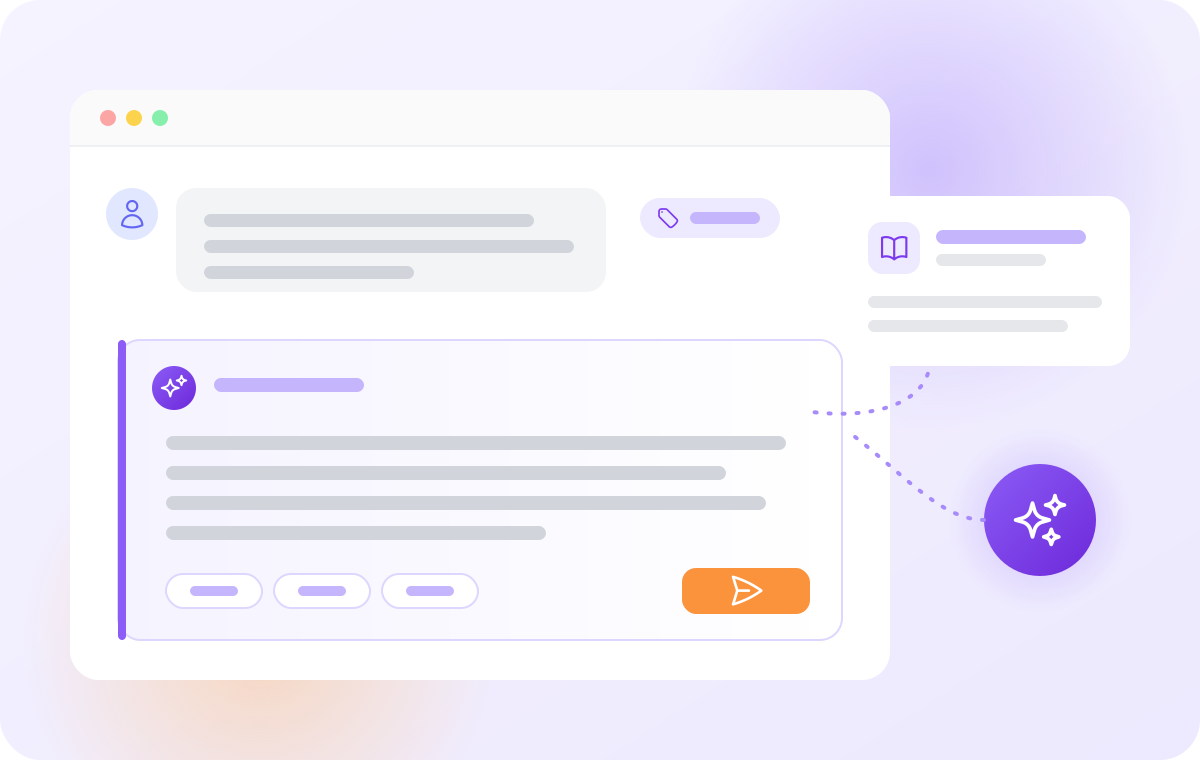
Every reply starts from a complete draft
Your agents don’t start from an empty reply box. AI Answer Assistant reads the whole ticket and your knowledge base, writes a complete reply in the tone you choose, and waits for the agent to check it.
- Faster replies. The agent reviews and adjusts a draft instead of typing every answer.
- Answers from your own documentation. When the ticket doesn’t contain the facts, the assistant looks them up in your knowledge base.
- The agent decides. Nothing reaches the customer until the agent clicks Send.
AI Answer Assistant is included in every LiveAgent plan and in the free trial.
A full example. A team of 10 agents pays LiveAgent $290 a month on the Team plan, billed annually. If they send 6,000 replies a month with the assistant, the AI adds about $12–18 with a low-cost model, or about $270 with a strong one. All plans are on the pricing page .
We run our own support on it
Quality Unit, the company behind LiveAgent, answers its own customers in LiveAgent: 79 agents, about 6,300 tickets a week and 2,300 help articles in the knowledge base (October 2026). Our team has AI Answer Assistant set up with several AI models, the same way you would.
See it on a real ticket
Anna writes about her order #4821: “The jacket is too small. Can I send it back and get my money back?” Your help article on returns says that unused items with their tags can be returned within 30 days of delivery, that the customer gets a return label by email, and that the refund goes to the original payment method.
The agent clicks Answer assistant. The assistant reads the conversation, finds the returns article and writes a draft:
Example draft: Hi Anna, I’m sorry the jacket from order #4821 doesn’t fit. You can return it within 30 days of delivery if it’s unused and still has its tags. We’ll email you a return label, and once the jacket is back with us, we’ll refund your original payment method.
The draft says only what your returns article says. The agent checks the delivery date, puts the text into the reply and sends it.
For order-status questions, LiveAgent’s Shopify integration shows the customer’s orders next to the ticket. The agent adds the order details in one line, for example “shipped on 3 May, tracking number 1Z999”, and the assistant writes the full reply, with any AI provider. Only if you want the assistant to check orders by itself does it need an order tool, for example FlowHunt’s Shopify order tool in a FlowHunt AI agent. FlowHunt plans start at €46 a month, billed yearly (October 2026).
Better than copying tickets into an AI chat tool
Many agents already paste customer emails into an AI chat tool and copy the answer back. AI Answer Assistant does the same job inside LiveAgent, and does it better:
- It sees the whole ticket, not only the message an agent copied.
- It knows your answers. It looks up your knowledge base instead of guessing.
- No personal AI accounts. Agents don’t paste customer emails into their own AI account; the assistant uses the AI provider your company chose.
- One tone for the whole team. Every agent picks from the same three levels of formality: casual, neutral or business.
- No switching windows. The draft goes straight into the reply.
What it knows when it writes a reply
A reply is only as good as what the AI knows about the customer’s question. AI Answer Assistant doesn’t guess from the last message alone.
- The whole conversation
- Ticket details and tags
- Your knowledge base
| What it reads | Why it matters |
|---|---|
| The whole conversation, every message from the first one | It knows what the customer asked before, what your team already answered and what was promised. |
| The ticket’s details: subject, status, channel, department, assigned agent and tags | It answers in the context of the case, for example an order inquiry for the shipping team. |
| Your knowledge base, when the reply needs facts the ticket doesn’t contain | It searches your help articles and reads the ones it needs, so the reply follows your own documentation. |
No knowledge base yet? The assistant still writes from the ticket and improves your agents’ drafts. Your policies, prices and product facts, though, come from your LiveAgent knowledge base . Start with the questions customers ask most, such as returns or shipping.
Write a reply, or improve the agent’s own
To write a reply, the agent opens the assistant in the reply editor, picks the tone and clicks Generate answer. An instruction such as “offer a replacement and apologize for the delay” steers the reply. The assistant writes in the customer’s language: a customer who writes in Slovak gets a Slovak draft, even when your help articles are in English.
Agents who know what to say can write it themselves and let the assistant improve it:
Hi Anna, I'm sorry the jacket from order #4821 doesn't fit. You can return it within 30 days of delivery if it's unused and still has its tags. We'll email you a return label, and once the jacket is back with us, we'll refund your original payment method.
- Improve makes the text clearer and fixes grammar and style, without changing the meaning.
- Extend turns short notes into a full answer.
- Simplify makes a long answer easier to read.
- Tone switches between casual, neutral and business formality.
- Custom instructions do anything else, for example “make it shorter and add the return address”.
When the assistant improves a draft, it keeps the draft’s language: an agent who writes in German gets German back.
Can you trust the drafts?
Any AI can be wrong. AI Answer Assistant is built so that a wrong answer doesn’t reach your customer:
- It writes from facts, not guesses: the ticket and your knowledge base.
- The agent reads every reply and can change it, ask for another version or go back to an earlier one.
- You choose the AI model, including a stronger one for difficult tickets.
- Agents add what the AI can’t know as an instruction, for example “the order was delivered on 3 May”.
Your customers’ data
For your security and data protection team:
What is sent: the ticket the agent is working on (its messages and details) and the help articles the assistant reads for that reply.
When: only when the agent asks the assistant for a reply.
To whom: the AI provider your company chose, under that provider’s terms. With FlowHunt, your AI agent can also use the tools you give it.
What LiveAgent keeps: not the drafts. LiveAgent doesn’t store them, and your instructions to the assistant are deleted once the draft is written. Your AI provider may keep the conversation on its side, under its terms.
Where LiveAgent hosts your data: on Amazon Web Services, in Germany and Ireland for customers in the EU, and in California or Singapore for customers in the US or Asia. The full list is on our subprocessors page .
How LiveAgent protects your data is described on our security and GDPR pages. Our Data Processing Addendum (DPA) templates for the EU, the US and Asia are on the GDPR page .
Your AI provider, your choice
| Provider | What you choose |
|---|---|
| OpenAI | A model, for example a GPT model |
| Anthropic | A Claude model |
| A Gemini model | |
| FlowHunt | Your own FlowHunt AI agent |
With OpenAI, Anthropic and Google, the assistant uses the model you pick, with LiveAgent’s ticket and knowledge base tools. FlowHunt is different: it is an AI agent platform from Quality Unit, the company behind LiveAgent, with its own plans (see FlowHunt pricing ). You build the AI agent in FlowHunt, and you can give it more tools of your own, including external ones. For example, FlowHunt’s Shopify order tool lets the assistant check an order’s status in your shop and put it into the reply. You can add several models, and agents switch between them in the assistant.
Set up in a few minutes
Your company needs an account with an AI provider and an API key from that account: a code that lets LiveAgent use it. Create the key and set a spending limit in the provider’s console:
- OpenAI: API keys and a monthly budget under Limits .
- Anthropic: API keys and spend limits .
- Google: an API key in Google AI Studio and a budget alert for its billing account.
Your AI provider asks for a payment card for API use; LiveAgent’s free trial doesn’t. An administrator then enters the key and adds a model under Configuration > AI > Answer Assistant. That’s all: from then on every agent sees the Answer assistant button in the reply editor.
Two things to know before you start. Today the assistant is on for your whole account: you can’t yet switch it on for only some departments or agents. And every agent can use every model you add, so add a strong, more expensive model only if you want everyone to be able to pick it. To test the assistant with a small group first, start a free trial with only those agents and one low-cost model.
Moving from Zendesk? We migrate your data from Zendesk to LiveAgent for free, and other help desks too: see migration to LiveAgent .
More AI in LiveAgent
- The AI chatbot answers live chats on your website and hands the chat to an agent when needed.
- AI Ticket Summary turns long ticket threads into a short summary agents read in seconds.
- The knowledge base holds the help articles your customers and the assistant use.
- All AI features in one overview.