


AI Spam & Irrelevance Filter
LiveAgent's AI Spam & Irrelevance Filter automatically detects and filters out irrelevant or harmful tickets before they reach your support team.
3 min read
See how AI ticket classification filters spam, phishing, and irrelevant tickets automatically, so agents only see the inquiries that actually need a reply.
Your support team opens the queue every morning and finds dozens of messages that have nothing to do with helping customers. A cold sales pitch from someone who scraped your contact form. A phishing email disguised as an account issue. An automated notification that somehow created a ticket. A message that reads like a keyboard was sat on. Real customer issues are buried somewhere in the pile, but finding them takes time, time that should be spent solving problems, not sorting garbage.
This is the reality for most support teams, and the volume is only growing. According to research from multiple AI providers, anywhere from 15% to over 40% of incoming support tickets can be spam, irrelevant, or non-actionable. When every minute of agent time counts, that kind of noise is expensive.
An AI spam and irrelevance filter changes this equation entirely. Rather than relying on agents to manually sort through the junk, the AI reads every incoming ticket, evaluates its content, and makes a binary decision: relevant or irrelevant. Only the real stuff gets through. Everything else is tagged, routed, or discarded before it ever touches a human.
An AI spam and irrelevance filter is a classification system that uses natural language processing (NLP) and machine learning to analyze incoming support tickets and determine whether they represent legitimate customer inquiries. Unlike traditional spam filters that rely on static keyword lists, an AI-powered filter evaluates the full context of each message, its structure, intent, sender patterns, and semantic meaning, to make a more accurate call.
The output is deliberately simple: TRUE (relevant) or FALSE (irrelevant). This binary result slots directly into automated workflows. A ticket flagged as FALSE can be automatically closed, tagged for review, moved to a separate spam queue, or excluded from standard reporting. The goal is straightforward: ensure that only tickets requiring human attention reach the humans.
The LiveAgent AI spam and irrelevance filter takes this approach and bakes it into the help desk itself. It processes raw ticket data, including message headers, HTML structure, and body content, against your defined business context. You decide what “relevant” means for your team, and the AI applies that definition consistently across every submission.
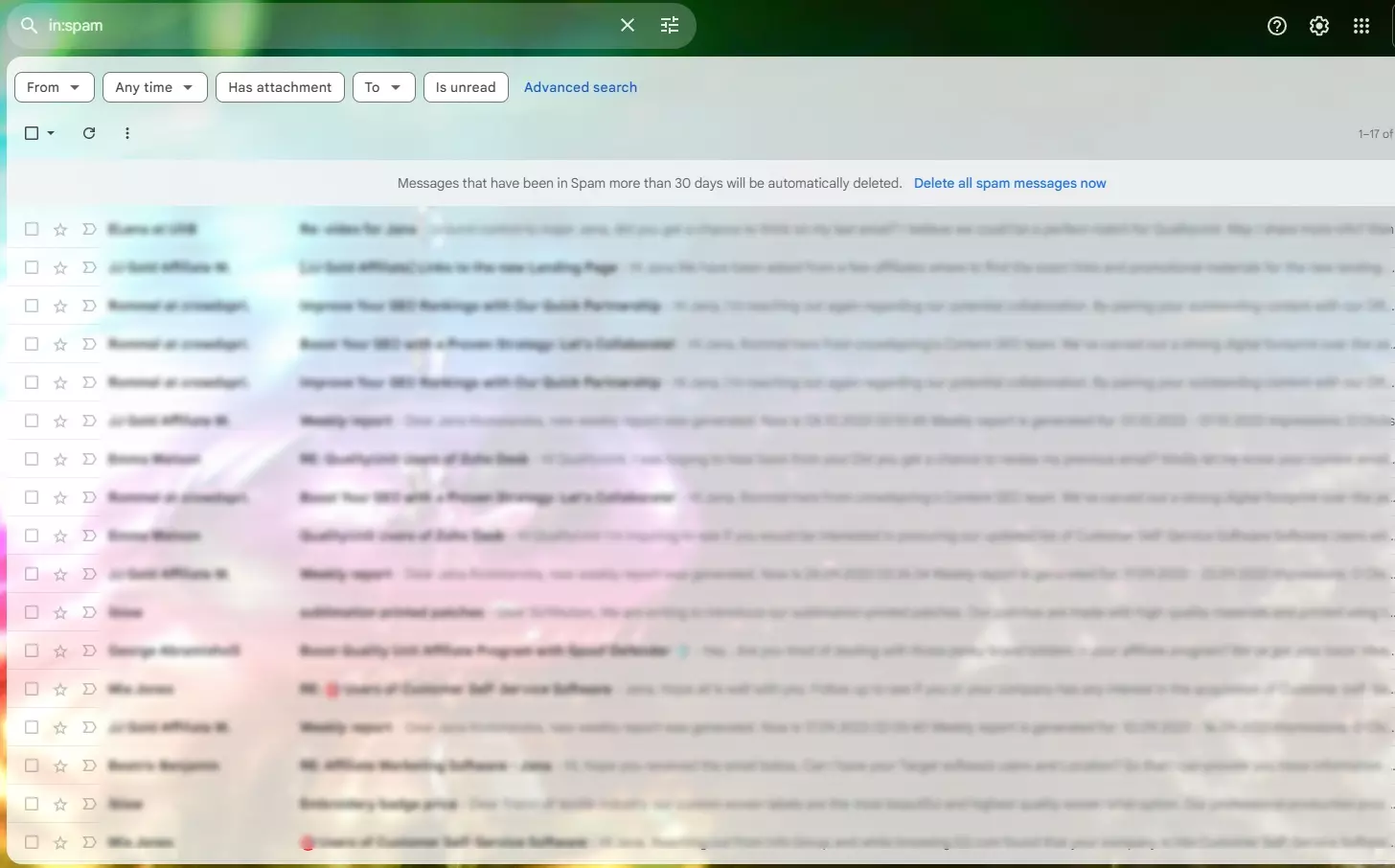
For years, the standard approach to keeping spam out of support queues was a keyword blacklist. If a message contained “SEO services,” “lead generation,” or “quick demo,” it got flagged. This approach catches some junk, but it also creates two serious problems.
First, it’s brittle. Spammers and cold outreach platforms adapt their language constantly. A pitch that starts with “I noticed your website” today might open with “Loved your recent blog post” tomorrow. Maintaining a keyword list that keeps up with these variations is a game of whack-a-mole that nobody wins.
Second, and more importantly, keyword filters catch legitimate customers. A real user might write: “I saw your demo video and I can’t get the integration to work.” A keyword rule sees “demo” and flags the ticket as spam. That customer now has a bad experience, and your team lost a chance to help.
AI-powered filtering avoids both traps. It reads intent, not just words. The difference between a rule-based and an AI-based approach is the difference between matching keywords and understanding meaning. A cold sales pitch and a genuine partnership inquiry might share vocabulary but differ entirely in context. The AI catches that distinction.
The underlying process is more sophisticated than a simple keyword scan. When a ticket arrives, the AI runs through several layers of analysis before returning a classification.
The first step is parsing everything available about the message. This includes the subject line, body text, sender metadata (email domain, IP reputation, submission frequency), HTML structure (spam often contains embedded tracking pixels or unusual formatting), and any attachments. The AI extracts features from all of these signals rather than relying on text alone.
Once the features are extracted, the AI evaluates them against the business context you’ve defined. This is where the customization matters. A software company might consider bug reports from non-customers as irrelevant, while an e-commerce business might treat any message containing an order number as automatically relevant. You define the boundaries, and the AI applies them.
The AI classifies the ticket’s intent: is this a support request, a sales pitch, a phishing attempt, a job application, an automated notification, or gibberish? This classification goes beyond a simple spam/ham binary. It identifies the type of irrelevance, which matters for routing decisions. A cold sales pitch about SEO services and a phishing email targeting your team are both irrelevant, but they might warrant different handling.
The final step is assigning a confidence score to the classification and triggering the appropriate action. High-confidence spam gets auto-closed or quarantined. Ambiguous messages, those in the 60-85% confidence range, get routed to a review queue where a human can make the final call. This tiered approach prevents the AI from ever silently discarding a legitimate customer inquiry. If the AI isn’t sure, it asks for help.
Based on analysis of provider responses across major AI models, the most common categories of irrelevant tickets that AI can reliably detect include:
| Category | Example | Recommended action |
|---|---|---|
| Cold sales pitches | “We can improve your SEO rankings. Let’s schedule a 15-minute call.” | Tag as spam, auto-close |
| Phishing & malware | Messages with suspicious links, unusual sender domains, or requests for credentials | Quarantine immediately |
| Automated notifications | Out-of-office replies, delivery confirmations, system alerts | Filter out, do not create ticket |
| Job applications | “I’d like to apply for your software engineer position” sent to support@ | Tag and redirect |
| Gibberish / test messages | Random character strings, blank submissions, “test test test” | Auto-close |
| Duplicate tickets | Same user sending the same issue multiple times within minutes | Merge or close duplicates |
| Off-topic / out-of-scope | Questions about products or services your company doesn’t offer | Tag and close with deflection |
The key insight across all AI providers is that intent-based classification outperforms keyword-based filtering for every category. A message that reads “I’d love to discuss how our platform could complement your support workflow” contains no obvious spam keywords, but the intent, unsolicited sales outreach, is unmistakable to an AI reading for meaning.

The latest tips and deals delivered straight to your inbox.
The most common fear teams have when deploying an AI spam filter is the false positive: a real customer whose legitimate inquiry gets flagged as spam and never receives a response. This fear is well-founded. A false positive isn’t just a missed ticket. It’s a damaged customer relationship.
Here is a proven implementation framework that mitigates this risk at every step.
Before the AI touches a single live ticket, run it over your historical data. Feed it the last three months of tickets and see how it would have classified each one. This simulation gives you immediate visibility into both the AI’s accuracy and its edge cases. You’ll see which types of messages confuse the classifier and can adjust your definitions before anything goes live.
When you go live, start conservatively. Configure the AI to tag suspected spam tickets rather than close them automatically. Your agents will see a spam_review tag on flagged tickets and can quickly verify or override the classification. This human-in-the-loop phase builds confidence in the system while ensuring zero false positives slip through.
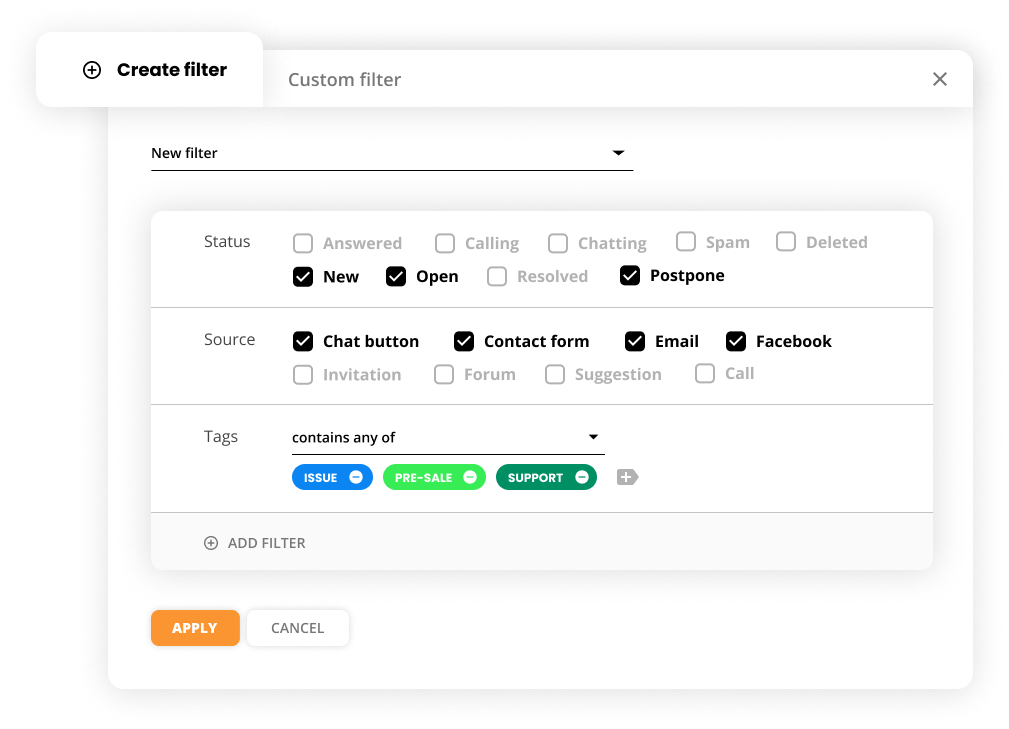
Not all AI classifications are equally certain. Implement a tiered approach:
This model ensures that the AI only acts autonomously when it’s highly certain. Everything else gets human eyes.
Every agent override, marking a spam ticket as legitimate or vice versa, should feed back into the system. Over time, the AI learns from these corrections and improves its accuracy on your specific ticket patterns.
Write down the rules in plain language. For example: “Never close a ticket that mentions a refund, an account issue, or an order number. Treat unsolicited partnership pitches as spam, but always flag for review if the sender is from an existing customer domain.” These guardrails prevent the AI from making catastrophic mistakes.
With an AI spam and irrelevance filter that supports customizable business logic, you can encode these rules directly into the detection workflow. The filter doesn’t apply a one-size-fits-all definition of spam. It applies your definition.
Filtering out spam is the first layer of AI-driven ticket management. The next layer is what happens to the tickets that do get through. If 30% of your incoming queue is junk, removing it is a win. But what about the remaining 70%, the legitimate tickets that still need to be read, categorized, prioritized, and routed?
This is where AI ticket triage and categorization comes in. While the spam filter answers the binary question “relevant or not?”, the triage agent answers “what kind of relevant?” It reads each new ticket, identifies the underlying issue type, and assigns the appropriate category tag, bug report, billing question, feature request, account issue, cancellation, or general inquiry, before an agent ever opens the ticket.
The impact compounds. When spam filtering and categorization work together, an agent’s queue transforms from an undifferentiated pile of messages into a clean, pre-sorted stream of actionable work. They know what each ticket is about before they click on it. They can batch similar tickets together. They spend zero mental energy on triage. They just solve.
Combined with AI ticket validation and autoresponse , the automation gets even deeper. Tickets that are both relevant and straightforward, a customer asking a question already answered in your knowledge base, for example, can receive an instant, accurate AI-generated reply. The customer gets a resolution in seconds. The agent never sees the ticket. The spam filter, triage agent, and autoresponder form a pipeline that handles the entire intake workflow automatically.
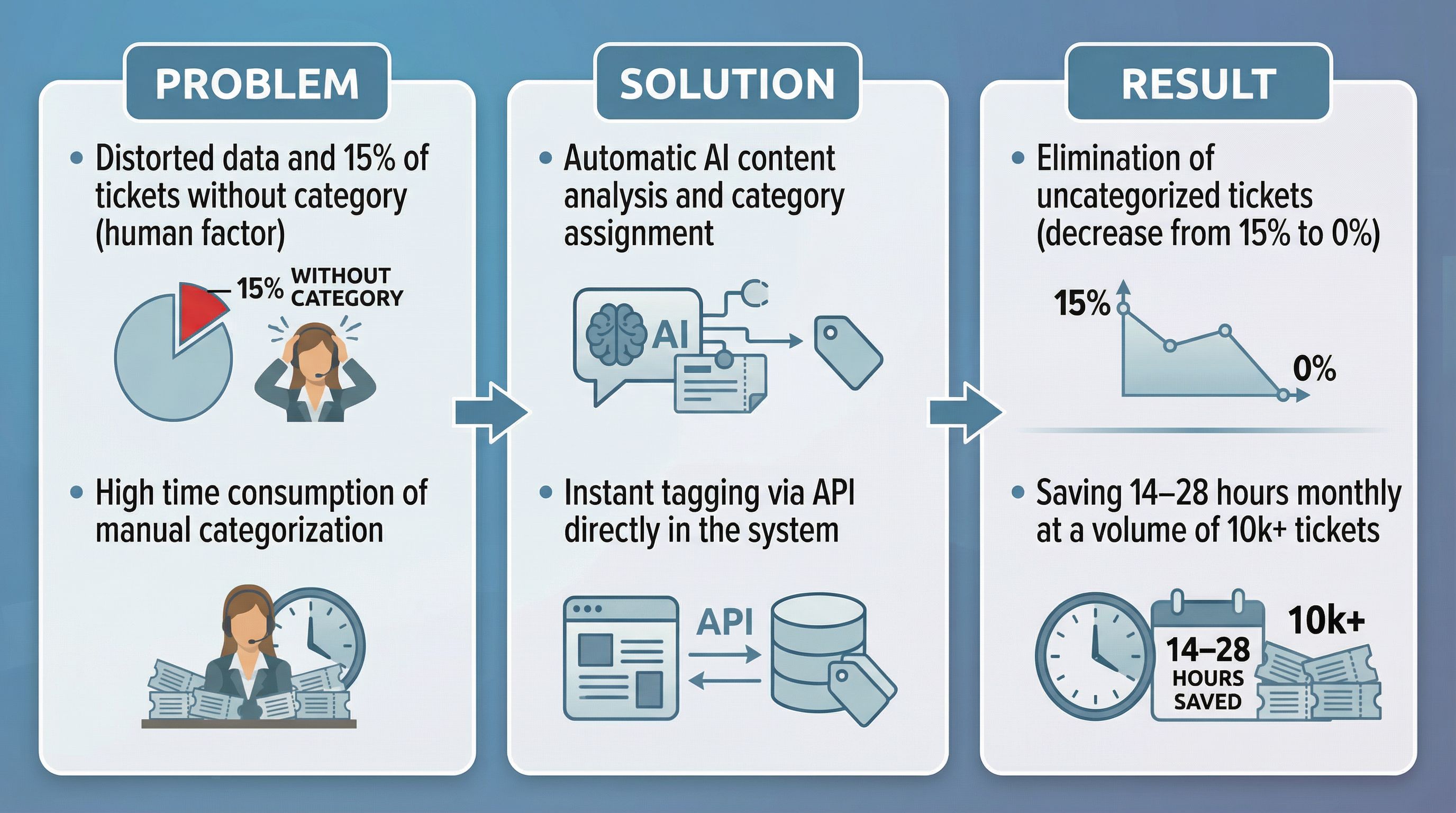
LiveAgent’s AI-powered features are built around a modular architecture. Each AI agent handles a specific function, and you chain them together into workflows that match your support process. The AI spam and irrelevance filter is the first gate in that chain.
The filter is powered by FlowHunt , the AI platform developed by the same company behind LiveAgent. This integration means your ticket data doesn’t leave the ecosystem. It’s processed within the same infrastructure that powers your help desk itself. For teams that handle sensitive customer information, this data locality matters.
The workflow typically looks like this:
Each step is optional and configurable. You can use only the spam filter if that’s what you need. You can add categorization later. You can layer in autoresponse only for specific ticket types. The modularity means you never have to automate more than you’re comfortable with.
It’s worth quantifying what unfiltered ticket noise actually costs. Research from multiple AI providers and support platforms points to consistent numbers:
For a team handling 200 tickets per day with a 25% irrelevance rate, that’s 50 tickets per day that require manual triage just to be discarded. At 45 seconds each, that’s nearly 40 minutes of daily agent time, over 3 hours per week, spent on work that produces zero value. Across a year, that’s roughly 160 hours, or four full weeks of agent capacity, consumed by spam.
An AI spam and irrelevance filter reclaims that time entirely. The tickets are filtered before they enter the queue. Agents never see them. Those 160 hours go back to solving real customer problems.
The support ticket noise problem isn’t going away. As contact forms become easier to find and scrape, as cold outreach tools become more sophisticated, and as customer expectations for fast response times continue to rise, the gap between “everything that arrives” and “what actually matters” will only widen.
AI classification closes that gap. It doesn’t just filter spam. It distinguishes between a cold sales pitch and a genuine partnership inquiry, between an automated notification and a real customer alert, between gibberish and a frustrated user who needs help. It applies consistent judgment at scale, without fatigue, without bias, and without ever accidentally ignoring a customer who needs assistance.
The implementation path is clear: simulate first, tag before you close, set confidence thresholds, build feedback loops, and define your edge cases. Start with the spam filter, then layer in triage and categorization and autoresponse as your confidence grows. The result is a support queue that contains only what it should: real customers with real issues, waiting for real help.
Share this article
LiveAgent's AI Spam & Irrelevance Filter automatically detects and filters out irrelevant or harmful tickets before they reach your support team.
An ai spam filter that also catches out-of-office auto-replies keeps clutter out of your metrics. Here's how to configure one without losing real tickets.

LiveAgent's AI ticket validation and autoresponse agent automatically screens incoming support tickets for relevance and clarity, then generates accurate, knowl...
Cookie Consent
We use cookies to enhance your browsing experience and analyze our traffic. See our privacy policy.