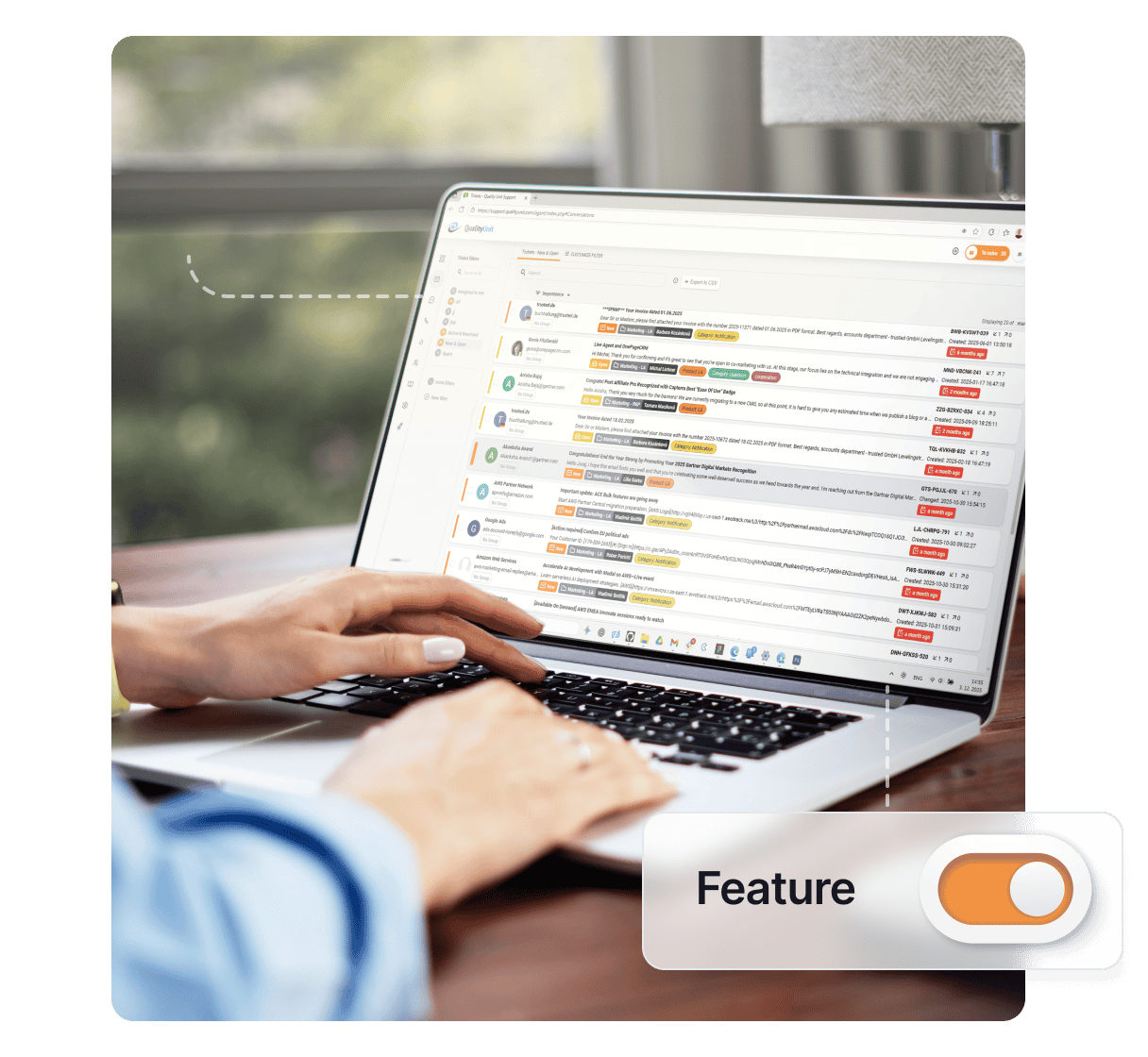
What is the AI spam and irrelevance filter?
The AI Spam & Irrelevance Filter is one of several AI-powered features built into LiveAgent to help support teams stay focused on real customer issues. It processes raw ticket data, including message headers, HTML structure, and body content, and evaluates each submission against your defined business context. The goal is to reliably distinguish legitimate customer inquiries from spam, unsolicited sales outreach, phishing attempts, or other non-actionable messages.
This template is built to fit into an automated workflow: it takes structured ticket data as input and returns a strict TRUE or FALSE output. This binary result can then be used to trigger automated actions such as tagging, routing, or excluding tickets from standard support queues, helping agents focus only on relevant conversations.
What it does
- Full data parsing: Analyzes all available ticket data, including metadata, formatting, and message content, for more accurate detection.
- Context-aware filtering: Applies customizable rules and prompt logic to determine whether a ticket is relevant to your business.
- Spam and irrelevance detection: Identifies common patterns such as bulk messaging, cold sales pitches, phishing content, or nonsensical inputs.
- Flexible logic: Allows you to define what qualifies as “relevant” vs. “irrelevant” based on your specific use case.
- Strict output: Returns only TRUE (relevant) or FALSE (irrelevant/spam), ensuring compatibility with automated decision-making processes.
Workflow process
- Input: Receives ticket data (headers, HTML, body).
- Analyze: AI evaluates the content using defined business rules and context.
- Decision: Determines whether the message is relevant or not.
- Output: Returns TRUE or FALSE for downstream automation.
See the full range of AI-powered software available in LiveAgent.
Configuration required
- Define relevance criteria: Update the prompt to clearly specify what types of messages should be considered valid support requests.
- Adjust filtering rules: Customize examples and edge cases (e.g., partner inquiries, internal emails, automated system messages). See how to stop out-of-office replies from ruining your metrics for a worked example of this exact edge case.
- Align with workflow: Ensure the TRUE/FALSE output is correctly mapped to actions such as tagging, routing, or suppression in your automation setup.
- Test and refine: Regularly review flagged tickets and adjust the prompt to improve accuracy and reduce false positives/negatives.
Join our newsletter
The latest tips and deals delivered straight to your inbox.
The cost of the AI spam and irrelevance filter
LiveAgent does not charge anything for this feature or for AI. You pay your AI provider (OpenAI, Anthropic, Google Gemini or FlowHunt) for what you use, and the cost per ticket is generally low, since each run involves a single, focused classification task. Your overall expenses will depend on ticket volume and the AI model selected. If you use FlowHunt, this guide helps you estimate the cost in FlowHunt credits.