


AI-Fueled Customer Support | LiveAgent
Automate up to 75% of customer conversations with AI. LiveAgent combines AI chatbot, live chat, ticketing & call center. Start your free 30-day trial.
6 min read
Let Claude Desktop and other MCP-compatible AI clients search, tag, and act on your tickets directly — inside the same permissions your agents already have.










Model Context Protocol
MCP is an open standard for connecting AI applications to outside tools and data. LiveAgent's MCP server exposes tickets, ticket messages, knowledge base articles, agents, and departments as tools an MCP-compatible AI client can call directly — no custom integration required.
What your AI client can help with:
What stays under your control:
Click Generate token.
Copy it right away — LiveAgent only shows it to you once, so if you lose it, you'll need to make a new one.
Paste it into your AI tool wherever it asks for a token.
| What it does for you | Tool |
|---|---|
| Finds tickets matching a keyword, status, or other filter, so your AI client can pull up the right one without you searching manually | search_tickets |
| Reads a ticket’s full conversation, message by message, so it has real context before doing anything | get_ticket_messages |
| Checks a ticket’s details — status, channel, and other metadata | get_ticket_metadata |
| Sees what tags exist on the account | get_tags |
| Adds a tag to a ticket | add_tags_to_ticket |
| Removes a tag from a ticket | remove_tags_from_ticket |
| Assigns a ticket to an agent | assign_ticket |
| Moves a ticket to another department | transfer_ticket |
| Resolves a ticket | resolve_ticket |
| Reopens a resolved ticket | reopen_ticket |
| Flags a ticket as spam | mark_as_spam |
| Clears a spam flag that shouldn’t be there | mark_as_not_spam |
| Adds an internal note that only agents see, not the customer | add_note |
| Reads back a ticket’s existing internal notes | get_ticket_notes |
| What it does for you | Tool |
|---|---|
| Shows what custom fields your account has set up | get_ticket_field_definitions |
| Reads the values already filled in on a ticket | get_ticket_field_values |
| Fills in or updates a field’s value — creates it if it isn’t set yet | set_ticket_field_value |
| Clears a field’s value | delete_ticket_field_value |
| What it does for you | Tool |
|---|---|
| Checks if a ticket already has an AI summary, and reads it if so | get_ticket_summary |
| Generates and saves a new summary for a ticket | submit_ticket_summary |
| Drafts a reply for an agent to review before sending, instead of sending it directly | submit_answer_suggestion |
| Submits polished or AI-edited text for the answer assistant to use | submit_text_modification |
| What it does for you | Tool |
|---|---|
| Lists the knowledge bases (customer portals) on your account | list_knowledge_bases |
| Browses categories as a tree, the same structure customers see | list_kb_categories |
| Searches articles by keyword | search_kb_articles |
| Reads one article in full | get_kb_article |
| Writes a new article | create_kb_article |
| Updates an existing article | update_kb_article |
| Creates a category to keep articles organized | create_kb_category |
| Updates an existing category | update_kb_category |
| What it does for you | Tool |
|---|---|
| Lists your agents, so the AI client can route work to the right person instead of guessing | list_agents |
| Lists your departments, so the AI client can route work to the right team instead of guessing | list_departments |
| What it does for you | Tool |
|---|---|
| Replies to a customer on WhatsApp — only while the 24-hour customer-service window is open, and only for the conversation the AI client is already handling, so it can’t jump into a different customer’s chat | reply_via_whatsapp |
























“LiveAgent combines excellent live chat, ticketing and automation that allow us to provide exceptional support to our customers.”

Peter Komornik
Slido
“It’s a pleasure to have a great portal that improves our customer service.”

Roman Bosch
Partly
“LiveAgent empowers our agents to provide better, faster, and more accurate support.”

Christine Preusler
HostingAdvice
“LiveAgent helped us to achieve 2 important goals: increase customer satisfaction and sales.”

Karl Dieterich
Covomo
“We have been using LiveAgent since August and we are really satisfied with it.”

Hendrik Henze
HEWO Internetmarketing
“Since we are using LiveAgent our response time improved by 60%.”

Razvan Sava
Webmaster Deals
“Our paid customer conversion rate went up 325% the first month we’ve set up and actively started using LiveAgent.”

Taras Baca
XperienceHR
“We find LiveAgent to be the best live chat solution by far.”

Matt Janaway
The Workplace Depot
“We use LiveAgent on all of our ecommerce websites. The tool is easy to use and improves our productivity.”

Viviane Carter
CSI Products
“With LiveAgent we’re able to give our customers support wherever they are.”

Christian Lange
Lucky-Bike
“LiveAgent combines excellent live chat, ticketing and automation that allow us to provide exceptional support to our customers.”
Peter Komornik
Slido
“It’s a pleasure to have a great portal that improves our customer service.”
Roman Bosch
Partly
“LiveAgent empowers our agents to provide better, faster, and more accurate support.”
Christine Preusler
HostingAdvice
“LiveAgent helped us to achieve 2 important goals: increase customer satisfaction and sales.”
Karl Dieterich
Covomo
“We have been using LiveAgent since August and we are really satisfied with it.”
Hendrik Henze
HEWO Internetmarketing
“Since we are using LiveAgent our response time improved by 60%.”
Razvan Sava
Webmaster Deals
“Our paid customer conversion rate went up 325% the first month we’ve set up and actively started using LiveAgent.”
Taras Baca
XperienceHR
“I have to say, I have never experienced such a professional customer approach.”
Andrej Ftomin
TAZAR Group
“We find LiveAgent to be the best live chat solution by far.”
Matt Janaway
The Workplace Depot
“We use LiveAgent on all of our ecommerce websites. The tool is easy to use and improves our productivity.”
Viviane Carter
CSI Products
“With LiveAgent we’re able to give our customers support wherever they are.”
Christian Lange
Lucky-Bike
Pricing
We carefully selected features in our pricing plans so you can pick the most affordable plan with the best value. Pay only for what you use without breaking your budget.
Every channel, call center and AI for a growing team.
More AI agents, departments and email accounts, plus MCP.
Automate up to 75% of customer conversations with AI. LiveAgent combines AI chatbot, live chat, ticketing & call center. Start your free 30-day trial.
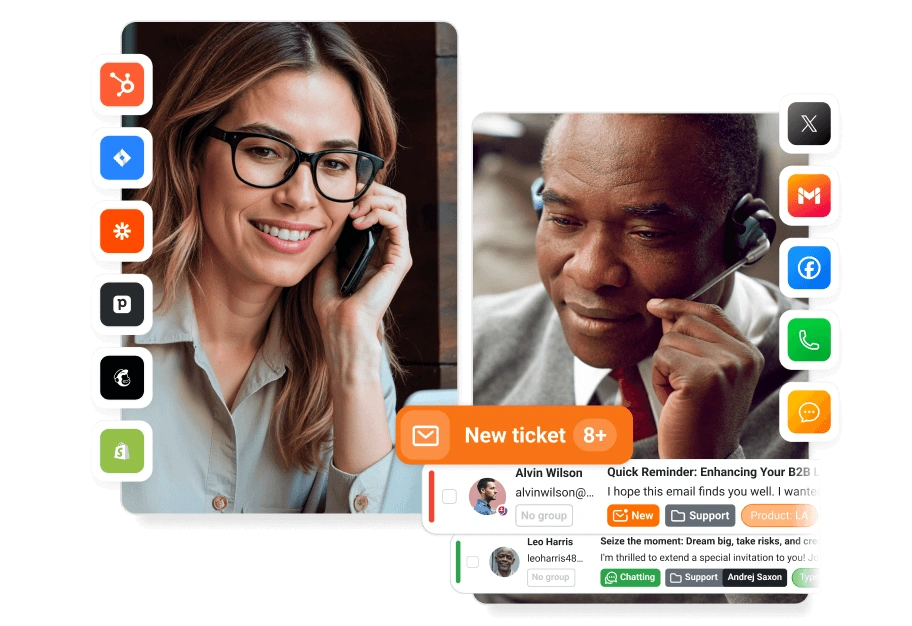
Help desk software with live chat and an AI chatbot built in. Auto-draft replies, categorize tickets, detect spam, and route issues to the right team — automati...