Omnichannel Support: 5 Real Signs Your Channels Aren't Actually Connected
Having five support channels isn’t the same as having omnichannel support. Here are 5 concrete signs yours are still running side by side, not actually connected.
Omnichannel support means every channel shares the same customer history and ticket record, not just that a company offers several channels. If agents ask customers to repeat themselves, tickets duplicate across channels, or reports can't follow one customer's full journey, the channels are running side by side, not actually connected.
What “actually connected” means in omnichannel support
Omnichannel customer service
means a customer can start a conversation on one channel, continue it on another, and have every agent see the full history without asking. Multichannel support offers the same list of channels — email, chat, social, phone — but each one runs as its own silo.
The difference isn’t how many channels a company offers. It’s whether those channels share one customer record.
Multichannel
Omnichannel
Customer history
Separate per channel
Shared across all channels
Ticket created per issue
Often one per channel touched
One, regardless of channel
Agent context on handoff
Starts from scratch
Sees the full conversation
Reporting
Per-channel volume
Per-customer journey
SLA and response time
Tracked separately per channel
Tracked consistently, end to end
A support team can pass every item on a channel checklist — email, live chat, Facebook, phone — and still fail every row in that table. Here are five concrete signs that’s what’s happening.
Sign 1: Agents ask customers to repeat what they already said
The clearest sign of disconnected channels is an agent asking, “Can you tell me again what happened?” when the customer already explained it somewhere else. This isn’t a training problem. It means the agent’s screen genuinely doesn’t show the earlier conversation.
This friction is common enough that it shows up in independent research, not just internal complaints. According to Zendesk’s CX Trends 2026 report
, 74% of customers find it frustrating to have to tell their story over and over to different agents.
Test this yourself: message your own support team on one channel, then follow up about the same issue on a different channel. If the second agent asks what the issue was, the channels aren’t sharing context.
Sign 2: The same issue opens two different tickets
In a connected system, a customer switching from email to live chat about the same problem continues one ticket. In a disconnected one, the chat creates a second, unrelated ticket, because the two channels write to separate systems or the same system without a shared thread.
This duplication is often invisible to leadership because each ticket looks resolved on its own. What’s hidden is that one customer issue is now two data points, two response-time clocks, and possibly two different agents giving two different answers.
Duplicate tickets are also a common source of an inflated ticket-volume number that doesn’t match how many actual customer problems a team solved that month.
Sign 3: Reports show channel volume, not one customer’s journey
Ask a simple question: “How long did it take to resolve a customer’s login issue last week, from their first message to the final fix, counting every channel they used to follow up?” If the honest answer is “we’d have to piece that together manually,” reporting isn’t omnichannel.
Most help desk reports default to channel-level metrics: tickets closed on email, tickets closed on chat, tickets closed on social. Those numbers are useful, but they describe channel activity, not customer outcomes. A customer who emailed, then called, then messaged on Facebook about one unresolved issue looks, in channel-level reporting, like three separate low-effort interactions instead of one difficult one.
Join our newsletter
The latest tips and deals delivered straight to your inbox.
Sign 4: Response times vary wildly by channel
Some variation in response time across channels is normal — live chat should be faster than email by design. The sign to watch for is a gap that has nothing to do with the channel’s expected speed and everything to do with which system tracks its SLA
(service-level agreement, the target response or resolution time a team commits to).
If a team can state its email response-time target and its chat response-time target, but can’t state one combined target for “how fast we respond to this customer, regardless of channel,” the SLA logic is built per channel rather than per customer. That’s a structural sign, not a staffing one.
Sign 5: Follow-ups land on the wrong channel
A customer messages on Instagram, gets help, and later gets a follow-up email about a completely unrelated issue, or no follow-up at all, because the system had no record of which channel they actually prefer or last used. Multiply this across a support team and agents end up guessing where to reply, rather than the system telling them.
This sign is subtler than the first four because it doesn’t show up in a single interaction. It shows up as customers who stop responding, because the follow-up went somewhere they don’t check.
How do you fix disconnected omnichannel support?
The fix is structural, not procedural: channels need to write to one customer record and one ticket thread, not five separate systems that happen to sit in the same product. LiveAgent is our product, and the description below is how it addresses each sign — the same underlying fix applies no matter which help desk software a team uses.
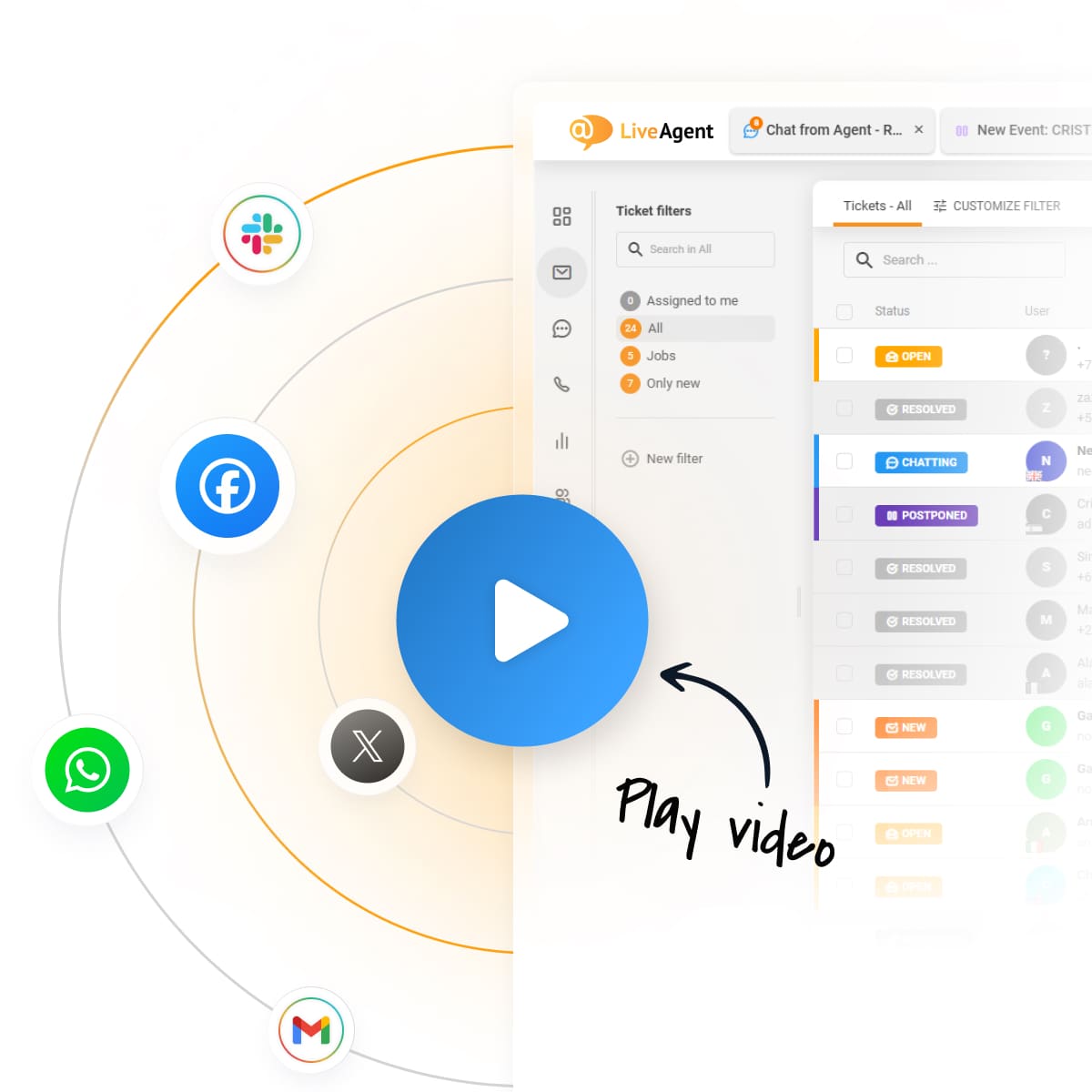
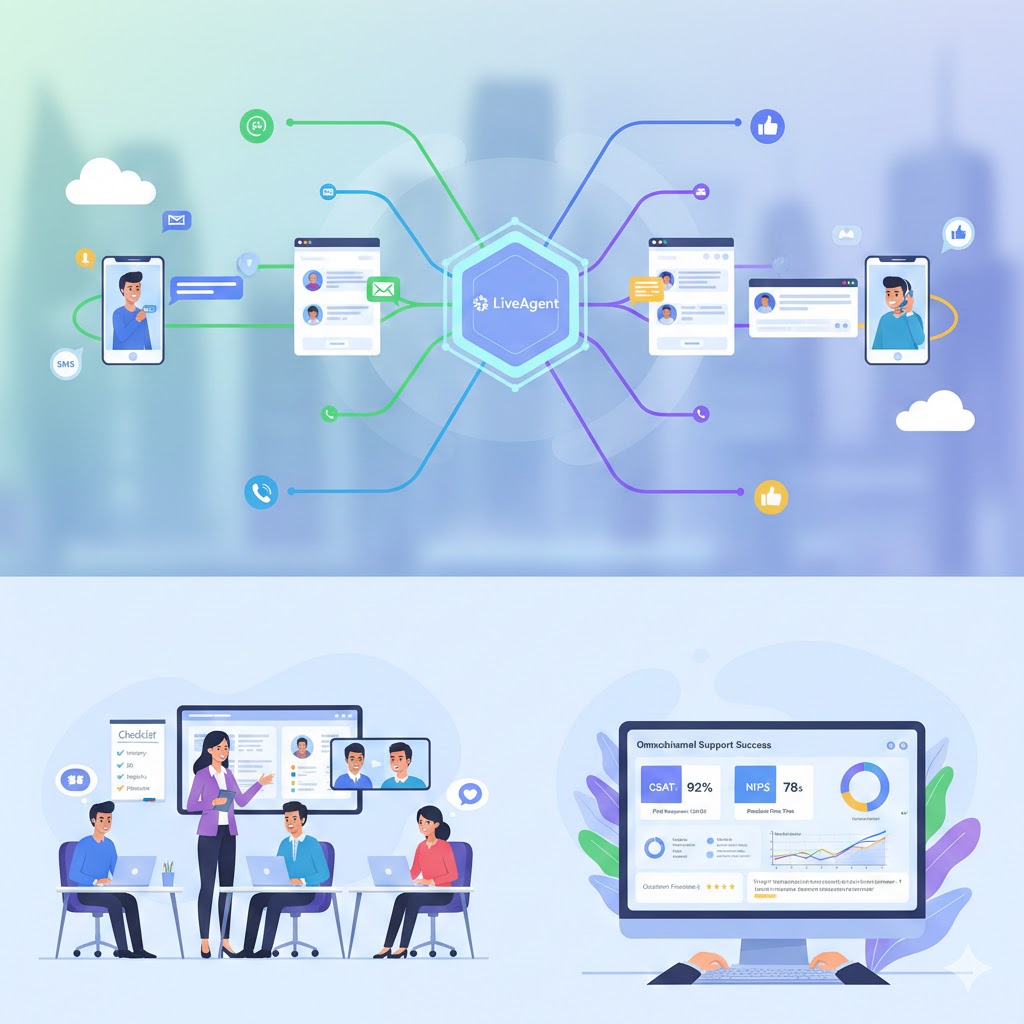
LiveAgent’s universal inbox
routes email, live chat, calls, and social media channels
into one dashboard, with every message tied to the same customer’s ticket history. That closes Sign 1 and Sign 2 directly: an agent opening a ticket sees every channel that customer has used, and a message on a second channel about the same issue attaches to the existing ticket instead of opening a new one.
Reporting that’s built on top of that shared record can then follow one customer’s full journey across channels, rather than only counting per-channel volume, which addresses Sign 3 and Sign 4.
Before evaluating any platform, run the two-channel test from Sign 1 yourself. It takes five minutes and tells you more than a feature list does. Once the channels themselves are connected, the next problem is keeping the customer’s experience consistent as they move between them — see LiveAgent’s guide to channel switching and success metrics
for that part.
The channel count was never the point
Omnichannel support isn’t a count of channels; it’s whether those channels share one customer record. The five signs above are all symptoms of the same root cause: systems that collect messages from everywhere but don’t connect them anywhere. Fixing that is a platform decision, not a training exercise — and it’s worth checking before adding a sixth channel to a setup that hasn’t connected the first five.
Share this article
Adam is the Organic Growth Strategist at LiveAgent. He is genuinely excited about what AI agents can take off a support team's plate, and equally suspicious of any automation that makes the customer work harder to be understood.
Adam Khaled
Organic Growth Strategist
Frequently asked questions
Multichannel support means a business offers several channels — email, chat, social, phone — that operate independently. Omnichannel support means those channels share one customer record and one conversation history, so an agent on any channel can see what happened on the others. The channel count can be identical; the connection is what's different.
Check whether an agent on one channel can see a customer's history from another channel without searching for it. If they can't, or if the same issue creates separate tickets depending on which channel the customer used, the channels are running side by side rather than sharing one system.
Usually because each channel logs its own conversation history in a separate system, or in a separate ticket, with no shared customer record linking them. When an agent switches channels or a ticket gets reassigned, they only see what happened on that one channel, so they ask the customer to explain the issue again.
Not fully. A shared inbox routes messages from multiple channels to one team, which helps agents access conversations, but omnichannel support also needs a shared customer record and shared reporting across channels. A team can have a shared inbox and still create a separate ticket, and lose context, every time a customer switches channels.
Whether the same customer issue can open two different tickets depending on the channel used. This is the easiest sign to test: contact your own support team on two different channels about one issue and see whether an agent on the second channel can see the first conversation.
Yes. When channels report separately, average response time and resolution rate get calculated per channel rather than per customer issue, which hides how long an issue actually took to resolve once you count every channel it touched. Duplicate tickets also inflate ticket volume and distort per-agent workload numbers.
Learn to provide jaw-dropping omnichannel support with 7 strategies: develop a strategy, enhance social media response times, promote self-service, use live cha...
What is multimodal customer support and why customers are craving it so much?
Multimodal support lets customers mix text, images, voice and video in one thread. Learn what it means, why customers expect it, and how to start small.
7 min read
Blog
Customer Support
+3
Cookie Consent We use cookies to enhance your browsing experience and analyze our traffic. See our privacy policy.