In this article:
- What resolution rate does it actually hit?
- What happens when it can’t answer?
- Where do its answers come from?
- What does it actually cost at our volume?
- Which channels does it really cover?
- What data can it see, and what can’t it see?
- How long does setup actually take?
- Who owns the conversation data?
- What compliance does it actually hold?
- What happens if we want to leave?
Most AI chatbot demos are built to answer the questions vendors want you to be asked: what features it has, what it integrates with, how nice the interface looks. I’ve sat through enough of these to know the ten questions below are the ones a polished demo is least likely to volunteer answers to. Ask them directly, in the room, and pay attention to whether you get a specific number back or just a confident-sounding claim.
LiveAgent is our product; this guide covers it alongside alternatives, and the questions below are ones I’d expect us to answer honestly too.
1. What resolution rate does it actually hit?
Ask for a measured percentage of conversations resolved without human involvement, on real traffic, not a demo environment. “It’s designed to handle most common questions” is a capability claim. An answer along the lines of “it resolved 58% of tickets last quarter without escalation” is a real answer with a real number behind it, whatever the actual figure turns out to be. If a vendor can only offer the first kind of answer, that’s worth pressing on, not letting go as a minor gap.
2. What happens when it can’t answer?
Type a question of your own during the demo, something off-script the rep hasn’t rehearsed, and watch what happens next. A working escalation path hands the full conversation to a human agent with context intact, so the customer never repeats themselves. A weak one drops the thread, apologizes with no next step, or forces the customer to start over somewhere else. This is one of the easiest things to test live, and one of the easiest for a demo to quietly skip past if you don’t force it.
3. Where do its answers come from?
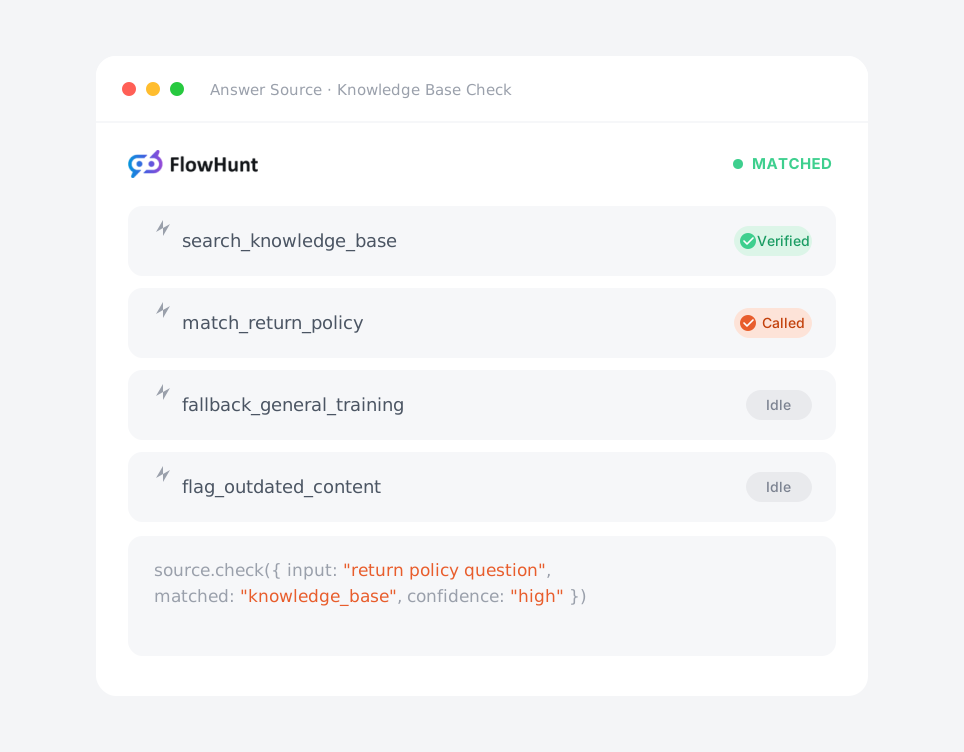
An AI chatbot pulling answers from your own knowledge base behaves very differently from one relying on general training data. The first can tell a customer your actual return policy. The second is guessing based on patterns from elsewhere, and it will sound just as confident either way. Ask what content trains its answers and how often that content needs updating to stay accurate.
4. What does it actually cost at our volume?
Ask whether AI features are included in the seat price or billed as an add-on, and whether there’s a per-resolution fee once you pass some included allowance. Some platforms bill per resolution, so the invoice scales directly with how well the bot is actually being used. That’s an easy detail to miss when you’re comparing sticker prices side by side. Gartner’s own January 2026 forecast has generative AI cost per resolution rising, not falling. A lower seat price doesn’t automatically mean a lower total bill; run the vendor’s own pricing math against your real monthly ticket volume before comparing it to anyone else’s.

Join our newsletter
The latest tips and deals delivered straight to your inbox.
5. Which channels does it really cover?
“Omnichannel” gets used loosely enough that it’s basically stopped meaning anything on its own. Ask specifically whether the same AI logic runs across email, chat, and social, or whether one channel gets the full feature set while the rest get a stripped-down version. A chatbot that’s excellent in web chat but basic everywhere else isn’t the product the marketing page implies it is.
6. What data can it see, and what can’t it see?
Ask whether the bot can see order history, account status, or CRM data, or whether it’s limited to answering from static documentation. A chatbot that can’t see a customer’s actual order can’t answer “where’s my package,” no matter how good the underlying model is. This is a systems-integration question as much as it’s an AI one.
7. How long does setup actually take?
Ask for a real timeline based on a customer your size, not the “minutes to set up” figure from the pitch deck. Plenty of tools marketed as fast to deploy still need weeks of configuration, content migration, or professional services before they’re actually answering real customer questions. Get the honest number before you build a launch date around the optimistic one.
8. Who owns the conversation data?
Ask directly who owns the transcripts, whether they’re used to train the vendor’s models for other customers, and how long they’re retained. This matters for privacy compliance and for your own ability to analyze support trends later. If a vendor hasn’t been asked this before, they’ll often need to check and get back to you, and that hesitation tells you something too.
9. What compliance does it actually hold?
For regulated industries, ask whether the vendor signs a Business Associate Agreement (BAA) for HIPAA, and on which tier. Some platforms only offer this on a paid compliance add-on rather than every plan, the way Zendesk gates its BAA behind Advanced Compliance instead of including it by default. “We support HIPAA” can mean something different depending on what you’re actually signed up for. Get it in writing, not in a sales conversation, before any protected data goes near the tool.
10. What happens if we want to leave?
Ask how conversation history, knowledge base content, and configuration export if you switch platforms later. A vendor confident in its product has a straightforward answer to this. A vague or evasive one is a preview of how hard a future migration will be, regardless of how well today’s sales conversation goes.
Quick reference: all ten questions
| # | Ask | A real answer sounds like |
|---|---|---|
| 1 | What’s your resolution rate? | A measured percentage from real traffic, not a capability claim |
| 2 | What happens when it can’t answer? | Full conversation handed to a human, context intact |
| 3 | Where do its answers come from? | Your own knowledge base, named and specific |
| 4 | What does it cost at our volume? | A number run against your actual ticket count, not a sticker price |
| 5 | Which channels does it really cover? | Same AI logic named per channel, not just “omnichannel” |
| 6 | What data can it see? | Order history, account status, or CRM, named specifically |
| 7 | How long does setup take? | A timeline based on a customer your size |
| 8 | Who owns the conversation data? | A direct answer on ownership, use, and retention |
| 9 | What compliance does it hold? | Named certifications and which tier they apply to |
| 10 | What happens if we leave? | A clear export path for history and configuration |
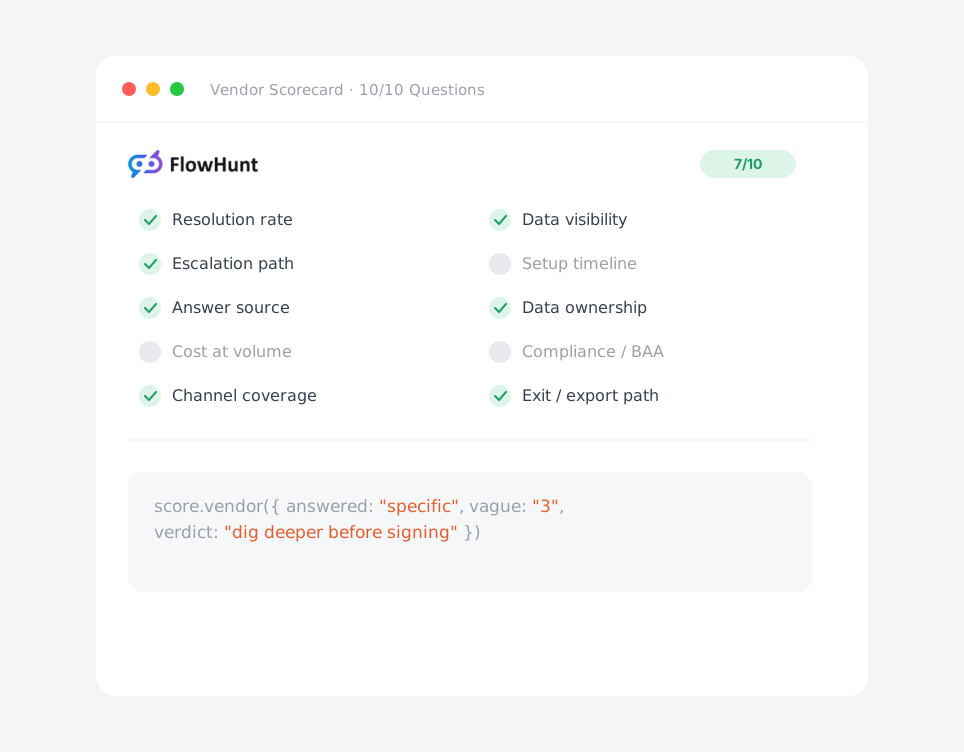
I’d score a vendor on how many of these ten get a specific, checkable answer rather than a confident one. Two or three vague answers isn’t automatically disqualifying, but it tells you where to dig deeper before you sign anything. If you’re still narrowing your shortlist beforehand, pair this with our full buying checklist for the internal side of the decision.