


LiveAgent Monthly Updates: June Edition 2025
Discover LiveAgent's June updates: AI assistant upgrades, smarter email handling, new integrations & bug fixes. See what's next!
3 min read
Updates
News
+2
June 2026 product update: smarter time zone handling, AI chatbot enhancements with pre-chat metadata and custom avatar, unified notification design, and MCP integration updates.
Welcome to our June monthly LiveAgent update! We’re thrilled to share the newest enhancements to our software with you. From now on, you’ll be able to adjust the time zone in your profile settings, provide pre-chat form details to our AI chatbot as metadata, and even have the ability to add a custom photo for your chatbot. Let’s dive into the details!
In our latest versions, we’ve completely overhauled how time zones work. Instead of calculating a rough time offset from your PC’s clock, LiveAgent now recognizes your exact time zone by name (such as “Europe/Berlin” or “America/New_York”). Your time zone is stored in your agent profile, auto-detected from your browser on login, and kept in sync. If your time zone ever changes, the system lets you update it with a single click. This means dates and times in your tickets, reports, and email notifications are now always accurate, even around daylight saving time changes.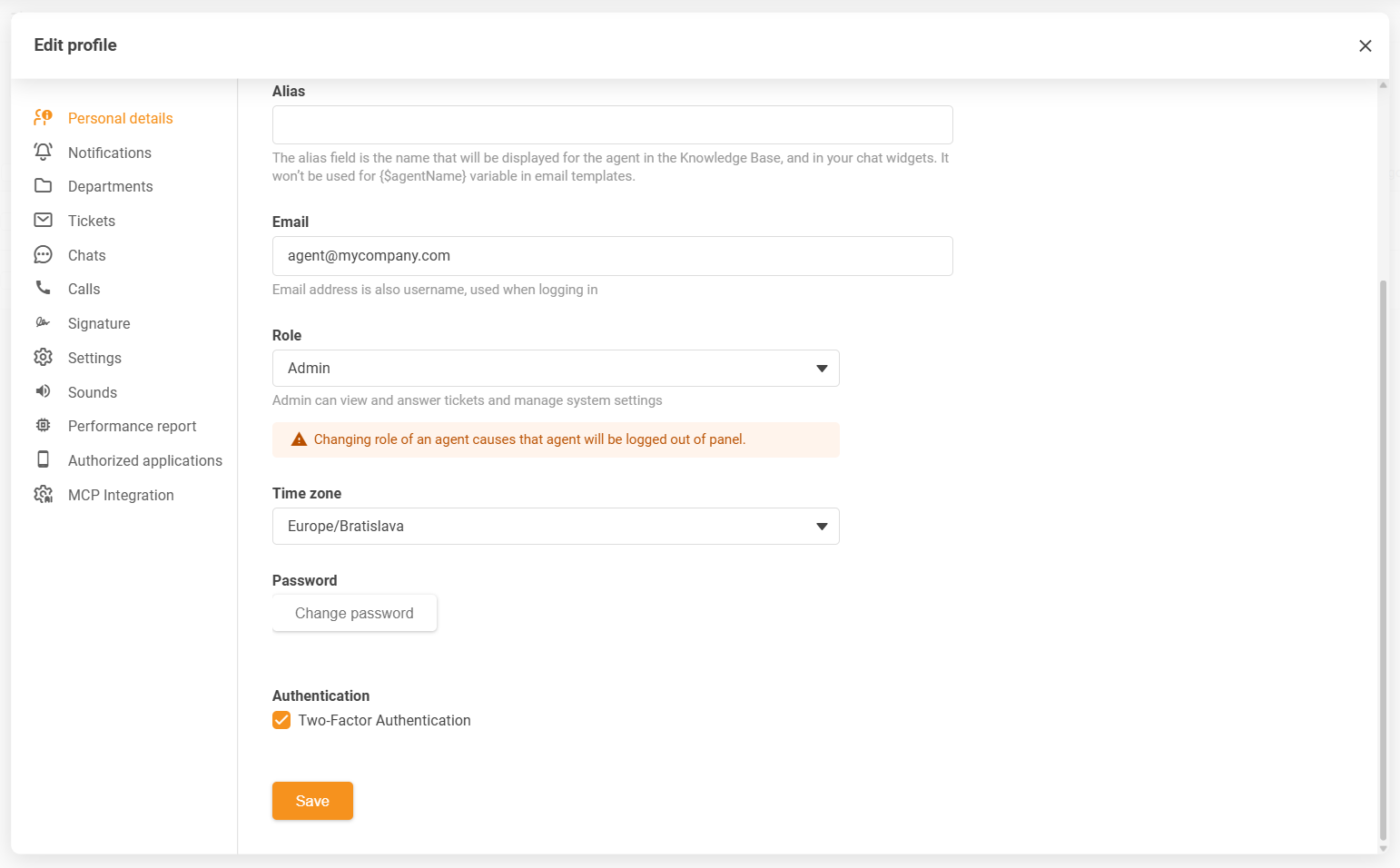
We’ve upgraded how our AI chatbot handles pre-chat form details. Starting from version 5.64, instead of providing these details as an input message, they are now delivered as metadata. This improvement not only simplifies the AI chatbot setup process, but also takes care of issues such as incorrectly added or duplicated welcome messages, thus ensuring a more streamlined and seamless communication process.
Moreover, we have added a user-friendly option to upload a custom chatbot avatar image with version 5.63. It’s a subtle but significant improvement from the previous process of externally linking the avatar image via custom CSS code, which could often prove to be cumbersome. Now, personalizing your chatbot is easier than ever.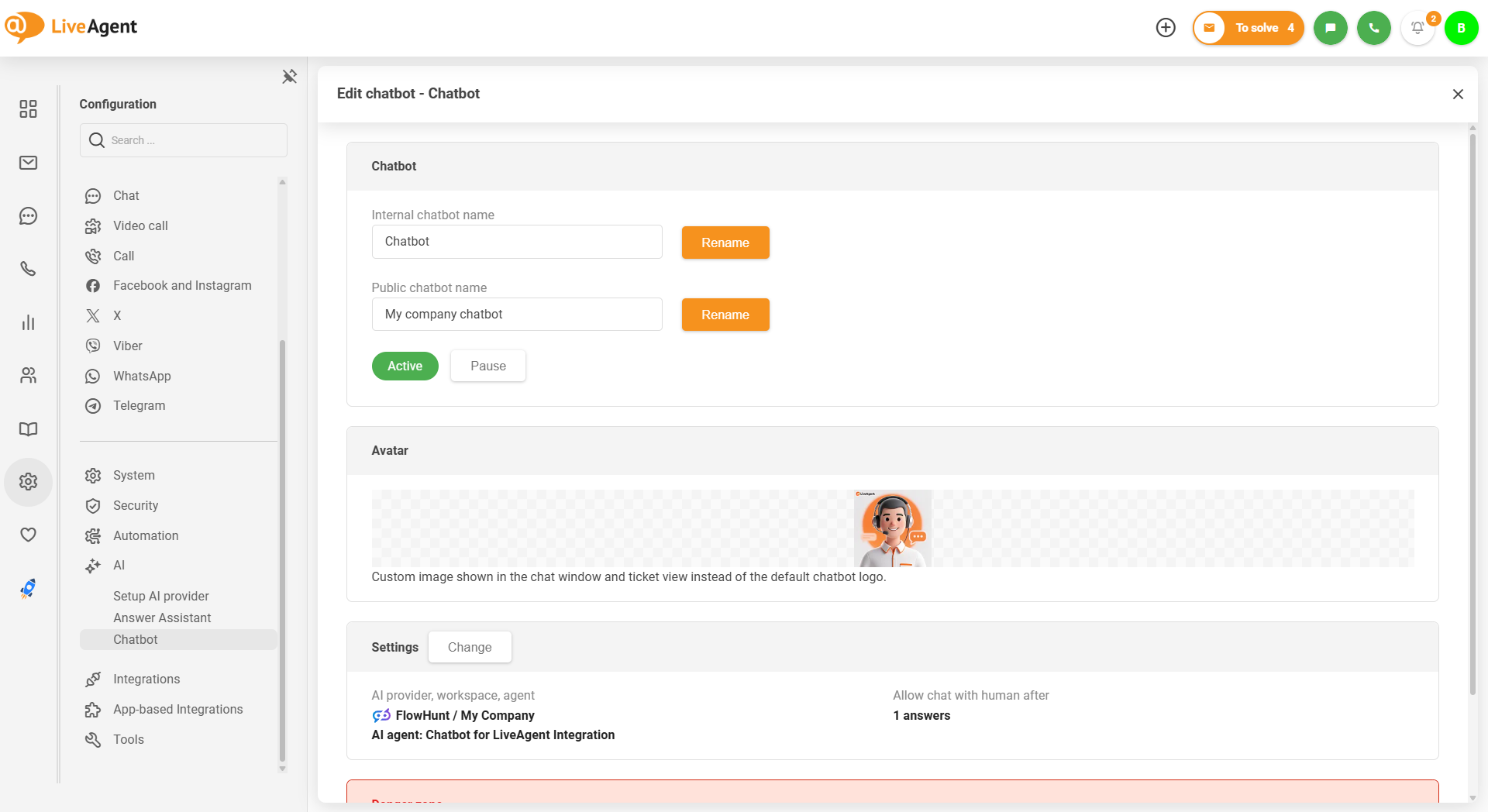
Version 5.64 also features a unified design update for all in-panel notifications. We’ve revamped the modal dialog-type notifications to match the appearance with the info and warning type notifications, thereby creating a cohesive visual experience.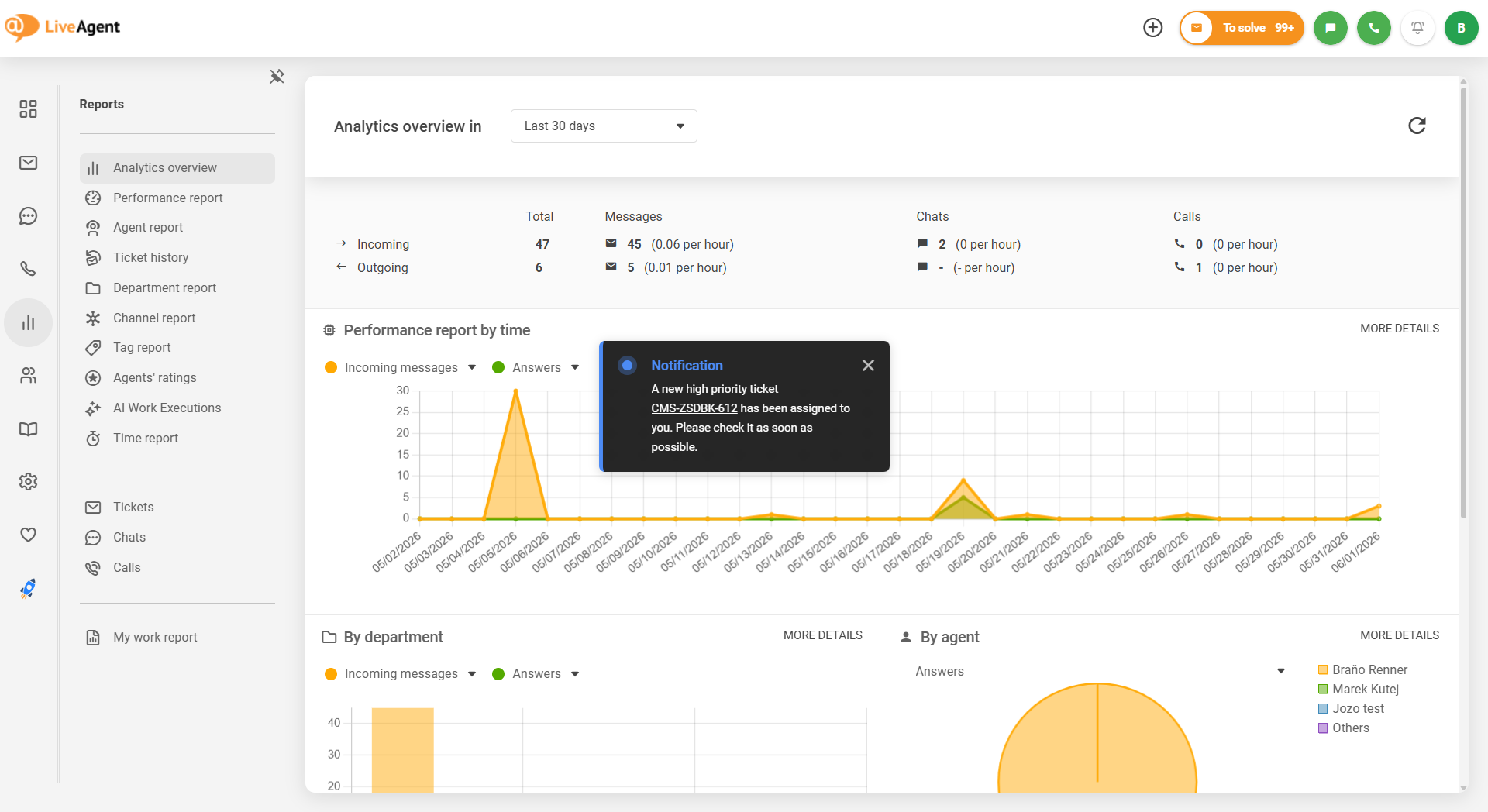
Last but not least, our diligent development team is continually refining our AI features mentioned in our previous blog post to simplify the workflow and make it more intuitive before releasing it publicly. Additionally, the MCP integration will include the add_note tool for ticket notes creation, and OAuth 2.1 authentication to MCP server for claude.ai custom connector integration, among other features.

The latest tips and deals delivered straight to your inbox.
While you wait for the new AI features, why not make the most of what’s already available? The AI Self-learning loop automatically improves your chatbot’s knowledge base over time by learning from resolved tickets and agent responses. No manual training required.
The AI Categorization & Triage takes the guesswork out of ticket management by automatically sorting, tagging, and prioritizing incoming requests so they reach the right agent without delay. Check out our dedicated articles to learn more about both features and how to set them up.
Keep in mind that both AI features are billed via AI Credits, a simple unit designed to keep AI pricing transparent and easy to manage. Learn more in our AI Credits article .
Our development team is constantly on its toes, working towards innovating and implementing new features. Be ready to see updates such as Instagram direct messages, AI ticket summary, support for Let’s Encrypt SSL certificates, a fresh API v4, and many more exciting features.
As always, your loyalty, insightful feedback, and proactive bug reporting continue to be the driving force behind our constant improvements. We are deeply grateful for your ongoing support, and it inspires us to keep refining and advancing our LiveAgent software. Looking forward to bringing you more innovative solutions in our upcoming updates.
Share this article
Lilia is a content manager at LiveAgent. Passionate about customer support, she crafts engaging content that highlights the power of seamless communication and exceptional AI-powered service.

Discover LiveAgent's June updates: AI assistant upgrades, smarter email handling, new integrations & bug fixes. See what's next!
Discover LiveAgent's February 2025 updates featuring AI Chatbot preview, ticket counting fixes, email security enhancements, and refined ticket design.
Discover LiveAgent's March updates: AI Chatbot launch, ticket filter improvements, bug fixes & more! Enhance your customer support today!