



Sendmail
Integrate Sendmail with LiveAgent for secure, efficient email routing and enhanced customer support. This open-source solution supports various mail-transfer me...
3 min read

Zimbra is a solution for personal business email communication and collaboration. Integrate it with LiveAgent for efficient customer support using IMAP/POP3, enhancing communication with a streamlined ticketing system.
Zimbra is a solution for personal business email communication and collaboration. Zimbra software consists of both client and server components, and at one time offered a desktop application called Zimbra Desktop. In addition to Zimbra’s open-source version, there is a commercial version (‘Network Edition) that has closed-source additions, such as a proprietary Messaging Application Programming Interface for syncing appointments and contacts to Outlook.
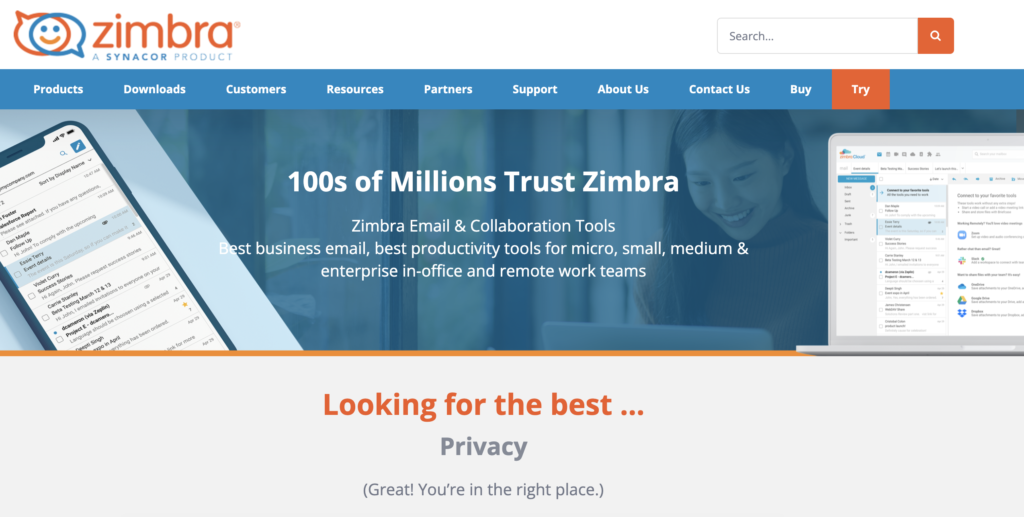
Integrated cloud email, calendar, and collaboration solution, Zimbra is the enterprise standard in the public and private clouds. Zimbra offers one of the most innovative messaging experiences available today, connecting end users to information and activity stored in their personal clouds via a redesigned browser-based interface.
Struggling with keeping your Zimbra customer emails focused and solved on time? It’s time to integrate with LiveAgent and manage your customer communication with the ticketing system . A ticketing system primarily serves customer service purposes. It provides customer service representatives with an easy-to-use interface for responding to inquiries. Customer inquiries, no matter where they come from, become tickets once they are received by a customer agent. You can access these tickets from a universal inbox .
This will enable your customer service representatives to deliver fast and efficient service.
LiveAgent ticketing system is also supported by efficiency and productivity features that help you sort, organize and reply faster to your customer emails. You can use features such as departments , tags , filters , or agent collision detection among others to create a smooth workflow. Our universal inbox not only handles emails, it can also take care of live chats , customer portals , call centers and help you manage social media – Facebook, Twitter, Instagram. It also includes Viber and WhatsApp. Every communication channel is backed up by its own features to make sure everything is smooth and reliable.


The latest tips and deals delivered straight to your inbox.
There is no need to activate any plugins or use third-party applications to finish the process. All you need to do to integrate Zimbra with LiveAgent is provide some data into the LiveAgent system.
Step 1: Set up your Zimbra account
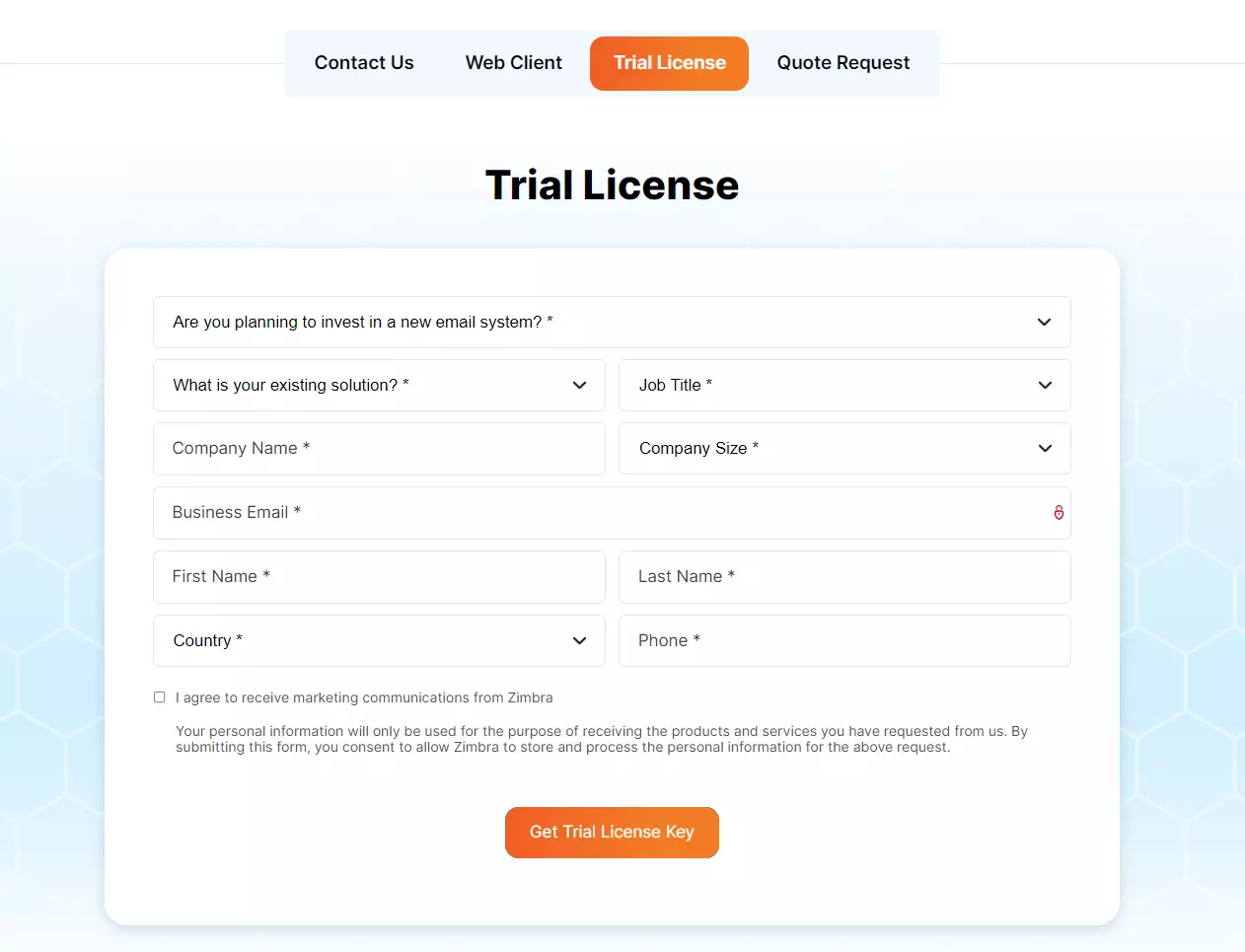
If you don’t have your Zimbra email yet, head over to their website and start your free trial or buy a paid plan. Fill out a form and get your new email account set up. If you already have a Zimbra account you can skip this step and continue with the next one.
Step 2: Access LiveAgent email settings
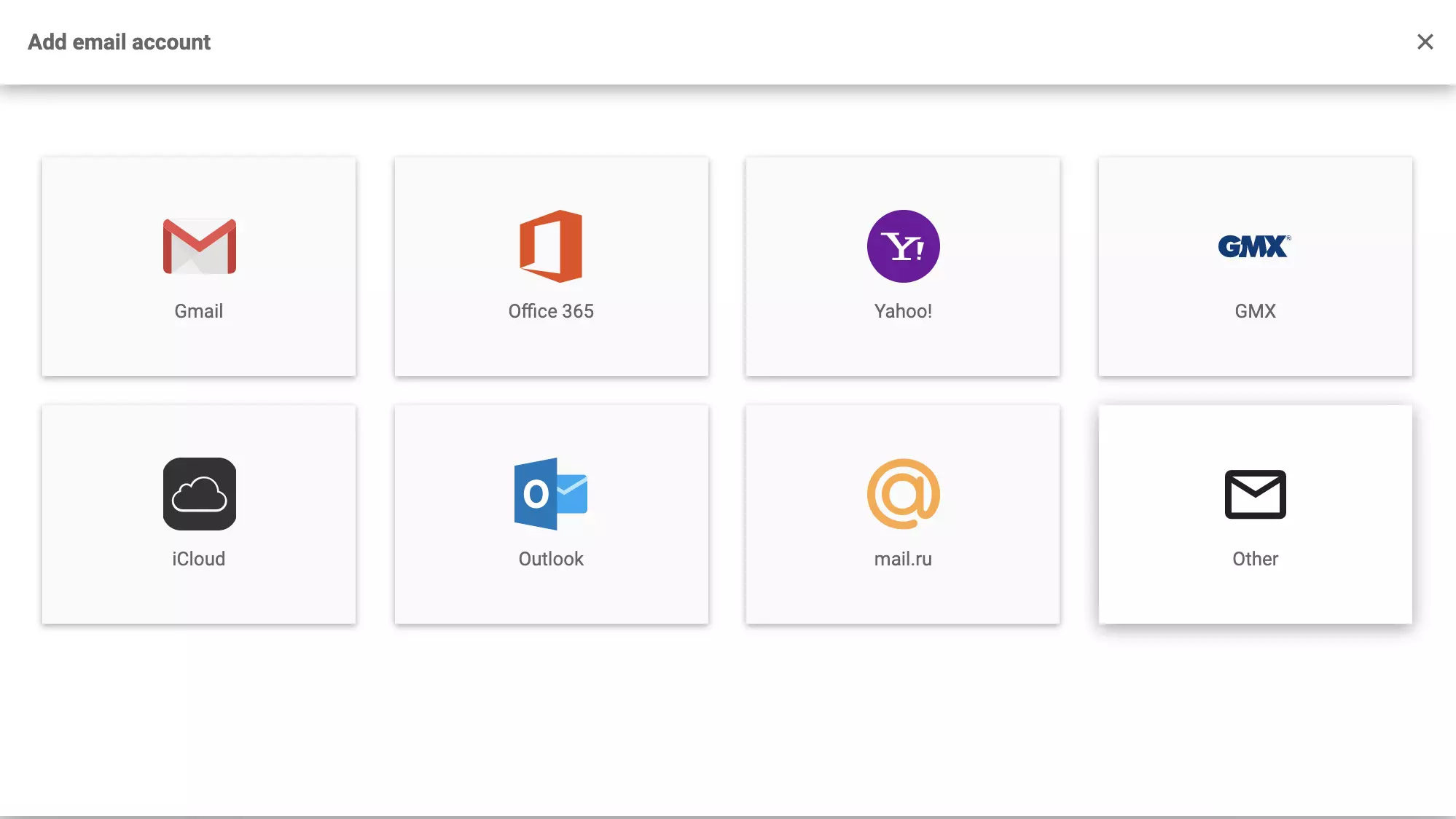
Now go to your LiveAgent account and open Settings > Email > Mail accounts. Click on the create button and select Other.
Step 3: Choose integration method
Now you can choose if you want to integrate via Forwarding or IMAP/POP3. We’ll show you both integration options, starting with Forwarding first. Click on Forwarding and continue to the next step.
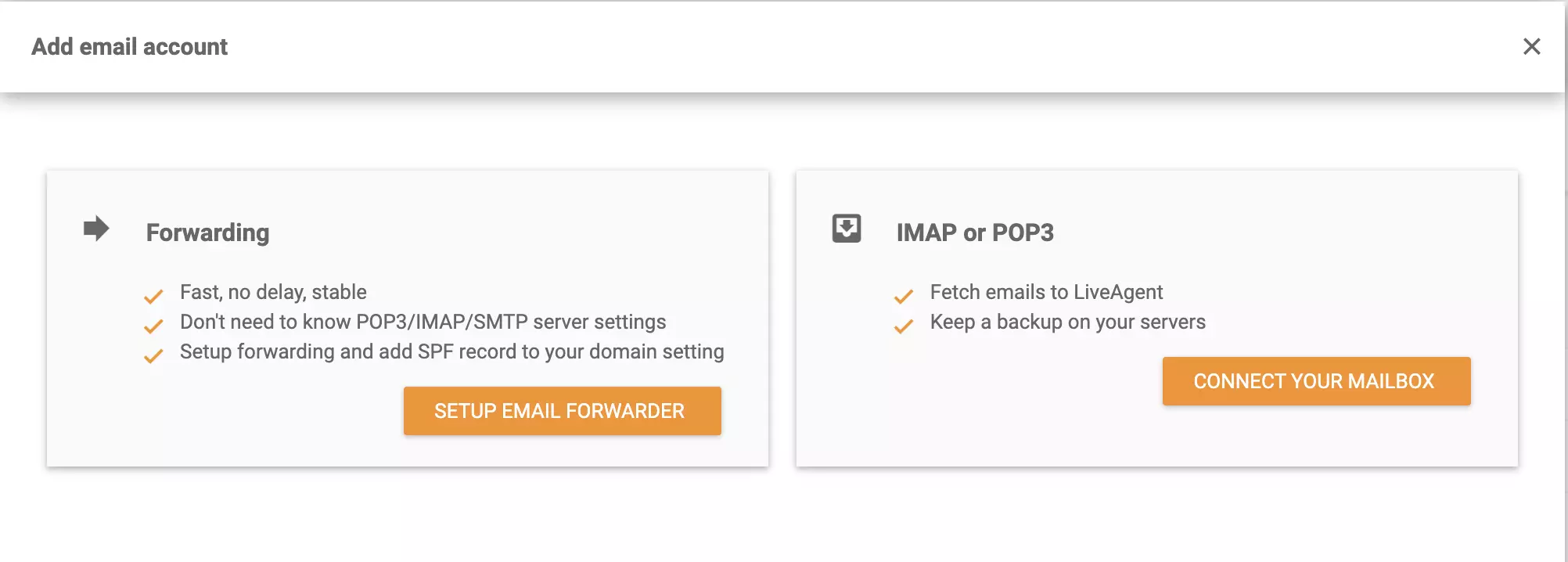
Step 4a: Forwarding setup
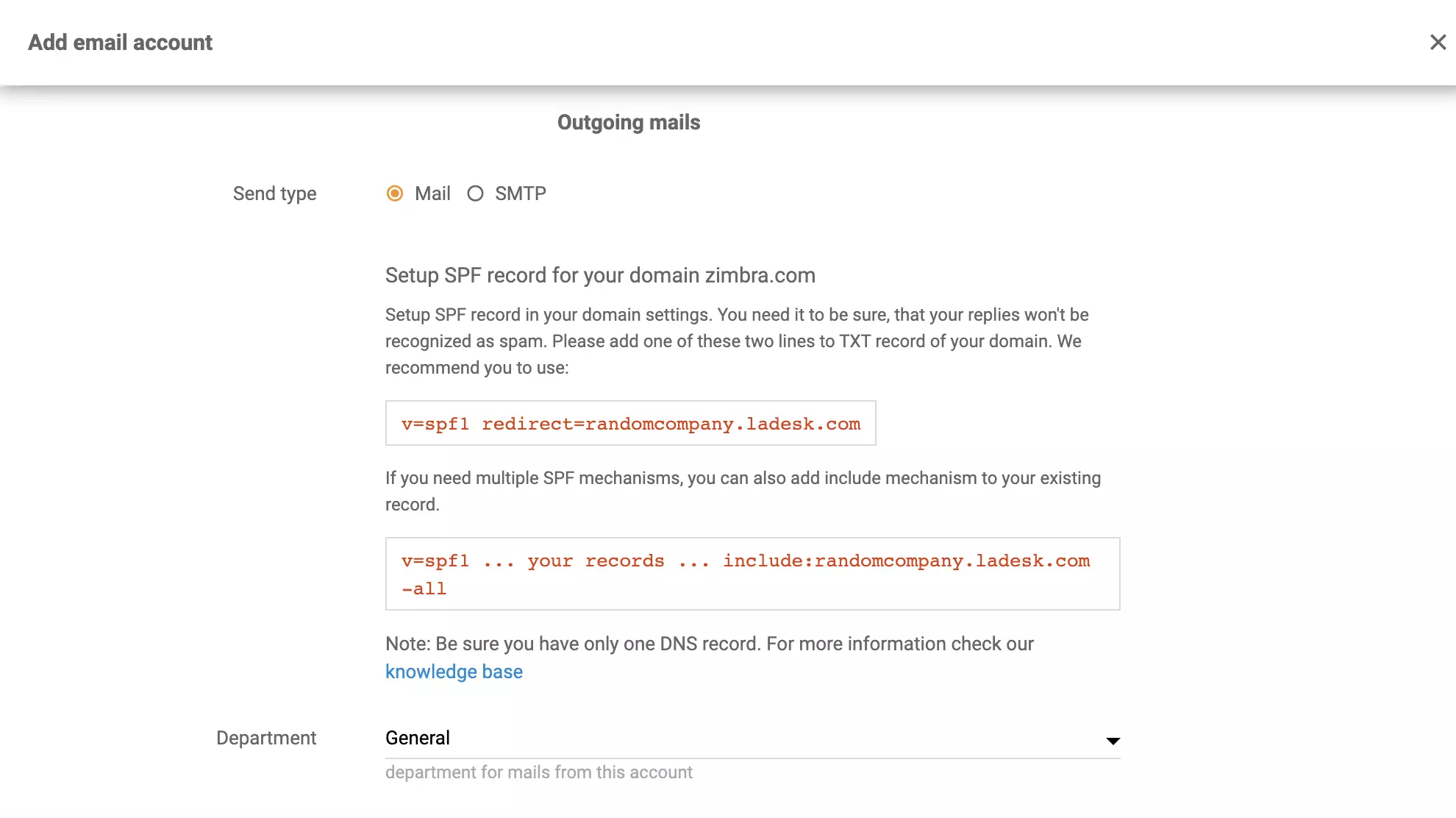
Once you select Forwarding, enter your email address and Setup SPF record for your Zimbra domain. If you’re not sure how to do it, have a look at this guide from the Zimbra website . This has to be done to make sure your emails won’t be recognized as Spam by LiveAgent. When you’re done, select a department responsible for emails from this Zimbra account and click on Save.
Step 4b: IMAP/POP3 setup
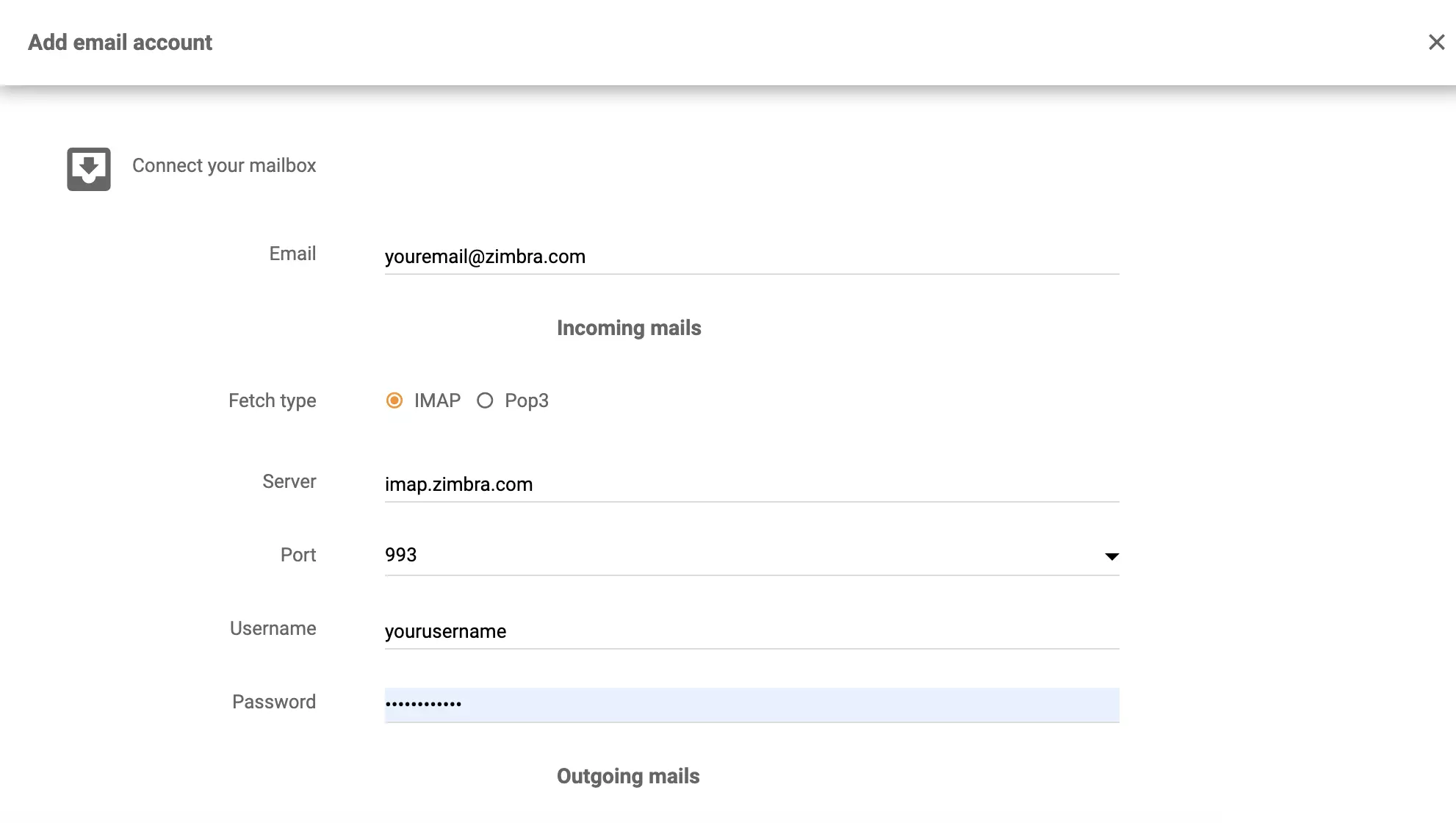
If you want to connect your Zimbra email via IMAP/POP3, select that option. Provide your email address, login info, and password. Select fetch type (IMAP or POP3), provide server info and port info. Then click on Save.
That’s it, your Zimbra email is connected with the LiveAgent ticketing system and your emails will be organized to help you provide better customer support.

Integrate Sendmail with LiveAgent for secure, efficient email routing and enhanced customer support. This open-source solution supports various mail-transfer me...
Zoho Mail integrates with LiveAgent to streamline email management for businesses, enhancing workflow efficiency by consolidating emails into one Universal inbo...
MailEnable is a leading Windows email server offering secure IMAP, POP3, and SMTP support, with seamless integration with Microsoft Outlook and LiveAgent for en...
Cookie Consent
We use cookies to enhance your browsing experience and analyze our traffic. See our privacy policy.