


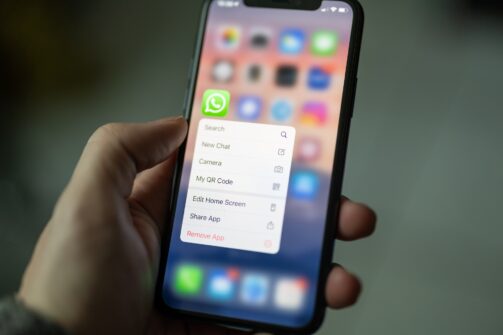
How to Use WhatsApp for Customer Service
Learn to use WhatsApp for customer service to boost engagement, track journeys, and enhance satisfaction. Integrate with help desk software and automate tasks f...
9 min read
WhatsApp
CustomerService
+3


Integrate WhatsApp with LiveAgent for efficient customer service, improving response time and gaining a competitive edge. Easily manage WhatsApp messages via the ticketing system. Start a free 30-day trial to enhance your customer support.
WhatsApp is one of the most popular messaging platforms available on the market. It allows users to make calls, send messages, and share files thanks to mobile internet network access. The application is free for iOS, Android, Windows, Mac OS, and is also available as a web application accessible via browsers. It has found its place as both a consumer app and as a business app.
Our WhatsApp integration allows you to integrate your WhatsApp account into the LiveAgent ticketing system and use it as one of your customer communication channels. Replying to customer messages on WhatsApp is a fast and efficient way to handle customer queries and provide convenient customer service for each customer. This integration is available for users with Twilio VoIP and 360dialog.
LiveAgent connects with your WhatsApp accounts and integrates them into the help desk system . Then, it gathers all available WhatsApp conversations and transforms them into help desk tickets, which you can easily access from your universal inbox . This feature is great because you can use it with a lot of our other essential and advanced features . Thanks to this, you can improve your workflows, provide quicker replies, organize your customer messages, and solve queries much faster.

The latest tips and deals delivered straight to your inbox.
Instead of using your business phone or the WhatsApp web application to handle customer requests, you can simply integrate your WhatsApp with LiveAgent and turn it into an efficient business solution. You can reply to any customer conversations directly from your ticketing system , and provide a great customer experience just like with any other channel.
Integrating your WhatsApp account’s Twilio number with the LiveAgent ticketing system through our social media customer service platform offers a smooth and efficient communication experience. As a result, every incoming WhatsApp message will be seamlessly organized into easy-to-manage tickets within your inbox. By utilizing this integration, you can effectively centralize your communication and keep all customer messages in one place, benefiting from the convenience of our hybrid ticket stream.
WhatsApp integration works well with other ticketing features such as tags, notes, or split tickets. You can even use an automation rule to automate your workflow, and utilize canned messages to send a templated message. WhatsApp limits their business integration only to messages, without call functionality. All replies to messages need to be done within 24 hours. When 24 hours pass, you can only reply to WhatsApp messages with pre approved templates.
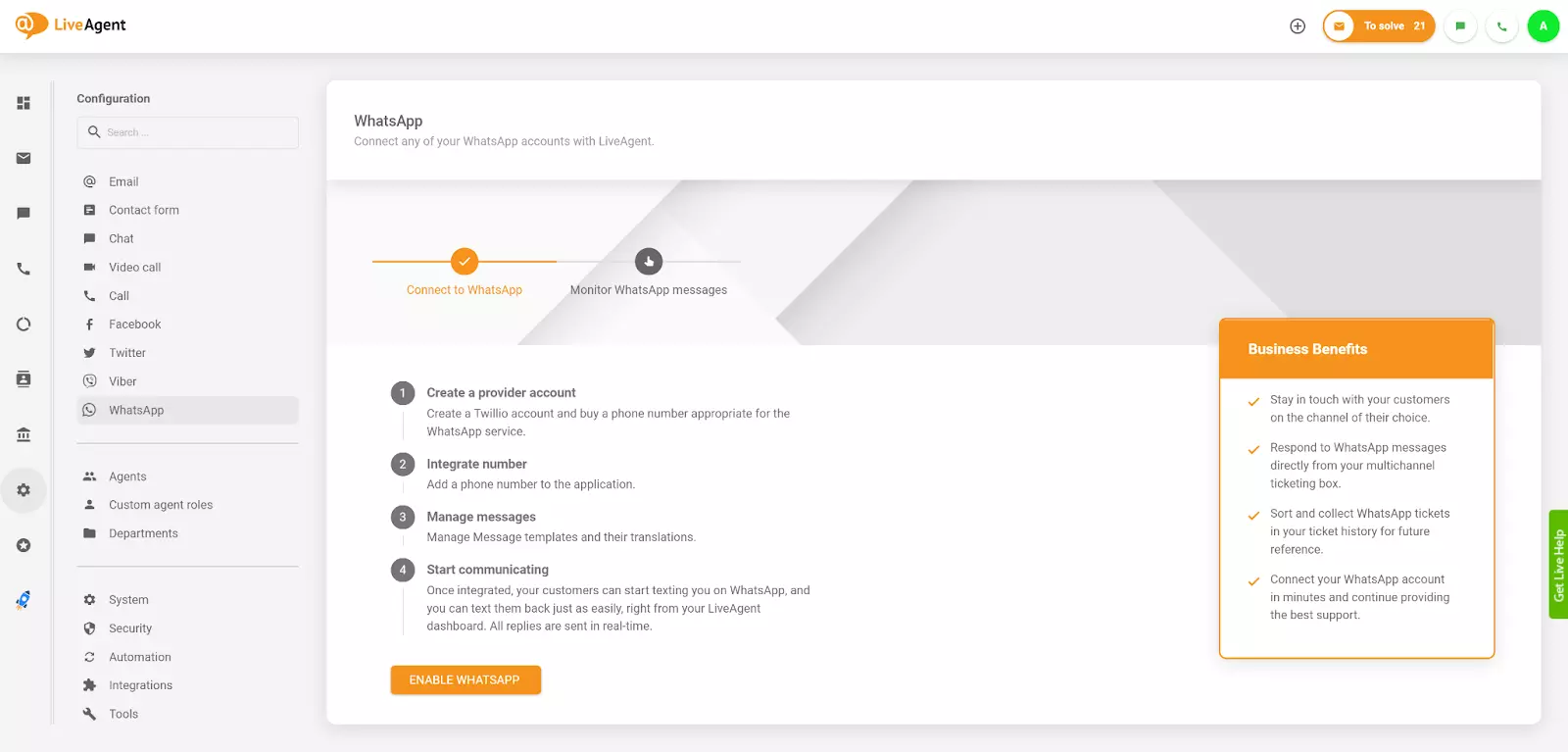
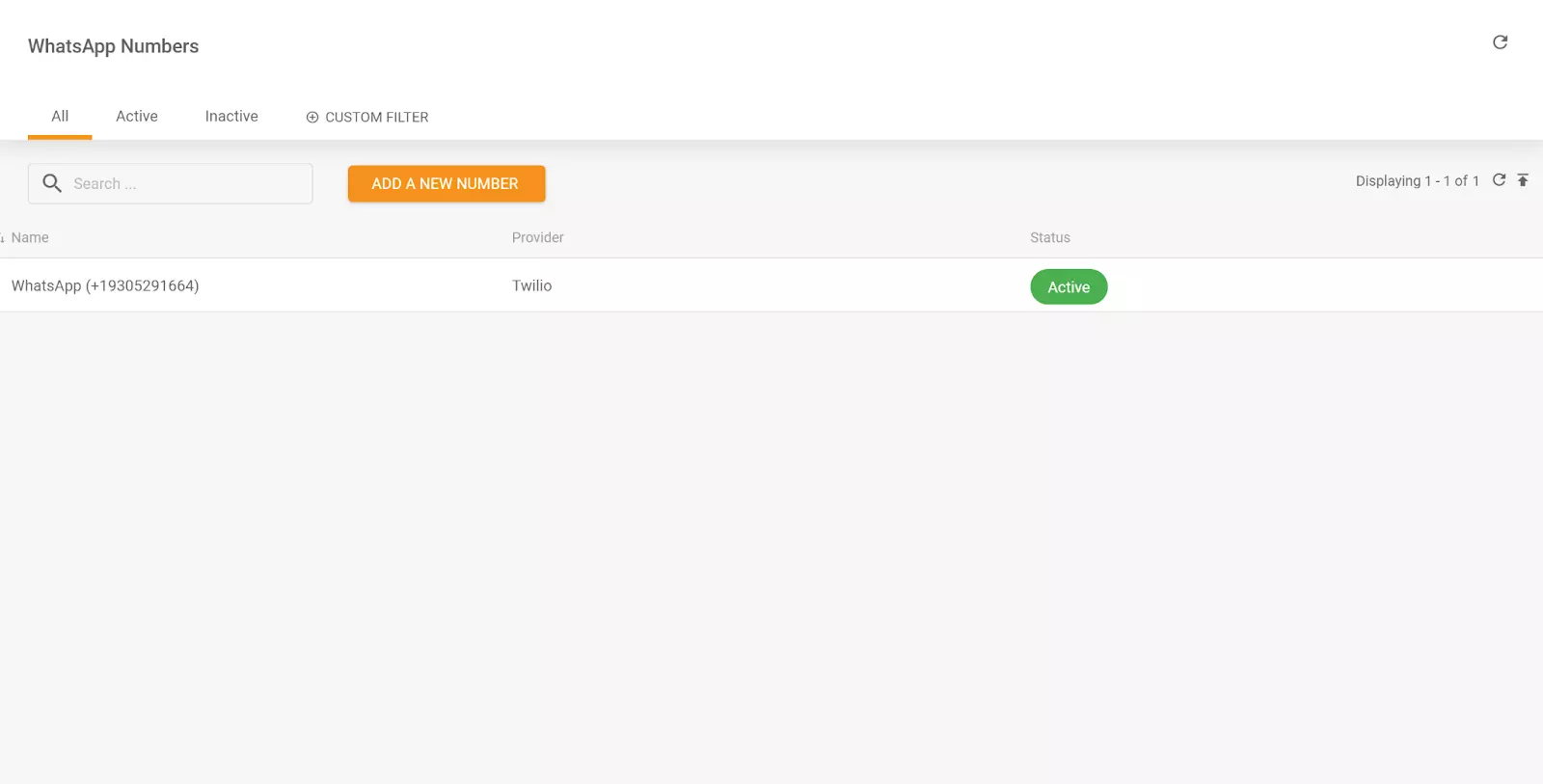
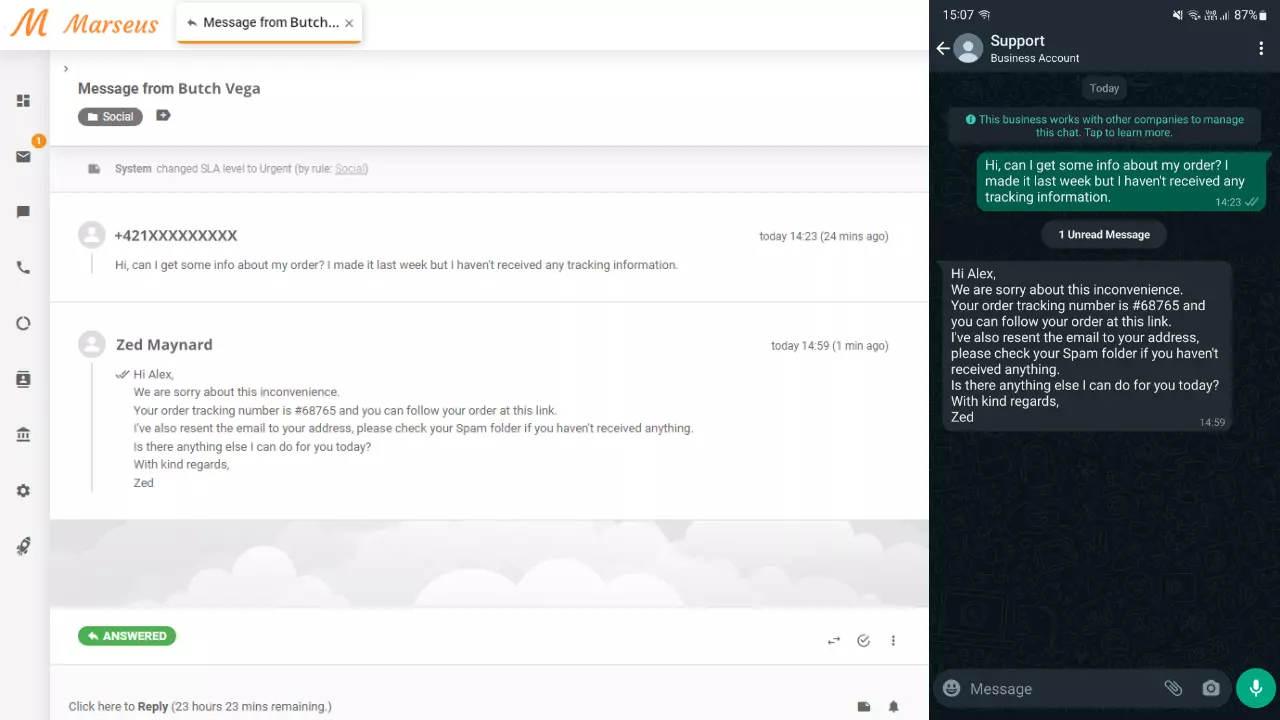
Let’s improve your customer support together. Get started with LiveAgent today with our free 30-day trial , and see how easy it is to manage your WhatsApp customer communication with our system.
Learn to use WhatsApp for customer service to boost engagement, track journeys, and enhance satisfaction. Integrate with help desk software and automate tasks f...
Discover why LiveAgent is the ultimate Teamwork Desk alternative, offering a powerful omnichannel ticketing system without setup fees. Enjoy 24/7 customer servi...

Integrate Viber with LiveAgent for seamless customer support. Convert Viber messages into tickets, streamline communication, and boost efficiency with our help ...
Cookie Consent
We use cookies to enhance your browsing experience and analyze our traffic. See our privacy policy.