



Zapier
Zapier seamlessly integrates LiveAgent with 200+ apps, enhancing workflow automation without coding. Benefit from quick, intuitive connections with tools like S...
3 min read

ShipStation is a shipment solution for online retailers offering label creation, tracking, automation, and more. Integrate with LiveAgent via Zapier to manage orders and shipments efficiently, enhancing productivity without app switching.
ShipStation is a multi-channel product shipping software for online retailers. It includes features and tools such as batch shipping, discounted shipping rates, customer management, and custom branding. Manage the shipping of your online stores with ease.
Use ShipStation integration with LiveAgent to follow news and updates about your customers, shipped items, and orders. You can also use it to create orders, create conversations, and manage customers. With Zapier, you can create integrations of your choice and connect various parts of the two apps in just a matter of minutes.

Start your free trial today and see results within days.
Zapier allows you to create integrations between two apps and connect them. The process takes just a few minutes. All you need to do is pick an application and connect LiveAgent with it.
You’re going to need a Zapier account. If you don’t have one, you can create it with your email address.
When you’re logged in, go to the LiveAgent + ShipStation integrations page .
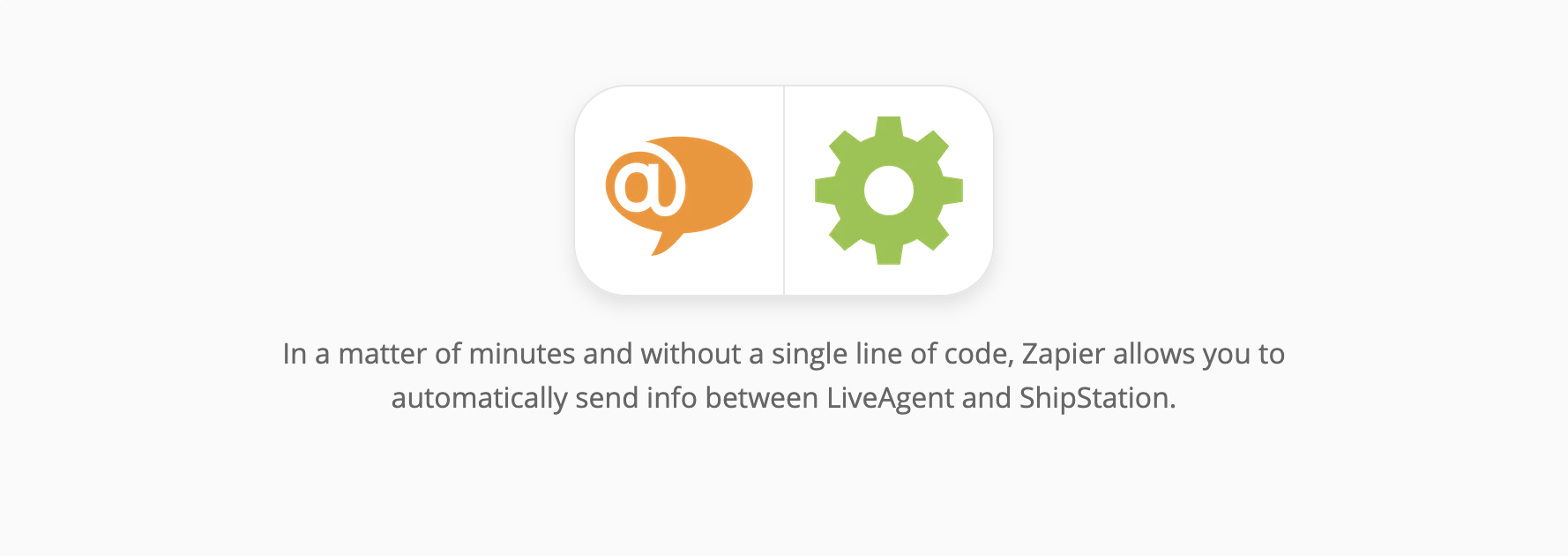
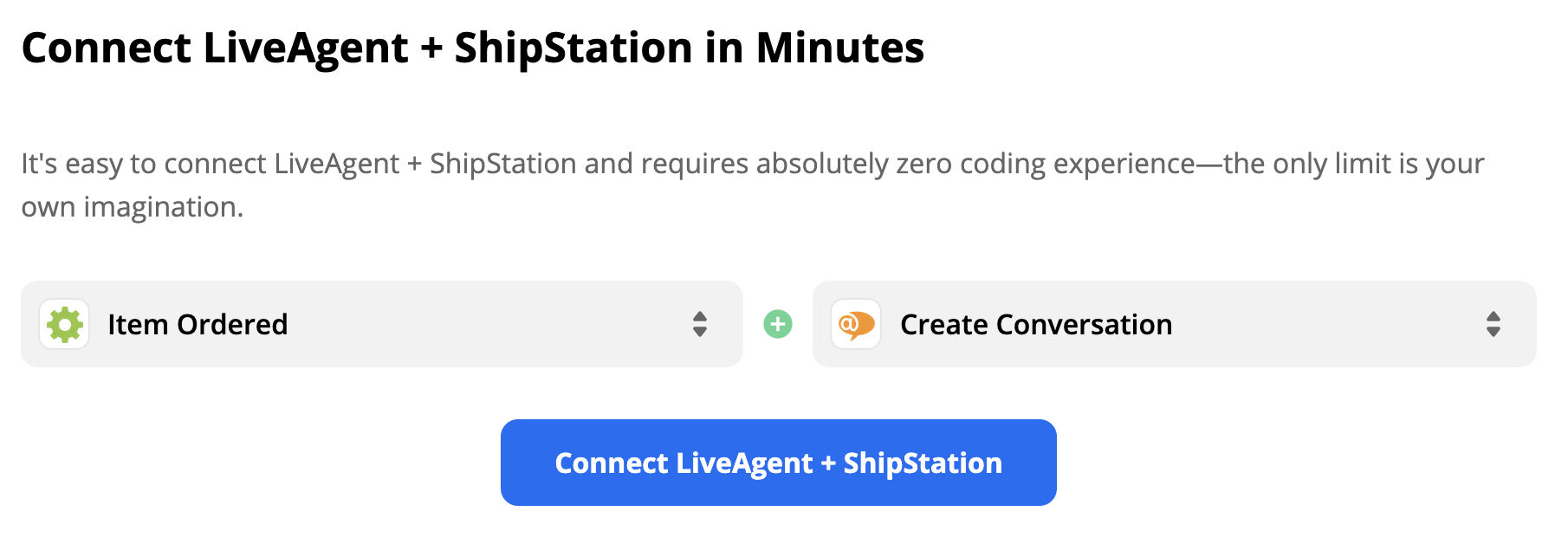
Scroll down until you see the “Connect LiveAgent + ShipStation in minutes” section. This is where you can pick your trigger and an action. A trigger in one application activates the action in the second one.
As an example for this guide, we’re going to show you a ShipStation trigger ‘Item New Order" and LiveAgent action “Create Conversation”. You can pick different integration settings. When you’re done selecting, proceed by clicking the blue button.
In this section, you have to configure the trigger. Start by signing into your ShipStation account. You will have to provide access to some of your data.
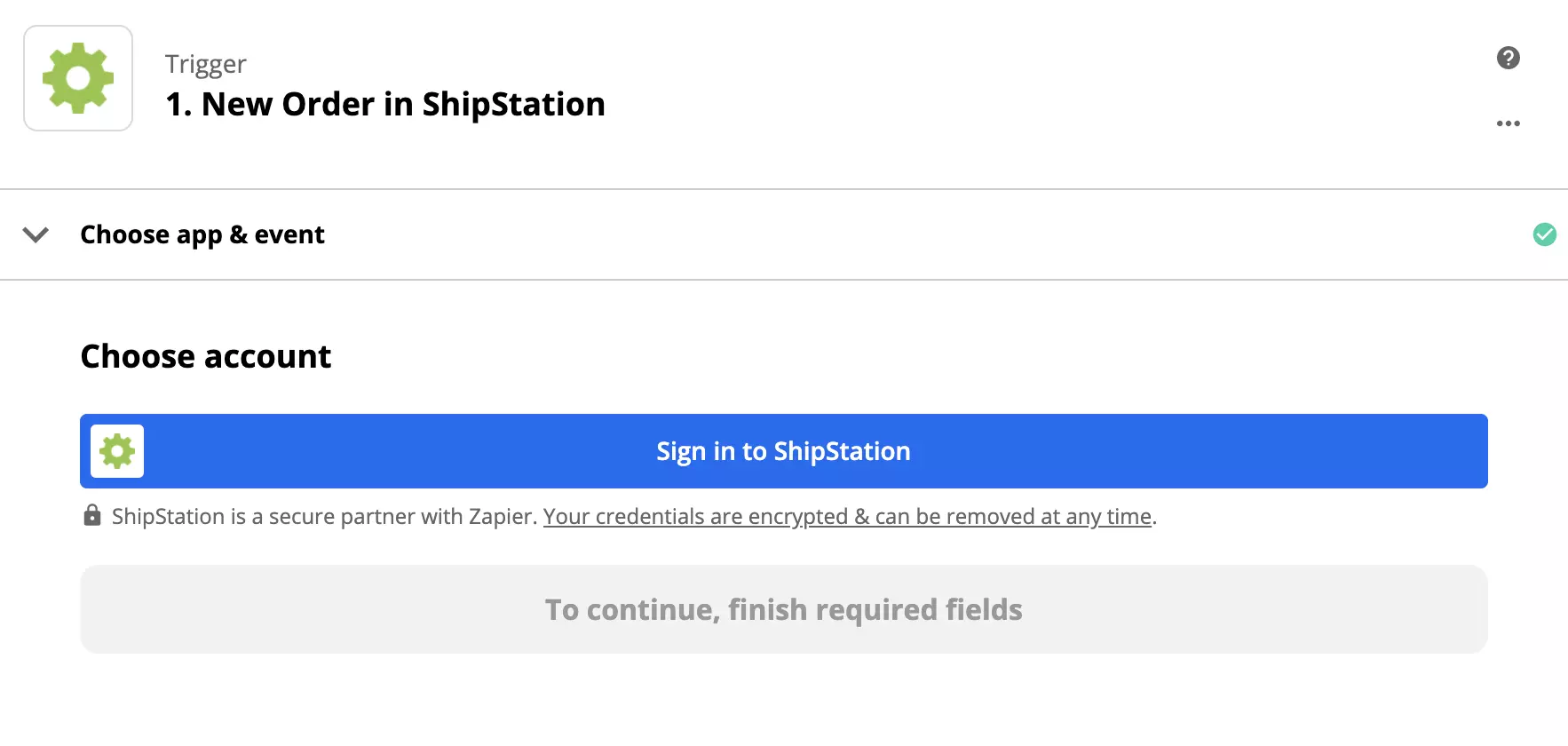
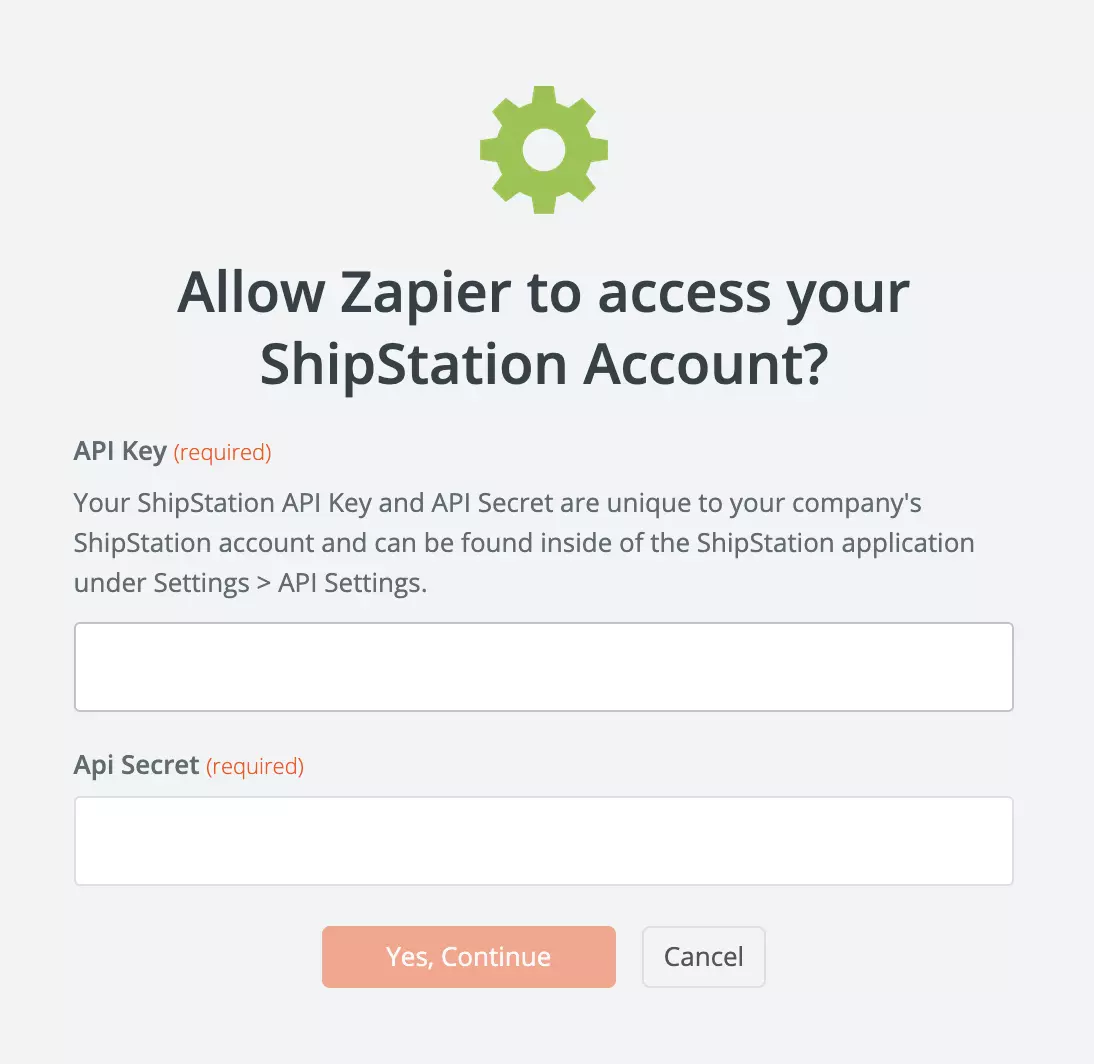
You will also need to provide your API key. You can find it in your ShipStation account. Go to Settings > Account > API Settings. Generate a new API key and copy both the key and the key secret into the Zapier window.
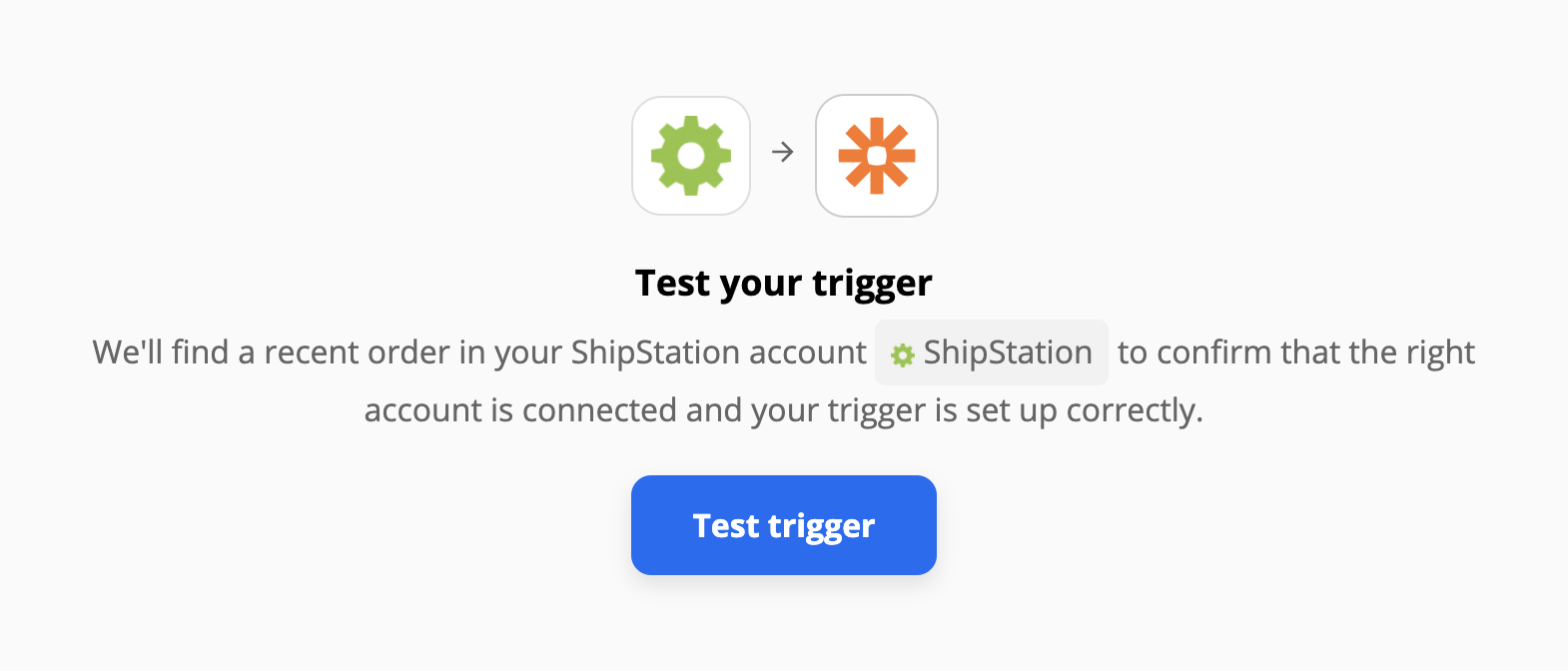
We recommend you test the trigger to see if it works. When you’re done, continue with the process.
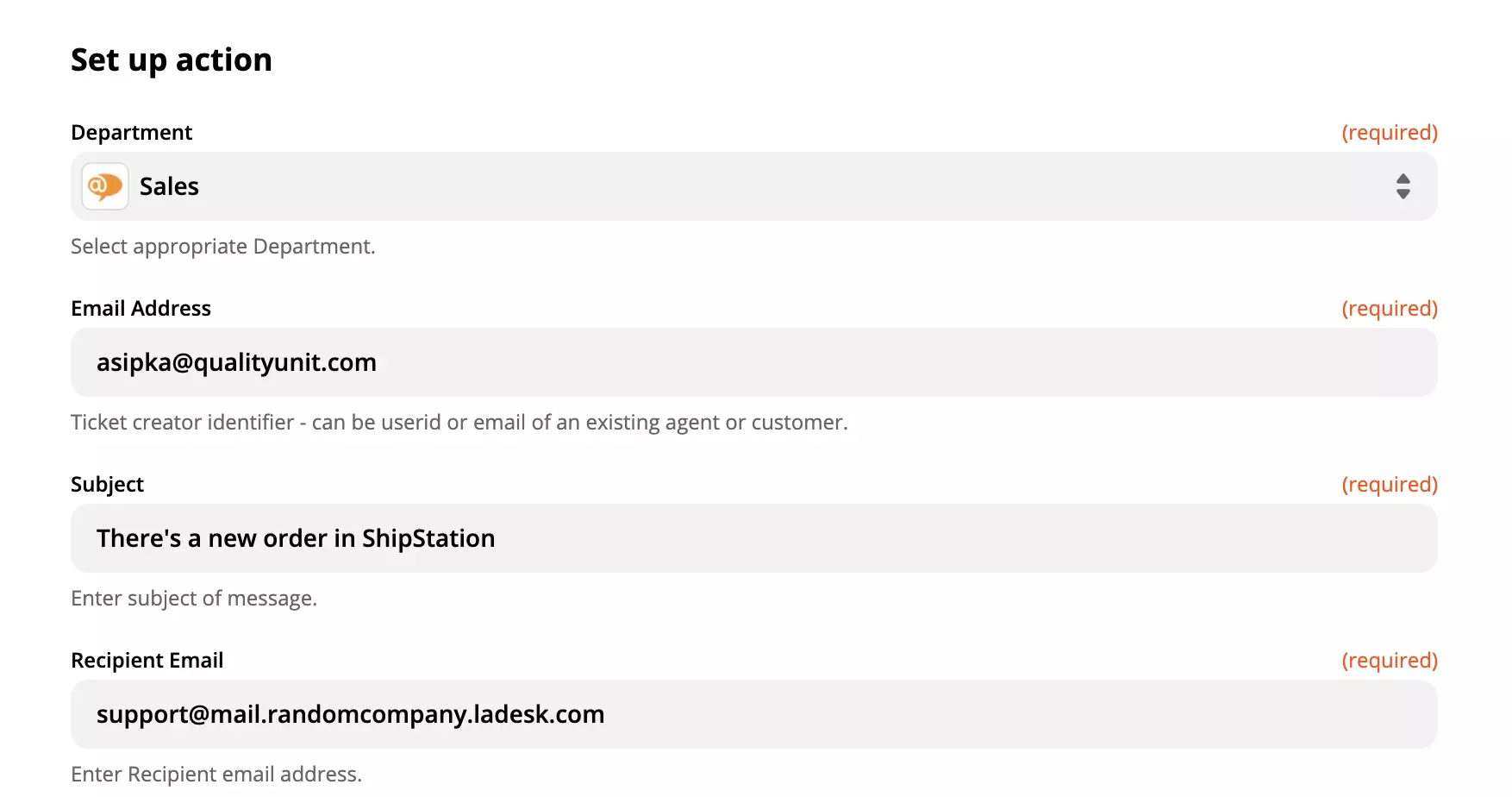
Now it’s time to set up the LiveAgent action. You will need to log into your LiveAgent account and provide access to handling your data. Then you need to set up the action details. In our case, we have to specify the message that will be sent after ShipStation receives a new order.
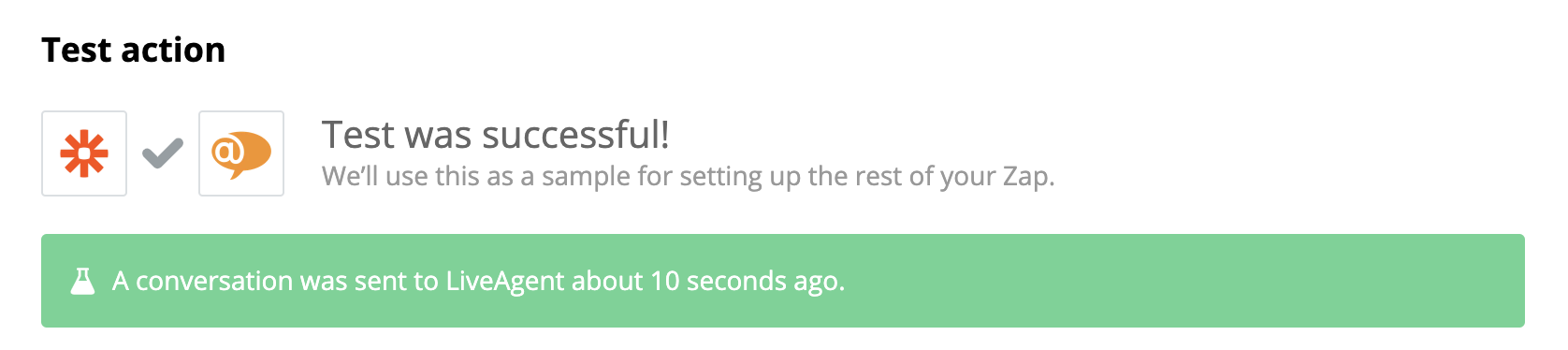
That’s it. The last step is to test the trigger and see if it works.
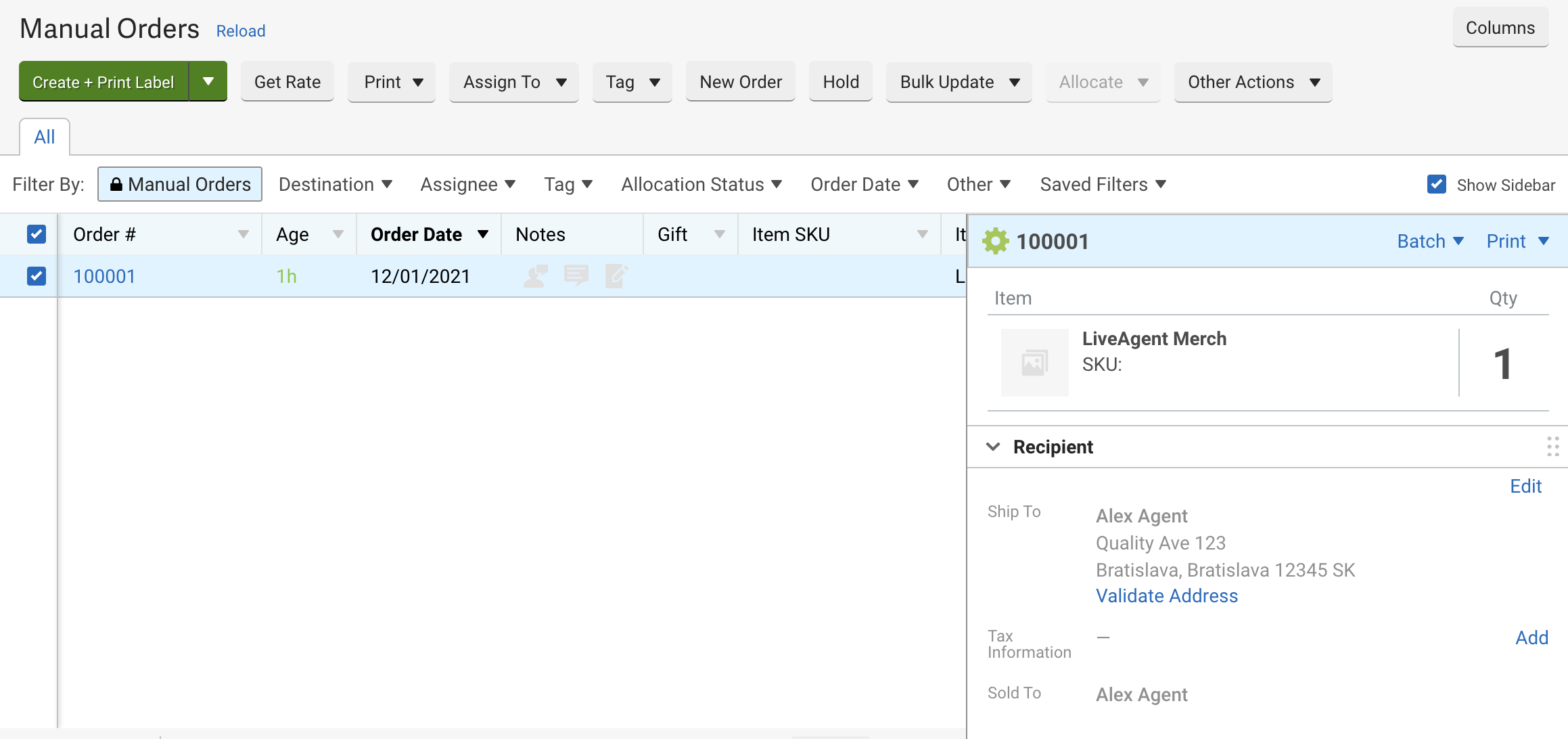
Now you can try it out. Go to your ShipStation account and create a new order in the orders section.
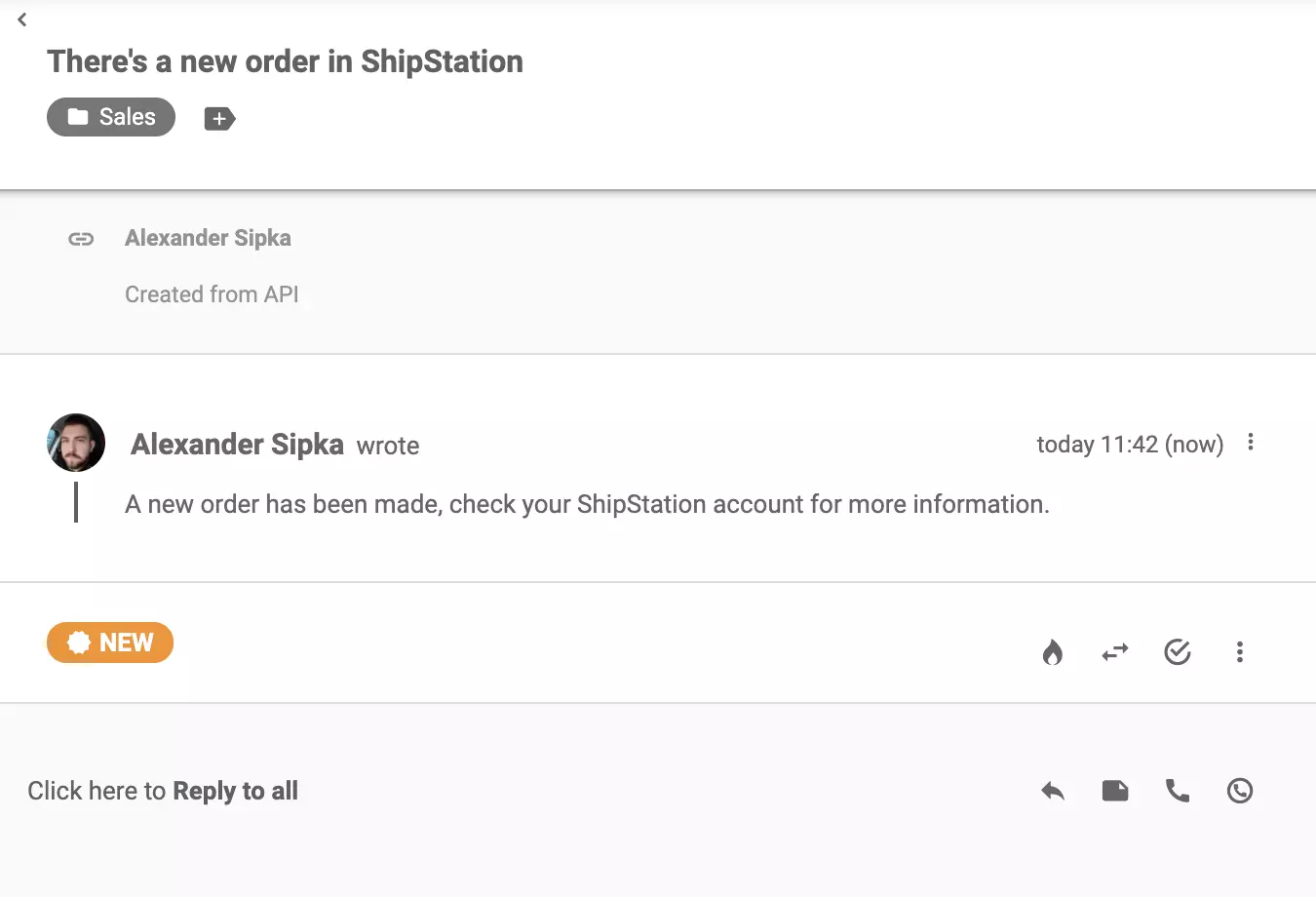
Check your LiveAgent ticketing system inbox. You can see a message from ShipStation informing you about a new order made.
Feel free to create more integrations for other purposes and make your online stores more efficient.
No problem! LiveAgent offers a 30-day free trial where you can test the ShipStation integration!
Zapier seamlessly integrates LiveAgent with 200+ apps, enhancing workflow automation without coding. Benefit from quick, intuitive connections with tools like S...
Stripe is a secure online payment platform that integrates with LiveAgent via Zapier for enhanced customer communication and satisfaction. It manages payments, ...
Integrate HubSpot with LiveAgent for streamlined contact and customer management from a single interface. Benefit from triggers and actions for improved workflo...
Join our community of happy clients and provide excellent customer support with LiveAgent.

Cookie Consent
We use cookies to enhance your browsing experience and analyze our traffic. See our privacy policy.