





Live chat AI bot
Supercharge customer support with LiveAgent AI Chatbot. Automate repetitive tasks, capture leads, and assist users through your knowledge base.
2 min read


Quriobot is a 24/7 customizable chatbot that enhances conversions by 28% and increases lead retrieval by 21%. Ideal for lead generation, customer support, and feedback collection. Seamlessly integrates with LiveAgent for automated chat support.
It’s hard to be available on chats 24/7, but it’s not impossible. Now you don’t have to miss out on capturing new leads or leave customers hanging. With Quriobot you can create a smart bot that provides smart answers. Imagine that you have a chat button ready, but your customer needs something easy that could easily be solved without chatting? Or navigate him directly to the best agent possible? Here’s how you can make this work.

Start your free trial today and see results within days.
Quriobot is a 24/7 customizable chatbot solution designed to enhance customer interactions and boost business results. The platform allows companies to build intelligent bots that operate around the clock, preventing the loss of potential customers and ensuring continuous engagement. With Quriobot, you can create intuitive chatbots that handle lead generation, customer support, and feedback collection seamlessly.
Quriobot is available 24/7 and is very well documented, easy to work with, and highly intuitive. It helps you increase conversion with 28% and increases lead retrieval rates with up to 21%. A lot of our customers have already tried it and experienced significant improvements in their customer engagement metrics.
The platform is designed to be user-friendly, allowing you to create sophisticated chatbot flows without requiring extensive technical knowledge. You can easily switch between Quriobot and live chat, providing a seamless experience for your customers.
The latest tips and deals delivered straight to your inbox.
You can create an intuitive chatbot that will be interacting with your customers all the time. Quriobot chatbot can be used for:
You can easily switch between live chat and Quriobot, allowing your team to take over conversations when needed. The best part of this is you can test out all the features at Quriobot.com for free.
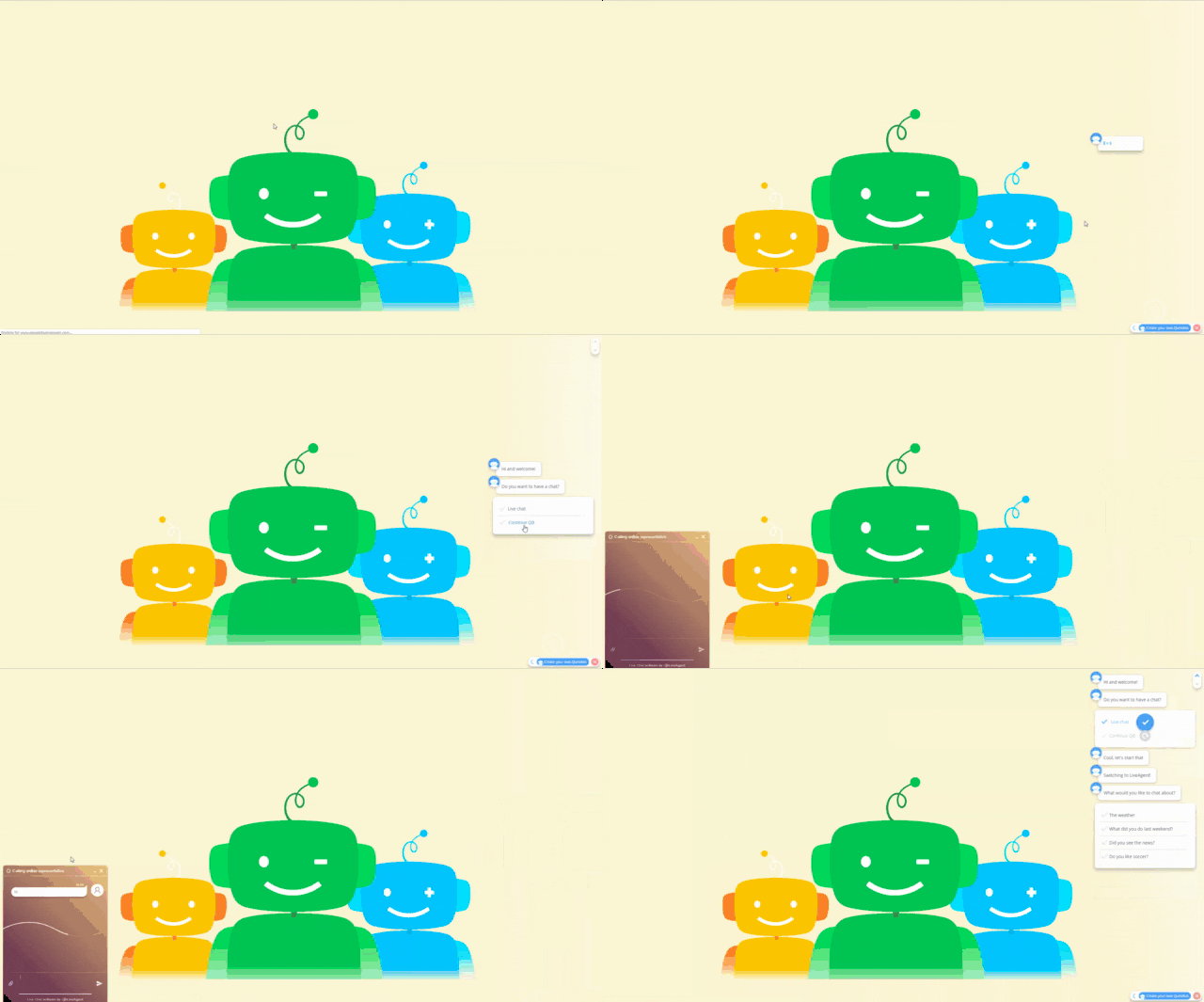
Make sure that you have admin rights for both LiveAgent and Quriobot accounts. A complete integration manual is available below.
Register with Quriobot here .
For this integration, you cannot use the default widget code that LiveAgent supplies because the chat will only be launched after selecting that option in your Quriobot. You will need the Advanced Button Integration, with details that can be found here .
Next to that, we want Quriobot to start again when your live-chat session has ended. For that, we need some ‘on close’ magic, with more info here .
The LiveAgent widget code you need to add before the end of the </head> section in your HTML page will then look something like this:
<script type="text/javascript">
var chatButton;
(function(d, src, c)
{
  var t = d.scripts[d.scripts.length - 1], s = d.createElement('script');
  s.id = 'la_x2s6df8d';
  s.async = true;
  s.src = src;
  s.onload = s.onreadystatechange = function()
  {
    var rs = this.readyState;
    if(rs && (rs != "complete') && (rs != "loaded'))
    {
      return;
    }
    c(this);
  };
  t.parentElement.insertBefore(s, t.nextSibling);
})
(document, '//YOURURL', function(e)
{
  chatButton = LiveAgent.createButton('YOURID', e);

  chatButton.oldOnCloseFunction_ = chatButton.onCloseFunction_;
  chatButton.onCloseFunction_ = function()
  {
    chatButton.oldOnCloseFunction_();
    quriobot.show_frame();
  }
});
</script>
Note: Please change your YOUR URL and YOUR ID in the code above to your own supplied by LiveAgent. Also notice the quriobot.show_frame(); which is needed to make Quriobot appear again.
If you have added that to your website, we are ready to add the necessary calls to Quriobot to start the live chat of LiveAgent. For this you only need two calls to make it work: 1 to start LiveAgent and 1 to hide Quriobot.
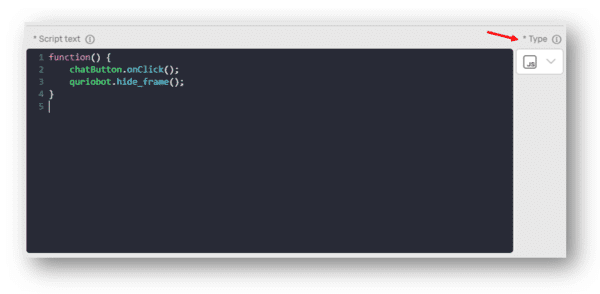
Add this function as a response to an answer option:
function() {
  chatButton.onClick();
  quriobot.hide_frame();
}
That’s it! If you add this as a response to an answer option, for example, you will start the LiveAgent chat and hide Quriobot. Closing LiveAgent will make Quriobot reappear!
If you want the Quriobot sticky avatar to be hidden as well when you start the LiveAgent solution, simply add the following line to the code and the sticky avatar will be hidden until you make it reappear when closing the live-chat:
function() {
  chatButton.onClick();
  quriobot.hide_frame();
  document.getElementById('botbutton").classList.remove('show');
}
If you are experiencing some problems with Quriobot please contact support@quriobot.com and if you are having problems with LiveAgent please contact us at support@liveagent.com
No problem! LiveAgent offers a 30-day free trial where you can test the free Quriobot integration!
Supercharge customer support with LiveAgent AI Chatbot. Automate repetitive tasks, capture leads, and assist users through your knowledge base.

Boost support with powerful chat bot software. Use LiveAgent AI Chatbot to automate replies, engage visitors, and improve satisfaction 24/7.
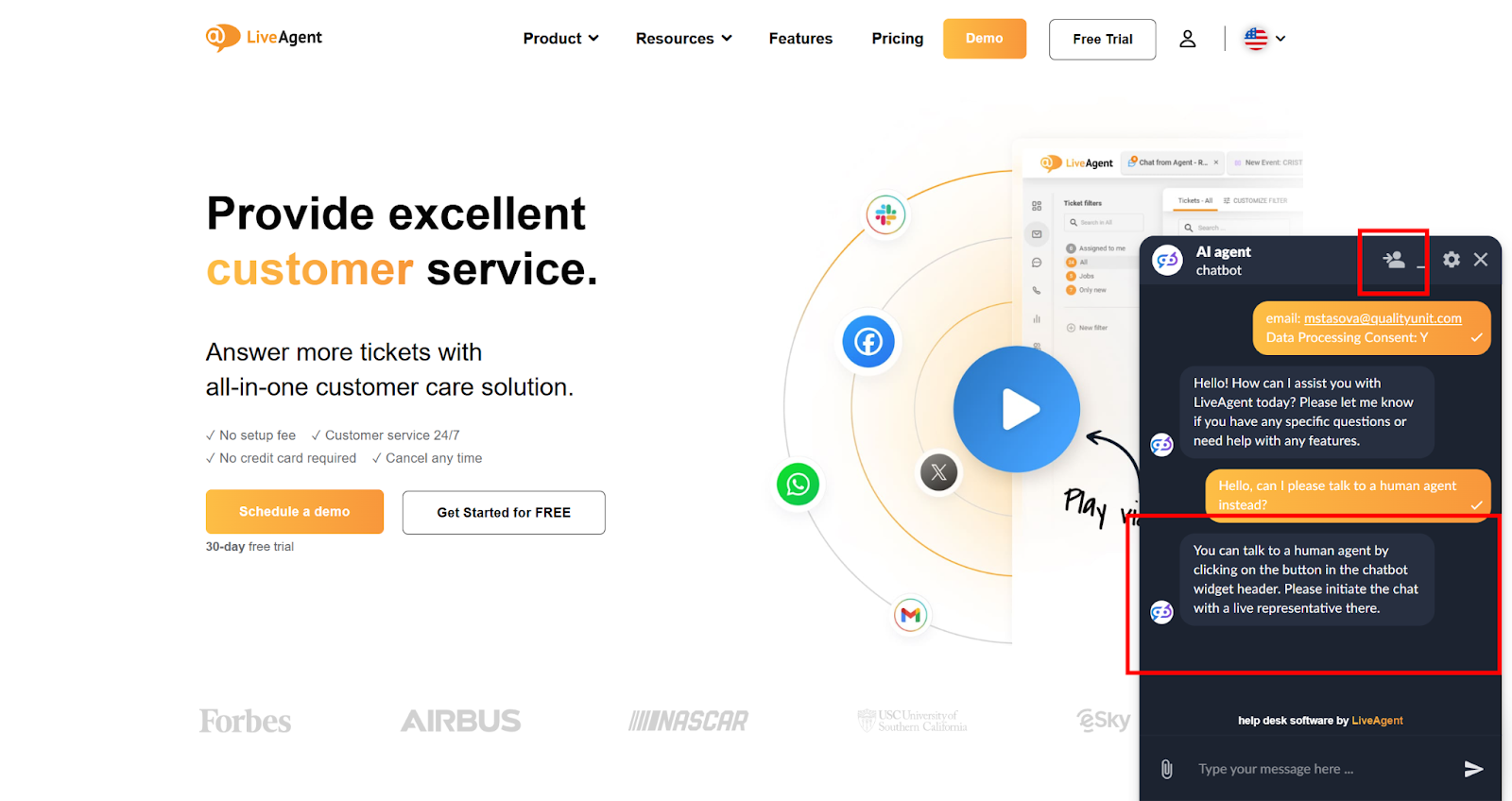
LiveAgent's AI-powered chatbot automates customer interactions, improves response times, and reduces agent workload. Integrated with FlowHunt, it handles FAQs, ...
Join our community of happy clients and provide excellent customer support with LiveAgent.

Cookie Consent
We use cookies to enhance your browsing experience and analyze our traffic. See our privacy policy.