



Zapier
Zapier seamlessly integrates LiveAgent with 200+ apps, enhancing workflow automation without coding. Benefit from quick, intuitive connections with tools like S...
3 min read



Integrate PayPal with LiveAgent via Zapier to efficiently manage customer info, receive transaction notifications, and enhance service. This integration allows for easy setup, tracking sales, and creating customer conversations directly from your dashboard.
PayPal is an online financial service that allows safe money transfers all around the world. Your account stores money which you can then transfer to your bank account or use them as a payment for services and products.
Notifications show you information about new customers, successful sales, transactions and refunds. You can also create conversations, manage customers or add them to the system.
LiveAgent + PayPal
Zapier is an integration platform that can help you connect two apps easily with a specific custom integration. It’s user friendly, intuitive and the setup takes only minutes to complete.
Here’s a simple guide on how to connect PayPal with LiveAgent. First of all, you’re going to need a Zapier account. If you already have one, log in. If not, you can create one at this link . All that’s necessary is your email address. When you’re done, go to the LiveAgent and PayPal integration page .
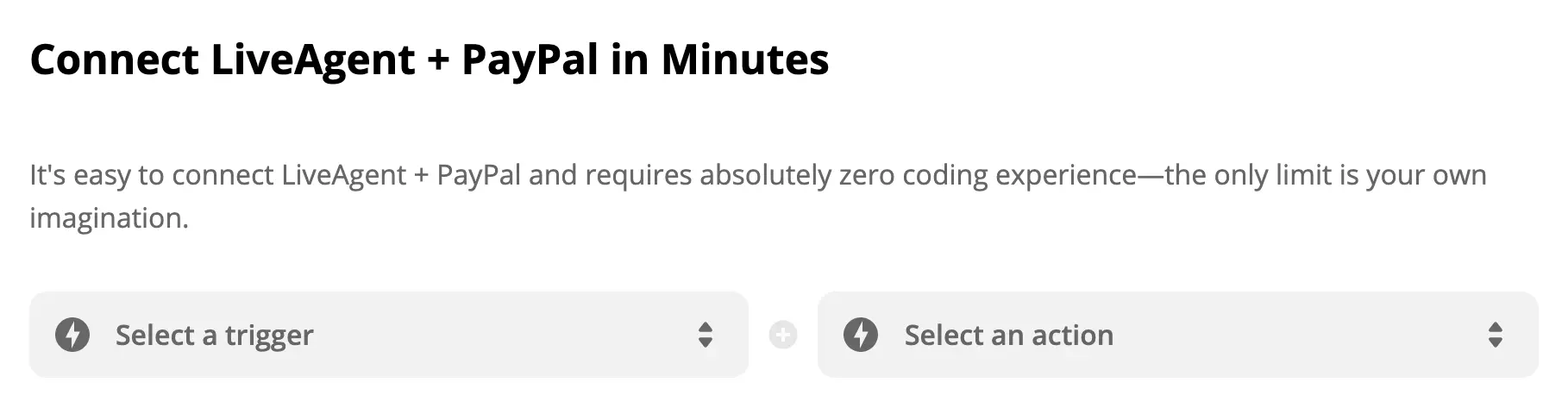
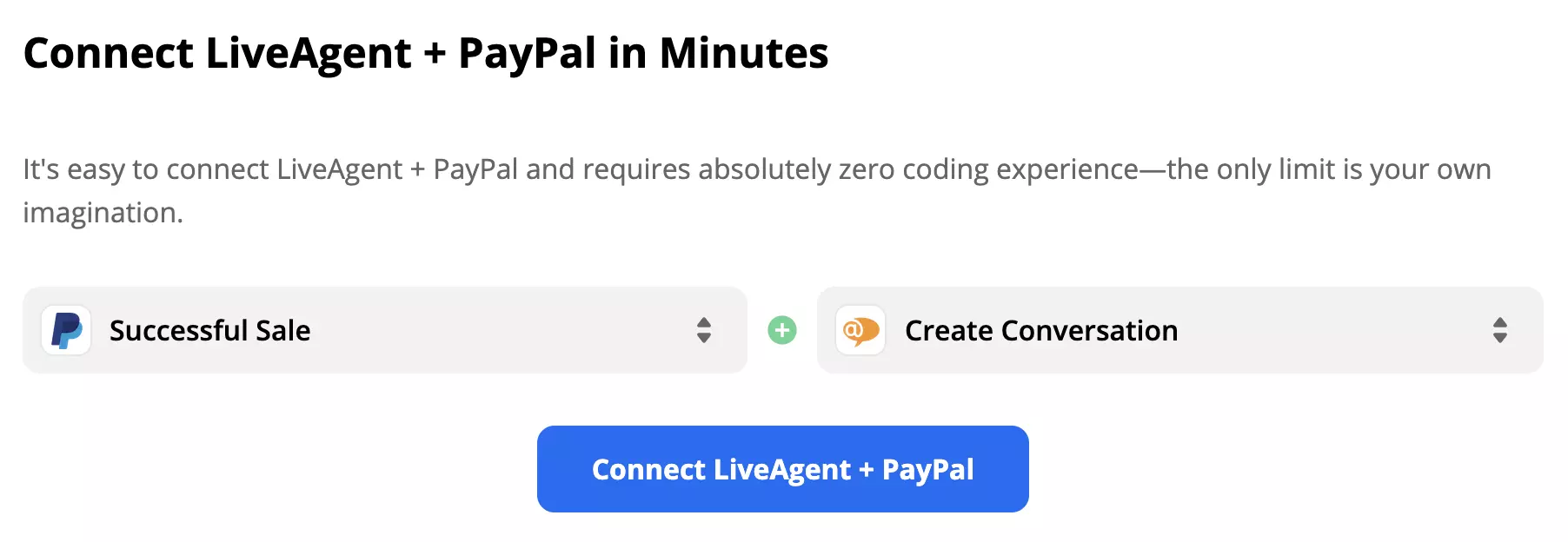
Scroll down a little and find the Connect LiveAgent + PayPal in minutes section. Here you can select a trigger and an action. In this case, a PayPal trigger will activate an action in LiveAgent. Pick the one you think works for you. As an example, we’ve paired a trigger Successful Sale with action Create conversation. When you’ve picked them, click on the blue button to continue.
In this section you have to pick your PayPal account and configure the trigger. Zapier guides you through the process.
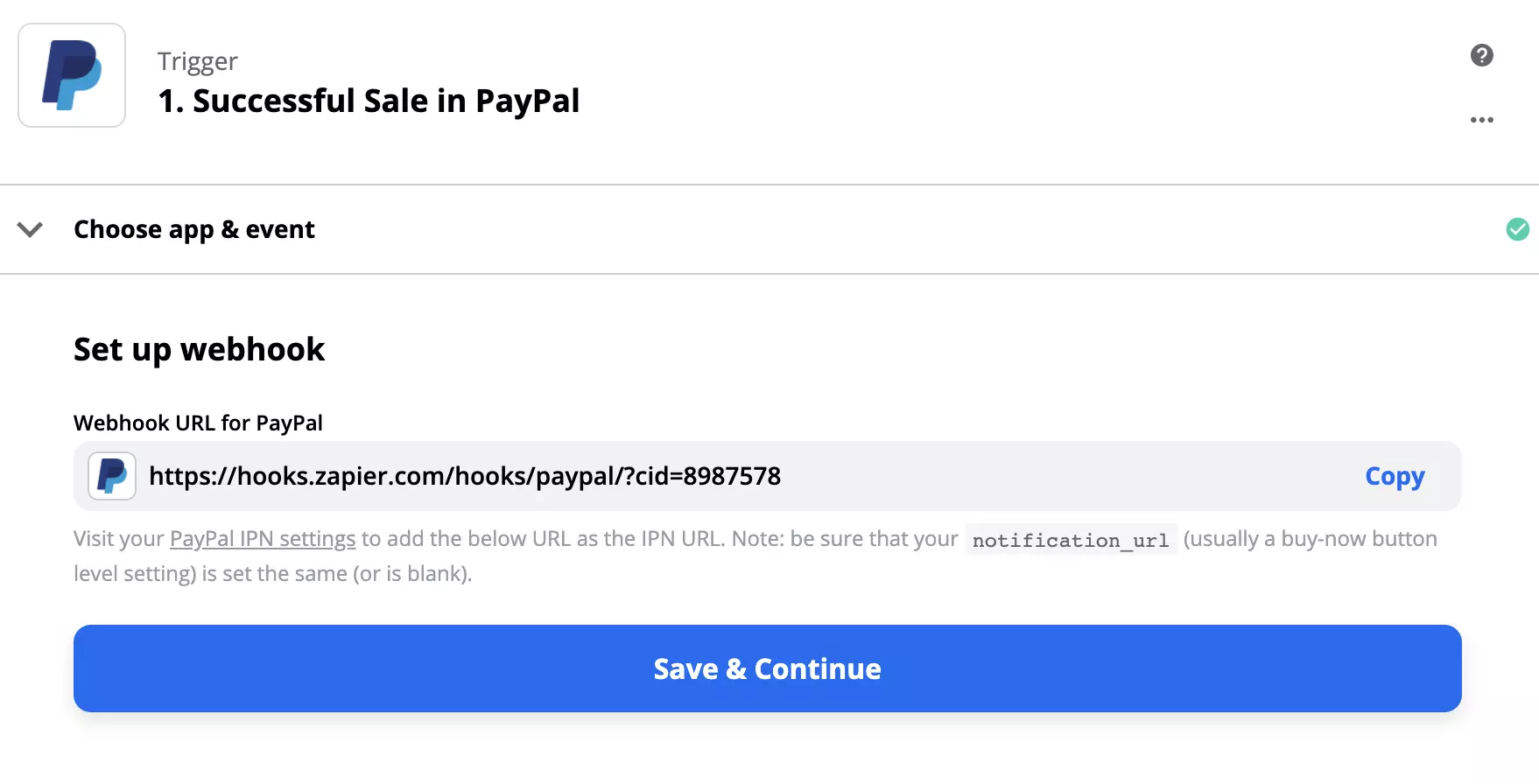
You will be required to edit Instant Payment Notification (IPN) settings. You can access them in your PayPal account.
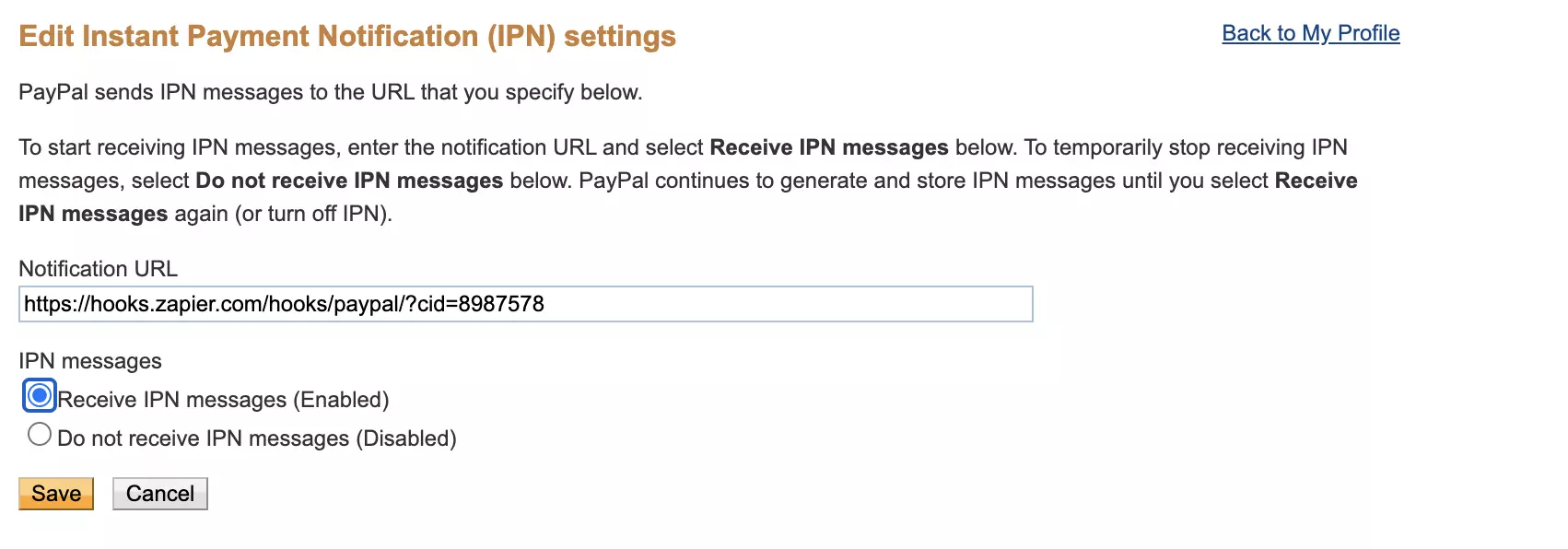
When you’re done, we recommend you to test the trigger to see if it works as it’s supposed to.

The next step is to configure LiveAgent’s action. Make sure you fill out all the required fields. Non-required fields can be filled out to better specify the action. In our case, we can add more details about our new conversation action.
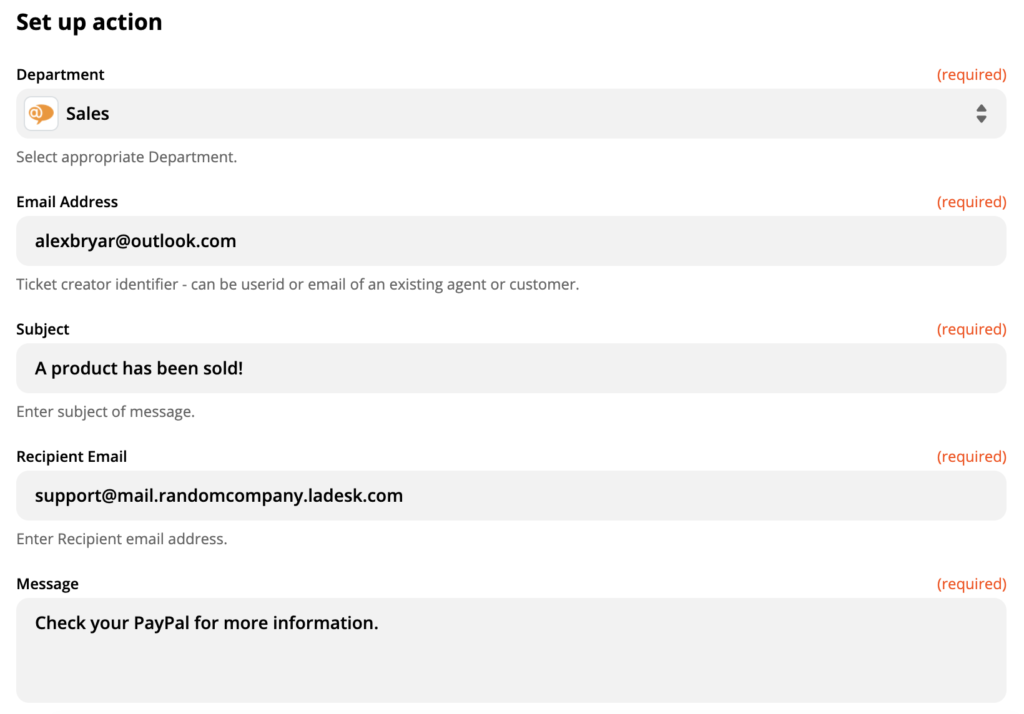
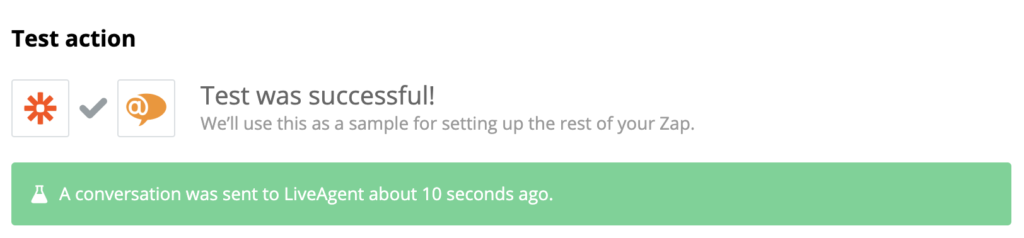
After that, do a final test of the integration to see if it works.
Now check your LiveAgent dashboard and have a look at your tickets. You should see a new conversation right after the test.
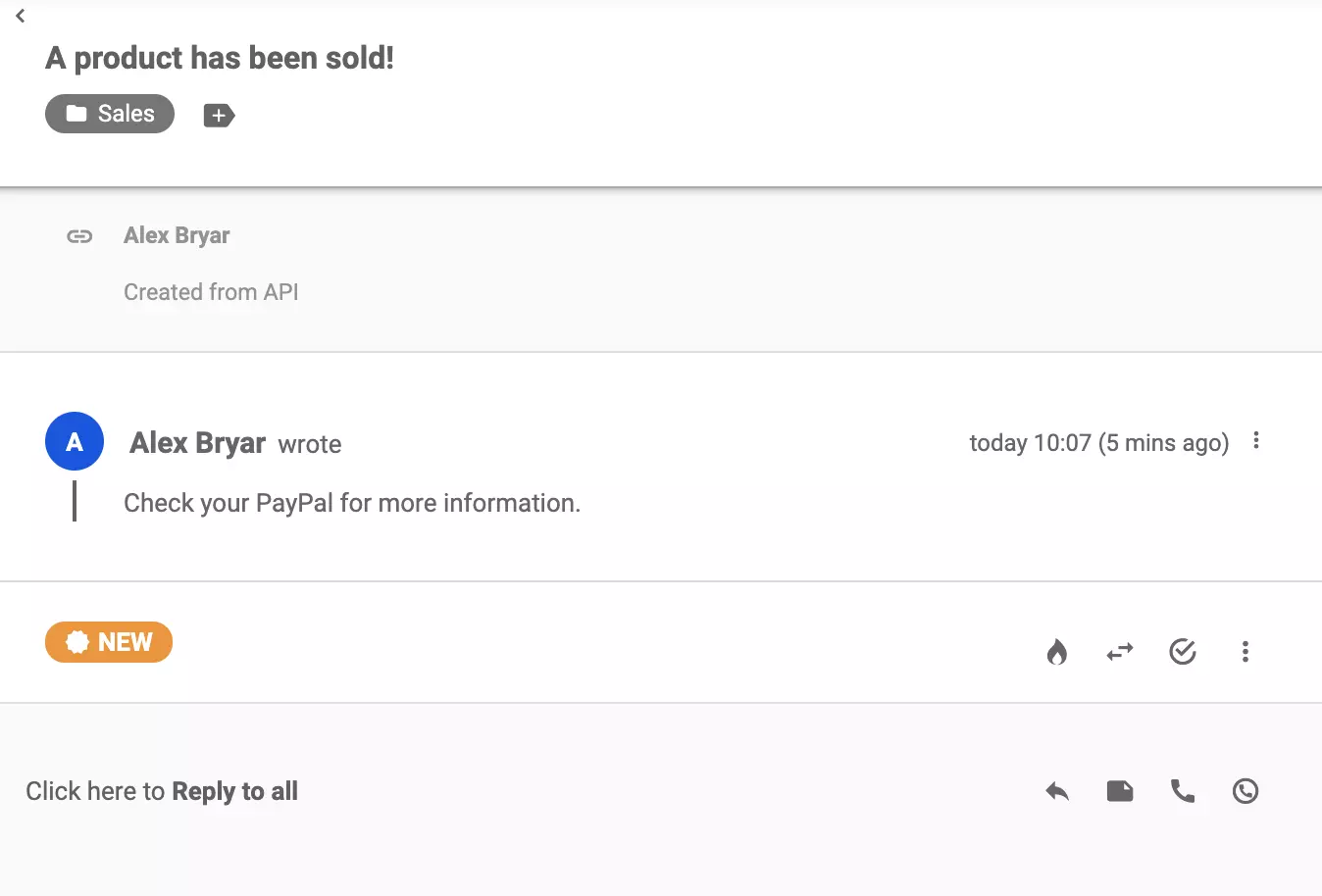
That’s it, you successfully integrated PayPal with LiveAgent. In case you want to make another custom integration, go back to the page link and try some other integrations.
No problem! LiveAgent offers a 30-day free trial where you can test the PayPal integration!
Zapier seamlessly integrates LiveAgent with 200+ apps, enhancing workflow automation without coding. Benefit from quick, intuitive connections with tools like S...

Zapier integrates over 200 apps with LiveAgent to automate tasks and streamline workflows, enhancing customer service. Connect apps like Slack and Trello effort...
ProjectManager is an online project management tool for planning, tracking, and collaboration. It integrates with LiveAgent via Zapier to manage tasks and times...
Join our community of happy clients and provide excellent customer support with LiveAgent.
