



Sendmail
Integrate Sendmail with LiveAgent for secure, efficient email routing and enhanced customer support. This open-source solution supports various mail-transfer me...
3 min read


MailEnable is a leading Windows email server offering secure IMAP, POP3, and SMTP support, with seamless integration with Microsoft Outlook and LiveAgent for enhanced customer support. Integrate easily with LiveAgent for efficient ticket management.
MailEnable is a commercial email server for Microsoft Windows operating systems. Providing secure email and collaboration services is made easy with the MailEnable solution. It is widely acknowledged as the most popular Windows Mail Server Platform in the world. MailEnable supports IMAP, POP3, and SMTP email protocols, while offering anti-SPAM and antivirus protection for its users. One of the key features that distinguish MailEnable from other email servers is its extensive integration with Microsoft Outlook.
MailEnable is an ideal solution for users who run their business from computers running Microsoft Windows and require a secure email solution. Safe and reliable, it offers just what you need to get the job done. It seamlessly integrates with the Microsoft Outlook email client, and you can connect it with your LiveAgent help desk for enhanced customer support purposes.
The LiveAgent ticketing system is fully compatible with multiple email inboxes from various providers. The software also has feature enhancements that make sure your email correspondence is well organized and delivered to the right recipients. Once a customer agent receives an inquiry from the customer, it is converted into a ticket. These tickets can be accessed in the universal inbox .
Check out features such as departments or automated ticket distribution which assures all tickets are delivered to an available support agent . In addition, you can use tags to create various topic groups, or set your own business hours to let customers know when you’re available to answer their queries. These are just a few of many LiveAgent features that ensure a smooth workflow for any type of user.
Email is not all you can integrate, you can enhance your customer help desk with a VoIP call center , one of the fastest live chat widgets , an elaborate knowledge base , and your social media accounts – Facebook , Twitter , Instagram , and also Viber and WhatsApp . Take a look at the full list of LiveAgent features that can help you provide amazing customer support.


The latest tips and deals delivered straight to your inbox.
Integrate MailEnable with LiveAgent in just a few simple steps. LiveAgent has an easy integration option available in the Configuration menu. Have a look at the step-by-step guide below to learn how to integrate.
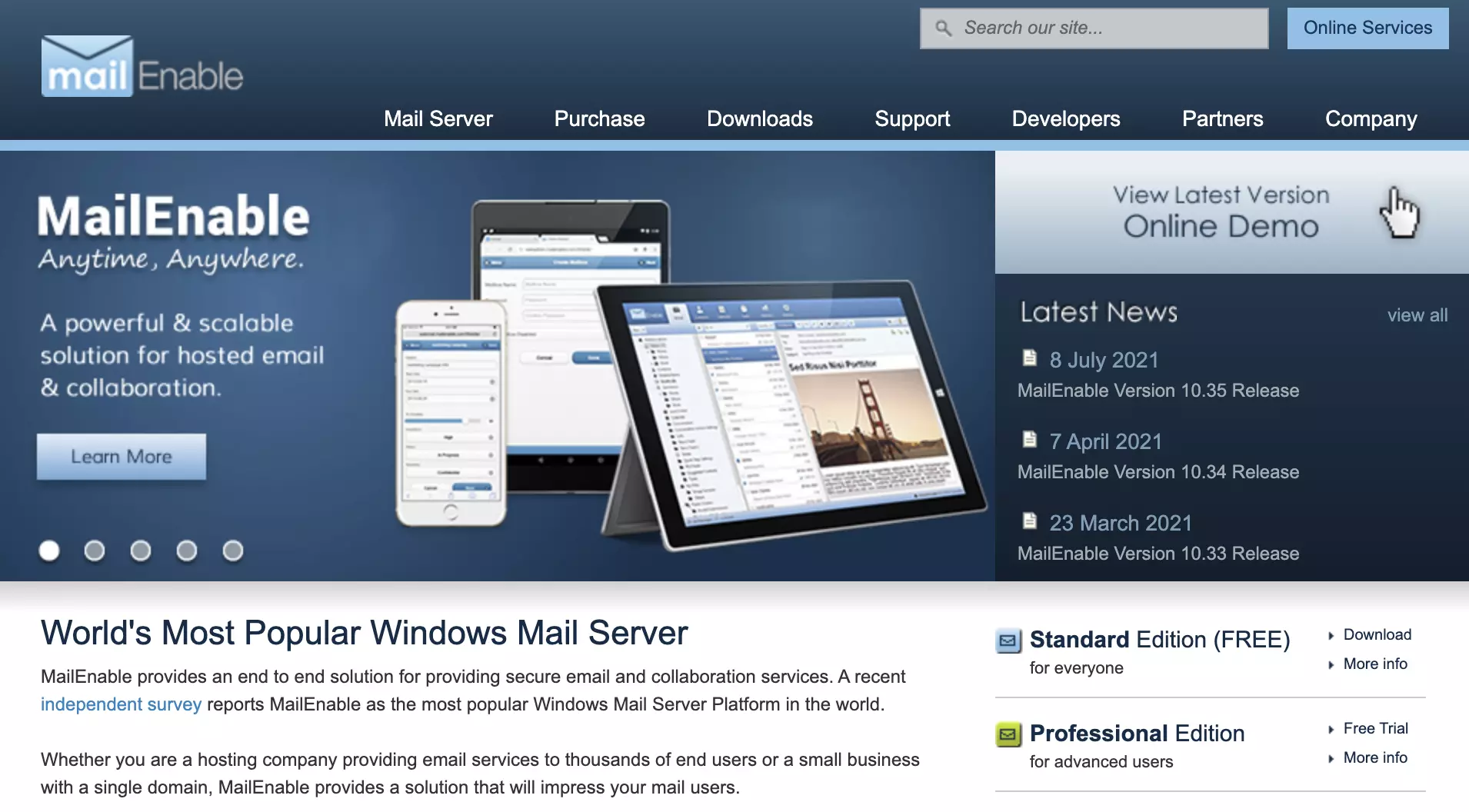
Step 1: Get MailEnable
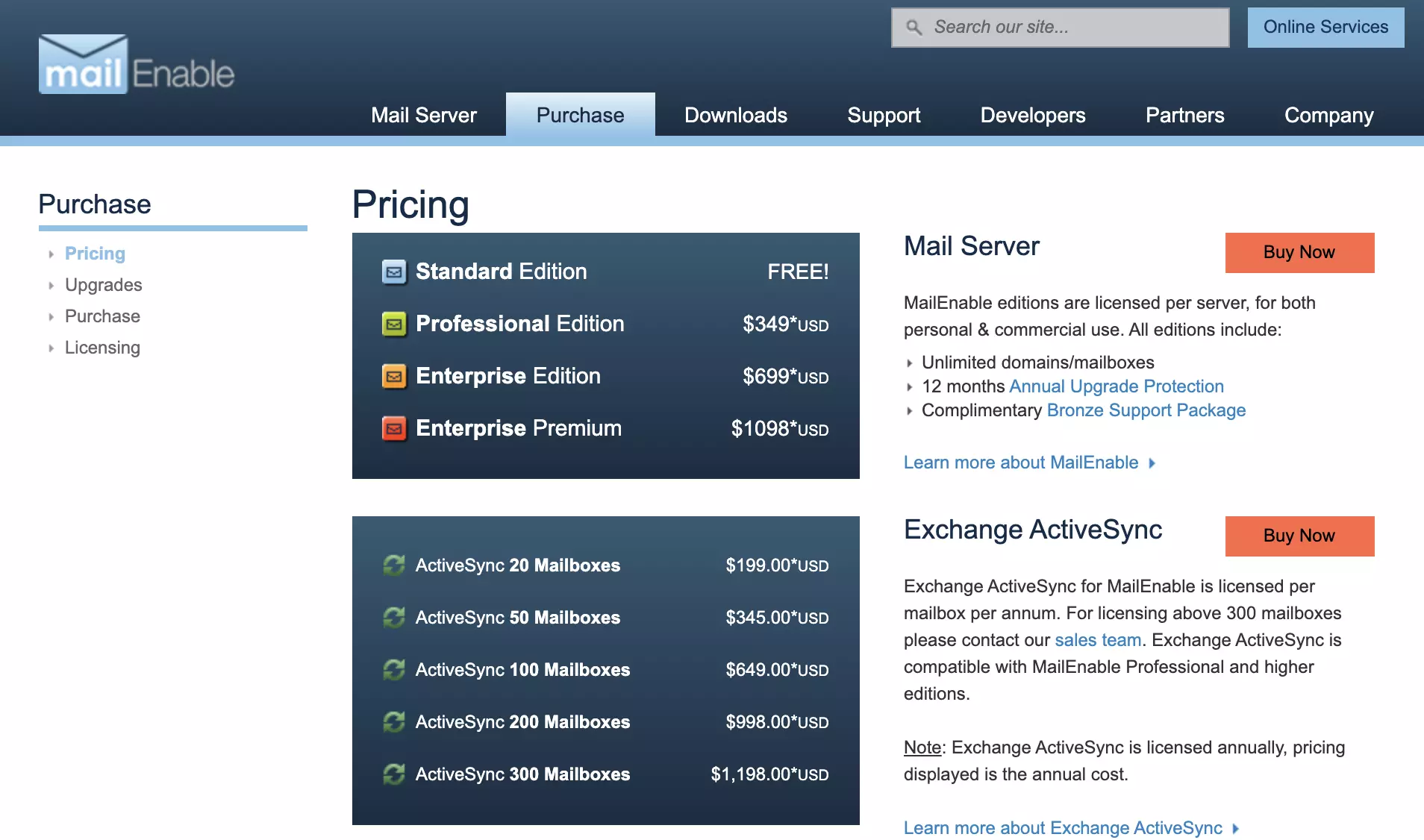
If you don’t have your MailEnable email yet, head over to their website and pick a plan. MailEnable also offers a free plan, so you can start without any necessary charges. Once you do, download and install the client. The installation process is simple thanks to the installation wizard.
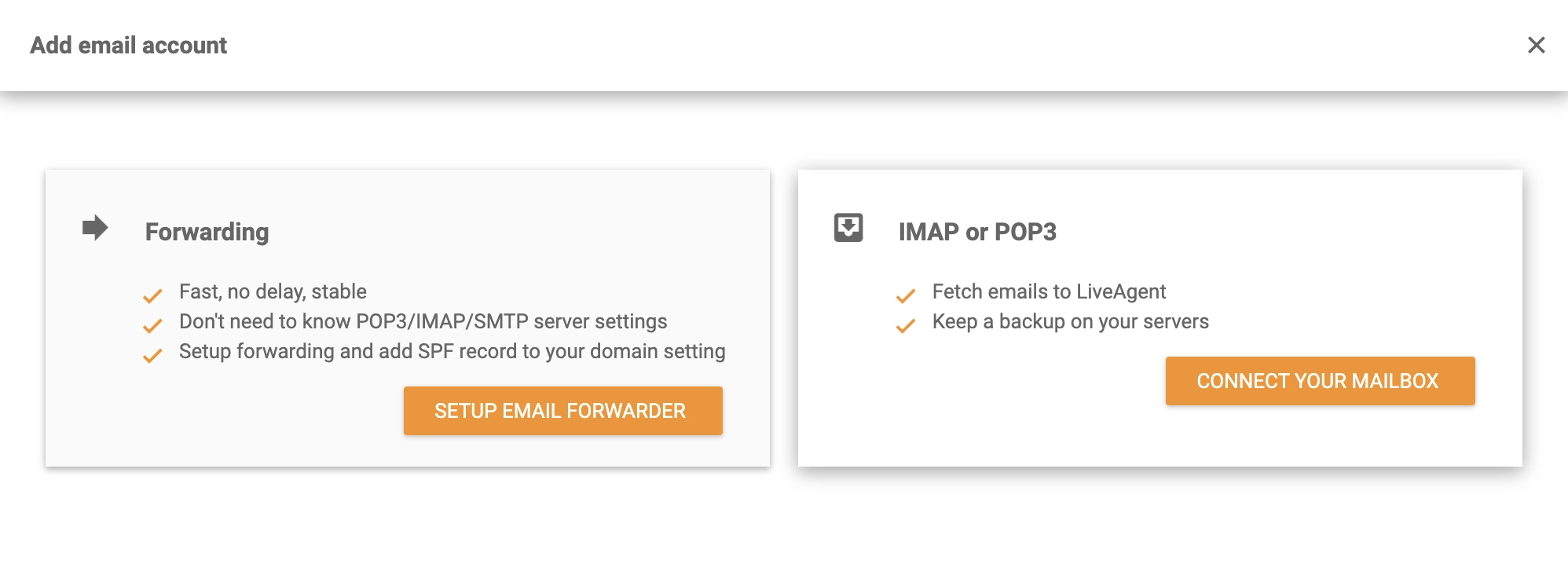
Step 2: Connect with LiveAgent
Once you’re finished with the MailEnable setup, it’s time to connect it with your LiveAgent help desk. Log into your account (or create a free trial to get started), and go to Configuration > Email > Mail Accounts. Click on the Create button and select Other > IMAP/POP3.
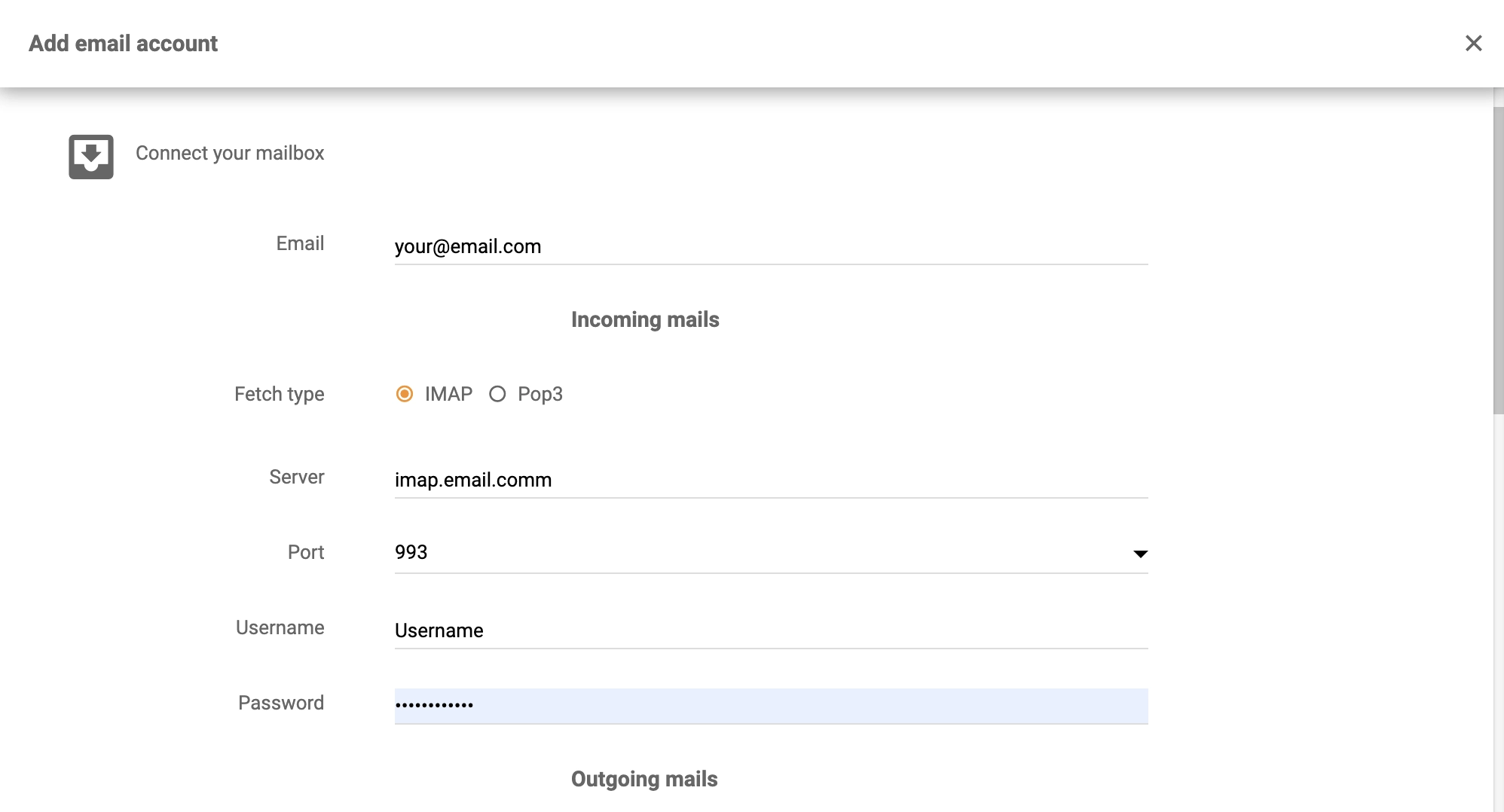
Step 3: Configure Your Details
Now provide your details into the configuration. You need to enter your email address, password and login details, as well as the server and port numbers. You also have to select a department responsible for answers to tickets from this email amongst other options. When everything is to your satisfaction, click on Save and you’re done.
The integration is complete and your LiveAgent help desk is now ready to help you solve customer tickets. Have a look at the LiveAgent academy to learn more about customer support or watch the video below to see the full LiveAgent capabilities.
Looking to integrate MailEnable with your customer support software? Check out LiveAgent’s MailEnable integration and experience seamless email management.

Integrate Sendmail with LiveAgent for secure, efficient email routing and enhanced customer support. This open-source solution supports various mail-transfer me...
Enhance your customer support with Microsoft Exchange Server integration in LiveAgent. Streamline email, calendaring, and collaboration on any device, boosting ...
hMailServer is an open-source email server for Windows offering spam and virus protection. Integrate it with LiveAgent for efficient customer support and seamle...
Cookie Consent
We use cookies to enhance your browsing experience and analyze our traffic. See our privacy policy.