
Valentine's Day promotion background
14.Feb - 13.Mar 2026

Valentine deal

AI UNLOCKED
For new and existing customers for 3 months
WYSIWYG editor

WYSIWYG editor

WYSIWYG Editor Email Templates Knowledge Base

What is the WYSIWYG editor?

The WYSIWYG editor in LiveAgent allows easy content formatting for emails, templates, and knowledge base articles with features like bold text, lists, and images. The WYSIWYG editor gives you the ability to enter and format your content while working in a “What You See Is What You Get” view of the content. By using the implemented WYSIWYG editor, you can easily edit and style the content of your emails, email templates, and knowledge base articles.
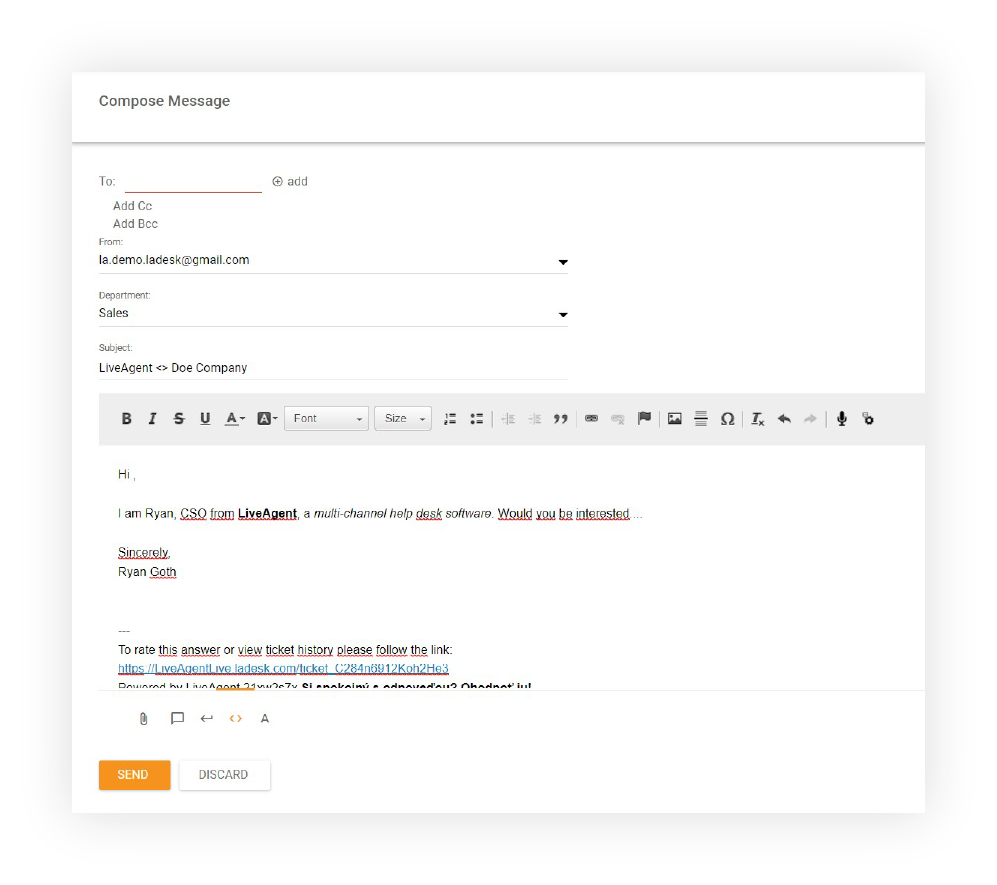
WYSIWYG editor - New ticket

Formatting options and capabilities

This editor lets you format text in bold or italics, create numbered lists, drop in images, paste tables, and embed links. The WYSIWYG editor makes your customer support ticketing solution much more accessible and easy to work with, even for the less tech-savvy agents.
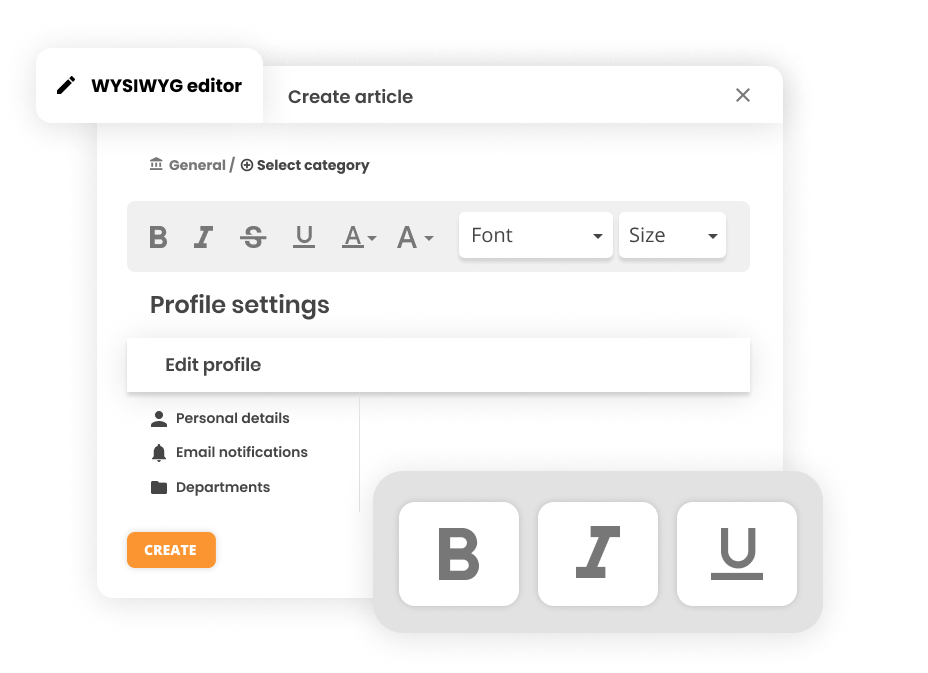
What you can do with the WYSIWYG editor:

  • Format text in bold or italics
  • Create numbered and bulleted lists
  • Insert and embed images
  • Paste and format tables
  • Add and format links
  • Create professional-looking content without HTML knowledge
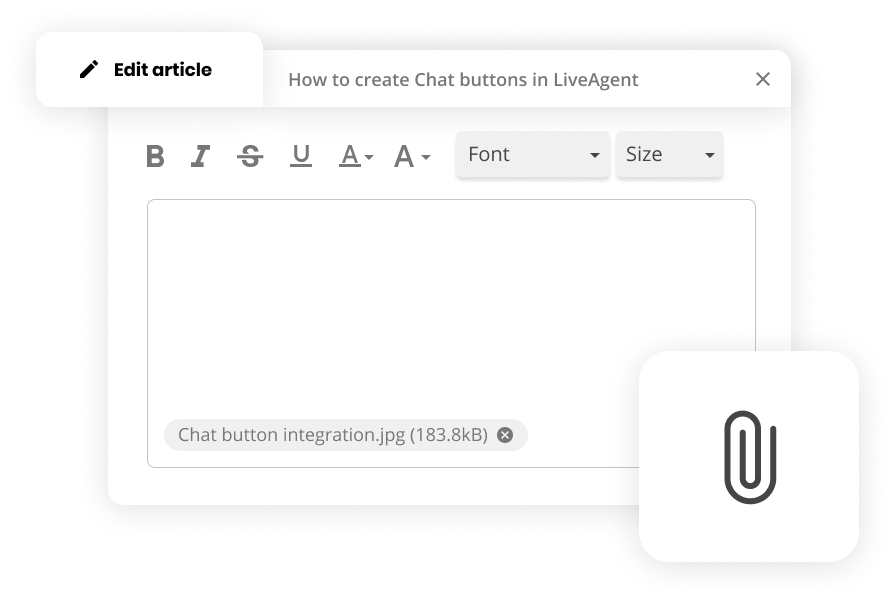
WYSIWYG editor - Knowledge base article

Perfect for knowledge base articles

The WYSIWYG editor is very simple to use and will help you make the most out of your ticketing system. Whether you’re creating email templates or knowledge base articles, the editor provides an intuitive interface that makes content creation accessible to everyone on your team.

Create stunning templates and articles

Why use the WYSIWYG editor?

The WYSIWYG editor is valuable because:

  • Accessibility - No HTML or coding knowledge required
  • Efficiency - Create professional content quickly and easily
  • Consistency - Maintain brand standards across all communications
  • Flexibility - Format text, add images, and structure content as needed
  • User-friendly - Intuitive interface suitable for all skill levels
  • Professional results - Create stunning emails and articles that impress customers

Available in all LiveAgent plans

The WYSIWYG editor is available in:

  • Small
  • Medium
  • Large
  • Enterprise

Ready to create stunning content?

Use our WYSIWYG editor to create stunning email templates and knowledge base articles. Try it today. No credit card required. Start your 30-day free trial now or schedule a demo to see how LiveAgent can transform your customer support experience.

Frequently asked questions

What is a WYSIWYG editor?

A WYSIWYG (What You See Is What You Get) editor allows you to enter and format content while viewing it exactly as it will appear. In LiveAgent, the WYSIWYG editor lets you easily edit and style the content of your emails, email templates, and knowledge base articles without needing technical knowledge.

What formatting options are available in the WYSIWYG editor?

The WYSIWYG editor supports formatting text in bold or italics, creating numbered lists, inserting images, pasting tables, and embedding links. These features make it easy to create professional-looking content even for less tech-savvy agents.

Can I use the WYSIWYG editor for knowledge base articles?

Yes, the WYSIWYG editor is perfect for creating knowledge base articles. It allows you to format text, add images, create lists, and structure your content in a way that's easy for customers to read and understand.

Is the WYSIWYG editor easy to use?

Yes, the WYSIWYG editor is very simple to use. It provides an intuitive interface that makes it accessible to agents of all technical skill levels, helping you make the most out of your ticketing system.

Create stunning templates and articles

Use our WYSIWYG editor to create stunning email templates and knowledge base articles. Try it today. No credit card required.

Learn more

WYSIWYG editor for articles

WYSIWYG editor for articles

Create professional knowledge base articles with LiveAgent's WYSIWYG editor, featuring easy-to-use formatting tools for all users. Enhance branding and article ...

3 min read
WYSIWYG Knowledge Base +2
Wix
Wix

Wix

Wix is a website builder offering templates and widgets. Integrating LiveAgent with Wix lets businesses add live chat buttons for improved customer support, enh...

4 min read
CMS Integration for Content Management

CMS Integration for Content Management

Manage content with LiveAgent's dashboard and WYSIWYG editor. Integrate with CMS like WordPress, Squarespace, and Drupal. Try free for 30 days, no credit card n...

1 min read
CMS Integration +1

You will be in Good Hands!

Join our community of happy clients and provide excellent customer support with LiveAgent.

Post Affiliate Pro Dashboard - Campaign Manager Interface

