



Slack
Integrate Slack with LiveAgent for real-time notifications on ticket updates. Enjoy easy setup via native, external, or Zapier integrations. Customize notificat...
6 min read


Receive instant alerts for new tickets and updates via Slack with LiveAgent. Enhance team communication and efficiency. Easy setup, customizable notifications, and a 30-day free trial available.
Slack is a well-known cloud-based instant messaging platform. Slack is used to connect with your co-workers and instantly chat with them about work-related issues, projects or even to have a casual conversation in your downtime. It’s popular because it’s simple and many businesses started using it as their main communication channel.
Slack has started as a simple project which aimed to make customer feedback their priority and provide a simple space for communication within companies. Therefore it’s no wonder that Slack became the most popular messaging platform for businesses worldwide.
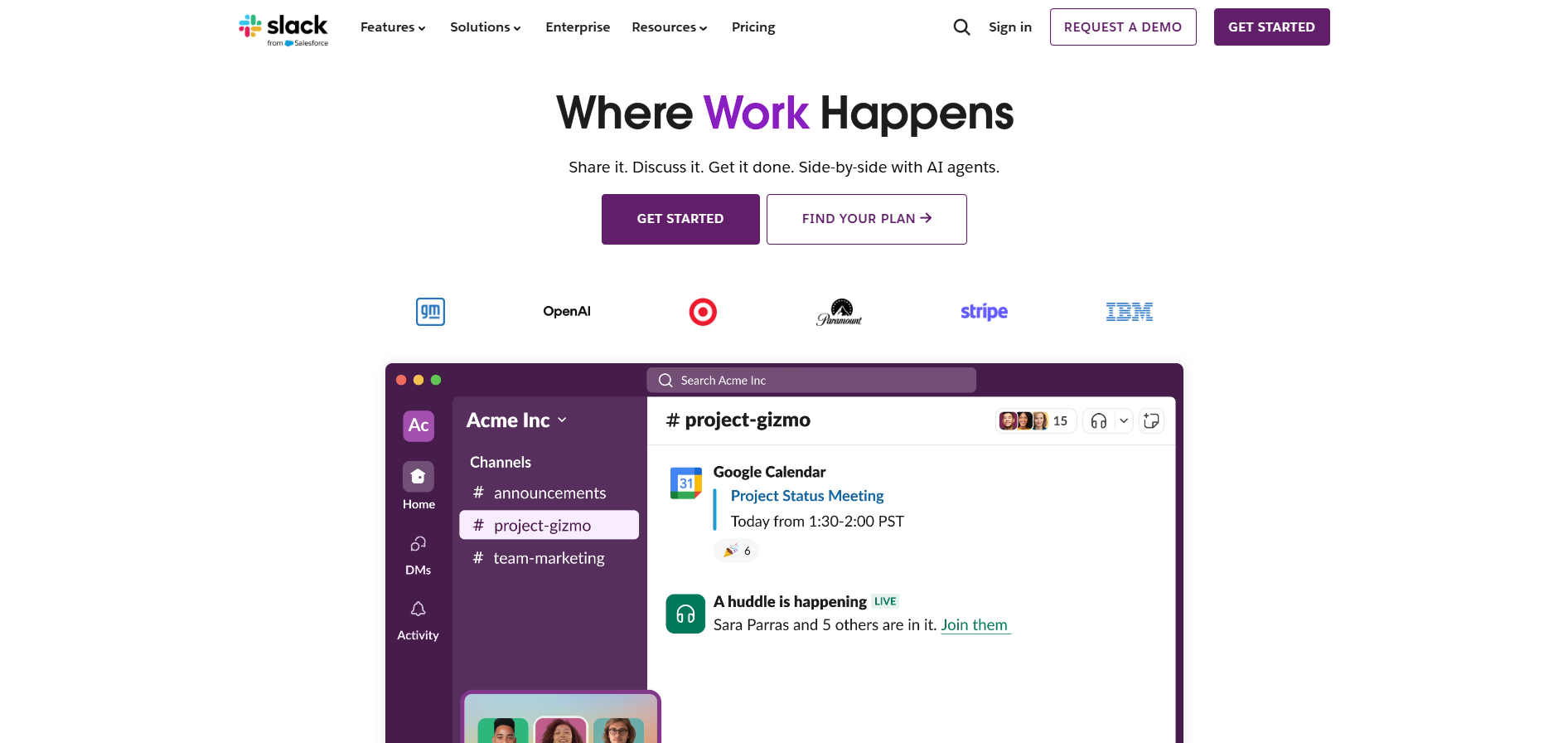
Each time someone sends a message to you or a channel you’re in, you receive a notification. From sales, human resources, or product development, everything is unified into one single hub.
But how about customer support? To make the best use of Slack and LiveAgent, we have introduced a new feature to keep you in the loop even when you’re taking care of other matters. Your customer service skills will stay sharp. LiveAgent makes it easier for you to follow up on your tickets via Slack notifications.
Never miss a customer’s inquiry even while you’re discussing other ideas. Let your agents know about the newest updates with Slack and LiveAgent integration.
With LiveAgent’s Slack integration you can see what is happening with your tickets while you’re taking care of business on Slack. Every time a new ticket is opened, solved or whenever you get a reply from a customer you will be kept up to speed via Slack’s notification panel.
Find out if anything important has changed in your LiveAgent rule setup. Every time a rule is changed while you’re in Slack, you will get notified about it.
Setup is easy from LiveAgent’s configuration panel and takes only a few minutes to complete. Everything will be ready and set up in no time so you can focus on the important things.
Send out messages to Slack from LiveAgent to discuss ideas, provide advice or keep your agents up to speed with the ‘send Slack message" option.
Notification templates can be easily customized to your preference. Say goodbye to unanswered tickets and get Slack notifications about each new ticket, or ticket response.
Setting up your Slack notifications is easy to do on your own. Never let anyone miss out on a ticket or an important update in your rules. There are only a few steps to do, let’s have a look at what they are.
The very first step is to set up your Slack feature. You can find it in the list of Features in your LiveAgent admin panel. Go to Configuration and find Slack.
After the activation is complete, click on the ‘add to Slack" button. The button will appear again in the Slack configuration selection. Then a standard authorization window pops up where you’ll authorize LiveAgent to access your Slack workspace.
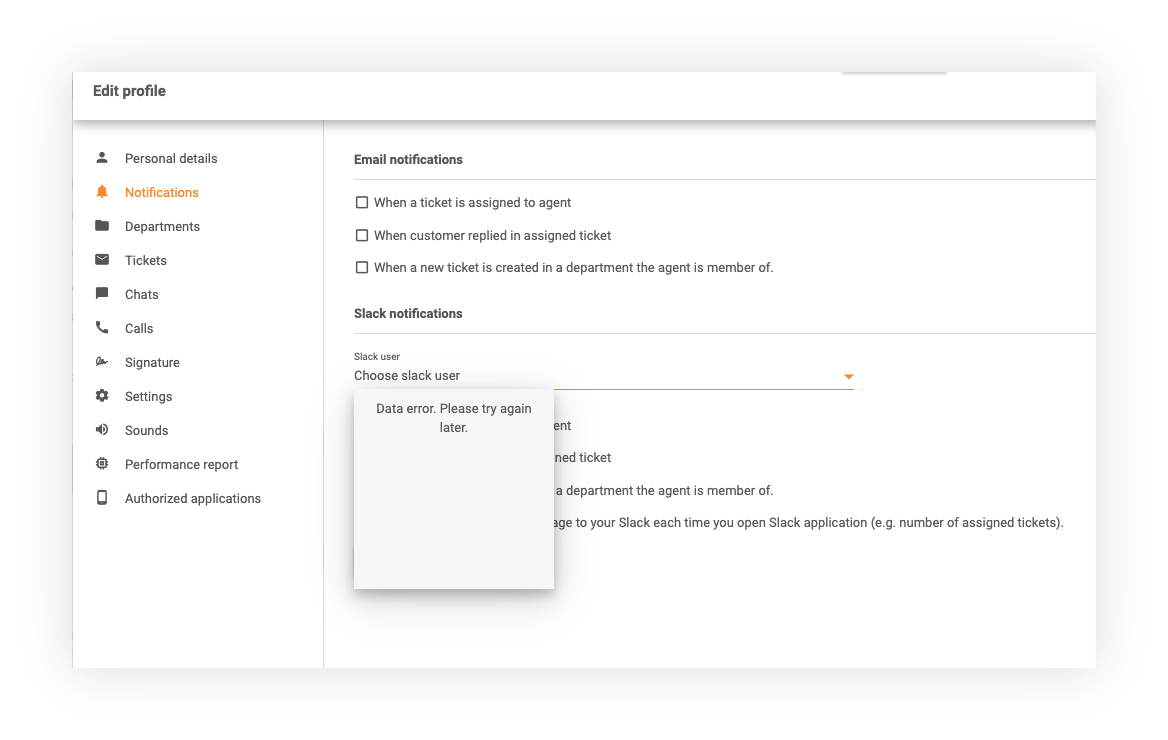
When you successfully finish integrating your Slack with LiveAgent, you can set up a new rule action ‘Send Slack message". Every agent also has an option to set Slack notifications in their “Edit profile” section. After they set up their Slack, a user confirmation test message is required to go directly in Slack.
Ready to give it a try? Follow these three easy steps and try sending a ticket from your LiveAgent dashboard to see how it works. Customizing notifications is easy enough to do. Just go to Slack configuration and have a look at all the options. Pick the one that suits you the best.
Slack and LiveAgent are both very powerful tools, with each serving a different purpose. Getting stable, reliable and intuitive software is always a valuable investment for you and your company. Slack as a communication tool is invaluable and with Slack and LiveAgent together, your business will be ready to thrive, your agents will always be notified about updates and your customers are always taken care of quickly and efficiently.
Define support in a completely new way and share examples of good customer service within your channels. Why not find out for yourself? LiveAgent offers great pricing and reliable support for a reasonable price. See our flexible pricing plans or try it out for free.
We were looking for a replacement for Kayako which really frustrated us. At first, we tried Freshdesk, but when I stumbled upon Live Agent I was sold. Live Agent's best part is the way it distributes tickets for agents. This provides a constant task feed for our customer service personnel and prevents cherry-picking the easiest tasks before the harder ones. It is also great to have such a massive amount of features. Even if you won't need all of them, you'll definitely find all of the things you need.Sampo S, G2
Discover LiveAgent's powerful features that streamline communication, increase efficiency, and boost customer satisfaction.
Integrate Slack with LiveAgent for real-time notifications on ticket updates. Enjoy easy setup via native, external, or Zapier integrations. Customize notificat...
Connect your Telegram bot to LiveAgent and manage customer conversations directly from your help desk. Turn Telegram messages into support tickets and deliver f...
Find Slack's customer support via email at feedback@slack.com, live chat, and social media. Use their knowledge base for self-service support. Note: Slack offer...
Join our community of happy clients and provide excellent customer support with LiveAgent.
