



Internal calls features
Enhance team collaboration with LiveAgent's Internal Calls. Make free voice calls with colleagues directly from the interface. Try it free today!
3 min read
Internal Calls
Voice Communication
+2

Boost team collaboration with LiveAgent’s internal chat! Share instant messages, attachments, and ticket links—all without third-party apps.
LiveAgent’s internal chat allows you to connect with your colleagues without having to use any third-party application. The team chat gives you the ability to send instant text messages and attachments (all common file types are supported). Moreover, the communication is only visible to you and the recipient of your message. This internal chat tool is built into LiveAgent, ensuring seamless communication within your organization. It’s more efficient than using an external app, allowing teams to collaborate in real time.
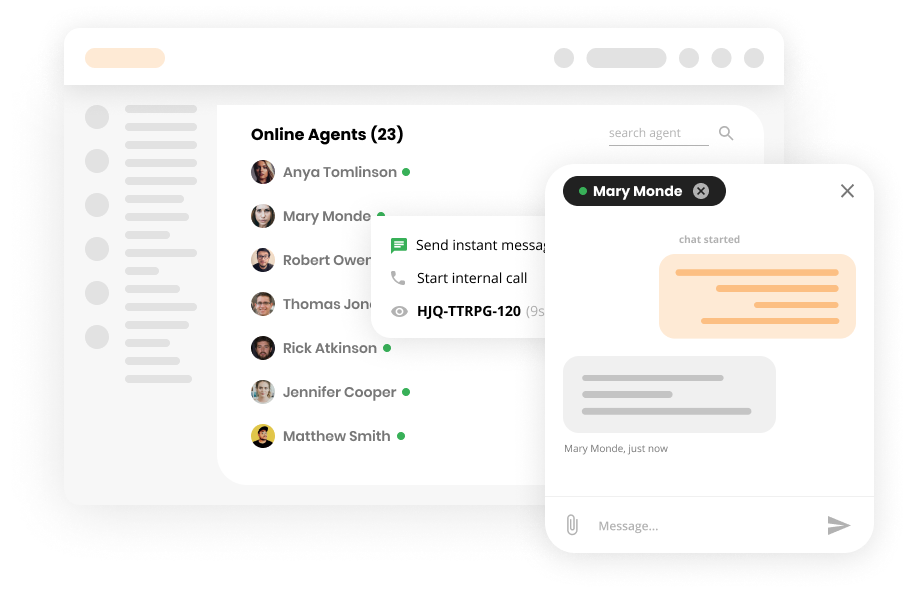
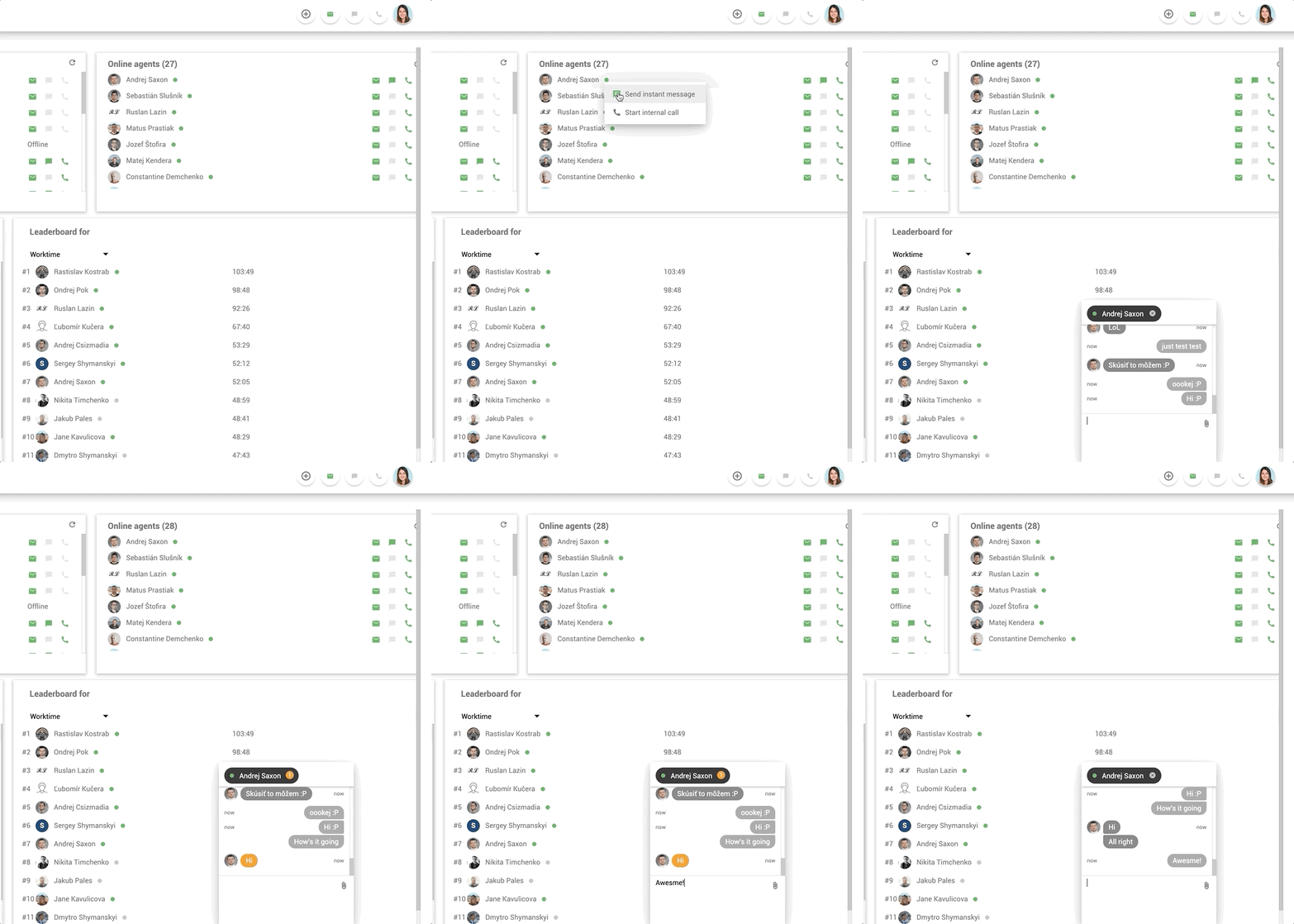
To start, find the agent you want to contact in the “Online agents” section of the dashboard. Click on the green (online) or grey (offline) dot and select “Send instant message.” Keep in mind that you can send messages even while your colleagues are offline (they can read them at a later time). This internal chat app also supports the sending of ticket numbers, making it easier to collaborate on customer issues directly from the dashboard.
Alternatively, you can start an internal communication directly from a ticket, or from an ongoing chat. The process is the same. Simply click on the green dot and select “Send an instant message.” When you start the communication this way, the chat will contain the ticket number that you started the conversation from.
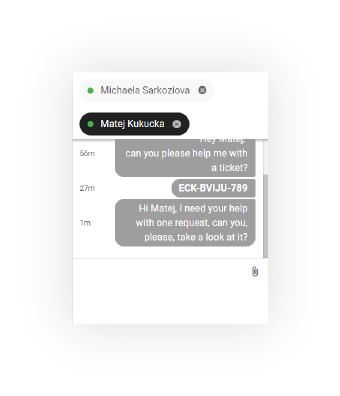
If you want to ask for help, you can copy and paste a ticket’s unique number into the internal chat function, which instantly creates a clickable link. This feature allows the recipient to click on the link and be instantly redirected to the ticket for quicker collaboration and support.
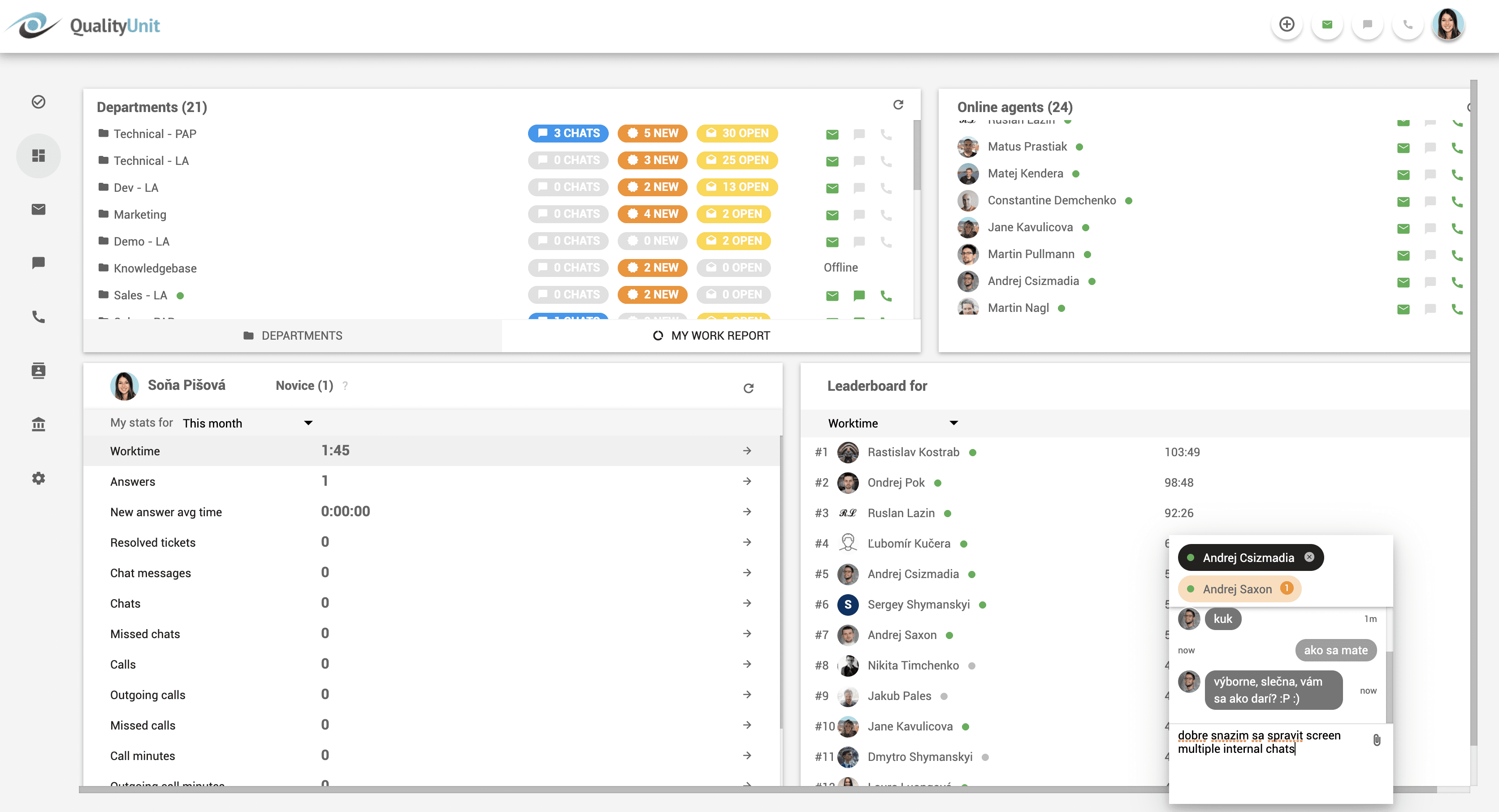
The internal chat window supports multiple conversations at the same time. The size of the window can be changed according to your preference and positioned anywhere within LiveAgent’s UI.

The latest tips and deals delivered straight to your inbox.
Internal chats are a part of many ticketing tools that allow customer support representatives and other team members to communicate and collaborate right from the tool itself. With internal chat, employees can exchange information, ask for assistance, and share updates on customer issues, all within one tool.
By taking advantage of all the capabilities of internal ticketing tools, support teams can streamline their communication workflows. Instead of relying on other chat applications or email exchanges, internal chat provides a centralized platform for real-time collaboration.
Real-time typing view is basically a preview of the visitor’s live chat message. It was created to help your agents effectively solve the issue faster and make the customer’s experience better.

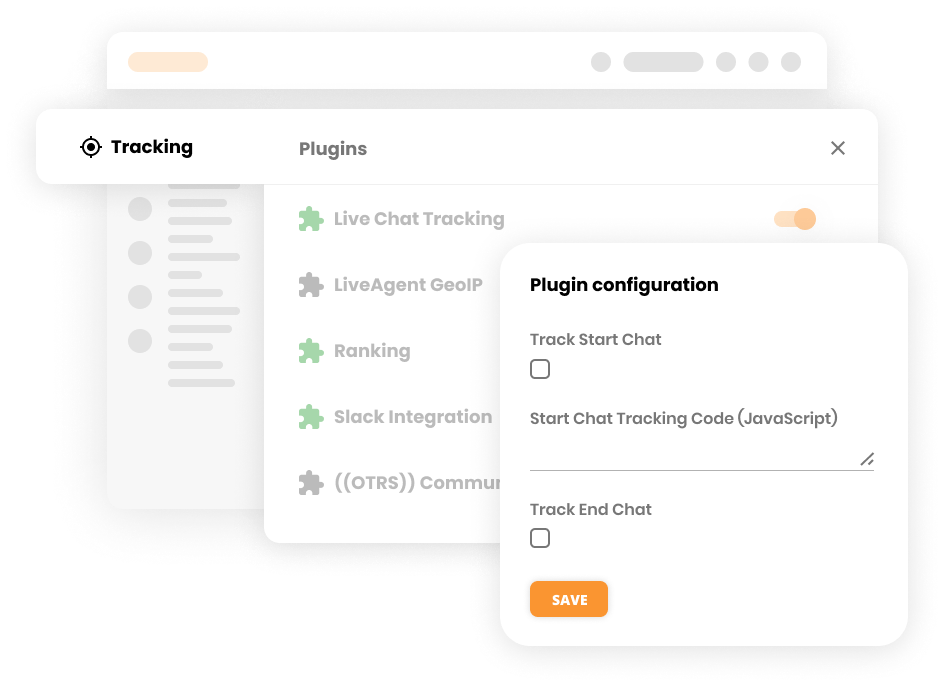
LiveAgent provides a free plugin that allows you to connect important data from your live chat with Google Analytics. Thus, you can quickly analyze the overall impact of the live chat customer service on your conversions.
Get an overview and quickly analyze the current live chat situation with the Chats overview feature. For instance, you can view visitor’s country, visitors in a queue, chatting visitors, available agents, and more.
Discover all the Live Chat features available in LiveAgent to enhance your customer support capabilities.
Haven’t customized a chat button yet? Here is a step-by-step guide on how to create a chat button in LiveAgent.
Enhance team collaboration with LiveAgent's Internal Calls. Make free voice calls with colleagues directly from the interface. Try it free today!

Enhance customer support with LiveAgent's instant chat! Real-time messaging, GIFs, and media sharing. Try it free—no credit card required!
Chatting apps allow you to communicate with a customer in real time. You can find live chat tool as a one of 175 features in LiveAgent helpdesk.
Cookie Consent
We use cookies to enhance your browsing experience and analyze our traffic. See our privacy policy.