


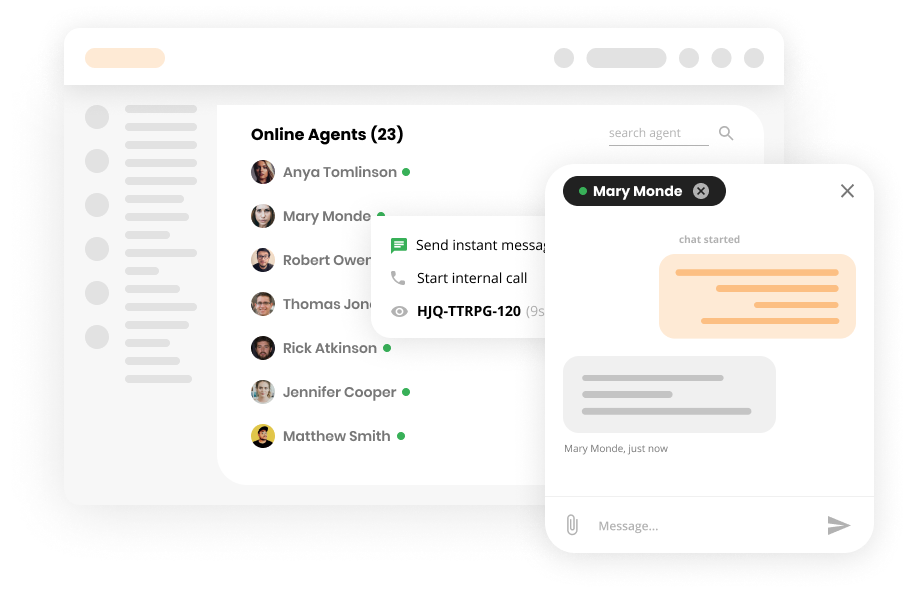
Internal Chat Features
Boost team collaboration with LiveAgent's internal chat! Share instant messages, attachments, and ticket links—all without third-party apps.
3 min read
Internal Chat
Communication
+1

Enhance team collaboration with LiveAgent’s Internal Calls. Make free voice calls with colleagues directly from the interface. Try it free today!
Internal Calls feature provides you the opportunity to switch internal chat for a much more convenient way of communicating with your colleagues, voice chat. A feature directly built into the LiveAgent with the rest of the call center enables you to quickly solve any issues you might face or get the right answer in a very short time. Creating an internal call is a very easy task.
Creating an internal call is a very easy task. Simply click on the plus button in the top corner and select “New internal call” from the list of options.
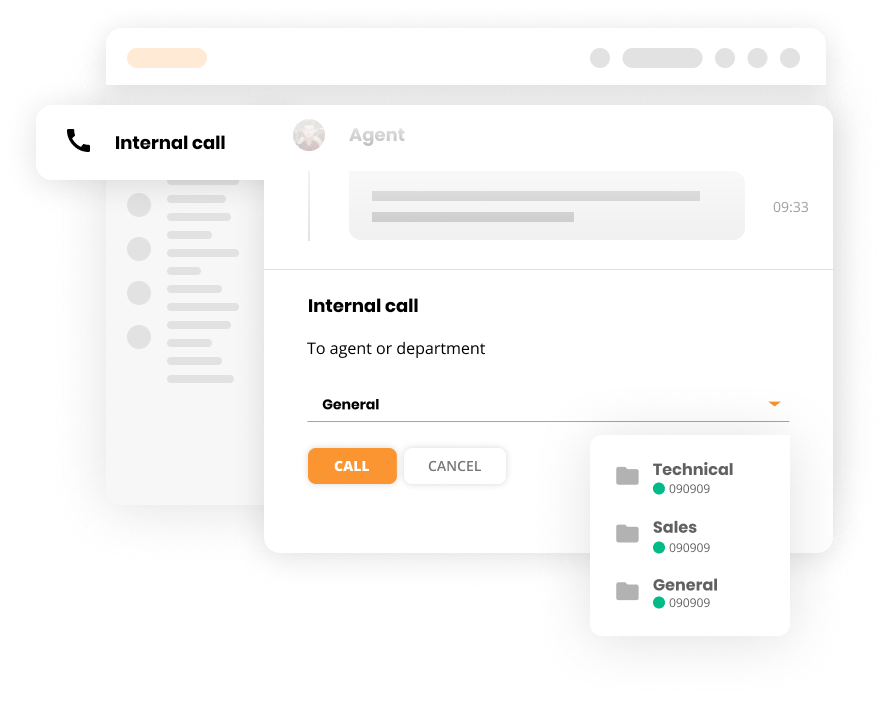
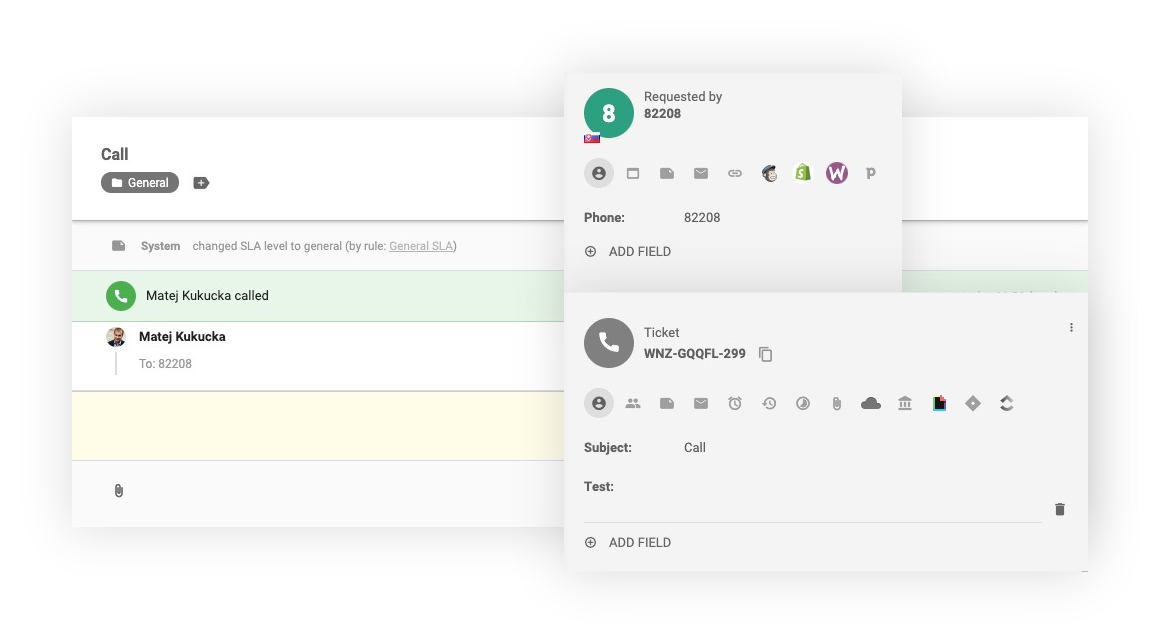
This will open a new part of LiveAgent, where you can select the person you would like to speak with. Clicking on the call button will immediately open a new ticket with its own ID and an interface similar to the rest of LiveAgent.

Start your free trial today and see results within days.
Similar to the internal chat, you have the opportunity to insert a note containing Ticket ID (which is clickable and will direct you to that ticket). This allows you to reference specific tickets during your internal conversations and quickly navigate to relevant customer information.
In case you need help with a specific ticket or customer’s request, you can also initiate the internal call directly from the interface of that ticket. Clicking on the 3 dots will show you the list of available options and the internal call is part of them. The process to start a call is the same as with the previous method:
The latest tips and deals delivered straight to your inbox.
Internal calls enable you to quickly solve any issues you might face or get the right answer in a very short time. Instead of waiting for email responses or searching through documentation, you can instantly connect with a colleague who can help.
With internal calls built directly into LiveAgent, your team can collaborate more effectively without switching between multiple applications or tools. Everything happens within the same interface where you manage customer support.
LiveAgent enables you to call your online colleagues for free, without the need for any third-party software. This eliminates the complexity of managing multiple communication tools and reduces costs.
By having voice communication readily available within the platform, agents can resolve issues faster, reduce response times, and improve overall customer service quality.
Experience seamless internal communication with LiveAgent’s Internal Calls feature. Connect with colleagues instantly, resolve issues faster, and improve your team’s efficiency. Start your free 30-day trial today—no credit card required.
Discover LiveAgent's powerful features that streamline communication, increase efficiency, and boost customer satisfaction.
Boost team collaboration with LiveAgent's internal chat! Share instant messages, attachments, and ticket links—all without third-party apps.

Discover the benefits of help desk notes with LiveAgent! Explore different types, learn how to use them effectively, and enhance your customer service team's ef...

Enhance customer service with LiveAgent's browser-based video calls. Personalize interactions using facial expressions and gestures. Try a free trial, compare p...
Join our community of happy clients and provide excellent customer support with LiveAgent.

Cookie Consent
We use cookies to enhance your browsing experience and analyze our traffic. See our privacy policy.