



Customer feedback: Importance and strategy
Customer feedback is vital for business growth, providing insights into customer experiences to improve satisfaction and loyalty. LiveAgent offers tools to gath...
15 min read
Customer Feedback

LiveAgent’s Feedback & Suggestions feature allows customers to provide feedback and ideas via a user-friendly forum. Customize feedback buttons and respond promptly. Let customers vote on important features and track progress with knowledge base tools. This helps you gather valuable suggestions and feedback for future development, while keeping customers engaged.
Encourage customers to send you new ideas and feedback for future development. Discuss each idea with your customers in an easy-to-use feedback forum. Do you know what the most important features for your customers are? Let them vote! Clearly communicate the progress of implementation with your customers through the best knowledge-based software around. You can also easily differentiate between feedback vs suggestions to prioritize accordingly.
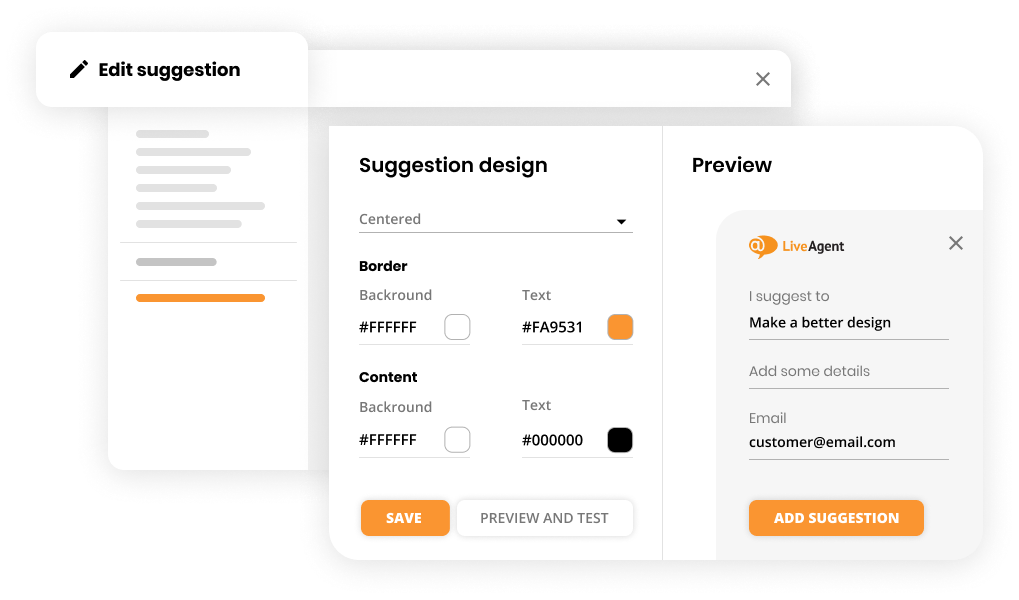
Adding a Feedback Button to your website enables your visitors to give you feedback and suggestions or vote for existing ones.
Once a customer submits Feedback, a ticket is created so that you are notified and can respond if needed.
You can have multiple feedback buttons searching on different Feedback boards.
Collect important comments and suggestions from your customers by placing a Feedback button anywhere on your website. Customize the Feedback button to fit your business needs and gather feedback suggestions directly from your users, or allow them to vote on existing ones.
Once a customer submits feedback, a ticket is created so that you are notified and can respond if needed. This feature ensures that all suggestions and feedback are captured, processed, and addressed effectively.
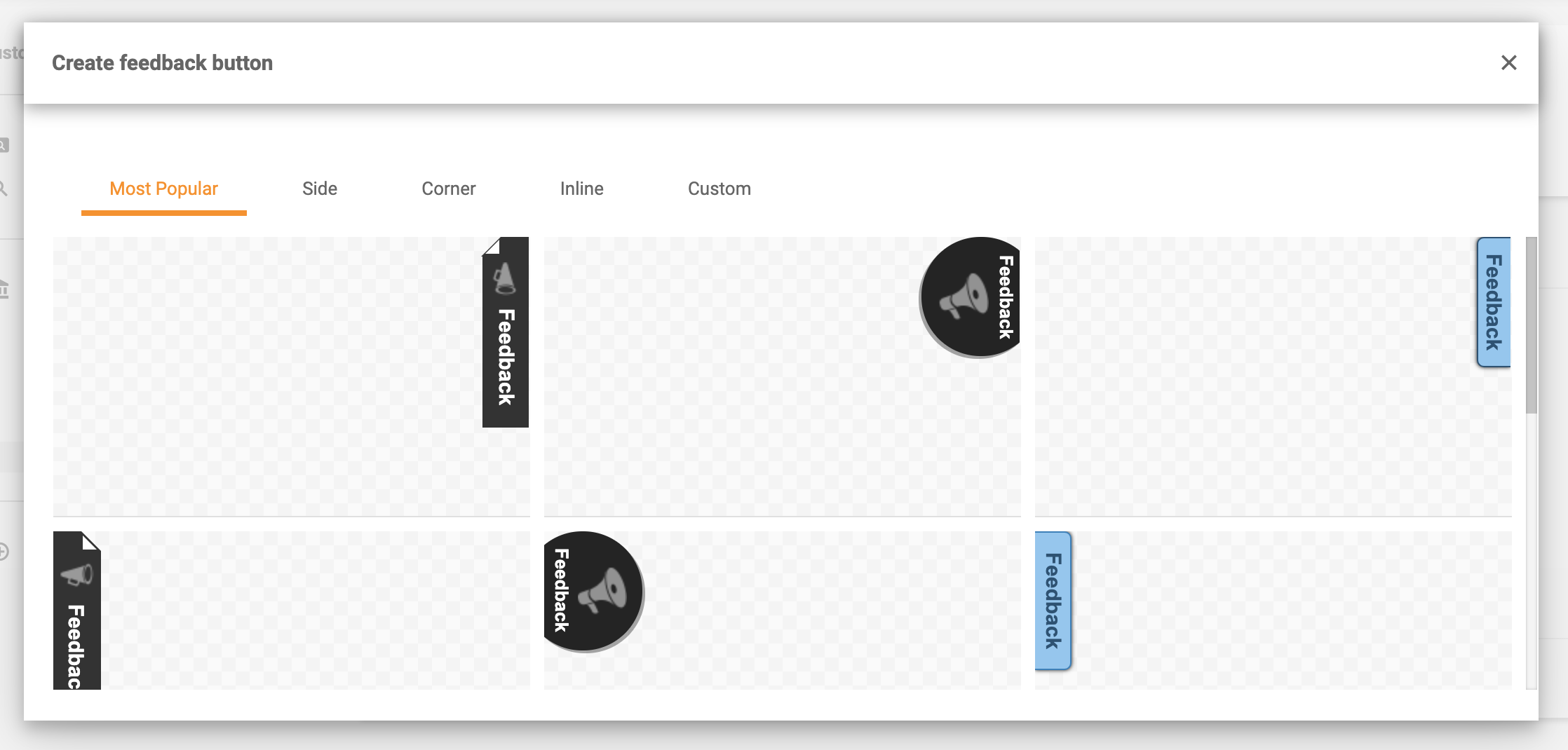
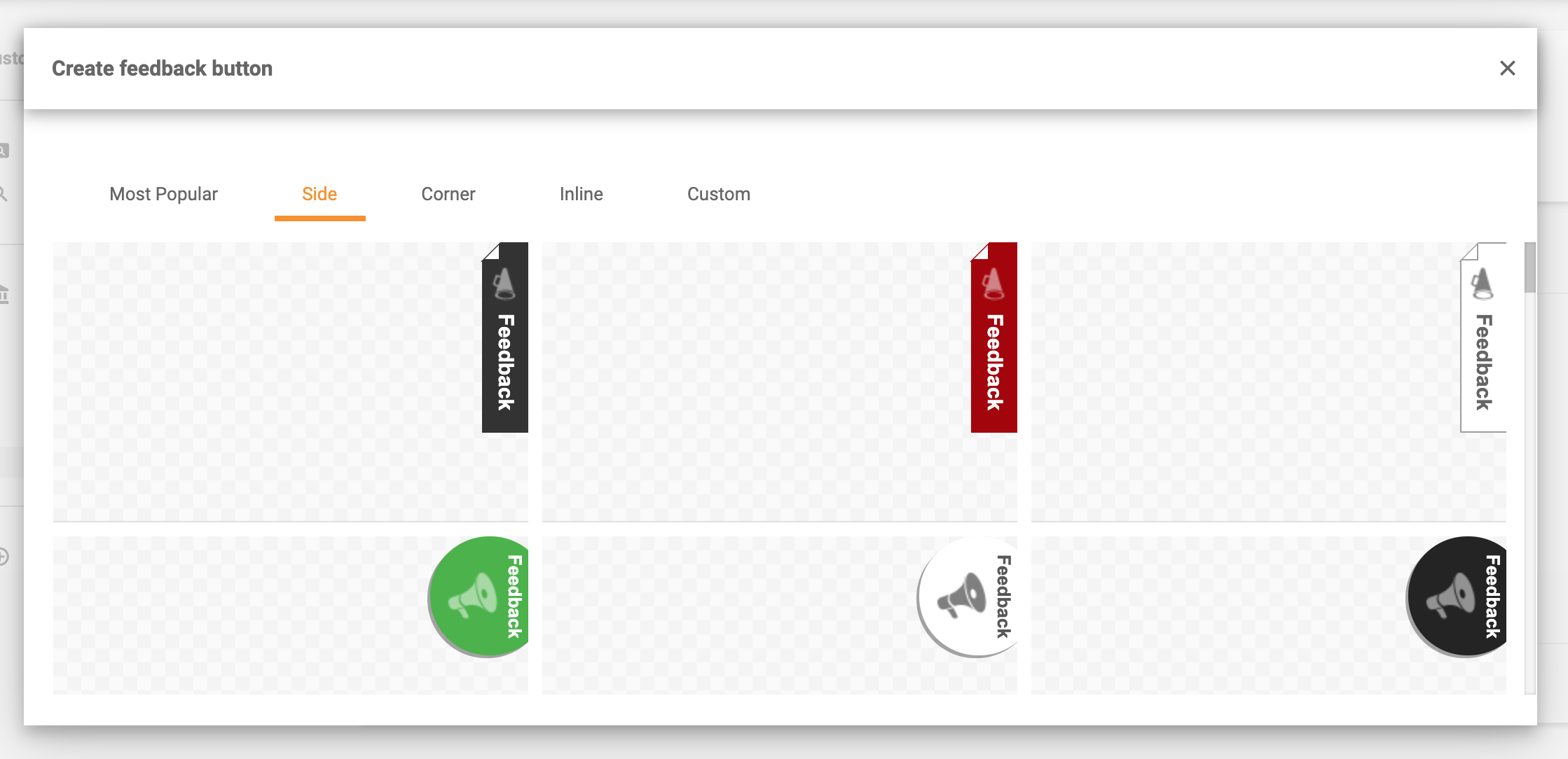
Side feedback buttons
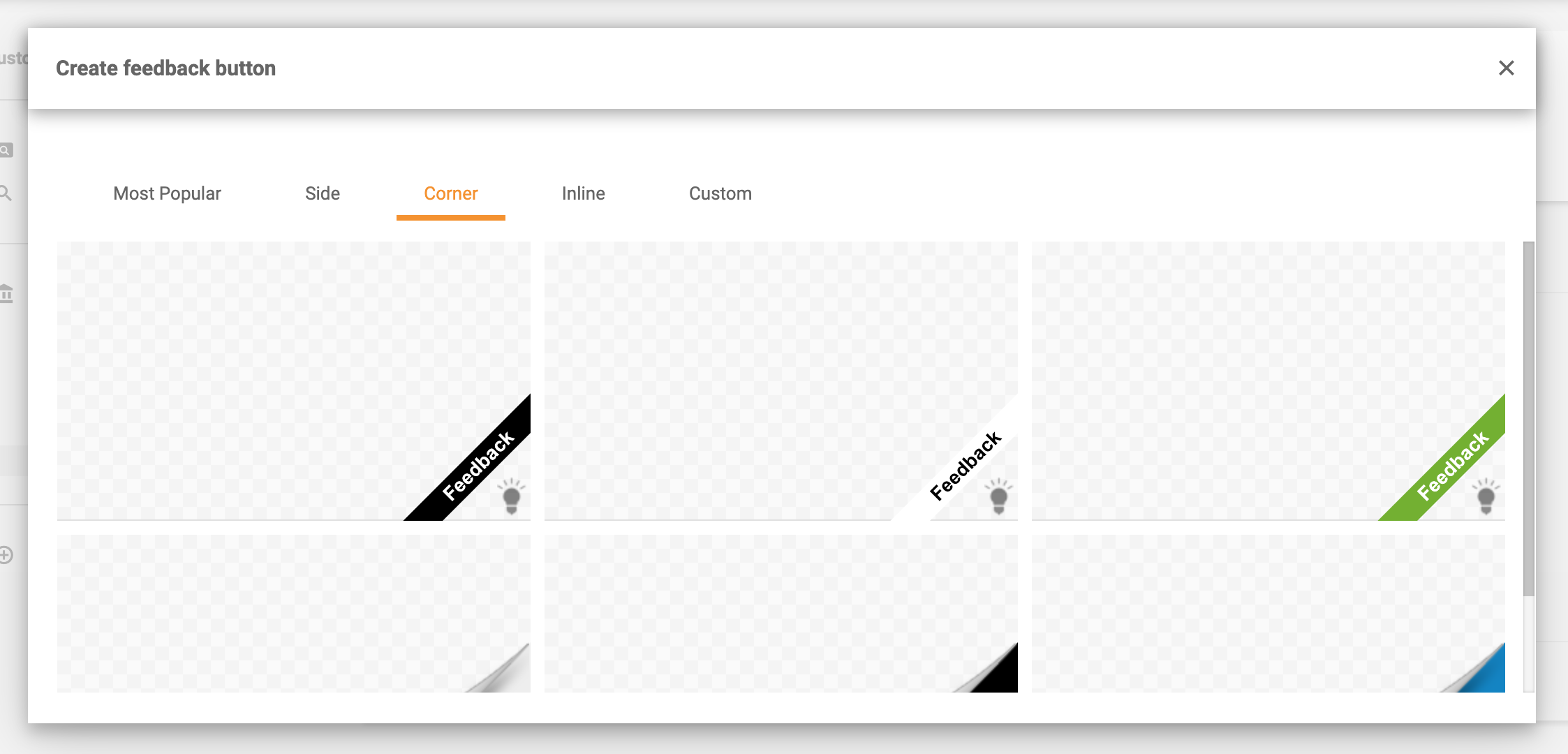
Corner feedback buttons
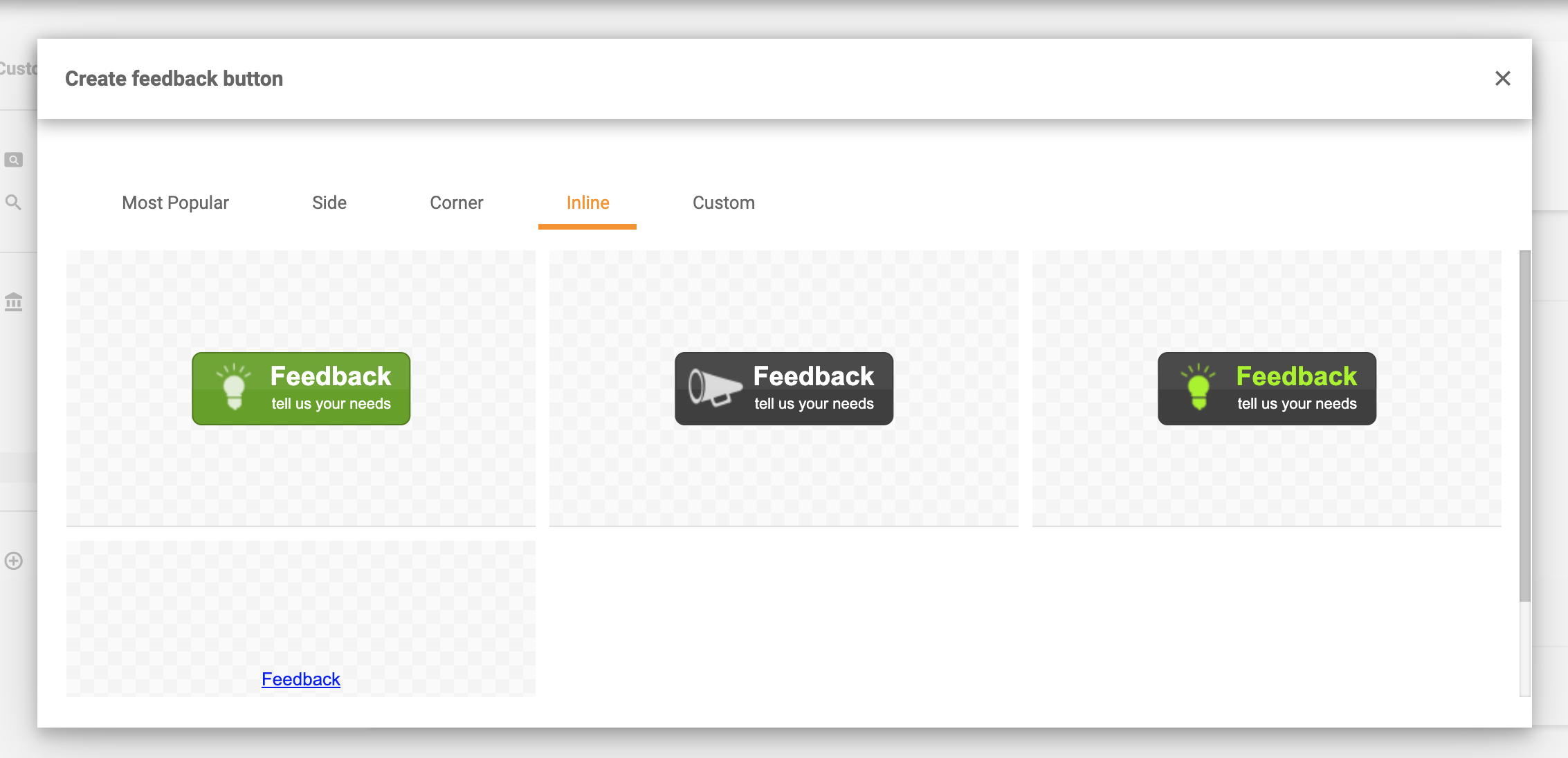
Inline feedback buttons
Custom feedback buttons
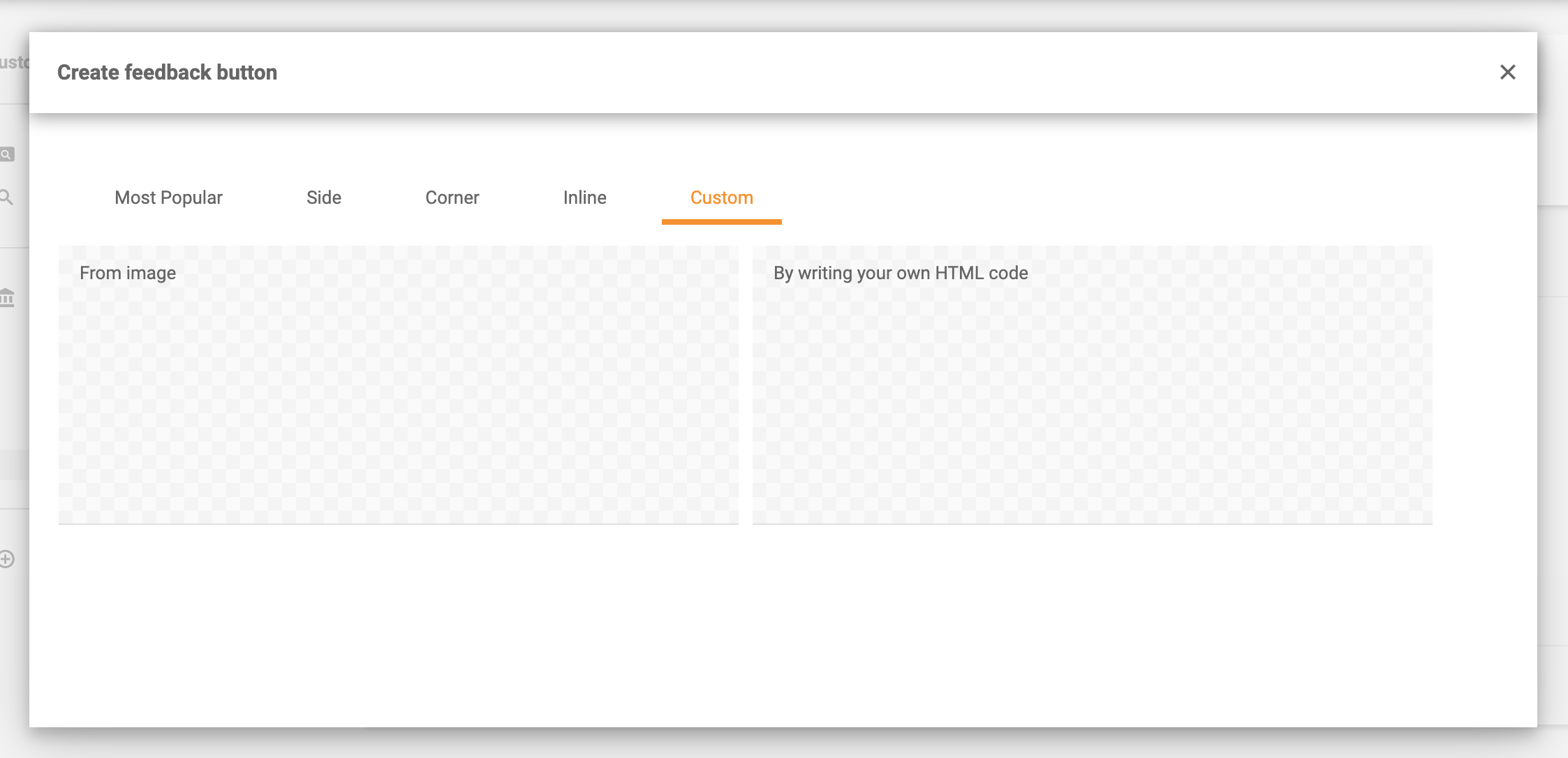
Haven’t found the right style for your Feedback button? Don’t worry, you can create a custom one by uploading an image or by writing your own HTML code.
Customer feedback is vital for business growth, providing insights into customer experiences to improve satisfaction and loyalty. LiveAgent offers tools to gath...

LiveAgent's live chat software enhances customer service with real-time communication, customizable chat buttons, proactive invitations, and integration with ex...

LiveAgent's feedback email templates help businesses gather valuable customer insights. The templates include subject line examples and customizable emails for ...
Cookie Consent
We use cookies to enhance your browsing experience and analyze our traffic. See our privacy policy.