



Contacts - Help Desk Contact Management
LiveAgent contacts store essential customer info for personalized service. Add custom fields like language preferences. Free 30-day trial.
5 min read
Contacts
Customer Management
+1

LiveAgent’s contact fields store detailed information about contacts, like name, email, and job position. Create unlimited custom fields to enhance sales, marketing, and support. Personalize services and improve customer satisfaction with tailored insights.
Contact fields contain specific information about your contacts. Generally, a contact card contains information like the contact’s postal address, phone number, email address, job position, or the company they work at.
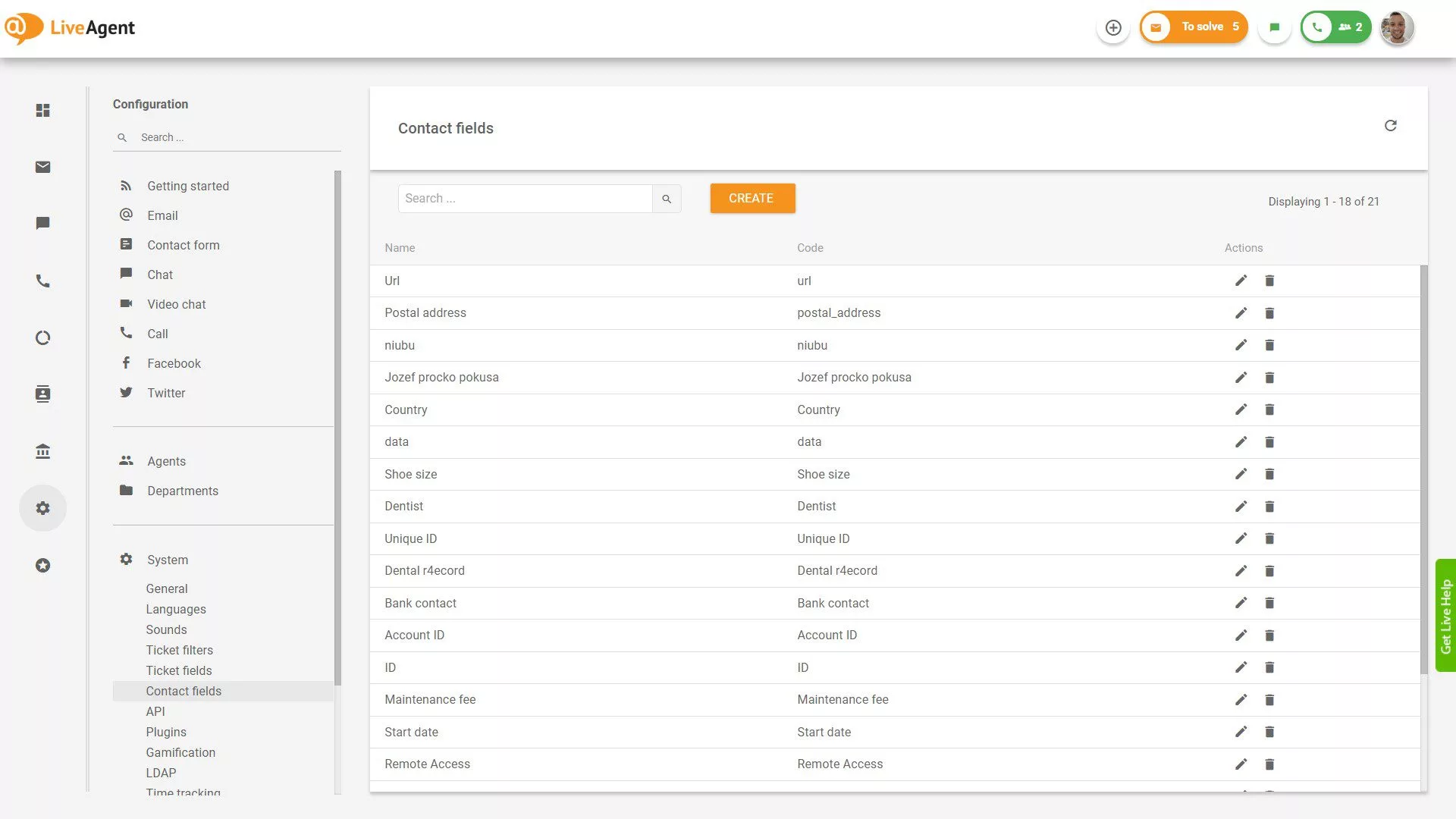
Contact information in LiveAgent can include:
The LiveAgent software also lets you create unlimited custom contact fields so you can gather as much information about your prospects as you need.
For example, let’s say you want to store more information about your contacts than just the basics. In that case, you can create custom contact fields such as billing address, shoe size, car model, account number, birthday, or whatever else you need.
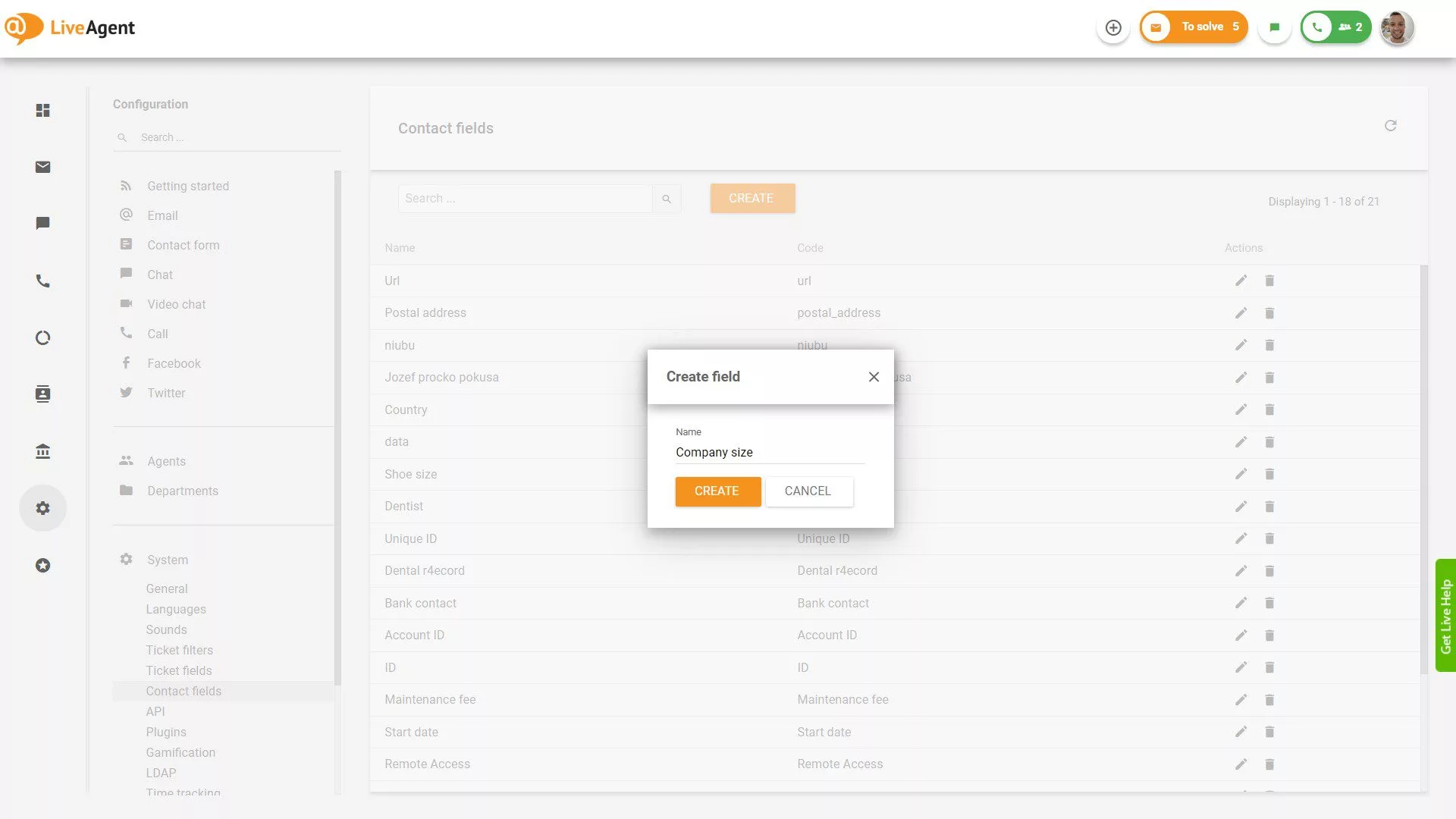
Besides storing additional CRM information about your customers, you can use contact fields to:
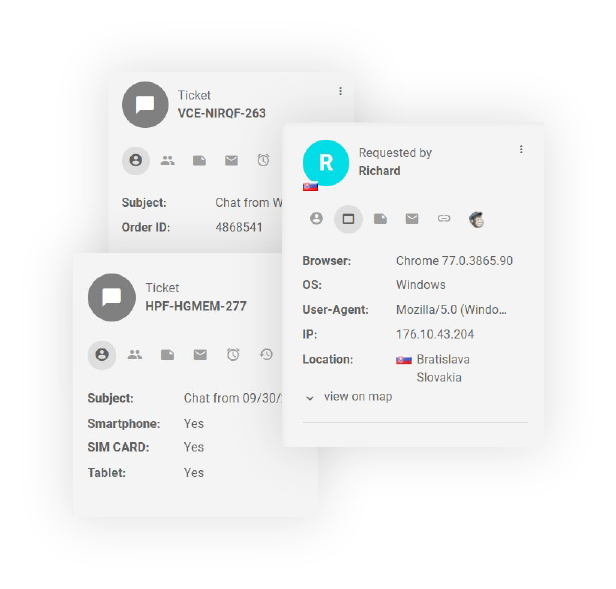
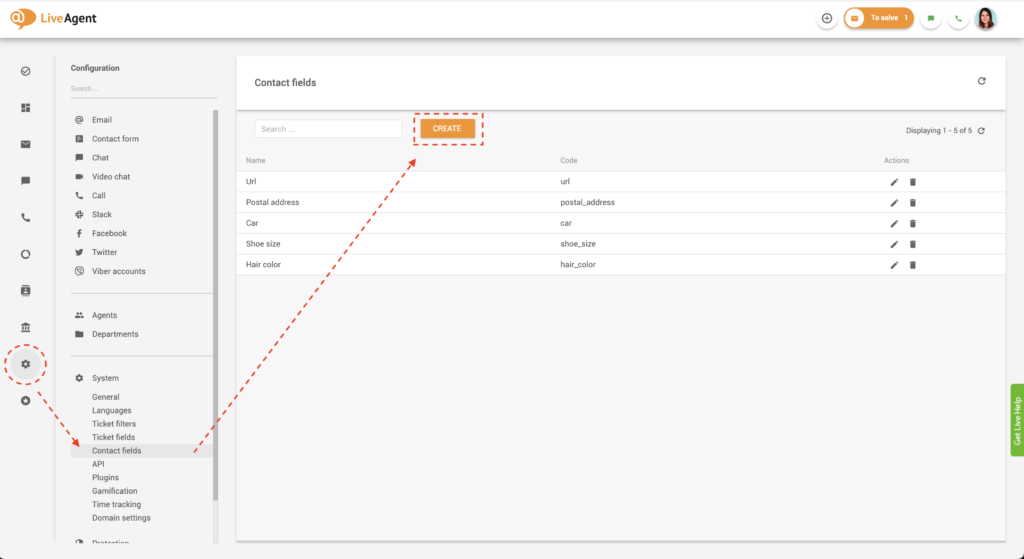
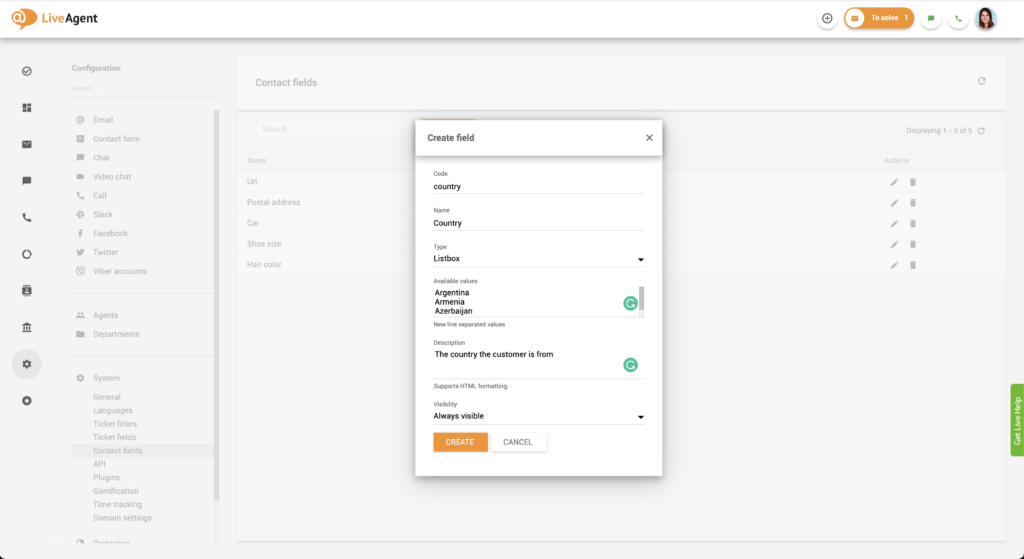
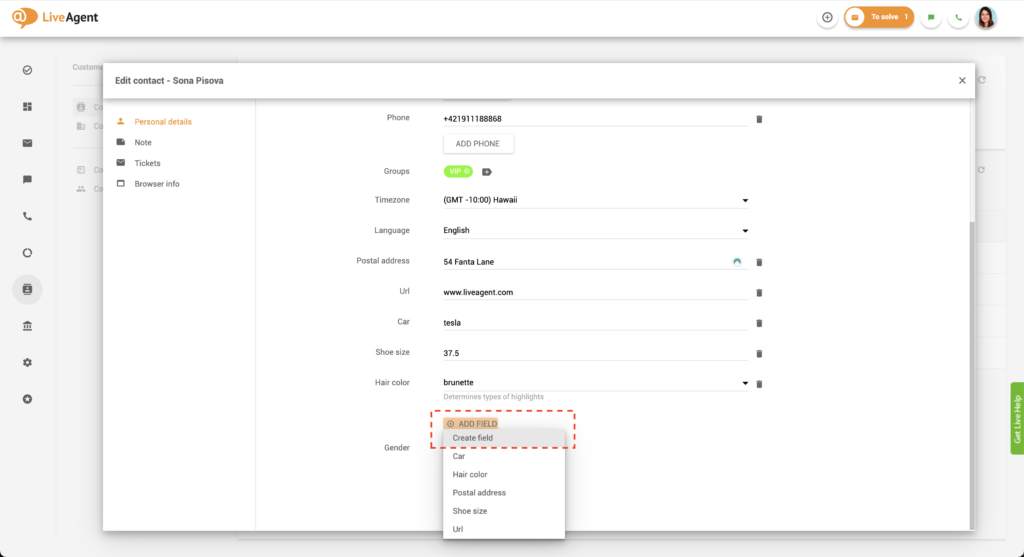
Alternatively, you can also create a unique contact field directly in your contacts:

The latest tips and deals delivered straight to your inbox.
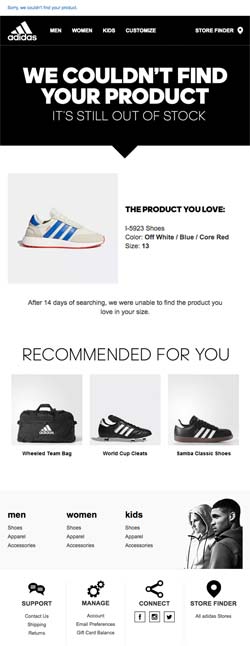
Creating custom contact fields can help you personalize your sales, marketing, and support efforts. For example, let’s say a potential customer contacts you about the restocking of a particular pair of shoes in their size.
By recording their shoe size and the product ID they’re interested in, you’ll be able to reach out to them proactively once it’s back on the shelf. Doing so will also enable you to personalize future marketing campaigns. For example, in future email newsletters, you’ll be able to showcase styles they might be interested in or recommend similar styles in their size.
Creating unique contact fields can help your agents provide better service for your customers. The more information you collect, the easier it will be to provide knowledgeable and relevant answers to customer questions. For example, let’s say you work in the automotive industry. A potential customer has been interested in a Mercedes AMG but is still on the fence about making a purchase. If you record this information in a unique contact field, you will be able to leverage it in the future. The next time they contact you, you can impress them by remembering the model and brand of car they were interested in. Then, they won’t have to repeat their wants and needs, which most customers consider poor customer service.
By creating exceptional customer experiences with personalized and knowledgeable service, you’ll keep your customers satisfied with your company. Keeping them happy can lead to long-term relationships and provide additional advantages such as favorable reviews, brand advocacy, and repeat purchases.
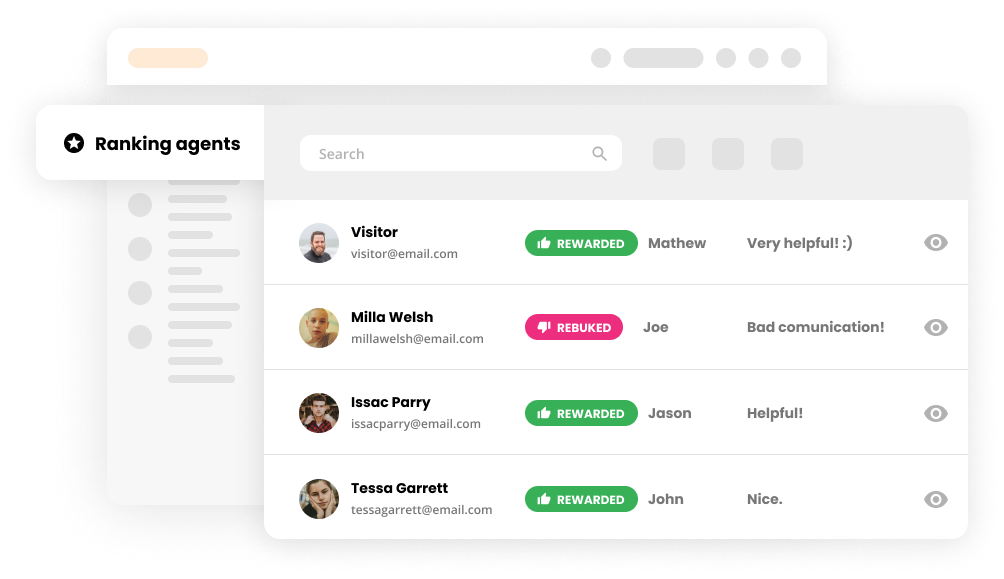
The more satisfied your customers are with your service and marketing efforts, the more purchases they make. They also bring in new customers by recommending your business to others and sharing their positive experiences with friends and family. So, if you consistently provide exceptional customer service, you will create a beautiful cycle whereby your happy, loyal customers bring in new customers that keep generating revenue for your business.
Want to learn more about contact fields? Our knowledge base, academy, and blog cover everything you need to know.

Discover just how easy it is to provide knowledgeable and personalized service with unique contact fields. You can try our all-inclusive 30-day free trial without a credit card to see if we’re a good fit.
LiveAgent contacts store essential customer info for personalized service. Add custom fields like language preferences. Free 30-day trial.
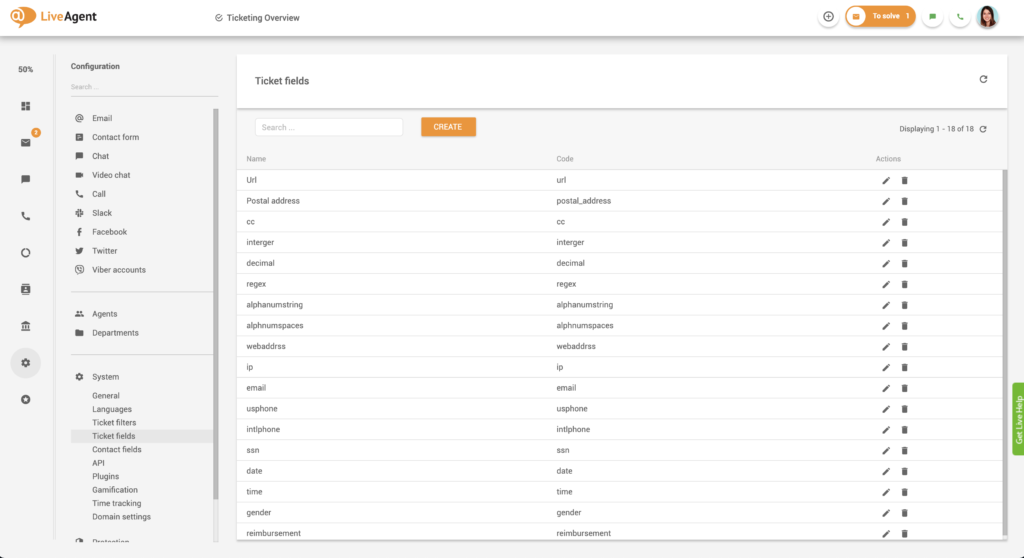
LiveAgent's custom ticket fields enhance customer support by storing essential data, speeding response times, and improving service quality. Create unlimited fi...

Discover the importance of customer information for personalized experiences, improved service, and business growth. Start your free trial today!
Cookie Consent
We use cookies to enhance your browsing experience and analyze our traffic. See our privacy policy.