



LiveAgent Multiple Ticket Tabs
LiveAgent's multiple ticket tabs let agents handle several customer queries at once for maximum efficiency. Try it free for 30 days!
3 min read
Ticket Management
Productivity
+1
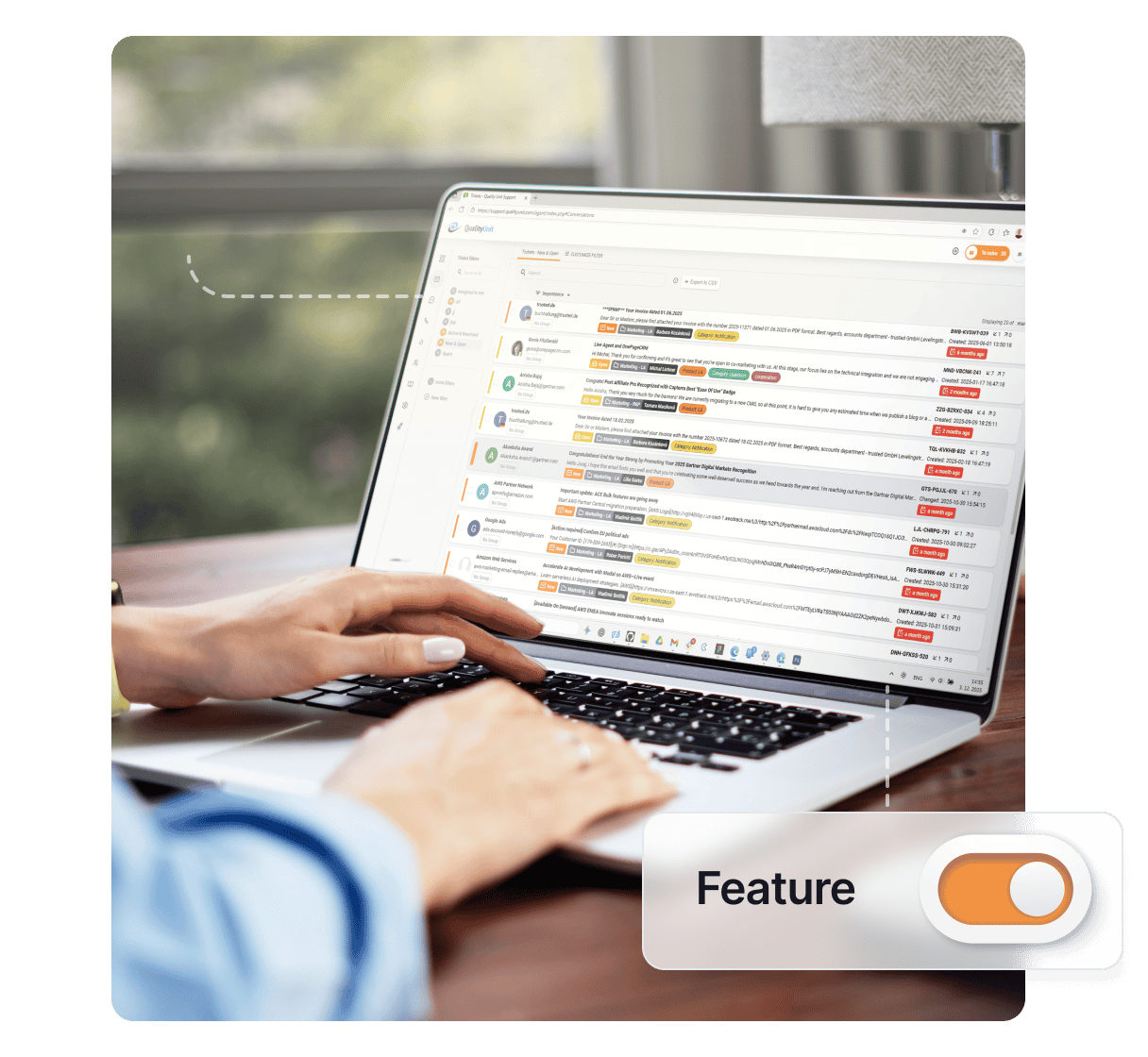
Prevent multiple agents from working on the same ticket with LiveAgent’s Agent Collision Detection. Know who’s handling tickets in real-time and reduce confusion. Try it free for 30 days.
Agent collision happens when multiple customer service agents unknowingly respond to the same customer, which can cause confusion and frustration. LiveAgent’s Agent Collision Detection ensures multiple agents don’t work on the same ticket, reducing confusion and improving your support team’s efficiency.
LiveAgent shows you exactly who’s viewing a ticket and who’s answering it in real-time. This powerful feature works with the To Solve algorithm to make sure that agents don’t open a ticket that is already being worked on.

Preventing agent collision is essential for maintaining a professional and efficient support operation:
LiveAgent’s collision detection features will alert you whenever you attempt to answer a chat or ticket that’s already being worked on. This safety mechanism ensures your team works smoothly without stepping on each other’s toes.

The latest tips and deals delivered straight to your inbox.
Agent Collision Detection is a core component of LiveAgent’s comprehensive support ticket software. Combined with other powerful features like automated ticket routing, priority management, and team collaboration tools, it creates a complete solution for modern customer support teams.
Need more help with this feature? Check out these detailed guides:
LiveAgent's multiple ticket tabs let agents handle several customer queries at once for maximum efficiency. Try it free for 30 days!
Split tickets in LiveAgent let you duplicate and assign multi-issue tickets to different agents or departments. Try it free for 30 days!
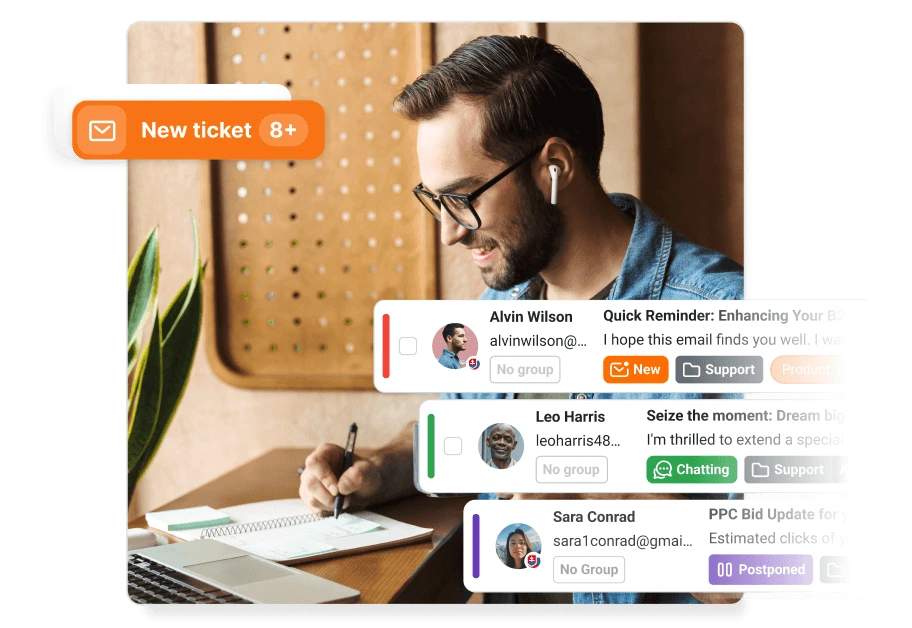
AI-powered ticketing software that auto-drafts replies, tags tickets, detects spam, and routes issues to the right team. LiveAgent — advanced automation, univer...
Cookie Consent
We use cookies to enhance your browsing experience and analyze our traffic. See our privacy policy.