



Steam Community Customer Support
What is Steam Community?
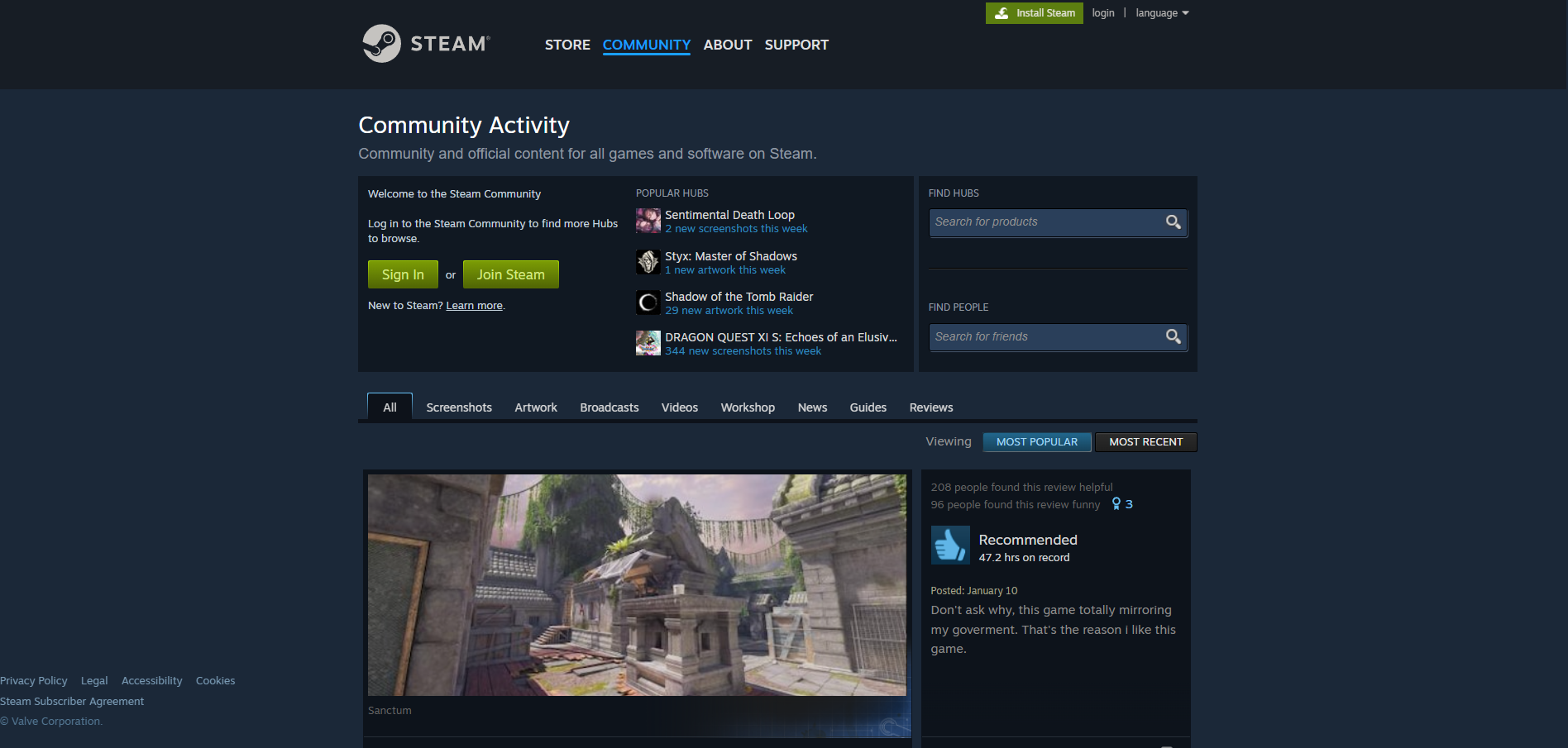
Steam Community is Community and official content for all games and software on Steam. It’s a platform where gamers can connect, share content, and access support for their games and accounts.
Steam customer support channels
Steam offers customer support through the following channels:
- Email: support@steampowered.com
- Knowledge Base: https://help.steampowered.com/en/
- Community Forum: https://steamcommunity.com/discussions/
How do I contact Steam Community?
Steam provides customer support primarily through email and self-service resources. For direct inquiries, you can reach out to support@steampowered.com . If you prefer self-service support, Steam maintains an extensive knowledge base with articles, FAQs, and troubleshooting guides. Additionally, you can participate in community forum discussions where other users and Steam staff can help answer your questions.
Common problems and solutions
How to reset my Steam password?
- Go to the Steam website and click ‘Login".
- Once you’re at the login page, click ‘Forgot Your Password?".
- Click “I Forgot My Steam Account Name Or Password”.
- Enter your account name and the associated email address.
- Click “Search”.
- Click “Email Verification Code” to the associated email address. Alternatively, if you don’t have access to the email account anymore, click ‘I No Longer Have Access To This Email" and fill out the form with all requested information. The Steam support will contact you.
- Open a new tab and check your email. Once the email reaches your inbox, copy the code it contains.
- Return to Steam and paste the email code into the input box.
- Click “Continue” and “Change My Password”.
- Enter and confirm a new password, and click “Change Password” to finish the process.
How to share games on Steam?
To share games on Steam, you’ll need to setup Steam Family Library Sharing.
You first need to make sure your account uses ‘Steam Guard Security". You can turn this on by clicking on “Settings” in the Steam menu of Steam (it’s in the top left corner of the client). In the settings window, ‘Steam Guard" can be turned on in the “Account” tab.
With Steam Guard turned on, you can start activating other people’s computers to use your Steam library.
To do this, log into Steam on a friend or family member’s PC, click the ‘Steam menu" and select “Settings”. In this window, click “Family”, and then tick the “Authorise Library Sharing On This Computer” option.
Finally, log out of your Steam account and let your friend or family member log into their own Steam account. They will now be able to see your Steam Library in their own Games tab. Now they just have to download the games they want and play them.
Most importantly, you can only use a shared library if the owner is not using it. This means that if you are sharing your library and currently playing a game, your friends and family can’t use your collection, even if they want to play a different game to the one you are using.
How to recover a stolen or hijacked Steam Account?
Try to self-recover your account or contact Steam Support:
You can use the Help site to try to self-recover your account or contact Steam Support if you are unable to.
If you are unable to complete the self recovery process, Steam Support will verify the account is yours and recover it for you.
When contacting Steam Support try to provide as much of the following as possible:
- Provide Proof of Account Ownership
- Any possible Steam Account login names
- Any possible email addresses used on the account
