


Best SolarWinds Alternative - LiveAgent Save Your Budget Today
Discover LiveAgent, the best SolarWinds alternative! Enjoy 24/7 support, no setup fees, free trial, and 200+ integrations. Try it today!
5 min read
Explore the top 15 SolarWinds alternatives for 2025, offering diverse features, pricing, and user experiences. Discover options like LiveAgent, PRTG, and WhatsUp Gold to enhance network monitoring and customer support, tailored to your business needs.
SolarWinds is a software company that creates extensive IT management solutions for businesses of all sizes. They aim to help businesses streamline the management of their infrastructure and systems for enhanced efficiency. Their solutions include ticketing software designed to simplify issue resolution and increase customer satisfaction. Although SolarWinds has built a strong reputation in the industry, the digital transformation and rapidly evolving customer service landscape require companies to continue to explore the most effective tools to meet their specific needs.
This article offers a comprehensive guide to the best SolarWinds alternatives, covering their features, pricing, and benefits. By discussing and comparing the SolarWinds Service Desk with other customer service software providers, companies can choose the most suitable software to enhance their service experience and stay ahead of the competition. So, let’s dive in and discover the top 15 competitors in the world of customer service solutions.
SolarWinds is a well-known IT management and customer support software offering solutions for network performance and helpdesk management. However, it may not be the ideal fit for every organization.
These are some of the reasons to consider looking into SolarWinds alternatives:
Remember, what works for one organization might not work for another, so it’s crucial to explore multiple options to find the best fit for your needs. Given that 89% of companies view customer service as a critical factor in driving customer loyalty and retention, it’s clear that choosing the right customer service solution is crucial. However, with so many things to consider, it can be challenging to balance them all and meet the diverse needs of every organization.
| Platform | Capterra Rating | Integrations | Free Version | Free Trial | Price Range |
|---|---|---|---|---|---|
| LiveAgent | 4.7 | 220+ | ✅ Yes | ✅ Yes | $15 agent/m |
| PRTG | 4.6 | Unknown | ✅ Yes | ✅ Yes | $1500 + maintenance fee |
| Progress WhatsUp | 4.5 | Unknown | ✅ Yes | ✅ Yes | Custom pricing |
| Spiceworks | 4.4 | 10+ | ✅ Yes | ✅ Yes | Free |
| Auvik | 4.6 | 20+ | ❌ No | ✅ Yes | $150/m |

LiveAgent offers a cost-effective and adaptable help desk platform suitable for diverse industries, encompassing an array of 180+ features and functionalities. Designed with both tech-savvy and less experienced users in mind, its intuitive interface ensures ease of use. Additionally, LiveAgent provides 24/7 customer support and offers countless third-party integrations, continuously enhancing its value and versatility. LiveAgent strikes a perfect balance between offering a wide range of features and maintaining affordability.
LiveAgent offers over 180 features, making it a dynamic help desk solution that also effortlessly syncs with over 200 third-party applications, adding a touch of personalization to your experience. Some of these integrations include popular platforms such as Shopify, WooCommerce, Magento, Jira, Slack, Pipedrive, and Salesforce, all designed to boost efficiency and streamline your workflow.
Common features with SolarWinds:
Features unique to LiveAgent:
Best for: Businesses of all sizes
Broadly speaking, LiveAgent serves as an ideal choice for companies in search of a SolarWinds replacement that is budget-friendly, easily navigable, and adaptable. While eCommerce businesses predominantly utilize LiveAgent, its features are applicable across various industries. It particularly benefits small to medium-sized businesses aiming to streamline their customer service procedures and enhance customer contentment.
In addition to a 30-day trial at no cost, LiveAgent also provides a limited version of their software for free. If you opt to commit to this customer support platform, there are four pricing tiers to choose from:
In my opinion, LiveAgent is a fantastic alternative to SolarWinds, particularly for those looking to streamline their customer support processes. It offers many valuable features that make it incredibly easy to connect with your customers across multiple channels from one centralized hub. However, it’s worth mentioning that opinions on the user interface are mixed. Some people find it user-friendly, while others might find it a bit complicated at first. There are also comments that it looks somewhat outdated, but this largely depends on individual preferences.
Another standout aspect of LiveAgent for me is its great and transparent pricing structure. The prices are quite affordable, even for smaller companies with tighter budgets. The availability of a free plan is also a huge plus, although keep in mind that the functionalities are quite limited in this option.
Overall, if you prioritize a comprehensive customer support solution with excellent integrations and clear, affordable pricing, LiveAgent is definitely worth considering.
‘My overall experience with LiveAgent has been positive. It offers robust support features that efficiently handle customer interactions across multiple platforms. Its intuitive interface and extensive functionality make it a reliable tool for enhancing customer service operations."
Capterra user
“My experience with LiveAgent has been refreshing. It super simplifies the communication process with both existing customers and prospects.”
Capterra user
“Even though I have used other customer support software, this was my first time selecting a provider and setting up the account and tools by myself. Initially, I worried it would be too technical and difficult, but the setup process is easy, well explained, and there is always available assistance.”
Capterra user
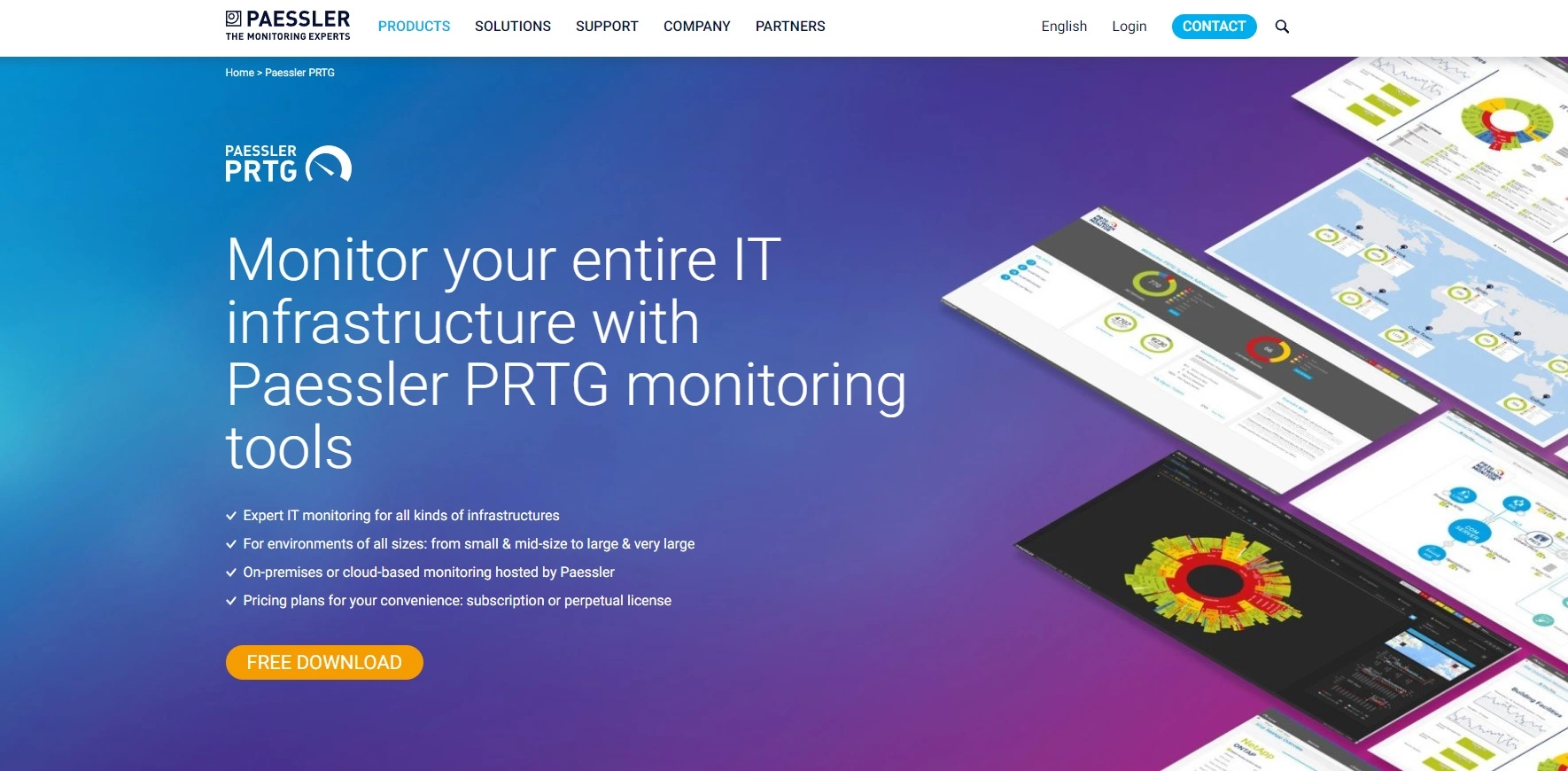
Paessler PRTG Network Monitor is a comprehensive monitoring solution that allows businesses to track their entire IT infrastructure. This includes networks, systems, hardware, applications, and devices.
Paessler PRTG offers a suite of monitoring features that can be used regardless of which product you choose. It emphasizes high flexibility and easy scalability, making it suitable for various organizational sizes and needs. Additionally, Paessler PRTG supports seamless integrations through its API, allowing you to customize and extend its functionalities to fit your specific requirements.
Common features with SolarWinds:
Features unique to Paessler PRTG:
Best for: Businesses of all sizes
Paessler PRTG Network Monitor is a versatile monitoring solution that’s well-suited for businesses of all sizes across various industries that rely on a stable and secure IT infrastructure. Small to medium-sized businesses that may not have a large IT team can benefit from Paessler PRTG’s comprehensive monitoring capabilities and user-friendly interface. It can help them identify and address IT issues proactively, improving efficiency and minimizing downtime.
Paessler PRTG’s pricing tiers include a free version and 5 additional tiers, which grant access to the license through a one-time purchase and a maintenance fee.
All of these tiers include a maintenance fee based on the tier and the length of the subscription. They also include a limited-time free trial.
To summarize, I believe that Paessler PRTG could be a good alternative, especially for organizations that require comprehensive IT infrastructure monitoring. The software delivers a wide range of monitoring features, making it versatile and adaptable. However, it’s important to note that this comes at a premium price, making it one of the pricier options.
One standout aspect is its user-friendly interface and the ease with which it can be configured. Within just a few clicks, users can monitor the performance and health of their network, devices, or servers. Despite these strengths, the software does have its shortcomings – particularly in the area of notifications and alerts. Some users have expressed a desire for more personalization, suggesting that this could significantly enhance user experience.
Additionally, while PRTG offers a solid knowledge base with helpful documentation, there seems to be a noticeable lack of direct customer support. This can be a critical downside for some customers, especially those that require immediate assistance.
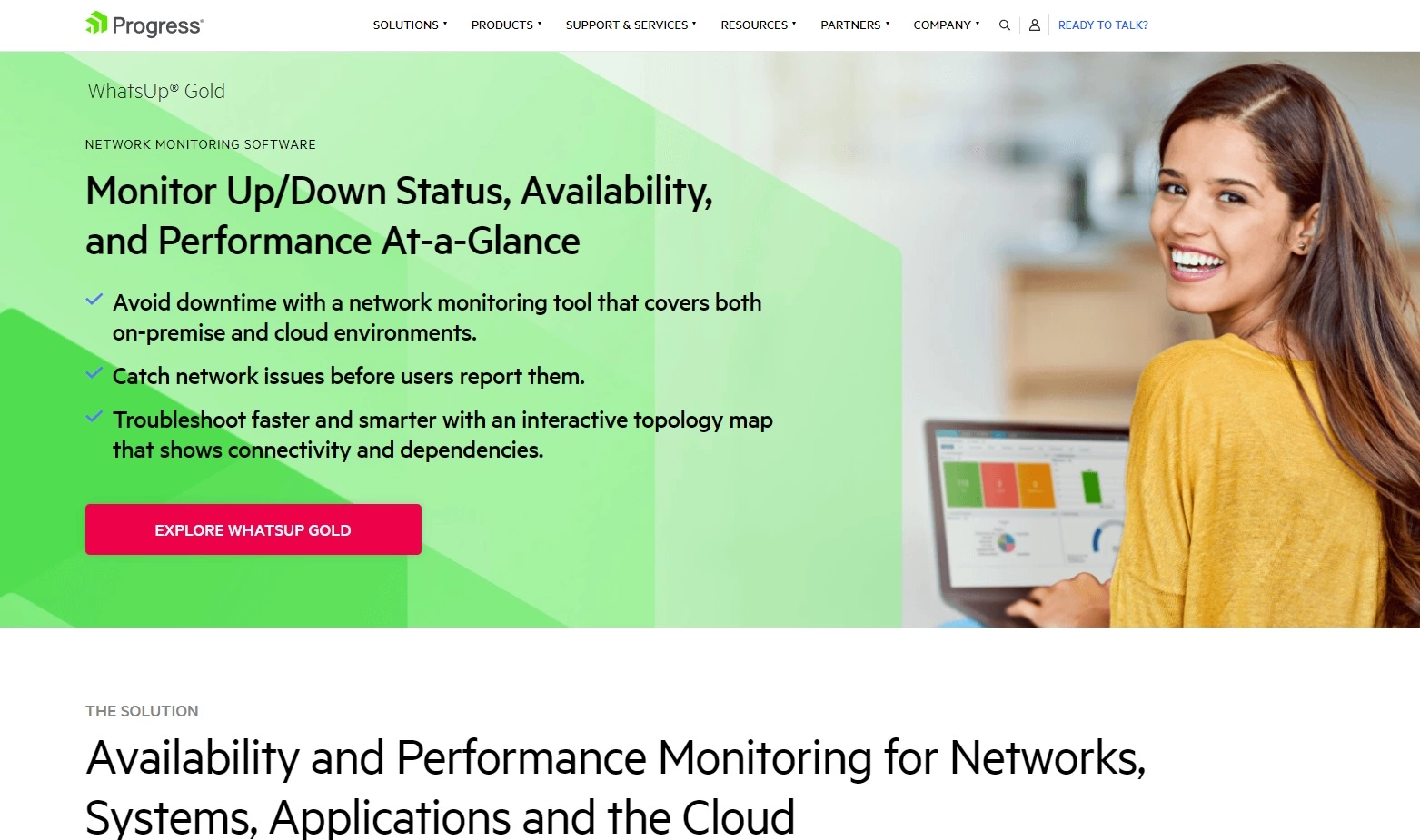
Progress WhatsUp Gold is a comprehensive network monitoring software designed to help businesses and IT professionals gain complete visibility and control over their networks, servers, and applications. It is a powerful tool that allows users to monitor the performance, availability, and health of their IT infrastructure, ensuring the smooth functioning of all systems.
Progress WhatsUp Gold offers a wide range of monitoring features catering to the diverse needs of IT infrastructures. Additionally, Progress WhatsUp Gold stands out with its API integrations, allowing seamless connectivity with various third-party applications and software.
Common features with SolarWinds:
Features unique to Progress WhatsUp Gold:
Best for: Businesses of all sizes
Progress WhatsUp Gold is a network monitoring solution and management software designed for businesses and organizations of various sizes. It is suitable for industries such as IT, finance, healthcare, education, government, and any other sector that relies on computer networks for their daily operations.
Progress WhatsUp Gold has a free trial and also a free version of the software. On top of that, they offer 3 premium subscriptions with different perks, pricing is only available through custom quotes.
Progress WhatsUp Gold offers some solid features that can be quite beneficial for network monitoring. Its performance logs and historical data are particularly useful because they provide insights that help identify the root cause of problems and resolve them before they escalate.
While WhatsUp Gold is strong in many areas, it does have its limitations. Customization options are somewhat limited, and the reports could be more detailed. Setting up alerts, monitoring device health, and navigating the dashboards can be fairly straightforward once you get familiar with the tool. However, some users may find the interface a bit clunky and outdated.
Another strong point is its seamless integration with other testing tools, offering a more comprehensive view of network and application performance. On the downside, it is quite expensive compared to other alternatives, which might be a consideration for budget-conscious users.
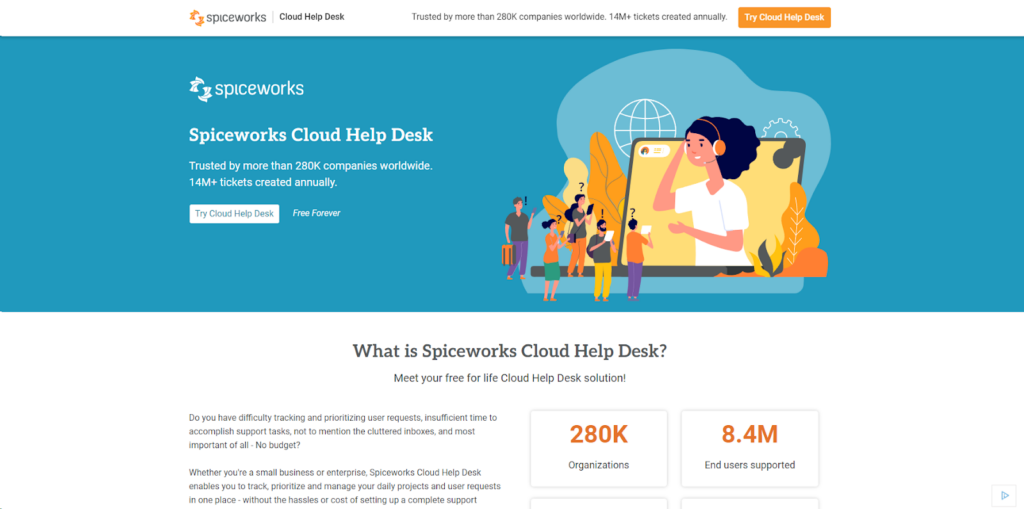
Spiceworks is a user-centric IT management platform that provides technology professionals with free tools and applications for managing devices and troubleshooting issues. Through its global community of experts, Spiceworks fosters collaboration and knowledge sharing, making it an indispensable resource for keeping up with industry trends and handling IT challenges.
Spiceworks offers a wide range of IT tools and features designed to streamline and enhance IT management processes. Known for its robust integrations, Spiceworks seamlessly connects with popular platforms such as Office 365, Salesforce, Slack, Jira, Trello, Google Workspace, and several industry-specific applications.
Common features with SolarWinds:
Features unique to Spiceworks:
Best for: Small to medium-sized businesses
Spiceworks is best suited for small to medium-sized businesses and technology professionals seeking a comprehensive, user-friendly, and cost-effective IT management solution. Its wide range of features and strong collaborative community make it an ideal choice for IT administrators, help desk teams, and network managers looking to streamline their operations and stay updated with industry trends.
Spiceworks offers its IT management tools and applications free of charge, making it affordable for small to medium-sized businesses. There are no pricing tiers, and all features are available to everyone.
In my opinion, Spiceworks can be an excellent alternative, especially considering the impressive suite of features it offers for free. This makes it highly attractive for companies operating on tight budgets, who might not have the financial flexibility to invest in more expensive IT management solutions.
One of the standout qualities is the user-friendly interface, which many users find intuitive and straightforward. This simplifies the adoption process, allowing teams to integrate the tool into their daily operations quickly. However, it’s worth mentioning that because Spiceworks is a free product, it relies on ads for revenue, which some users may find distracting.
On the downside, while Spiceworks covers a broad range of basic needs, it may fall short if you require more advanced capabilities. Depending on your specific requirements, you might need to look elsewhere for a more comprehensive solution. Additionally, some users have reported that their customer support is quite unresponsive.
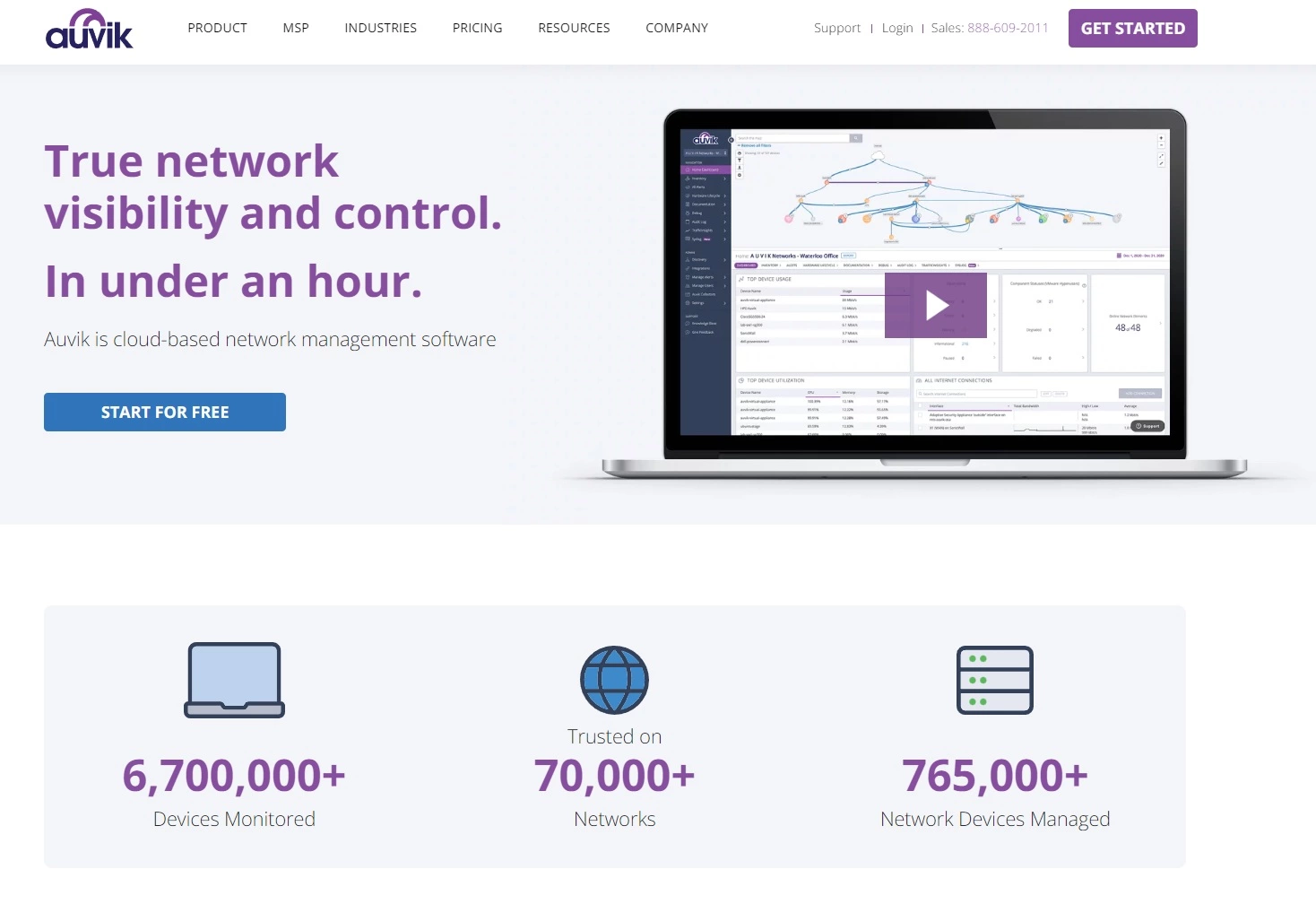
Auvik is a cloud-based network management software solution that provides end-to-end visibility and control over your IT network. It is designed for Managed Services Providers (MSPs) as well as internal IT teams within businesses.
Auvik offers many valuable monitoring and management features that we are going to list below. It also offers a large set of integrations with many third-party applications, most notably: ArcusTeam, Slack, Microsoft Teams, and Continuum.
Common features with SolarWinds:
Features unique to Auvik:
Focus: Auvik primarily focuses on network monitoring and management. It is designed to simplify and automate these processes, providing visibility and control over network devices. SolarWinds offers a broader range of IT management tools, extending beyond just network monitoring. It’s a more comprehensive solution for IT infrastructure management.
Best for: Businesses of all sizes
Auvik is particularly beneficial for Managed Service Providers (MSPs) and businesses with significant IT infrastructure, irrespective of their industry or size.
Auvik offers a 14-day free trial without credit card requirements. There are two options: Essentials and Performance plan, where the Performance plan offers additional features. For more information regarding pricing, you need to contact Auvik.
In my opinion, Auvik is a robust tool that excels in network monitoring and management, with a specialized set of features designed precisely for these needs. One of its strengths lies in its user-friendly interface, which can make day-to-day tasks more efficient. However, it’s worth noting that setting up Auvik can require some patience, as the initial configuration process isn’t as seamless as one might hope.
Yet, Auvik seems to shine in customer support. Numerous customers have praised the reliability of their support team, which is a significant advantage. Additionally, Auvik offers a 14-day free trial, providing potential users the opportunity to test the waters before making a financial commitment. That said, it is essential to consider the cost factor. Auvik is often viewed as more expensive than other alternatives.
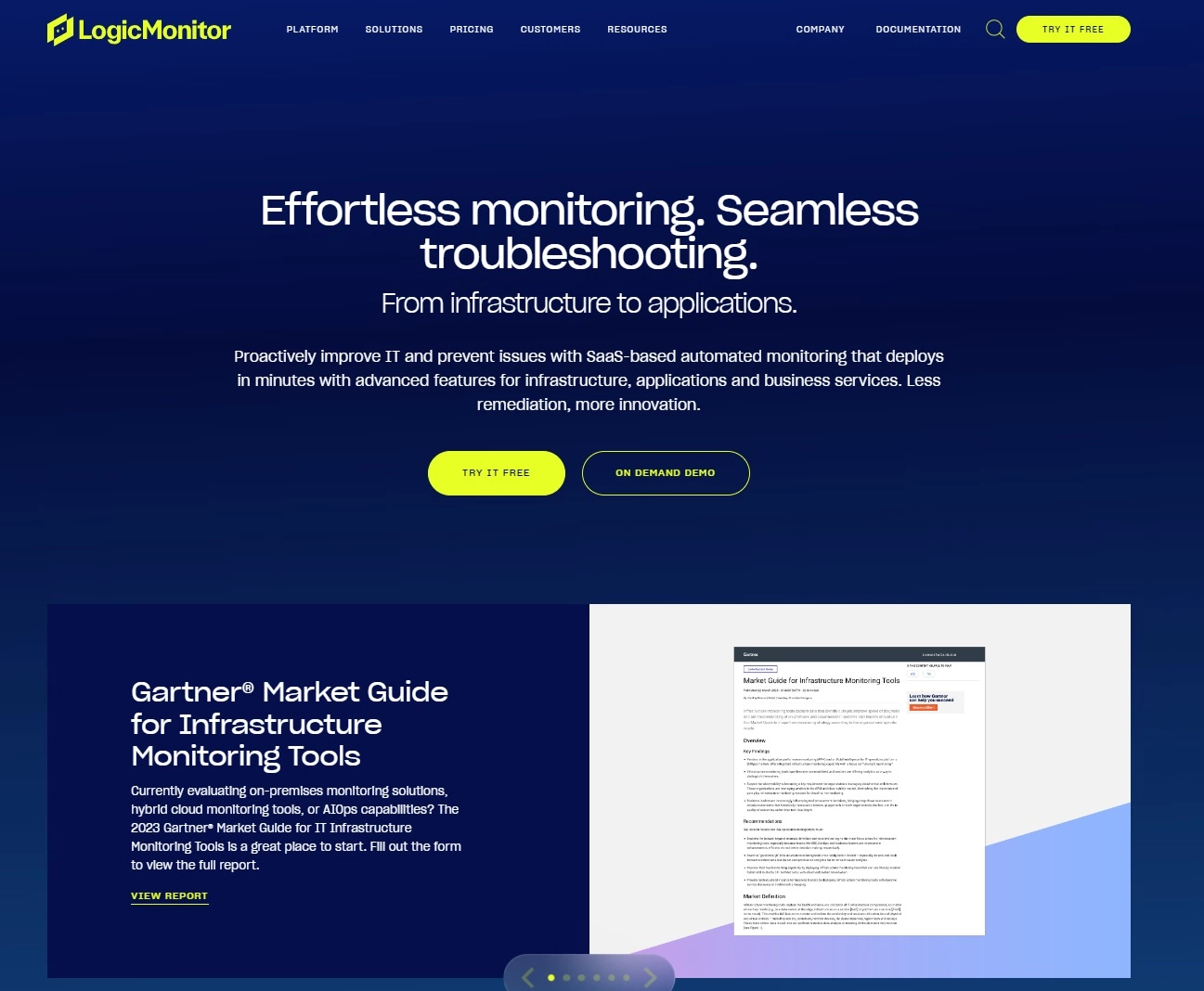
LogicMonitor is a SaaS-based, automated IT performance monitoring platform that provides full visibility into complex, hybrid IT infrastructures. It allows businesses to monitor and manage their networks, servers, and services all in one place.
Besides an impressive set of features, LogicMonitor also offers many different integrations with third-party applications and platforms. The most notable mentions are AWS, Azure Monitoring, and Kubernetes Monitoring.
Common features with SolarWinds:
Features unique to LogicMonitor:
Supported platforms: LogicMonitor is exclusively a web-based platform and does not offer a dedicated mobile app. SolarWinds provides broader accessibility through not only a web-based interface but also mobile apps available for both iOS and Android.
Deployment and setup: LogicMonitor is a cloud-based solution, so users don’t have to deal with complex on-premises setups. SolarWinds offers both cloud-based and on-premises deployment options. This flexibility can be beneficial for organizations with specific needs.
Best for: Businesses of all sizes
LogicMonitor is best for businesses and organizations that rely heavily on technology infrastructure and need a comprehensive, cloud-based monitoring solution for their IT systems. This includes businesses of all sizes – from small startups to large enterprises – across various industries, such as finance, healthcare, e-commerce, technology, education, and more.
LogicMonitor has 2 main pricing tiers:
You can also purchase some add-ons for an extra fee, such as Wireless Access Points, Cloud PaaS and container monitoring, Log intelligence, or Edwin AI. It is best to contact their team for more detailed information regarding pricing.
LogicMonitor also offers a 14-day free trial to experience the solution before committing to a purchase.
LogicMonitor stands out as a solid choice for those in need of a comprehensive infrastructure monitoring platform. The platform offers an impressive range of features and monitoring tools that can help drive operational efficiency and proactively manage IT environments.
Users often praise LogicMonitor for its ease of installation and overall user-friendliness, which can significantly shorten the learning curve and help with quicker onboarding. However, it is worth noting that some users have reported difficulties when using it on Windows platforms.
While LogicMonitor generally performs well, it does require a stable internet connection to function smoothly. Additionally, some users have expressed a desire for more customizable reporting options and greater flexibility, which suggests that there’s room for improvement in making it more adaptable to specific user needs.
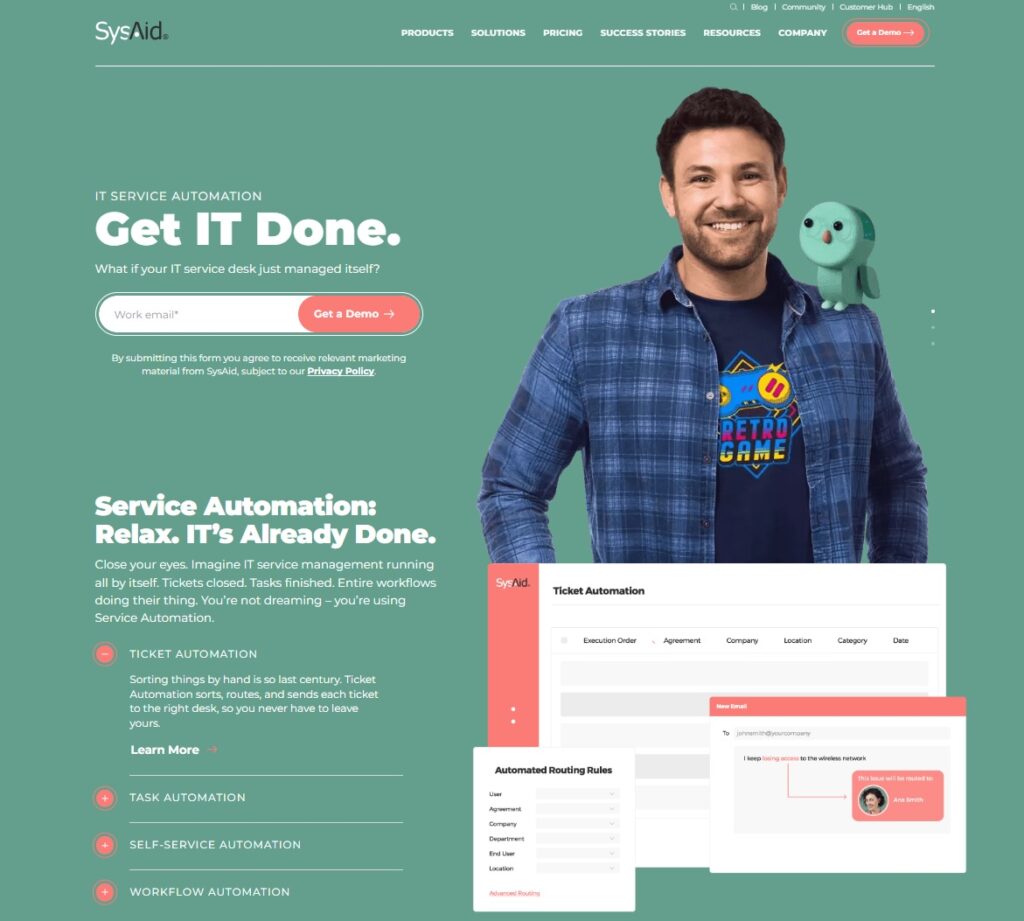
SysAid is an all-in-one IT service management software designed to help IT professionals streamline their services and support processes. Equipped with various features such as a help desk, asset management, and automation tools, SysAid is tailored to meet the unique requirements of organizations of all sizes and industries, increasing both efficiency and user satisfaction.
Besides a wide range of features and functionalities, SysAid integrates with a variety of major platforms, such as Salesforce, Jira, Slack, Microsoft Azure Active Directory, and Okta, providing a seamless experience in IT management and support processes.
Common features with SolarWinds:
Features unique to SysAid:
Best for: Businesses of all sizes
SysAid is best suited for organizations of all sizes, ranging from small businesses to large enterprises, that require an all-in-one, comprehensive IT service management solution. The software is ideal for IT administrators, help desk teams, and network managers looking to improve efficiency, automate tasks, and streamline support processes across their organizations.
SysAid offers a customized pricing structure based on the organization’s size and specific requirements. Interested users can request a personalized quote by contacting the SysAid sales team. The platform does not provide a free version but offers a 30-day free trial to test out its features before committing to a subscription.
All in all, SysAid is a comprehensive, all-in-one solution for IT management, offering an impressive range of features and functionalities. One of its strengths is the integration possibilities with other platforms, which allows you to address a wide range of needs within a single interface. The platform’s customizability is another noteworthy advantage, as it enables businesses to tailor the system to fit their specific requirements. Users report that the interactions with their customer support have been positive; they’re prompt, helpful, and genuinely interested in resolving issues.
However, SysAid is not without its drawbacks. The mobile app has garnered some criticism from users. While the desktop version is robust and feature-rich, the mobile app struggles to match this level of functionality. It can be slow at times and lacks some essential features. Visually, the platform could use some freshening up. Compared to competitors, SysAid’s interface does feel somewhat outdated, which might be off-putting to users who value modern, intuitive design.
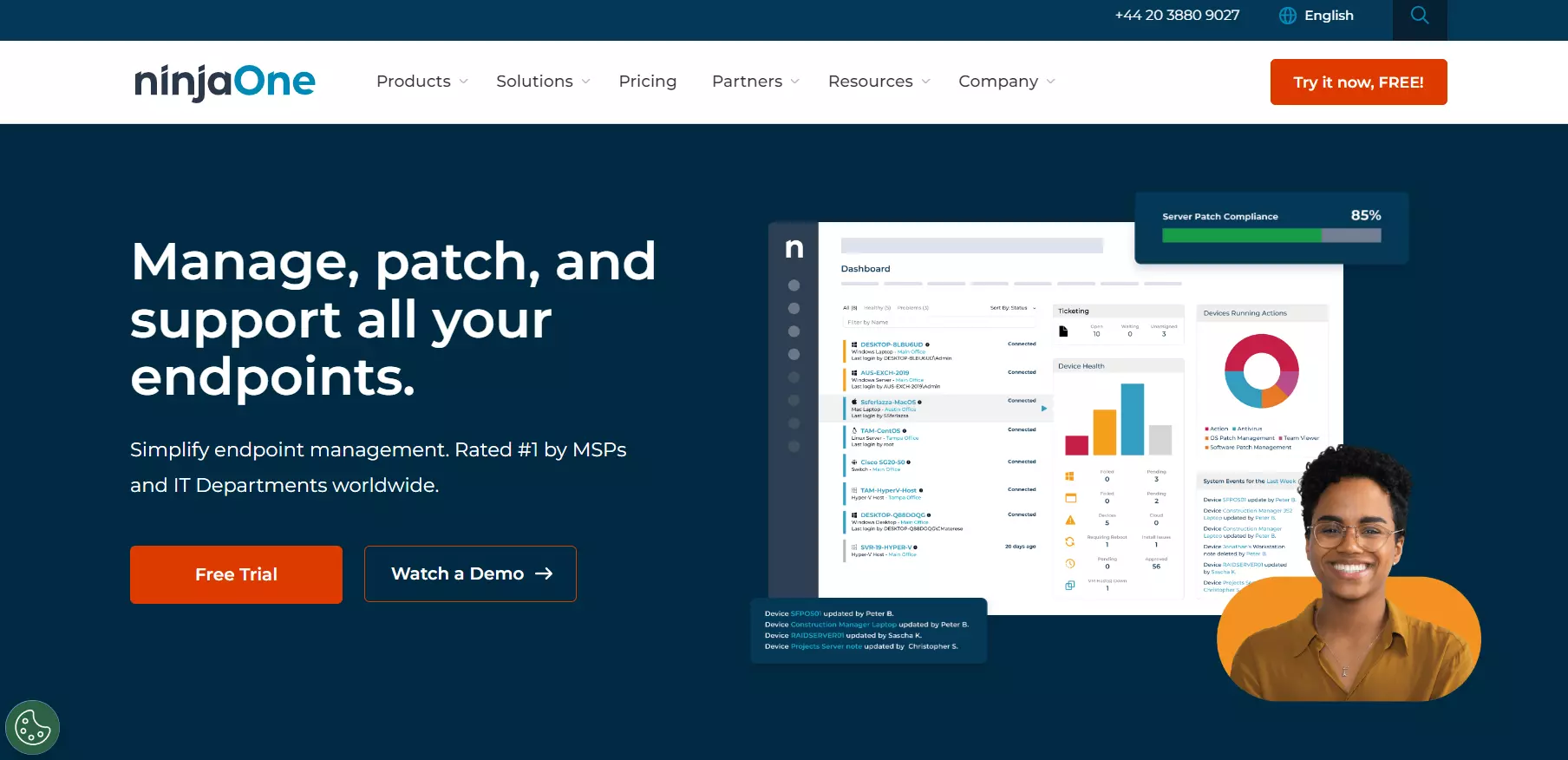
NinjaOne is powerful, easy-to-use Remote Monitoring and Management (RMM) software designed for Managed Service Providers (MSPs) and IT professionals. It offers a comprehensive suite of tools to assist with managing your network and devices and ensuring they’re operating at their peak performance.
NinjaOne offers many valuable features as well as integration capabilities with a good deal of third-party software. The most recognizable are Slack, TeamViewer, and ConnectWise.
Common features with SolarWinds:
Features unique to NinjaOne:
Dashboard and user interface: NinjaOne has a modern, clean, and intuitive dashboard. Users often compliment its user-friendly interface, which simplifies navigation and minimizes the learning curve. SolarWinds has a more dated and complex dashboard. Its interface is less intuitive, which can result in a steeper learning curve.
Setup and configuration: Users typically find NinjaOne easy to set up and configure, thanks to its intuitive design and guided setup processes. SolarWinds can be more challenging to set up, requiring more technical knowledge to configure optimally.
Best for: Businesses of all sizes
NinjaOne is designed to cater to Managed Service Providers (MSPs) and IT professionals. It’s ideal for businesses that require IT management solutions. These can include small and medium-sized businesses that need to manage their own IT infrastructure and large enterprises with complex and diverse IT needs.
NinjaOne’s pricing is unavailable on their website, and a custom quote is required to understand the full cost. Luckily, NinjaOne offers a free trial so you can access all its features before committing to a purchase.
NinjaOne can be a highly effective alternative for those who need to manage, patch, and support all their endpoints from a single platform. One of the most significant advantages is its ease of use and modern interface. This user-friendly design can reduce the learning curve and boost productivity immediately.
The platform offers an impressive set of functionalities that cover a broad spectrum of IT management needs. However, some users have experienced performance issues, such as frequent logging out of the system. These interruptions can be frustrating and may impact the overall reliability of the service.
Another area where NinjaOne could improve is in price transparency. Many users have expressed a desire for clearer and more upfront pricing. Overall, while NinjaOne offers many benefits, addressing certain areas could vastly improve user satisfaction.

Wireshark is a highly popular, open-source network protocol analyzer that enables IT professionals to examine and troubleshoot network traffic in real-time. Supporting a wide range of protocols, Wireshark provides detailed insights into the entire network, as well as complex analysis and reporting tools to solve network-related issues and optimize performance.
As an open-source network analysis tool, Wireshark does not have direct integrations with other platforms but offers extensibility through plugins, scripts, and user-defined customizations, allowing for enhanced functionality and interoperability with various networking tools.
Common features with SolarWinds:
Features unique to Wireshark:
Best for: Businesses of all sizes
Wireshark is best suited for IT professionals, network administrators, and cybersecurity analysts seeking an in-depth understanding of their network activities and performance. Its advanced capabilities make it a powerful tool for troubleshooting network issues, optimizing network configurations, and diagnosing any security vulnerability.
Wireshark is an open-source network protocol analyzer that is completely free to use. Users can download and utilize the software across multiple platforms, including Windows, macOS, and Linux, without incurring any charges, making it accessible and cost-effective for all levels of IT professionals and organizations.
Wireshark is a powerful platform for businesses that need to examine and troubleshoot network traffic in real time. As an open-source network protocol analyzer, it offers robust capabilities without the burden of licensing fees, making it an attractive free tool for IT professionals. However, it’s important to note that Wireshark does not offer direct integrations with other third-party platforms. While this might initially seem limiting, the software allows users to extend its functionalities through plugins and scripts.
One of the main considerations with Wireshark is its learning curve. It can be somewhat difficult for beginners to navigate and operate. Additionally, the software’s limited customer support options are a common point of critique among users, suggesting that improving this area could significantly enhance the user experience. Despite these drawbacks, Wireshark remains a great alternative in the IT community, and it is appreciated for its extensive features and zero cost.
Zendesk is leading customer service and engagement software that streamlines and simplifies customer support processes. With its robust suite of tools, Zendesk enables businesses to deliver seamless and personalized interactions across multiple channels, ultimately enhancing customer experiences and satisfaction.
Besides a wide range of features, Zendesk offers integrations with many popular platforms, including Salesforce, Slack, Trello, Jira, Google Workspace, and Microsoft Dynamics, to facilitate seamless customer support and engagement workflows.
Common features with SolarWinds:
Features unique to Zendesk:
Best for: Businesses of all sizes
Zendesk is best suited for businesses of all sizes aiming to provide an exceptional and streamlined customer support experience. Its multi-channel support and easy integrations make it an ideal choice for customer service teams, support agents, and businesses looking to enhance customer satisfaction and promote brand loyalty.
Zendesk offers multiple pricing tiers to accommodate the needs of different organizations:
Potential users can also benefit from a free trial period to evaluate the platform before committing to a subscription plan.
In conclusion, Zendesk stands out as an all-in-one solution software that primarily focuses on enhancing customer interactions but also offers some valuable ITSM capabilities. This makes it an interesting option for businesses that need to manage both customer support and IT operations. However, keep in mind that using Zendesk’s more advanced features comes at a higher cost. These premium tools are only available as part of higher-tier plans, which can become quite expensive for some businesses.
On a brighter note, Zendesk offers a plethora of integrations with other platforms and applications, making it versatile and adaptable to various environments. Its user-friendly and modern interface ensures that customer support agents can navigate the system with ease, enhancing overall productivity. Yet, the flip side is that some of the advanced customizations may require additional technical knowledge.
ManageEngine ServiceDesk Plus is an IT Service Management (ITSM) software designed to help businesses streamline their IT support processes and deliver efficient, high-quality services. ServiceDesk Plus offers an integrated platform that combines essential ITSM tools, including help desk, asset management, and IT project management, making it suitable for organizations of various sizes and industries.
ManageEngine ServiceDesk Plus offers many native integrations with software such as Analytics Plus, Zoho Survey, and Office 365. It also offers a wide set of features that we are going to explore more below.
Common features with SolarWinds:
Features unique to ManageEngine:
Alerts: SolarWinds focuses on restricting alerts to crucial events, allowing you to define your own trigger conditions to avoid spam. ManageEngine OpManager offers alerts via email or SMS and features an escalation chain. If the first recipient doesn’t respond promptly, the alert is escalated to another relevant staff member.
Pricing: ManageEngine offers flexible pricing options and also provides a freeware version. The free version enables users to monitor up to 10 devices at no cost. On the other hand, SolarWinds does not offer any free versions.
Best for: Businesses of all sizes
ManageEngine ServiceDesk Plus is best suited for businesses and organizations of various sizes, ranging from small to large enterprises, that require an efficient and integrated IT service management solution. It is designed to streamline IT support processes and cater to the needs of different industries, such as IT, finance, healthcare, education, retail, government, and many others.
ManageEngine has an intricate pricing structure that can be paid monthly or yearly.
You can also take advantage of their free trial before committing to your purchase.
ManageEngine ServiceDesk is a unified service management platform that offers integrated IT and business workflows to deliver exceptional service experiences. Whether deployed on-premises or in the cloud, its versatility ensures it meets the diverse needs of various organizations.
In terms of features and integrations, it offers a comprehensive set of capabilities and seamless integrations with other platforms that make it perfect for organizations looking for a scalable service management solution. It’s quite easy to set up, which makes the initial adoption process smooth. However, some users have pointed out that the UI could use some improvements to become more user-friendly. Additionally, while the platform offers a range of functionalities, users would appreciate more customization options.
The pricing structure of ManageEngine ServiceDesk is generally considered good. However, potential buyers should be aware that additional add-ons can lead to an additional cost, driving up the overall expense. Despite these minor drawbacks, ManageEngine ServiceDesk remains a strong alternative.
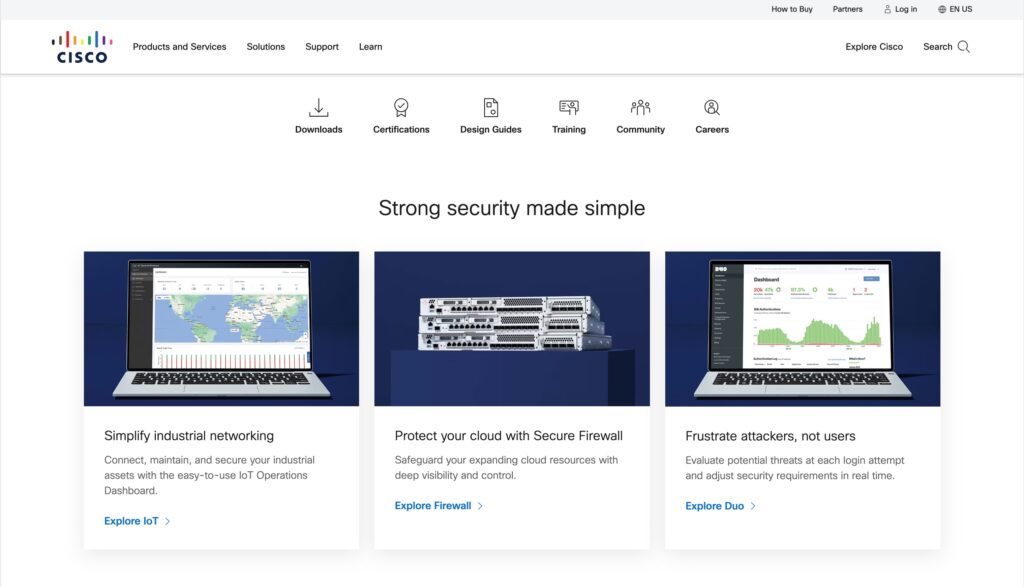
Cisco Systems is a multinational technology conglomerate that provides a wide range of software products for various aspects of networking and telecommunications.
Cisco is equipped with a wide range of features and capabilities, and it allows integration with many solutions that are part of the Cisco environment.
Common features with SolarWinds:
Features unique to Cisco:
Best for: Businesses of all sizes
Cisco provides versatile and scalable solutions that are suitable for a wide range of businesses across different industries. It provides cloud-managed IT solutions, including networking, security, and device management, making it a good fit for organizations that need to manage their IT infrastructure effectively.
While a free trial is available, both the free trial and the software pricing are only available upon request.
Cisco undoubtedly stands out for its extensive range of software products and features, designed to meet the diverse needs of many different businesses. While this set of functionalities is impressive, Cisco primarily focuses on compatibility within its ecosystem, potentially limiting integration with other third-party solutions.
When it comes to the user interface, Cisco is considered to have an intuitive design. However, some users have reported a steep learning curve, particularly for those lacking technical experience. The silver lining is that once you familiarize yourself with the interface, navigating and operating it becomes quite straightforward. The level of customization Cisco offers is another highlight, empowering users to tailor the software to their specific needs.
Despite these strengths, potential buyers should be aware that Cisco’s solutions can be pricey compared to other alternatives. Additionally, some users have pointed out that customer support could be more responsive, suggesting room for improvement in this area.
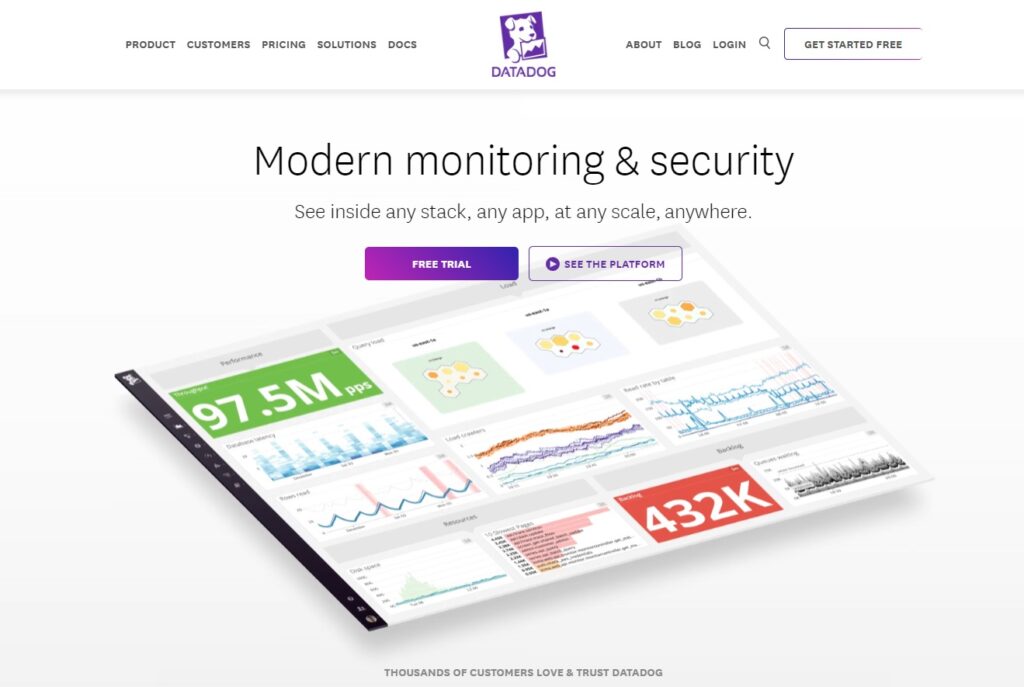
Datadog is a powerful, cloud-based monitoring and analytics platform that offers real-time visibility into IT infrastructure and applications. By providing key insights and customizable dashboards, Datadog empowers businesses to troubleshoot performance issues, ensuring smooth and reliable operations across complex environments.
Datadog boasts integrations with numerous platforms, such as AWS, Google Cloud Platform, Azure, Docker, Kubernetes, and Elasticsearch, providing comprehensive monitoring across various cloud environments, applications, and services.
Common features with SolarWinds:
Features unique to Datadog:
Best for: Businesses of all sizes
Datadog is suited for businesses of all sizes, especially those with complex IT environments that require comprehensive monitoring and analytics capabilities. Its robust features make it an ideal choice for IT administrators, DevOps teams, and developers looking to maintain high-performance applications.
Datadog offers the following pricing plans:
Pricing can vary based on specific monitoring requirements, and a 14-day free trial is available for users to evaluate the platform’s suitability.
Datadog is quite an impressive platform that provides a holistic view of your IT environment, encompassing servers, clouds, metrics, applications, and even team activities. Its broad range of integrations allows for seamless visibility across various systems and applications, making it highly effective for comprehensive monitoring and analytics.
However, all these advanced functionalities mean that the initial setup can be somewhat complex. Setting up Datadog to fit your specific needs might require a bit of time and effort, but once configured, the platform proves to be a good tool with a user-friendly interface.
It’s also important to acknowledge that Datadog’s robust capabilities come at a price. Some users, particularly those in smaller organizations with limited budgets, might find Datadog a bit pricey. In summary, Datadog is a stellar choice for those who can afford it, offering visibility and control over your IT landscape.
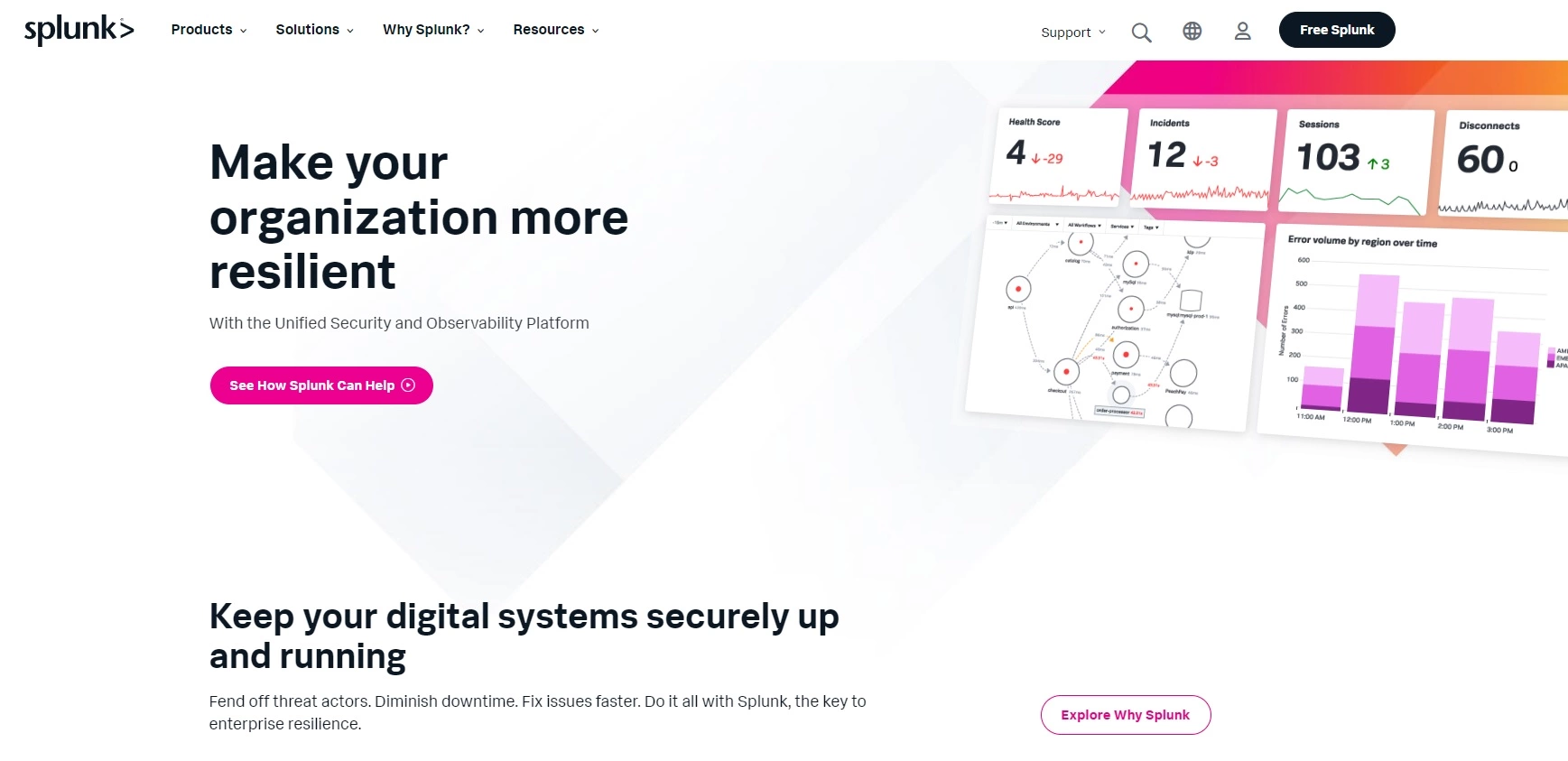
Splunk is an advanced data analysis platform that enables organizations to collect, analyze, and visualize their data in real-time to improve operational intelligence. With its powerful log analysis and machine learning capabilities, Splunk empowers businesses to make informed decisions, optimize their IT operations, and enhance security posture.
Splunk integrates with a variety of platforms, including AWS, Microsoft Azure, ServiceNow, Cisco, and VMware, providing comprehensive data analysis and insights across numerous environments, services, and applications.
Common features with SolarWinds:
Features unique to Splunk:
Best for: Large businesses
Splunk is best suited for large enterprises that require a powerful and scalable solution for data analysis and visualization. With its advanced capabilities in handling big data, Splunk is ideal for IT professionals, security analysts, and businesses that seek to gain valuable insights from their data and optimize their IT operations.
Splunk adopts a data indexing-based pricing model, with prices varying depending on the daily volume of data indexed.
Prospective users can try the platform’s features for 60 days free of charge before choosing a pricing plan.
Splunk is a powerful platform designed to keep digital systems secure and reliable. It helps organizations address issues before they escalate into significant problems. Its primary focus on data analytics and real-time monitoring ensures that SecOps, ITOps, and engineering teams can collaborate more effectively to achieve their goals.
One of Splunk’s standout features is its excellent dashboard for data visualization. The clarity through which it presents data is great for many users, enabling them to gain deep insights and act on them quickly. However, the robust functionalities come with a higher cost, making it less suitable for smaller businesses. Though there is a free version available, it’s important to remember that its capabilities are somewhat limited compared to the full suite.
While Splunk offers fantastic features, it does have a steep learning curve, particularly for beginners. However, the platform’s customer support, available through various channels like chat, email, chatbot, and Slack, considerably softens this hurdle.

ServiceNow is an industry-leading cloud-based platform that automates and streamlines IT Service Management (ITSM), enhancing the overall efficiency of business processes. With its extensive suite of tools and applications, ServiceNow simplifies workflows, reduces operational costs, and fosters team collaboration.
ServiceNow integrates with an array of major platforms, including Microsoft Azure, AWS, Slack, Jira, Salesforce, and VMware, providing a seamless experience in IT service management and improving overall operational efficiency.
Common features with SolarWinds:
Features unique to ServiceNow:
Best for: Medium to large businesses
ServiceNow is best suited for medium to large enterprises looking for a comprehensive IT service management (ITSM) solution to optimize and automate business processes. With a wide array of features, it is ideal for IT administrators, help desk teams, and organizations aiming to improve efficiency, communication, and collaboration while reducing operational costs.
ServiceNow offers tiered pricing plans designed to accommodate various needs, with packages such as ITSM, ITBM, and ITOM. Interested users are advised to contact the ServiceNow sales team to request a personalized quote based on their requirements. Although there is no free version, prospective customers can explore ServiceNow’s features through a free trial.
ServiceNow is a robust platform that significantly enhances IT service delivery, boosting team productivity and enabling quick issue resolution. Leveraging advanced AI and machine learning technologies, ServiceNow automates essential processes, minimizing manual intervention and streamlining workflows.
One of the standout features is its extensive suite of functionalities and integrations, making it an excellent choice for businesses in need of a scalable software solution. However, this comes with a learning curve that can be quite steep. The platform’s complexity means that users will need to invest time and effort into understanding its various components. Additionally, while the software offers advanced customization options, implementing them requires a certain level of technical knowledge.
Another point to consider is the cost. ServiceNow is among the more expensive solutions on the market, which might not be ideal for smaller businesses. Despite the price tag, its comprehensive features and automation capabilities make it a good investment for organizations that can afford it and are seeking a powerful tool to enhance their IT service management.
Every business has unique requirements and demands their chosen SolarWinds substitute must meet. Therefore, it is crucial to thoroughly examine the specifics of your company, including the size of your customer service team, the number of daily client engagements, and the type and frequency of customer inquiries across various communication channels. Additionally, you should determine which basic features meet your needs and where there is potential for additional capabilities.
We cannot overstate the importance of not overspending on a modern solution simply because it initially appears suitable. As mentioned earlier, after defining your requirements for features and functionalities, thoroughly investigate different alternatives, taking into account their offerings and costs. While it is not advisable to choose a solution based solely on its affordability, it’s crucial to remember that the purpose of help desk software is to support, not to create a considerable burden on your organization’s finances. Sometimes even help desk free software can be enough to meet your needs.
Securing a free trial, when available, is the best way to evaluate the user interface, identify the required level of staff training, and measure the ease of incorporating a particular solution into your daily processes. If a trial is not possible, professional reviews can be a useful source of information. Examine multiple reviews on various websites to gain a thorough understanding of the software. Give particular attention to recurring customer issues, as they might indicate potential challenges you may face while using the software.
Expanding on the original point, identifying the essential features of your help desk tool is crucial for making an informed decision. Once you have shortlisted a few potential providers, note down their features and perform a comparison in terms of quantity and adaptability. Although having more features does not always guarantee a better solution, it is advisable to pursue an option that offers the most value for your investment.
Another important aspect to consider is how smoothly your potential customer service software integrates with external applications. There may be several integrations essential for your operations. For example, Shopify integration could be advantageous if you are in the eCommerce industry, while Twilio might help set up a call center. Look for SolarWinds competitors that enable integration with most, if not all, of the critical third-party applications needed for the effective management of your contact center.
Finally, and just as crucial, don’t forget to evaluate the provider’s customer service, help center interface, and support documentation. Despite having an outstanding solution, you may still need their assistance in case of any issues. Pay close attention to mentions of customer service while reading reviews. You don’t want to be left grappling with an unreachable support line or constantly brushed off by an unhelpful chatbot. Choose a solution that guarantees access to expert support when needed.

The latest tips and deals delivered straight to your inbox.
Choosing the right IT management solution is crucial for maximizing efficiency and the overall success of your business. To find the perfect customer service solution tailored to your needs, it’s essential to carefully evaluate several factors. Consider aspects such as features, price, ease of use, user interface, ease of implementation, or customization options. This thorough evaluation ensures that the solution you select will not only meet your current requirements but also scale as your business grows.
LiveAgent presents itself as an excellent alternative to SolarWinds, offering a comprehensive range of features and integrations at an affordable price. Whether you are a small startup or an established enterprise, LiveAgent can be tailored to suit your specific requirements, making it a versatile and adaptable solution for various business environments. Additionally, LiveAgent offers a 30-day free trial, allowing you to explore its capabilities and see firsthand how it can benefit your organization without any financial commitment.
Share this article
Patricia has worked at LiveAgent for two years, leveraging her marketing background to create content. She specializes in articles, blogs, and guides on various topics, including customer service, help desk software, and customer communication. Her approach emphasizes making content not only informative, but also easy to understand, often sprinkling in a few tips to help readers transform theory into practice.

Discover LiveAgent, the best SolarWinds alternative! Enjoy 24/7 support, no setup fees, free trial, and 200+ integrations. Try it today!

Discover the 15 best Freshdesk alternatives like LiveAgent, Zoho Desk & Salesforce to boost customer service with better pricing & features!
Discover the top 15 Spiceworks alternatives for 2025, including LiveAgent, Zendesk, and Jira. These tools offer diverse features, integrations, and pricing to e...
Cookie Consent
We use cookies to enhance your browsing experience and analyze our traffic. See our privacy policy.