Top 10 Remote Help Desk Software In 2025: Review & Guide
Explore the top 15 remote help desk software for 2025, featuring reviews and benefits like improved satisfaction, cost savings, and enhanced security. Learn how to choose the right software to streamline workflows and overcome remote support challenges.
In an increasingly digital world, the need for effective remote support solutions is more critical than ever. As businesses adapt to new technologies and remote work environments, having the right help desk software can make or break their customer support efforts.
Remote help desk software streamlines technical support and enhances customer experience by allowing technicians to access devices remotely, solve issues fast, and provide instant assistance. With numerous options available, selecting the ideal software may seem overwhelming, but understanding your needs is key.
In this article, we’ll take an in-depth look at the top 10 remote help desk software options for 2025, highlighting their essential features, pricing, and why LiveAgent stands out as the best choice for remote help desk support. Prepare to equip your team with the tools they need to deliver exceptional service.
What is remote help desk software
Remote help desk software allows IT teams to support users by accessing their devices remotely, solving problems without needing a physical presence. This approach enhances efficiency as technicians can troubleshoot issues from anywhere, reducing resolution times significantly.
Key features typically include:
Remote Desktop Access: Connect to and control remote devices.
File Transfer: Easily send and receive files.
Screen Sharing: Collaborate or demonstrate solutions visually.
Integrated Communication Tools: Use chat for real-time communication.
Security is a top priority. This software includes encryption, multi-factor authentication, and logs support sessions to ensure data integrity and confidentiality.
Benefits:
Increased Productivity: Less need for on-site visits.
Faster Diagnostics: Quickly identify and resolve issues.
Global Access: Provide support to remote computers anywhere.
Remote help desk software is an essential tool for modern IT teams, fostering better customer satisfaction and quicker solutions.
How to choose the right help desk for remote support
Selecting the right remote help desk software can significantly boost your IT support team’s efficiency. There are several factors to consider to ensure you choose the best option for your needs.
First, make sure the software has sufficient bandwidth. This is crucial for smooth data transfer and to avoid buffering during support sessions. Without enough bandwidth, your support team might struggle with connectivity issues, which can delay problem resolution.
The software should also integrate with your existing systems, such as ticketing and customer service platforms. This integration streamlines processes and improves operational efficiency, allowing for a seamless workflow.
Remote support software helps break geographical barriers. It allows support teams to assist users anywhere in the world, resulting in higher productivity and faster solutions.
When evaluating remote support options, focus on solutions that offer indispensable features. These include remote desktop access, file transfer, screen sharing, and integrated communication tools. These features facilitate interaction between technicians and users, ensuring a smooth support process.
Security is another critical consideration. Choose software that provides strong data safeguards, such as encryption and two-factor authentication. Customization options and a comprehensive feature set are also important to address your business’s specific needs for remote access support.
Ready to grow your business?
Start your free trial today and see results within days.
Selecting effective remote support software requires attention to several key features. Essential capabilities include the ability to access and troubleshoot devices without user interaction, which enhances efficiency and effectiveness.
Screen sharing, file transfer, and communication tools are vital for providing real-time assistance. They help technicians and users collaborate effectively during support sessions.
Other important features are multi-monitor navigation, session recording, and remote diagnostics. These tools give support teams the comprehensive capabilities required for effective troubleshooting.
Compatibility across a range of operating systems is also crucial. Ensure the software supports Windows, Mac, Linux, iOS, and Android, so you can assist users on any platform.
Lastly, a user-friendly interface is essential. It allows technicians to navigate the application quickly and efficiently, especially in time-sensitive situations. This ease of use can be a major factor in successfully resolving technical issues.
By focusing on these features, you can select the remote help desk software that best fits your organization’s needs, ensuring efficient and effective support sessions.
Best 10 remote help desk software
Remote help desk software allows IT teams to access and troubleshoot users’ devices quickly and efficiently. This kind of software is essential for improving productivity, especially in a work-from-home setting. Let’s dive into some of the best tools available today.
LiveAgent
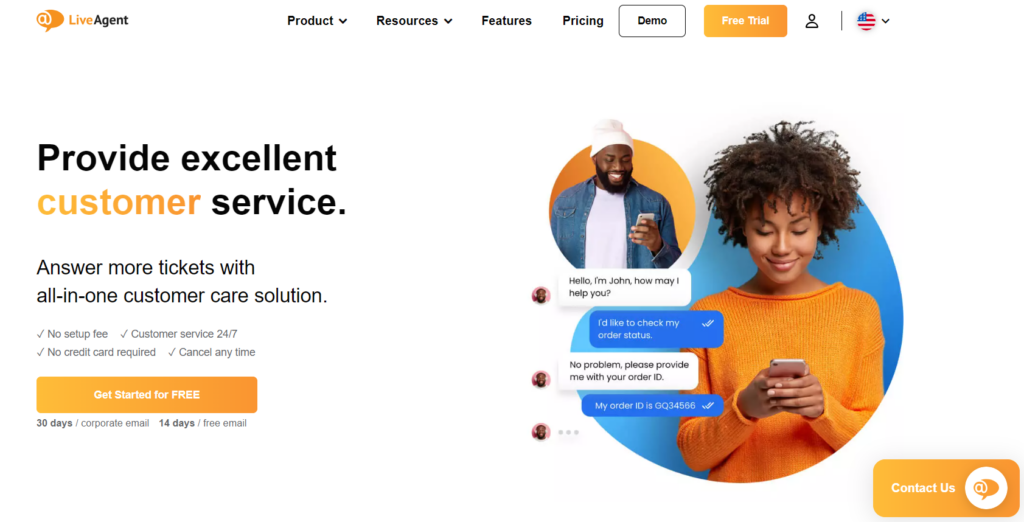
LiveAgent offers comprehensive help desk software that facilitates effective customer service operations. As it is cloud-based, businesses can access it anywhere, anytime, making it ideal for remote service delivery.
Main Features:
Multi-Channel Support: LiveAgent allows businesses to manage customer inquiries via email, live chat, phone, and social media from a unified platform.
Ticketing System: Efficiently tracks customer requests and issues through a comprehensive ticketing system, ensuring nothing gets overlooked.
Automation: Features such as automated ticket distribution, predefined responses, and workflow automation help streamline support processes.
Reporting and Analytics: LiveAgent provides robust reporting tools to analyze team performance, response times, and customer satisfaction.
Pros:
User-Friendly Interface: The intuitive design makes it easy for agents to navigate and manage support requests.
Flexibility: LiveAgent supports various integrations with CRM and eCommerce platforms, enhancing its functionality.
Affordable Pricing Plans: Offers a range of pricing options to accommodate different business sizes and needs.
Cons:
Learning Curve: Some users may find the extensive features overwhelming at first.
Limited Free Version: While there is a free trial, the ongoing free tier is somewhat limited compared to other tools.
Dependence on Internet: As a cloud-based solution, performance relies heavily on a stable internet connection.
Pricing:
Subscription-Based: LiveAgent offers several tiers, starting from approximately $15/user/month for the basic plan, with more advanced plans going up to $49/user/month for comprehensive features suitable for larger organizations.
One-Time Purchase: LiveAgent does not typically offer a one-time model, focusing instead on subscription-based pricing.
Author’s Note:
LiveAgent stands out in the remote help desk software landscape due to its array of features that cater to both small businesses and larger enterprises. Its user-friendly design, along with multi-channel support, makes it a practical choice for businesses looking to enhance their customer support. While the pricing is competitive, especially for the features offered, users should consider their specific needs against the available plans to ensure they select the most appropriate option.
Pricing: Starts at $15 per agent, per month.
Freshdesk
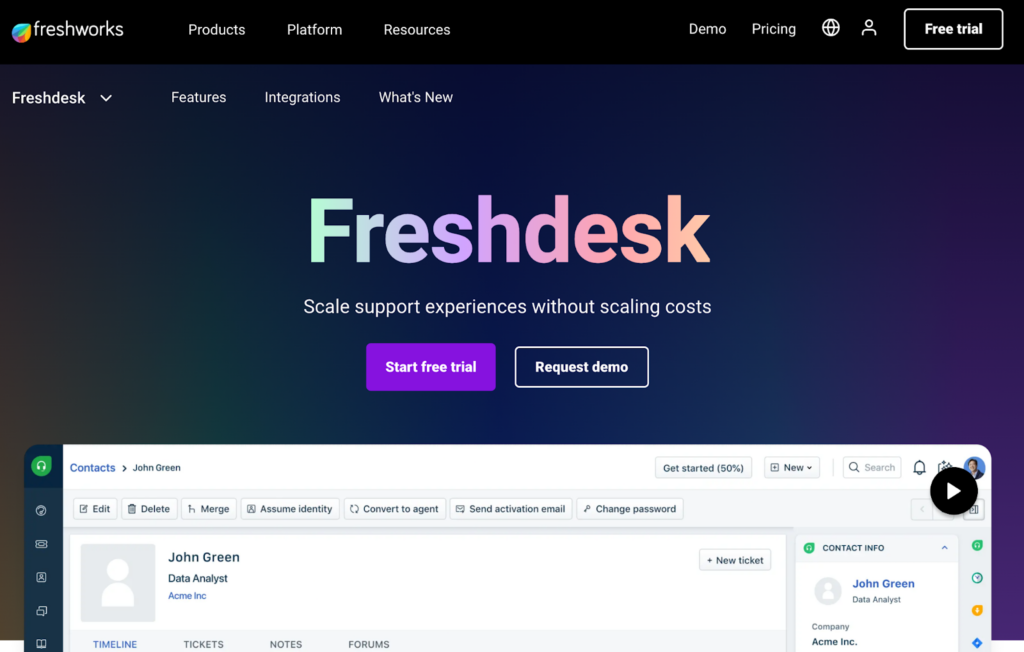
Freshdesk is a comprehensive help desk software solution designed to enhance customer support efficiency through its user-friendly interface and a wide array of features tailored for remote assistance. It allows teams to manage customer inquiries seamlessly, making it an excellent choice for businesses focusing on remote support.
Main Features:
Multi-channel Support: Freshdesk enables support through email, phone, chat, and social media, ensuring customers can reach out via their preferred method.
Ticketing System: The software automates ticket creation and management, allowing support teams to prioritize and resolve issues effectively.
Collaboration Tools: Built-in collaboration features let support agents work together, share information, and escalate tickets as necessary.
Knowledge Base: Freshdesk offers the ability to create self-service resources, empowering customers to find solutions without direct assistance.
Reporting and Analytics: The platform provides insights into support performance through customizable reports and dashboards, helping teams optimize their operations.
Pros:
User-friendly Interface: Easy to navigate, which helps teams get started quickly without extensive training.
Scalability: Suitable for businesses of all sizes, with features that can adapt as a company grows.
Integrations: Seamlessly integrates with various third-party applications, enhancing overall functionality.
Cons:
Pricing Complexity: Some users find the pricing tiers complicated, making it challenging to determine the most cost-effective options.
Customization Limitations: While feature-rich, certain users have reported limitations in customizing workflows to fit specific business needs.
Response Time: Some users have experienced delays in customer support response times, which can be critical in high-demand situations.
Pricing:
Free Plan: Basic features for small teams or startups.
Growth Plan: Starting at approximately $15/user/month, offering advanced features like automation and reporting.
Pro Plan: Around $49/user/month, which includes additional customization and integration options.
Enterprise Plan: Custom pricing for larger organizations needing advanced security and dedicated support.
Author’s Note:
Freshdesk stands out in the remote help desk software landscape for its robust feature set and user-friendly design. It provides an effective solution for businesses aiming to enhance their customer support operations, particularly in remote environments. While it has a few limitations regarding customization and pricing complexity, its overall efficiency in managing support queries makes it a strong contender for businesses looking to elevate their customer service experience.
Zendesk
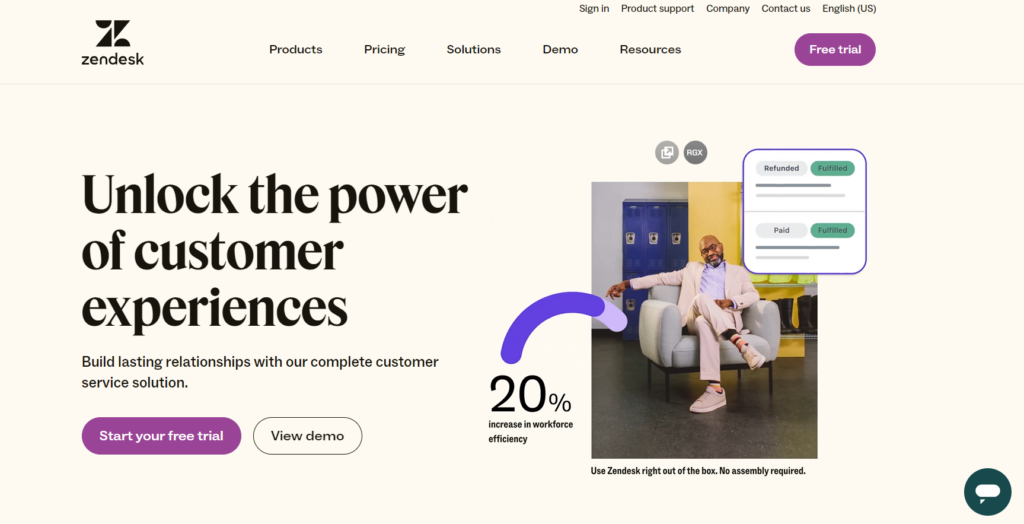
Zendesk Support provides a powerful platform with a user-friendly ticketing system. It helps connect conversations across various channels, enhancing the support experience. Remote access programs within Zendesk are effective for diagnosing and fixing client software issues.
Main Features:
Omnichannel Support: Zendesk enables support teams to engage customers through various channels, including email, chat, social media, and voice, allowing for seamless communication.
Intuitive Ticketing System: The software’s ticketing system organizes and prioritizes support requests, ensuring that no customer query goes unanswered.
Robust Analytics and Reporting: Advanced reporting tools help track performance metrics, customer satisfaction, and ticket resolution times, allowing teams to optimize their support processes.
AI-Powered Automation: Zendesk leverages AI to automate routine tasks, such as ticket routing and responses, improving overall efficiency and freeing up agents to handle more complex issues.
Seamless Integrations: The platform integrates effortlessly with various remote support solutions and third-party applications, providing a unified workspace for agents to manage customer interactions.
Collaboration Tools: Built-in collaboration features enable support staff to work together in real-time, enhancing problem resolution through shared knowledge and resources.
Pros:
User-Friendly Interface: Zendesk’s intuitive design makes it easy for both agents and customers to navigate, reducing the learning curve for new users.
Scalability: Suitable for businesses of all sizes, Zendesk can grow alongside your organization, accommodating increasing ticket volumes and support complexity.
Customizable Workflows: Teams can tailor workflows and automation to fit their specific processes, enhancing operational efficiency.
Cons:
Cost: While offering a comprehensive feature set, Zendesk can be expensive for small businesses, particularly when scaling up the number of agents.
Setup Complexity: Initial setup and configuration may require time and technical expertise, particularly for organizations with unique needs.
Overwhelming Features: The abundance of features can be overwhelming for smaller teams that may only need basic support functionalities.
Pricing:
Essential Plan: Starts around $5 per agent per month, suitable for basic ticketing.
Team Plan: Approximately $19 per agent per month, adding more functionalities.
Professional Plan: Around $49 per agent per month, offering advanced features like reporting and automation.
Enterprise Plan: Custom pricing for large organizations requiring extensive features and integrations.
Author’s Note:
Zendesk stands out as a leading remote help desk software solution, particularly for businesses seeking an integrated approach to customer support. Its combination of powerful features, ease of use, and robust analytics make it ideal for companies aiming to enhance their customer service experience. However, it’s essential for potential users to consider their specific needs against the costs and complexity of implementation.
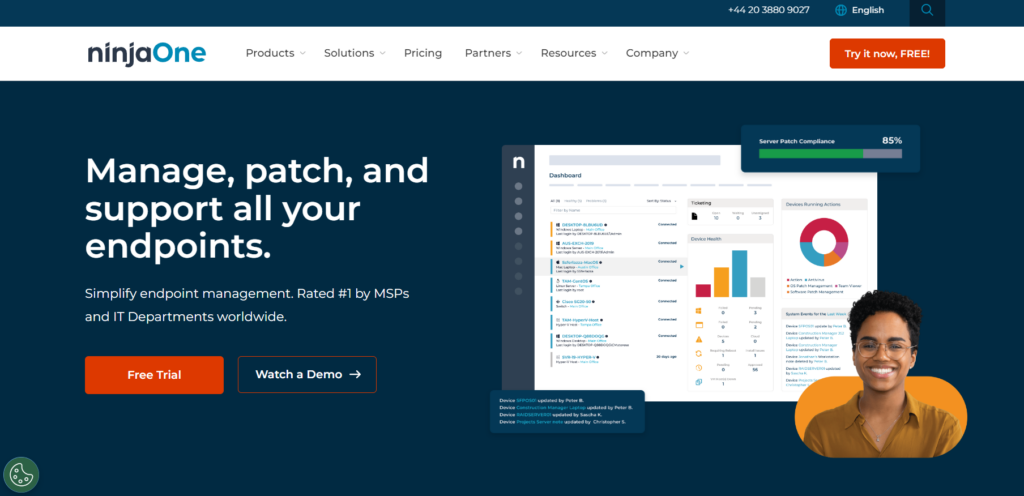
NinjaOne
NinjaOne is a robust remote help desk software designed to automate and streamline IT management tasks for businesses of all sizes. It provides comprehensive endpoint management capabilities, allowing IT teams to deliver efficient support and enhance productivity.
Main Features:
Full Remote Control: Technicians can access devices directly, providing immediate support for troubleshooting and resolving issues.
Automated IT Management: NinjaOne automates routine IT tasks such as patch management and software deployment, reducing manual workload.
Real-Time Monitoring: Offers live metrics and insights into system performance, helping IT teams proactively address issues before they impact users.
Multi-Platform Support: Compatible with various operating systems, ensuring support for diverse user environments.
Integration Capabilities: Seamlessly integrates with popular IT and security tools for a streamlined workflow.
Pros:
Productivity Enhancer: Automates repetitive tasks, allowing IT staff to focus on higher-value activities.
Reliable Performance: Known for its consistent uptime and robust reliability.
Scalable Solution: Suitable for businesses ranging from small enterprises to large organizations.
User-Friendly Interface: Intuitive design simplifies the support process for technicians and end-users alike.
Cons:
Pricing Structure: While competitive, some users may find the costs escalated based on additional features or user count.
Learning Curve: Some features may require training for effective use, especially for less tech-savvy staff.
Pricing:
NinjaOne’s pricing is based on the number of devices managed. Specific costs can vary depending on the plan selected, and potential users are encouraged to contact the vendor for custom quotes.
Author’s Note:
NinjaOne stands out in the remote help desk software category due to its focus on automation and efficiency. With its powerful features, it enables IT teams to provide fast and effective support, ultimately enhancing the overall user experience. For organizations looking to optimize their IT operations and improve response times, NinjaOne is a worthy consideration.
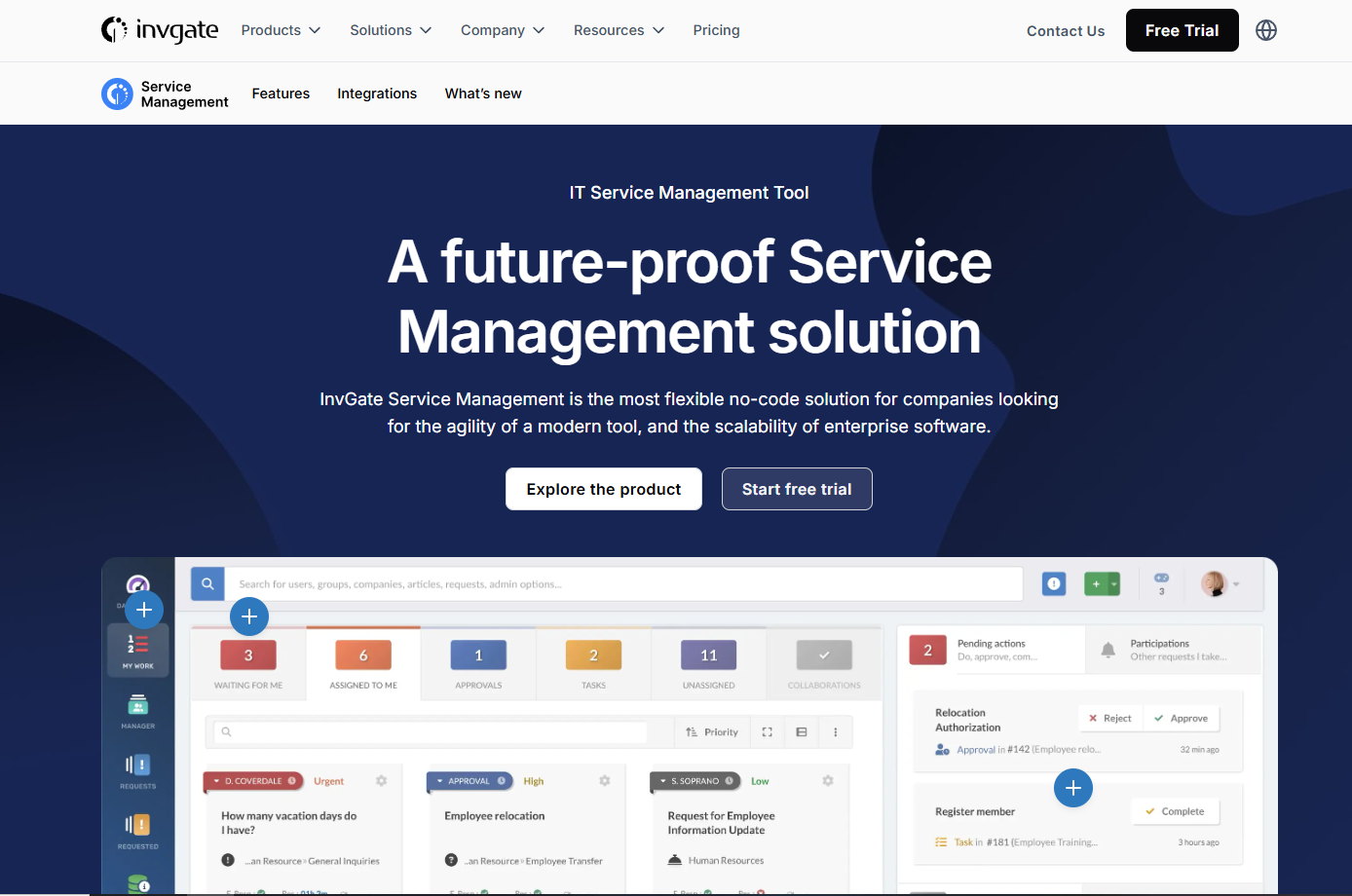
InvGate Service Management
InvGate Service Management is a robust remote help desk software designed to streamline IT service management (ITSM) processes. It is tailored for organizations looking to enhance their service delivery and improve the customer experience through effective ticketing and support mechanisms.
Main Features:
Incident Management: Simplifies the process of logging, tracking, and resolving incidents, allowing IT teams to respond swiftly and efficiently.
Self-Service Portal: Empowers users to find solutions independently with a user-friendly knowledge base and ticket submission forms.
Automation & Workflows: Offers customizable workflows and automated tasks to reduce manual intervention and improve response times.
Reporting & Analytics: Provides valuable insights through advanced reporting tools to track performance, identify trends, and optimize service delivery.
Integrations: Seamlessly integrates with popular tools such as Slack, Microsoft Teams, and various cloud services for enhanced collaboration.
Pros:
User-friendly interface that simplifies navigation and ticket management.
Comprehensive automation capabilities reduce repetitive tasks, allowing teams to focus on higher-priority issues.
Strong reporting features to analyze service performance and identify areas for improvement.
Cons:
Some users report that the initial setup can be complex, requiring time and resources.
Advanced features may be overwhelming for small teams or those new to ITSM software.
Pricing:
InvGate Service Management offers a flexible pricing model based on user needs. The pricing starts around $39 per user/month (billed annually) but can vary based on the specific features and level of service required.
Author’s Note:
InvGate Service Management stands out in the remote help desk software category for its comprehensive feature set and user-centric design. While it may require an investment of time for setup, the long-term benefits of improved service delivery and user satisfaction make it a worthwhile consideration for organizations looking to enhance their IT support capabilities.
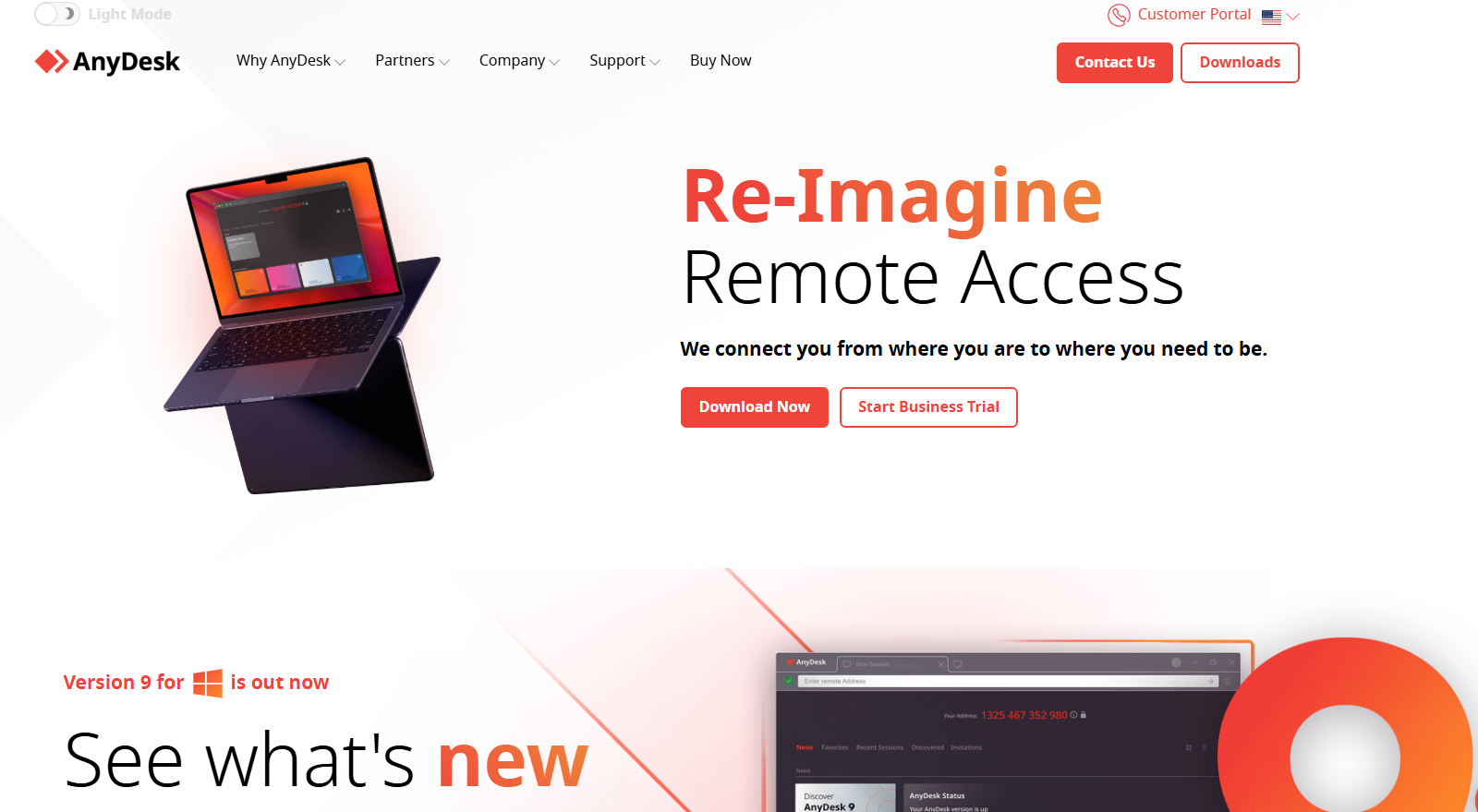
AnyDesk
AnyDesk offers low-latency, high-quality remote access, perfect for various platforms. It uses strong security features and offers smooth connections thanks to its video codec DeskRT.
Main Features:
Low-Latency Performance: AnyDesk is renowned for its minimal delay, allowing for real-time access that enhances productivity, particularly for IT support.
High-Resolution Support: Its capability to display high-quality visuals ensures that users can view and manage remote systems without compromising clarity.
DeskRT Codec: The proprietary DeskRT codec efficiently compresses and transfers image data, which is particularly beneficial for users operating on limited bandwidth (as low as 100 kB/s).
Cross-Platform Compatibility: AnyDesk works seamlessly across various operating systems, including Windows, Mac, Linux, Chrome OS, Raspberry Pi, Android, and iOS.
API for Custom Integrations: Businesses can tailor AnyDesk to their specific needs through its API, making it a flexible choice for organizations.
Pros:
Intuitive User Interface: AnyDesk is user-friendly, making it accessible for both tech-savvy and novice users.
Efficiency in Limited Bandwidth: It performs reliably even in low-bandwidth conditions, ensuring that remote support remains functional.
High-Quality Visuals: The high-resolution support enriches the user experience when accessing remote desktops.
Cons:
Multi-Monitor Challenges: Some users have reported difficulties when managing multiple monitors simultaneously.
Confusing Pricing Structure: The variety of plans can be confusing, with users unsure about which features best suit their needs.
Limited Collaboration Tools: Compared to some competitors, AnyDesk offers fewer built-in collaboration features.
Pricing:
Solo: $14.90/month for individual users.
Standard: $29.90/month for teams requiring additional functionalities.
Advanced: $79.90/month for businesses needing extensive features.
A free trial is also available, allowing potential users to evaluate the software before making a commitment.
Author’s Note:
In the competitive realm of remote help desk software, AnyDesk stands out for its performance and user-centric features. Its low-latency connections make it an ideal choice for IT professionals and businesses that require efficient remote support solutions. Despite minor drawbacks, the overall functionality and seamless operation across various platforms position AnyDesk as a top contender in the market.
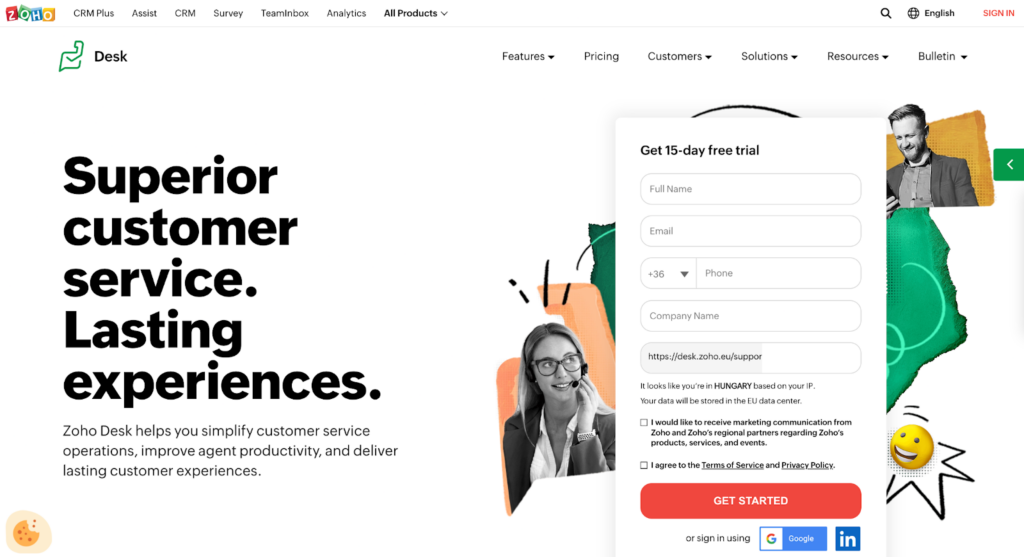
Zoho Desk
Zoho Desk is a cloud-based help desk software designed to streamline customer support operations for businesses of all sizes. It offers a comprehensive suite of tools that empower support teams to manage customer inquiries efficiently, ensuring a seamless experience for both agents and customers.
Main Features:
Multi-Channel Support: Zoho Desk integrates various communication channels, including email, chat, social media, and phone, allowing customers to reach support through their preferred method.
Ticket Management: The software features a robust ticketing system that helps prioritize, assign, and track support requests, ensuring no customer issue is overlooked.
Automation: With workflow automation, Zoho Desk allows teams to automate repetitive tasks, such as ticket routing and responses, enhancing productivity and reducing response times.
Knowledge Base: The built-in knowledge base enables customers to find answers to common queries independently, reducing the workload on support agents.
Customer Feedback: After resolving issues, Zoho Desk allows for easy collection of customer feedback to improve service quality continuously.
Reporting and Analytics: In-depth reporting tools provide insights into team performance, customer satisfaction, and support metrics, helping managers make data-driven decisions.
Pros:
User-Friendly Interface: The intuitive design makes it easy for support teams to navigate and utilize the software effectively.
Customization: Zoho Desk offers extensive customization options, allowing businesses to tailor the platform to their specific needs.
Integration Capabilities: It seamlessly integrates with other Zoho products and third-party applications, enhancing overall functionality.
Cons:
Learning Curve: New users may experience a slight learning curve due to the richness of features.
Limited Free Plan: While a free tier exists, it is limited in functionalities compared to the paid plans.
Pricing:
Standard Plan: $14 per agent/month
Professional Plan: $23 per agent/month
Enterprise Plan: $40 per agent/month
Zoho Desk also offers a 15-day free trial for users to test its features before committing.
Author’s Note:
Zoho Desk is an excellent choice for businesses looking to enhance their customer support capabilities through a robust, cloud-based help desk solution. Its wide range of features, combined with competitive pricing, makes it a formidable contender in the remote help desk software market, catering to the needs of both small and large organizations.
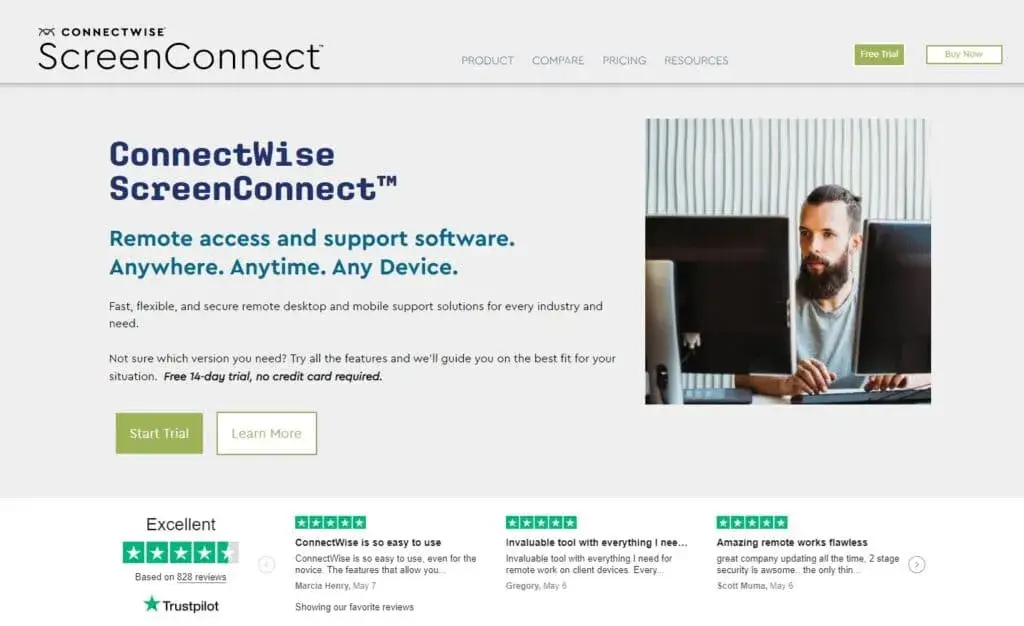
ConnectWise Control
ConnectWise blends remote access with comprehensive IT solutions. It offers secure remote sessions and integrates well with ticketing systems, albeit with a steep learning curve.
Main Features:
ConnectWise Control provides comprehensive remote support capabilities tailored for IT help desk teams. Key features include:
Full Remote Control: IT professionals can remotely connect to end-user devices for immediate troubleshooting.
Session Recording: Allows for documentation of interactions and procedures for future reference.
Advanced Security Measures: Includes two-factor authentication and session timeouts to ensure secure access.
Robust Reporting Tools: Detailed session reports facilitate performance analysis and help improve service delivery.
File Transfer Capabilities: Easy drag-and-drop functionality for transferring files between devices during support sessions.
Integration with Other Tools: Seamlessly works with major ticketing systems and CRM tools, enhancing IT management efficiency.
Pros:
Integration with Key IT-Related Tools: Facilitates smooth operations by working well with existing IT infrastructure.
Robust Security Options: Ensures all remote sessions are secure, protecting sensitive data.
Tailored Features for IT Management: Designed specifically for IT professionals, enhancing productivity and support quality.
Cons:
Learning Curve: Users may need time to familiarize themselves with all features for optimal utilization.
Complex User Interface: Initially, the interface might seem overwhelming, particularly for new users.
Overwhelming for Non-IT Users: Less tech-savvy users may find the tool challenging to navigate.
Pricing:
ConnectWise Control pricing starts at approximately $19/month per technician for the basic plan, with more advanced plans available that include added functionalities and support options. This pricing model is structured to cater to various team sizes and needs.
Author’s Note:
In the current digital landscape, where remote work is becoming the norm, having a reliable remote help desk software like ConnectWise Control is essential for IT teams. Its blend of robust security, integrated IT solutions, and comprehensive support features make it a valuable tool for organizations aiming to enhance their remote support capabilities. While it comes with a learning curve, the investment in time pays off in improved efficiency and service quality.
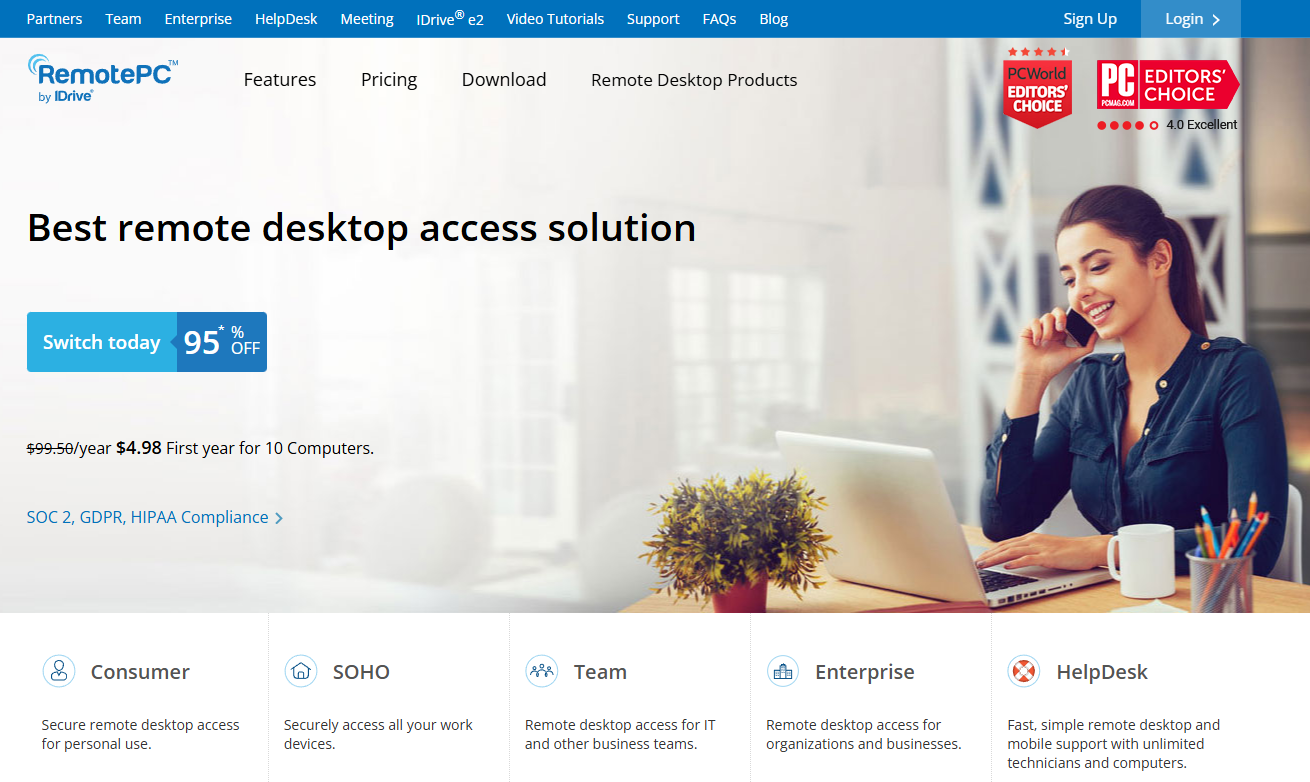
RemotePC
RemotePC offers easy remote desktop management with support for multiple operating systems. It is particularly user-friendly for small businesses, featuring mobile app support.
Main Features:
Cross-Platform Compatibility: RemotePC enables users to connect from a variety of operating systems, including Windows, Mac, Linux, iOS, and Android. This flexibility allows IT support teams to assist users regardless of their device.
Always-On Remote Access: With the Always-On feature, users can access their remote systems at any time, ensuring that support is available whenever needed.
Attended and Unattended Access: RemotePC allows IT professionals to access both attended sessions (where the user is present) and unattended sessions (where the user is not), providing versatility in support scenarios.
File Transfer and Remote Printing: Users can securely transfer files between devices during support sessions and print documents remotely, streamlining support processes.
Session Recording: The ability to record remote sessions in MP4 format allows for training, troubleshooting, and quality assurance, making it a valuable feature for IT departments.
Integrations: RemotePC integrates with popular tools such as Zendesk, Microsoft Teams, and Zoho CRM, enhancing the workflow for support teams.
Pros:
User-Friendly Interface: Intuitive design minimizes the learning curve for new users.
Cost-Effective: Offers competitive pricing, especially attractive to small businesses and startups.
Robust Feature Set: Includes voice chat, virtual whiteboards, and collaboration tools that enhance remote support experiences.
Scalable: Suitable for both small teams and larger operations with high demands for remote access.
Cons:
Internet Dependency: Requires a fast and stable internet connection for optimal performance.
Limited Self-Help Options: Documentation and self-help resources may not be comprehensive for all users.
Setup Time: Initial setup can be time-consuming for some users, particularly for larger teams.
Pricing:
RemotePC offers a variety of pricing plans designed to accommodate different needs. With rates starting at $99.50 per year, users can access advanced features. A promotional offer allows new customers to sign up for just $9.95 for the first year. A 7-day free trial allows potential users to test the service before committing.
Author’s Note:
RemotePC stands out as a practical remote help desk software solution for both small businesses and larger corporate environments. Its combination of affordability, ease of use, and a rich feature set makes it an excellent choice for IT support teams looking to enhance their remote assistance capabilities. Whether you’re troubleshooting, training, or collaborating, RemotePC offers the tools necessary to get the job done efficiently.
This selection of software provides a range of options to suit different business sizes and needs, ensuring that all teams can find a tool that meets their remote support requirements efficiently and securely.
Join our newsletter
The latest tips and deals delivered straight to your inbox.
Conclusion
Remote help desk software revolutionizes IT support. It provides seamless, real-time troubleshooting from anywhere, ensuring high customer satisfaction and swift resolution of technical issues. Tools like those mentioned offer critical features, such as unattended access and multi-device support, which are vital for modern workplaces. Remote support software eliminates the need for on-site visits, saving time and costs, while enabling technicians to assist multiple users concurrently.
Security remains a top priority. Thus, choosing reputable software with encrypted connections safeguards sensitive information and maintains data privacy. A standout option in this field is LiveAgent, known for its secure, user-friendly, and full-featured service that caters to diverse IT needs.
If you’re interested in exploring these capabilities, don’t hesitate to try our 30-day free trial. Empower your help desk with efficient, secure, and cost-effective remote support solutions today!
Share this article
Daniel oversees marketing and communications at LiveAgent as a member of the inner product circle and company top management. He previously held various managerial positions in marketing and client communication. He is recognized as one of the experts on AI and its integration into the customer service environment.
Daniel Pison
Marketing and Communication Strategy Lead
Frequently asked questions
A remote support solution is used by IT professionals, helpdesk technicians, and customer support representatives. They use it to connect to other users' devices remotely to troubleshoot and resolve issues without being physically present. Additionally, some individuals use it for private use to help friends or family members with their technical issues.
You can remotely access another computer by using remote desktop software like TeamViewer, or Chrome Remote Desktop. After both parties have installed the software, the person needing help will share a unique ID and possibly a password. You then input this information into your version of the software to gain access to their computer.
When it comes to customer service management solutions' costs, it can vary greatly depending on the specific software, the features it offers, and the number of users. Some programs offer free versions with limited features, while others can cost anywhere from $20 to over $100 per user per month. For a more customized or enterprise-level solution, the cost may run into thousands of dollars per year.
A virtual help desk is a tech support system that provides assistance and solutions to customer problems through an online platform. It utilizes software that manages, tracks, and resolves technical issues, often using AI or IT professionals. Virtual help desks can operate 24/7 and can be accessed from anywhere in the world, making it highly convenient for users.
The 10 best email ticketing & help desk systems: Guide & review
Discover the top 15 email support ticketing systems for 2025 to enhance customer service and team productivity. Explore features, comparisons, best practices, a...
The ultimate guide to choosing the best CRM software in 2025
Discover the benefits, types, and top 25 CRM software for 2025. Enhance customer interactions, boost sales, and improve collaboration with the right CRM. Featur...
21 min read
CRM
Sales
+2
You will be in Good Hands!
Join our community of happy clients and provide excellent customer support with LiveAgent.