


Best CRM for call centers
LiveAgent is the best CRM software for efficient call center operations and superior customer service.
2 min read
Discover the benefits, types, and top 25 CRM software for 2025. Enhance customer interactions, boost sales, and improve collaboration with the right CRM. Featuring LiveAgent, Hubspot, Salesforce, and more. Choose the best fit for your business.
In the digital age, where customer relationships drive business success, choosing the right Customer Relationship Management (CRM) software is crucial. With a plethora of options flooded in the market, the stakes are higher than ever for organizations seeking to maintain a competitive edge.
CRM software streamlines processes, improves customer interactions, and provides valuable insights into sales and marketing efforts, making it a vital component for businesses of all sizes. As we approach 2025, understanding the benefits and features of leading CRM options will empower you to make an informed decision.
This guide presents an in-depth review of the best CRM tools available, highlighting top contenders while addressing their pricing and unique capabilities. Join us as we explore key players, including the standout choice of LiveAgent, which seamlessly integrates with various CRM systems to enhance overall functionality.
CRM software is a centralized database that helps businesses manage contact and account-level information. It records, stores, and analyzes data, making it easier to communicate with customers and potential customers. This tool is essential for tracking and nurturing contacts, building customer loyalty, and driving repeat sales.
A good CRM system integrates with other business platforms. This helps centralize customer data, providing a comprehensive view of the customer journey from marketing to sales and service. By centralizing contact information and ongoing activities, CRM software boosts customer retention and enhances the overall customer experience.
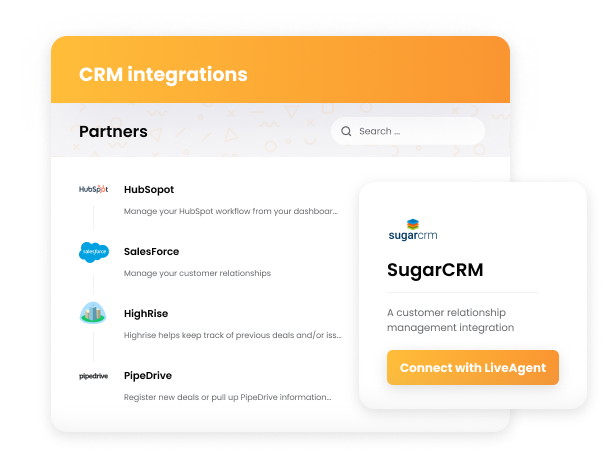
Many CRM solutions come with advanced features such as workflow automation, robust reporting, and analytics. These features help organizations improve efficiency and make data-driven decisions.
Here’s a quick look at essential CRM features:
CRM software is a vital tool for managing customer relationships and enhancing sales processes. By integrating with other platforms, it offers a powerful solution to improve organizational efficiency and customer engagement.
CRM software offers numerous benefits, centralizing all customer data for improved retention and relationship management. It streamlines processes across various departments, enhancing productivity and customer satisfaction.
Sales efficiency: By automating repetitive tasks, CRM systems free up sales reps to focus on closing deals. Tools like sales pipelines and workflow automation are essential for accelerating sales processes.
Marketing automation: Marketing teams can automate campaigns and segment customer lists, refining targeted marketing efforts for better results.
Enhanced customer service: A centralized database allows service teams to track all customer interactions, leading to more effective support and problem resolution.
Valuable insights: Extensive analytics tools provide insights into customer behavior and project profitability, aiding strategic decision-making.
While LiveAgent is not a traditional CRM system, it offers excellent features and integrates seamlessly with other CRM systems, making it a top choice for comprehensive customer support and interaction management.
CRM software is essential for managing relationships and business processes, enabling organizations to track activities, manage communications, and forecast revenue efficiently. Many CRM providers, like Pipedrive, offer free trials, allowing businesses to evaluate their suitability before committing. An effective CRM should support automatic updates and integrate seamlessly with existing business applications to improve operational efficiency. Customizable features, such as email templates and analytics tools, help businesses tailor their marketing campaigns effectively.
Here’s a closer look at the top 10 CRM software solutions available today:
| CRM System | Starting Price | Top Features | Free Trial |
|---|---|---|---|
| LiveAgent | $15/agent/month | Email ticketing, live chat, knowledge base | Yes |
| Zoho CRM | $14/user/month | AI insights, multichannel communication | Yes |
| HubSpot CRM | Free | Marketing automation, email tracking | Yes |
| Microsoft Dynamics 365 | Custom pricing | Integration with Microsoft products, AI-driven insights | Yes |
| Pipedrive | $12.50/user/month | Sales pipeline management, customizable pipelines | Yes |
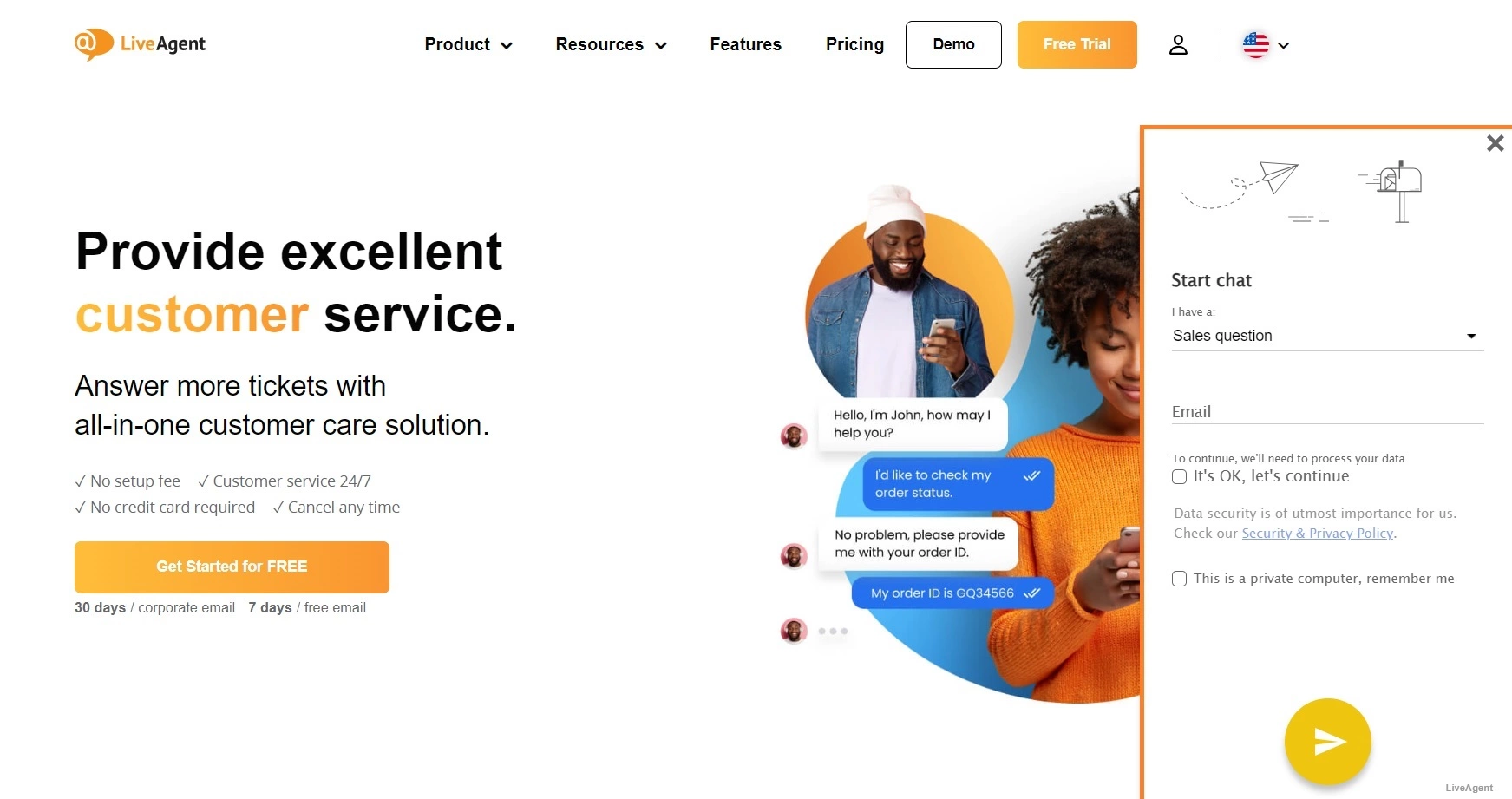
LiveAgent is a comprehensive customer relationship management (CRM) tool designed to enhance customer support and engagement. It combines various communication channels, enabling businesses to streamline their customer interactions and improve response times.
Main Features
Pros
Cons
Pricing
LiveAgent offers several pricing plans:
Author’s Note
LiveAgent is an excellent choice for businesses prioritizing customer support and engagement. Its multi-channel capabilities and automation features make it a robust CRM solution, particularly for companies looking to improve their customer service efficiency. However, businesses seeking a more extensive feature set for sales and marketing may want to explore additional CRM options, as LiveAgent’s primary focus is on customer support.
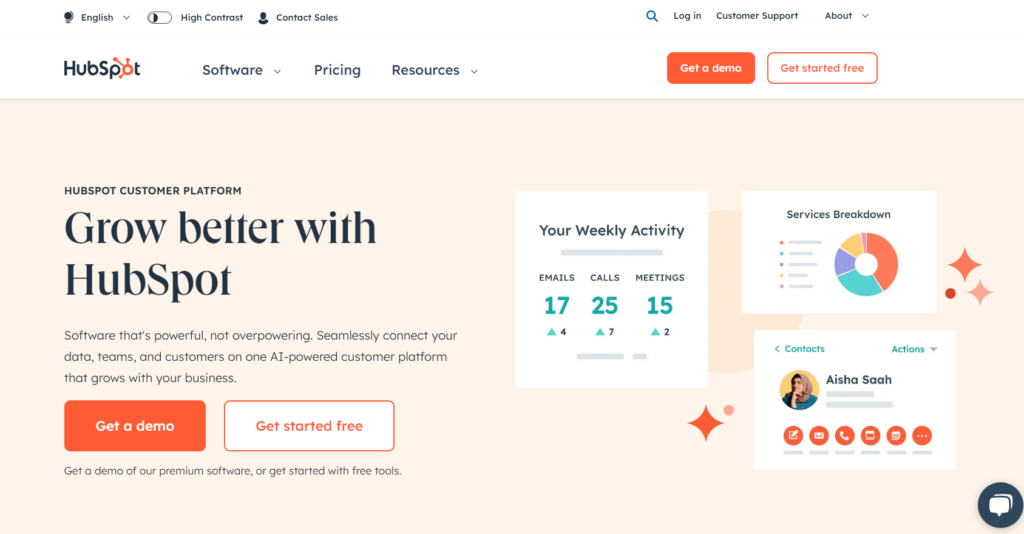
HubSpot CRM is designed to improve all aspects of a business by integrating sales, marketing, and customer service processes into a single platform. The free version has no time limit and is ideal for small businesses new to CRM tools. Key features include marketing automation and email tracking, which provide insights into sales performance. HubSpot offers flexible pricing tiers, starting with free options and scaling to advanced plans. Popular among small to medium-sized businesses, it boasts a user-friendly interface and robust integrations.
Main Features:
Pros:
Cons:
Pricing:
Author’s Note:
HubSpot CRM stands out as a comprehensive solution for businesses looking to enhance their customer relationship management. Its user-friendly design and generous free offerings make it particularly appealing for startups, while its integrated features provide a holistic approach to managing customer interactions. However, as businesses grow, they should weigh the need for advanced features against the potential limitations of the free and lower-tier plans.
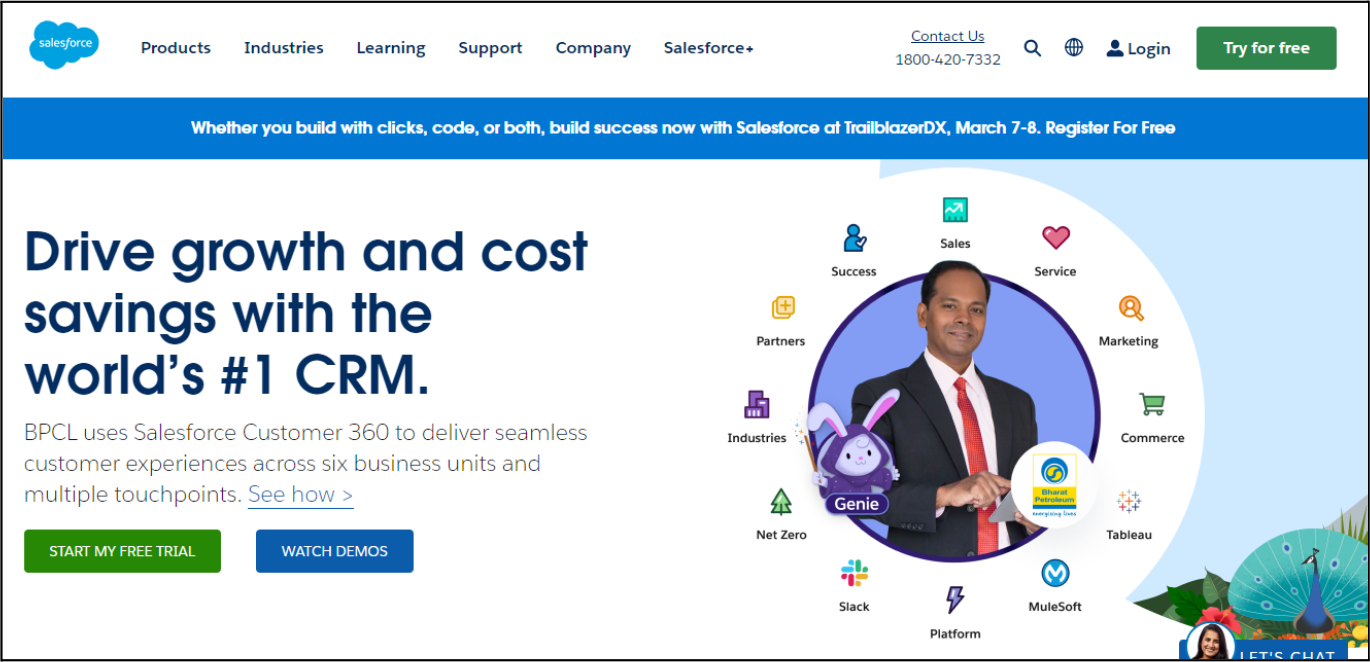
Salesforce is a cloud-based CRM helping sales teams close deals and track business health. Despite scoring lower than some competitors on ease of use and support, it offers robust solutions across sales, marketing, and service. Salesforce’s modules allow customization of the CRM experience, ensuring flexible integration with existing systems. It remains a top choice for businesses seeking a scalable CRM platform.
Main Features:
Pros:
Cons:
Pricing:
Author’s Note:
Salesforce Sales Cloud remains a leading choice for organizations seeking a powerful CRM with extensive features. While it excels in customization and provides robust tools for sales and marketing integration, businesses should evaluate their budget and specific needs to determine if Salesforce is the optimal solution for them. The platform is particularly beneficial for those who intend to scale quickly and require advanced analytics and AI capabilities.
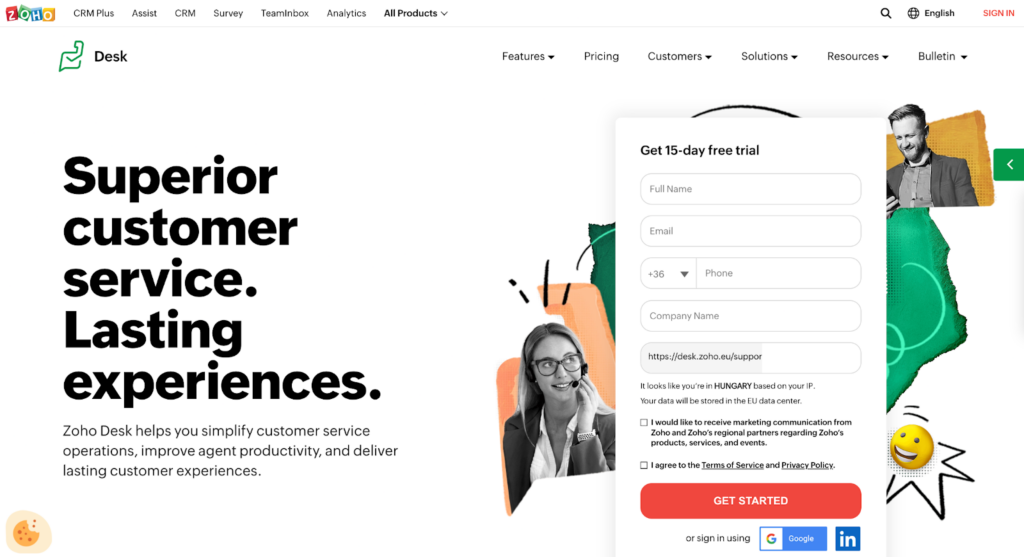
Zoho CRM offers a generous free plan for managing up to 5,000 records. Known for its versatility, it delivers a wide array of features for sales, marketing, and support. The platform’s customizable options and AI assistant, Zia, enhance user experience and decision-making. Zoho CRM supports multichannel communication, integrating with platforms like Twitter and LinkedIn.
Main Features:
Pros:
Cons:
Pricing:
Zoho CRM offers a free plan that includes essential features for unlimited users and contacts. Paid plans start at $14/month/user, providing additional features such as advanced analytics, automation tools, and enhanced customer support. Higher-tier plans offer more comprehensive functionalities, including AI predictions, custom modules, and integration with more advanced applications.
Author’s Note:
Zoho CRM is an excellent choice for businesses looking for a cost-effective and feature-rich solution. Its extensive capabilities in automation and multichannel communication make it ideal for small to medium-sized enterprises aiming to enhance their sales processes without incurring substantial costs.
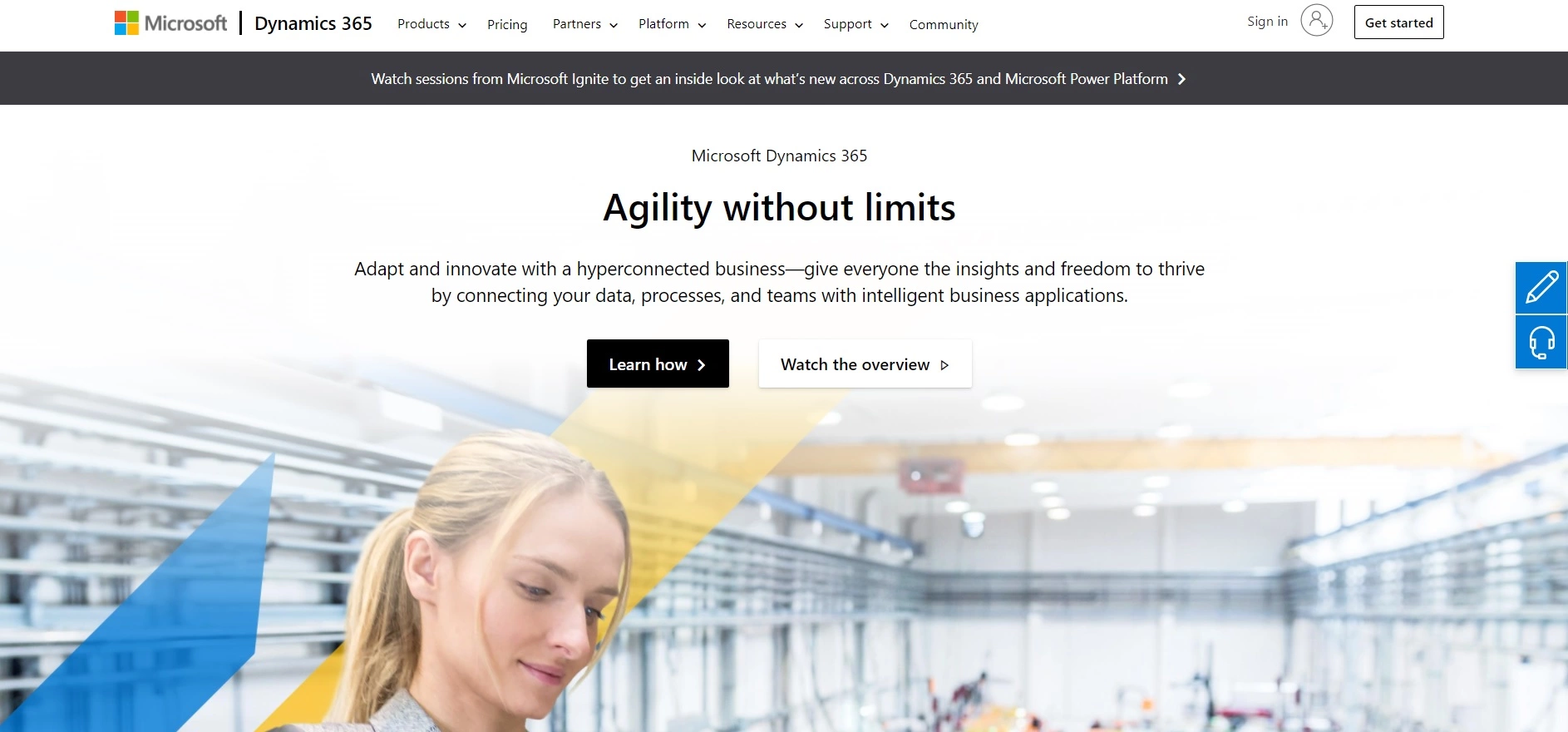
Microsoft Dynamics 365 seamlessly integrates with other Microsoft products, offering robust sales and service automation. Its AI-driven insights enhance decision-making through intelligent data analysis. Notably, the integration with LinkedIn Sales Navigator aids lead generation and management, making it a solid choice for businesses within the Microsoft ecosystem.
Main Features:
Pros:
Cons:
Pricing:
Microsoft Dynamics 365 offers various pricing plans based on the specific applications required. For example:
Author’s Note:
Microsoft Dynamics 365 is a powerful CRM solution that excels in integrating sales and service functionalities with AI and analytics. It is particularly advantageous for businesses already invested in the Microsoft ecosystem, providing extensive automation and customization capabilities. However, prospective users should consider their budget and readiness to handle the platform’s complexity before commitment. Ultimately, its robust features can significantly enhance customer relationship management and drive business success.
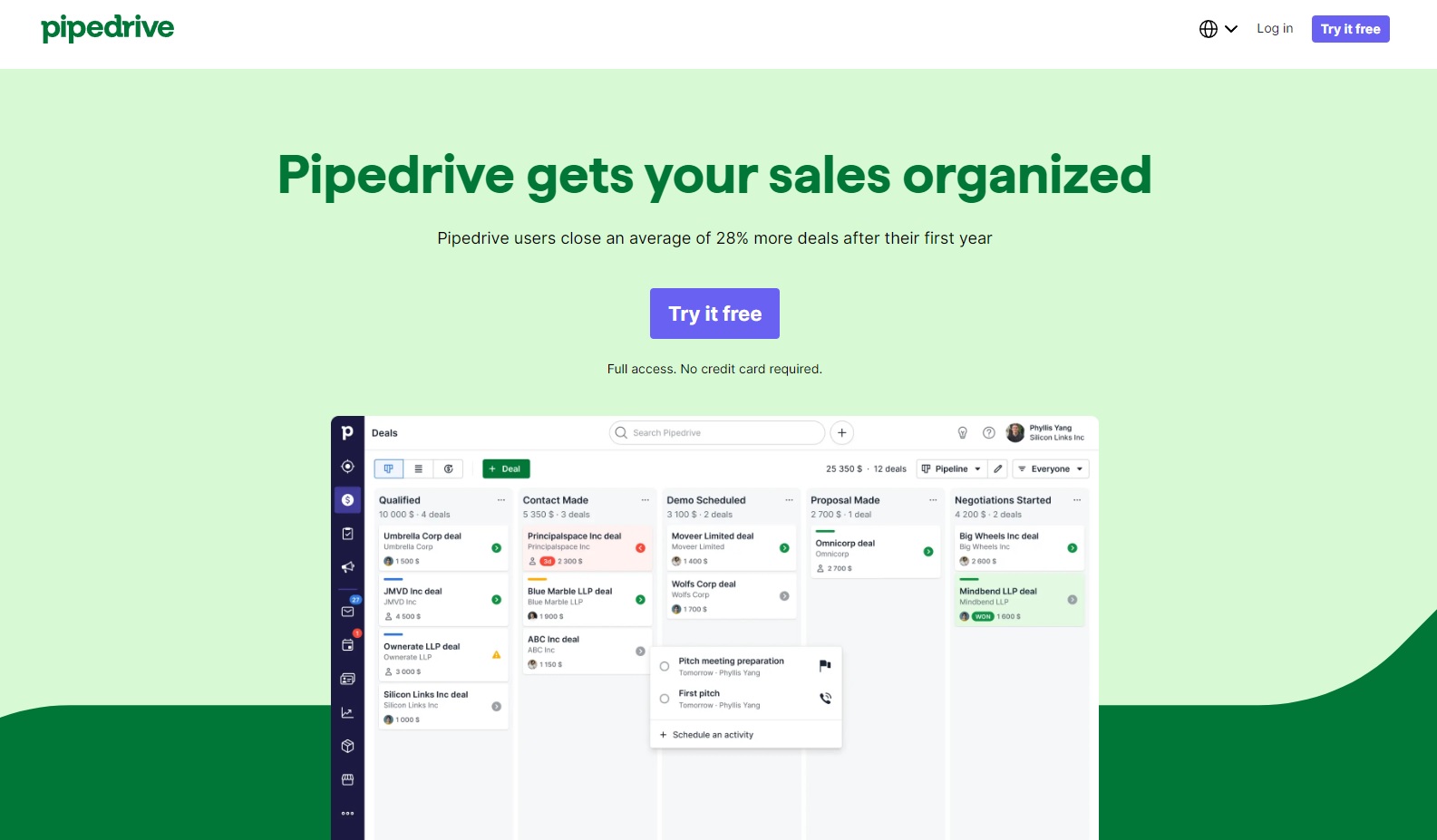
Pipedrive is a sales pipeline CRM designed specifically for small businesses, enabling teams to effectively manage leads, track sales activities, and close deals efficiently. With a user-friendly interface and a focus on essential sales functionalities, Pipedrive stands out as an intuitive solution for sales management.
Main Features
Pros
Cons
Pricing
Pipedrive offers several pricing tiers based on feature access and team size. Typically, plans range from around $14.90 to $99 per user per month, depending on the selected package, with discounts available for annual subscriptions. A free trial option is also available, allowing potential users to explore the CRM before committing.
Author’s Note
In a competitive sales landscape, Pipedrive shines as a powerful tool for small businesses looking to streamline their processes, enhance team performance, and ultimately close more deals. Its combination of intuitive design, essential features, and automation capabilities makes it a strong contender for those seeking a tailored CRM experience.
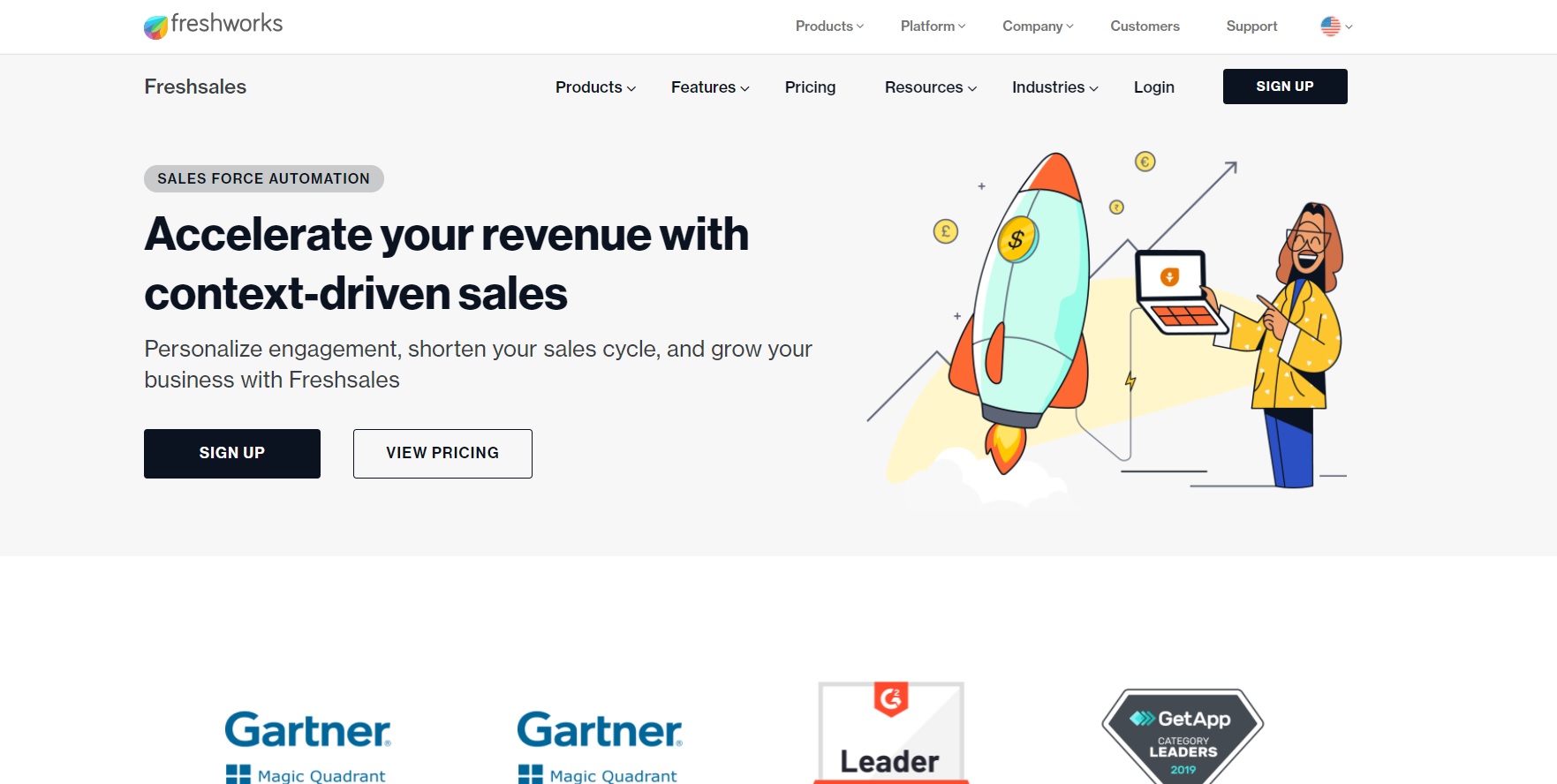
Freshsales is suitable for small businesses and startups, offering an intuitive interface and affordable plans. It provides AI-based lead scoring to prioritize opportunities, email tracking for customer engagement insights, and event tracking for behavior analysis. Part of the Freshworks suite, it integrates well with other business software.
Main Features:
Pros:
Cons:
Pricing:
Author’s Note:
Freshsales is an excellent choice for organizations looking for an intuitive CRM that emphasizes lead management and sales automation without overwhelming users with complexity. Its affordability and strong integration capabilities make it a compelling option for small to medium-sized businesses aiming to enhance their sales processes.
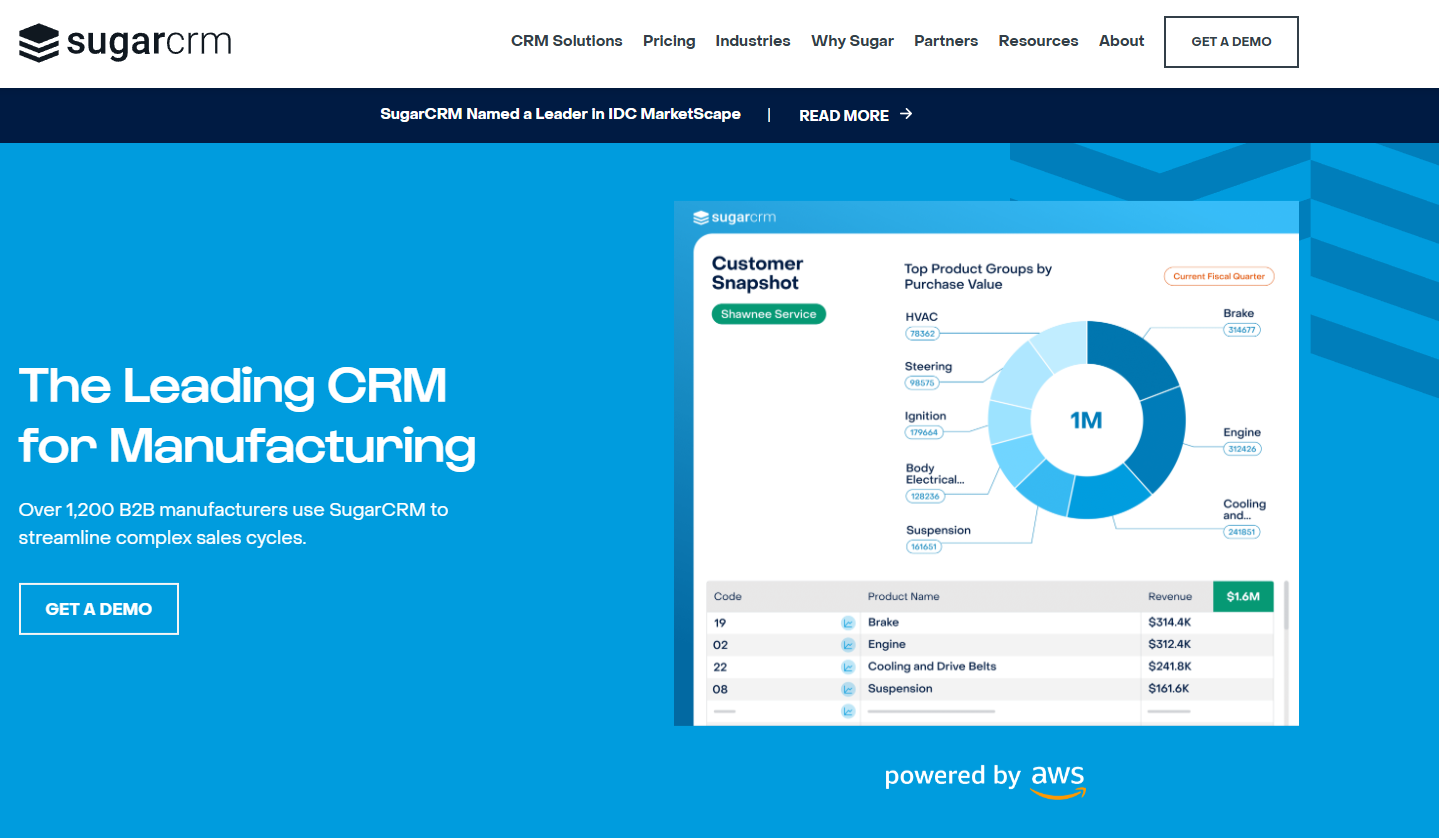
SugarCRM offers extensive customization for tailoring workflows and processes. It features strong automation tools for repetitive tasks and AI-powered insights for strategy enhancement. SugarCRM supports cloud-based and on-premise solutions, catering to both large and adaptable organizations.
Main Features:
Pros:
Cons:
Pricing:
SugarCRM offers various pricing plans to cater to different business sizes and requirements. The pricing typically starts from approximately $40 per user per month for more basic functionalities, scaling up to higher tiers that provide additional features and customization options. Custom quotes may be available for larger organizations requiring tailored solutions.
Author’s Note:
SugarCRM stands out as a versatile and powerful CRM solution that is particularly suited for businesses looking for deep customization and robust automation capabilities. While the complexity may pose a challenge for smaller organizations or those without dedicated IT support, the potential for tailored workflows and enhanced efficiency makes it an attractive option for larger enterprises and those with specific CRM requirements.
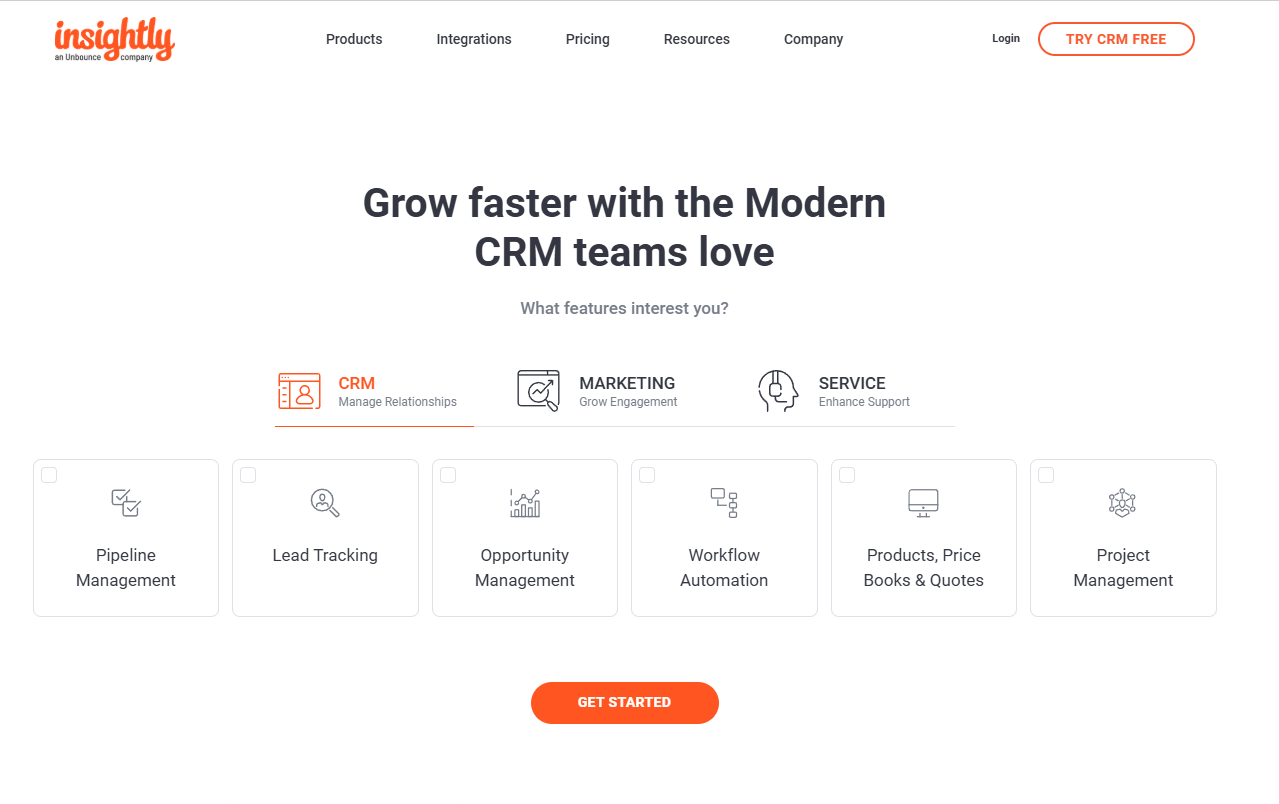
Insightly CRM is ideal for small to mid-sized businesses, offering customization for sales teams and opportunity management features. It aids customer journey personalization through testing, and its project management capabilities make it suitable for service-based businesses. Insightly integrates with tools like G Suite, ensuring seamless workflows.
Main Features:
Pros:
Cons:
Pricing:
Author’s Note:
Insightly stands out as an excellent choice for small to mid-sized businesses looking for a CRM that combines both customer relationship management and project management capabilities. Its user-friendly design and strong integration options make it a valuable tool for teams aiming to streamline processes and enhance productivity. While its pricing is competitive, businesses should weigh the features offered in each tier to ensure they select a plan that aligns with their growth needs.
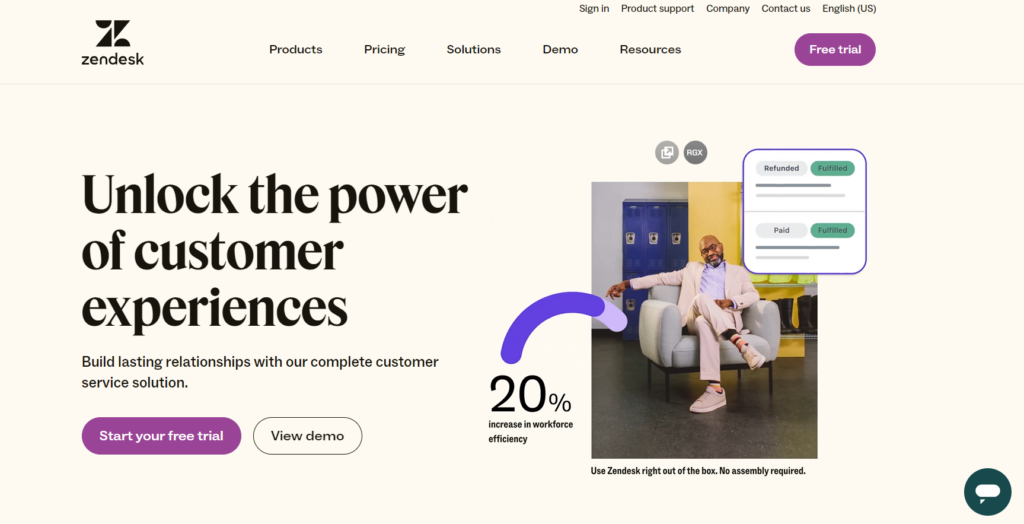
Zendesk Sell is a sales-focused CRM designed to improve productivity, streamline sales processes, and provide visibility into sales pipelines, making it an effective tool for organizations, especially those already using Zendesk’s suite of products.
Main Features
Pros and Cons
Pros:
Cons:
Pricing
Author’s Note
Zendesk Sell stands out for businesses already utilizing Zendesk’s customer service solutions, offering a seamless transition to CRM capabilities. However, organizations prioritizing advanced marketing automation may want to explore alternative CRMs that focus more on sales and marketing integration rather than service support.
When comparing CRM tools, it’s essential to consider features, pricing, and best use cases.
Typically, CRM software adopts a subscription model. Costs range from $10 per user, per month, to thousands, depending on users and features. Many tools offer transparent pricing with free trials or money-back guarantees.
Modern CRM platforms go beyond sales pipeline management, offering integrated marketing, customer service, and project management tools. These features make CRMs versatile for different business needs. Mobile access, real-time data sync, and sales process automation enhance productivity and customer interactions.
Here’s a brief comparison:
| Feature/Tool | Price per User | Best Use Case |
|---|---|---|
| Basic CRM | $10+/month | Small teams needing basic features |
| Advanced CRM | $50+/month | Businesses needing sales automation |
| Enterprise CRM | $1000+/month | Large firms requiring comprehensive features |
User experience matters too. Some platforms, like Insightly, are user-friendly and suitable for CRM beginners.
While not a direct CRM, LiveAgent stands out as an excellent overall solution. It integrates with other CRM systems, offering great CRM features like customer communication and workflow automation, making it a versatile choice.
Evaluate your business needs, and choose a CRM solution that syncs with your goals to enhance customer satisfaction and engagement.

The latest tips and deals delivered straight to your inbox.
Choosing the right CRM platform for your business starts with understanding your needs and goals. First, make a list of essential CRM features you require. This helps in filtering out inadequate options. Consider priorities like customer relationship management, sales pipeline management, and workflow automation.
Budget is a key factor, as CRM solutions can range from free to over $1,000 per month. Gathering feedback from your team ensures the chosen platform meets their needs, which boosts user adoption. Customization potential is also important. Look for systems where you can adjust fields, pipeline stages, and reports to fit your unique business processes.
Here’s a checklist to guide your decision:
By considering these factors, you can select a CRM platform that enhances customer relationships and supports your business objectives.
The best CRM tools centralize customer data and enhance interactions throughout the sales cycle. This leads to improved customer retention and relationship management. Top CRM systems act as a single source of truth, providing all team members with up-to-date customer information. With AI, CRM systems can significantly boost customer engagement, providing insights to attract new customers and nurture existing relationships.
To experience these benefits, we encourage you to try our 30-day free trial. This trial will help you understand how a top CRM can transform your business processes and enhance customer relationships.
Remember, choosing the right CRM can improve customer satisfaction and drive your business success.
Share this article
Daniel oversees marketing and communications at LiveAgent as a member of the inner product circle and company top management. He previously held various managerial positions in marketing and client communication. He is recognized as one of the experts on AI and its integration into the customer service environment.

LiveAgent is the best CRM software for efficient call center operations and superior customer service.

Boost your customer support with LiveAgent's built-in CRM! Manage interactions, track leads & store data seamlessly. Try free for 30 days!

Discover what CRM software is and how it helps businesses manage customer relationships, streamline sales processes, and improve customer satisfaction with cent...
Cookie Consent
We use cookies to enhance your browsing experience and analyze our traffic. See our privacy policy.